GoThru Photo Studio Documentation
  • Photo Studio
  • Download
  • Documentation
  • GoThru Docs
  • Forum
Sign in Subscribe

Featured

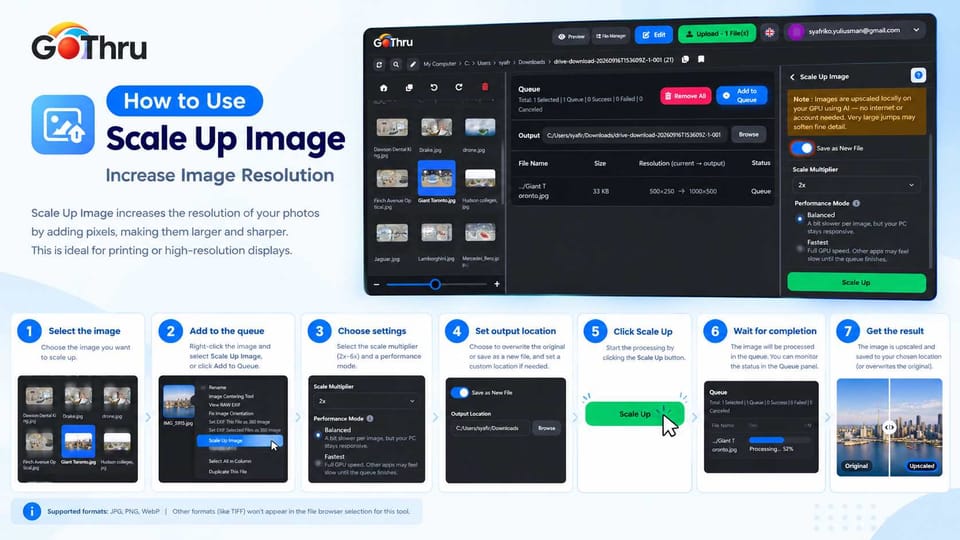
How to Scale Up Images

How to Scale Up Images

Viewing & Editing
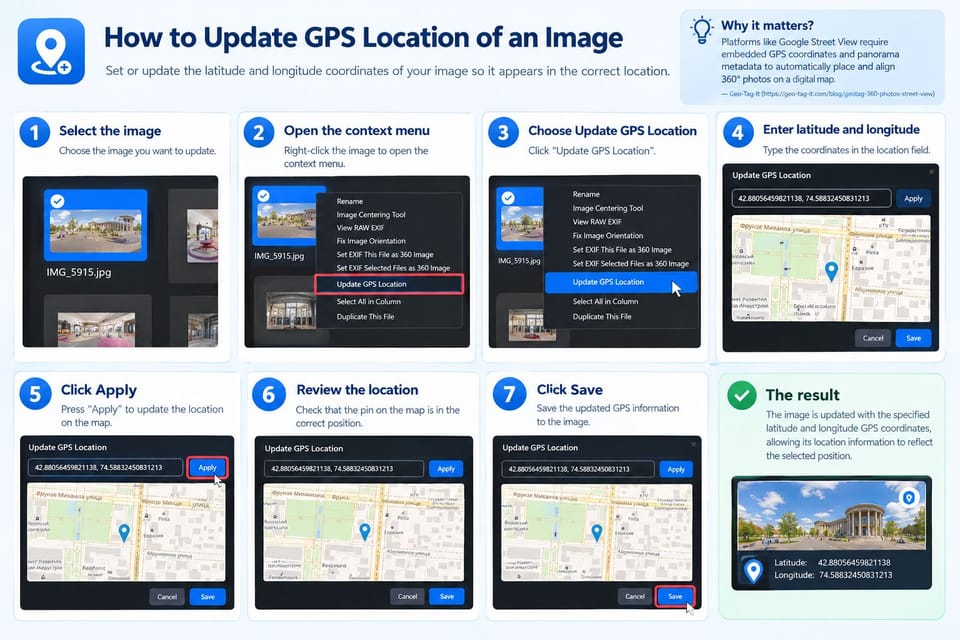
How to Update GPS Location of an Image
How to Update GPS Location of an Image

Viewing & Editing
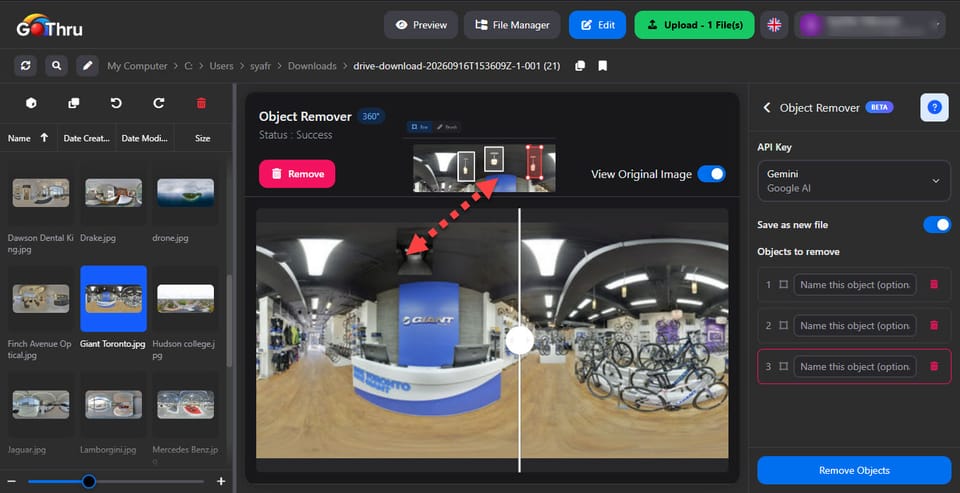
Remove Unwanted Objects from 360° Panoramas
Remove Unwanted Objects from 360° Panoramas

AI Tools
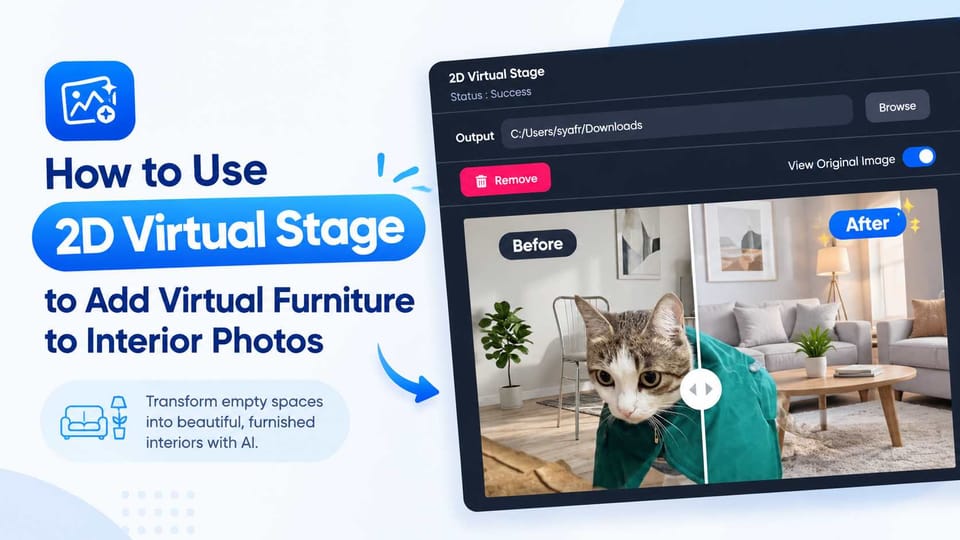
Add Virtual Furniture to 2D Images with AI
Add Virtual Furniture to 2D Images with AI

AI Tools
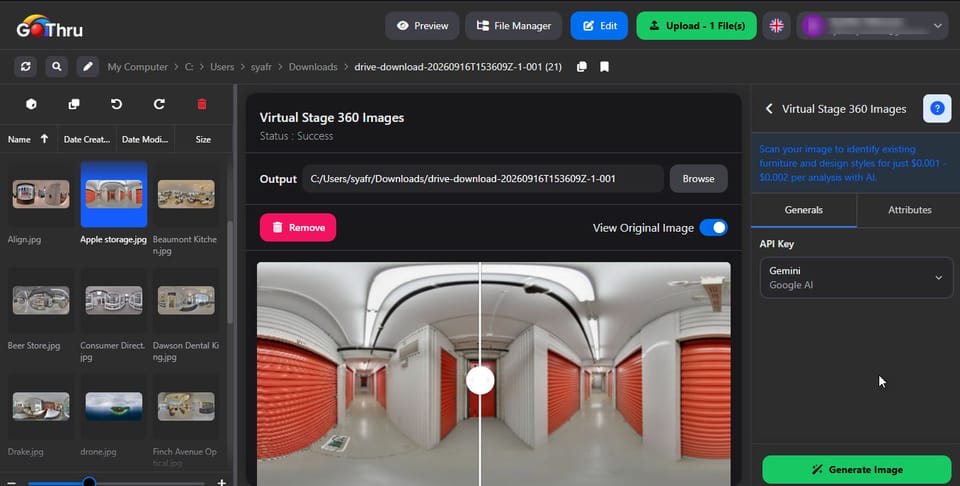
How to Use Virtual Stage 360 to Add Virtual Furniture
How to Use Virtual Stage 360 to Add Virtual Furniture

Viewing & Editing
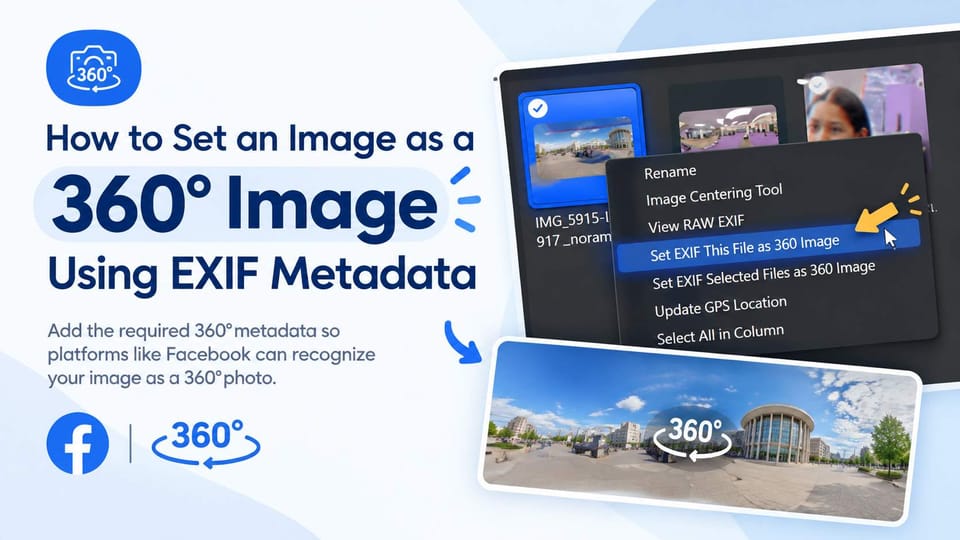
How to Set an Image as a 360° Image Using EXIF Metadata
How to Set an Image as a 360° Image Using EXIF Metadata

HDR & Conversion
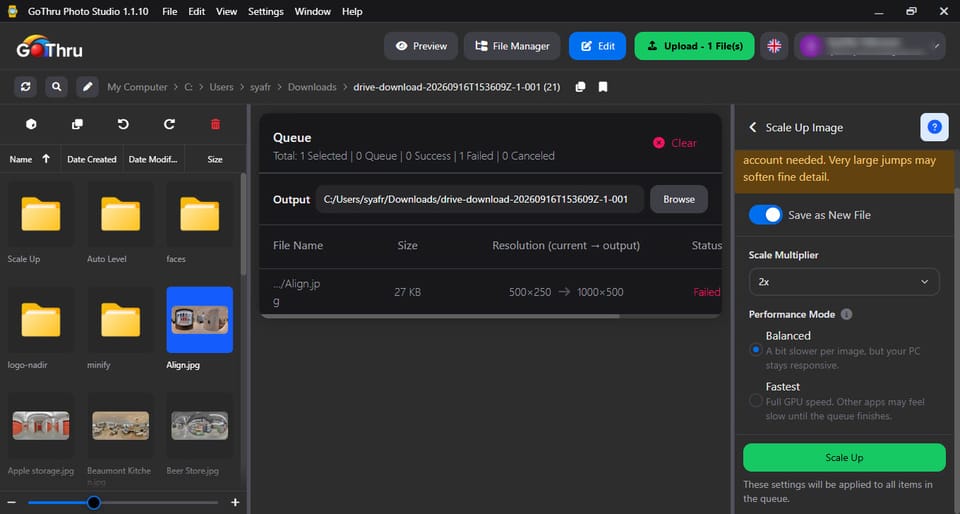
Scale Up Images

Scale Up Images

Viewing & Editing
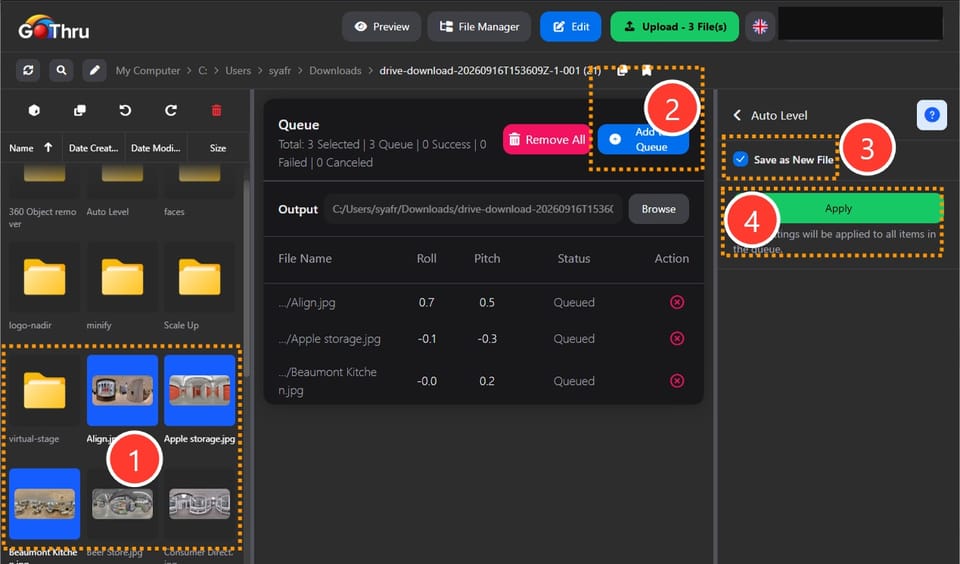
Straighten 360° Images with Auto Leveling
Straighten 360° Images with Auto Leveling

Viewing & Editing
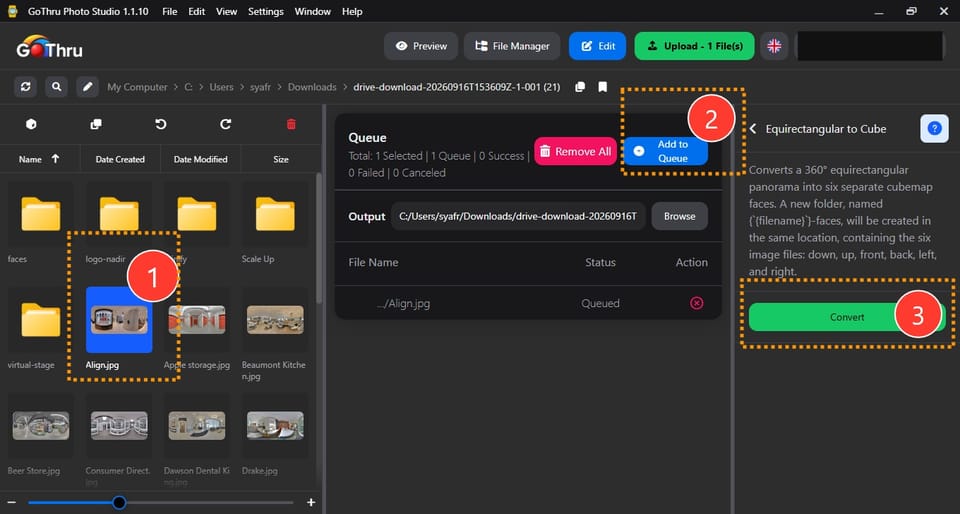
Convert 360° Panoramas to Cubemaps
Convert 360° Panoramas to Cubemaps

Viewing & Editing
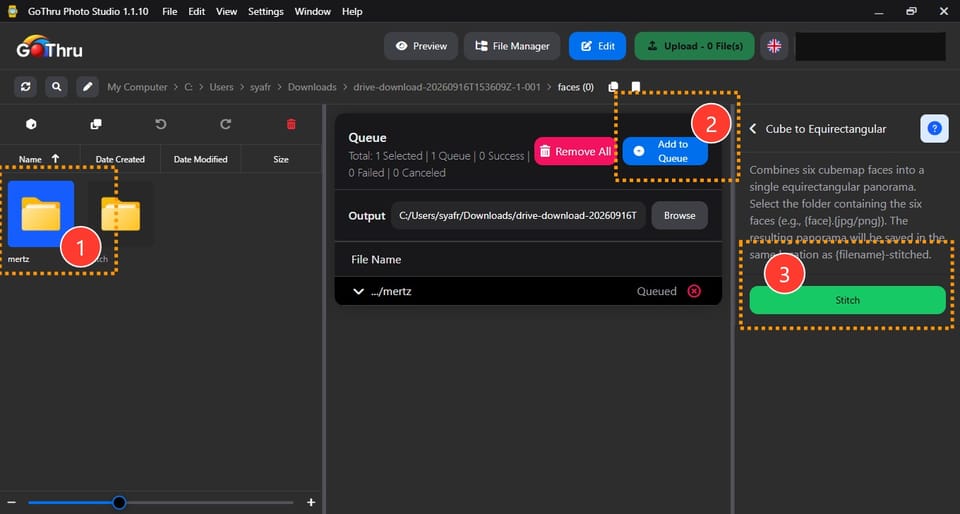
Stitch Cubemap Faces into a 360° Image
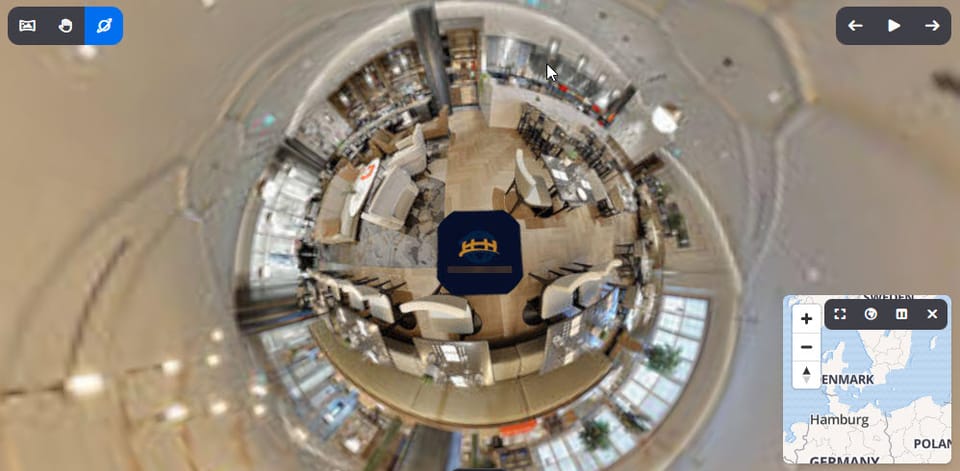
Stitch Cubemap Faces into a 360° Image

Viewing & Editing
Add Your Logo to 360° Images

Add Your Logo to 360° Images

Viewing & Editing
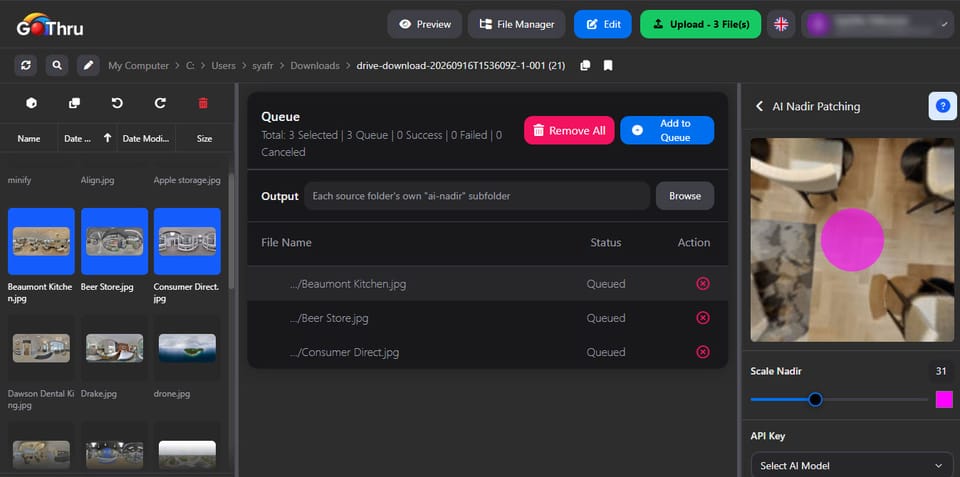
Remove Tripods with AI Nadir Patching
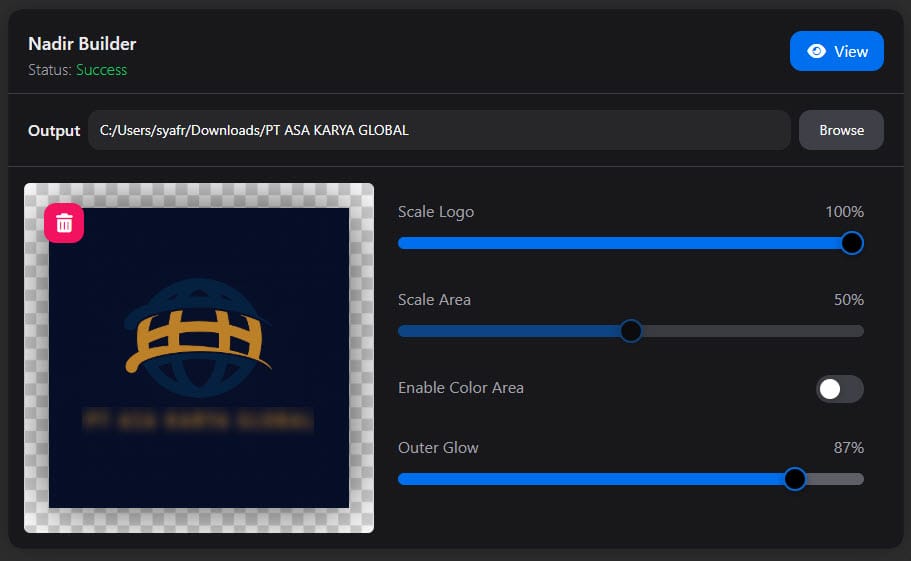
Remove Tripods with AI Nadir Patching

Viewing & Editing
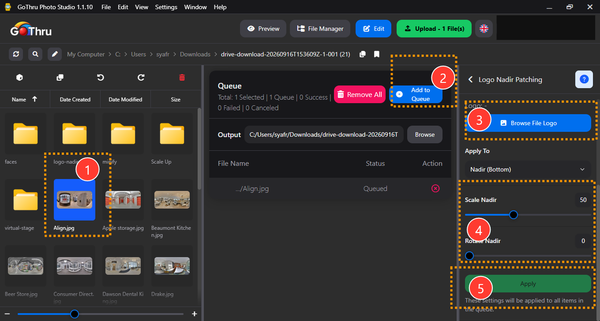
Create a Nadir Patch from Your Logo
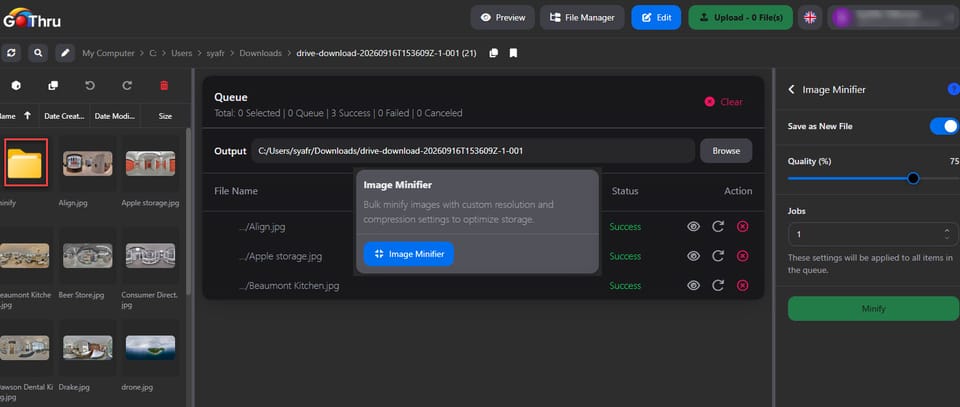
Create a Nadir Patch from Your Logo

Viewing & Editing
Reduce Image File Sizes with Image Minifier
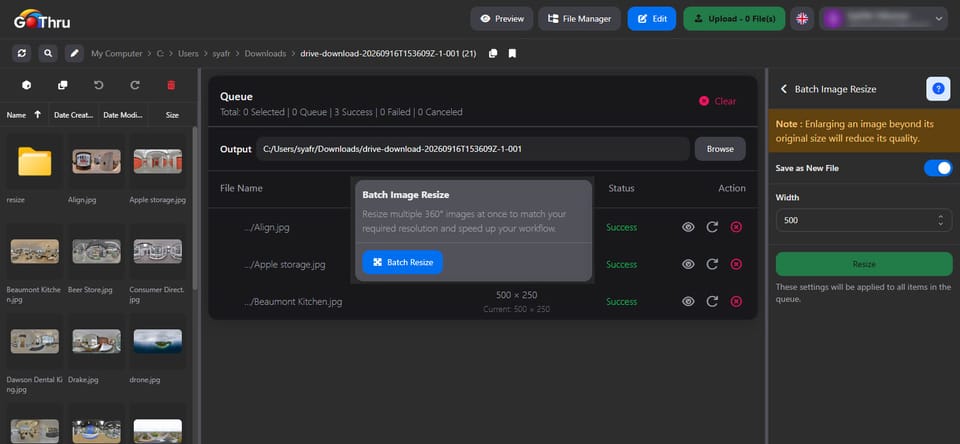
Reduce Image File Sizes with Image Minifier

Viewing & Editing
Batch Image Resize: Resize Multiple Images in Seconds
Batch Image Resize: Resize Multiple Images in Seconds

Viewing & Editing
Getting Started with GoThru Photo Studio

Getting Started with GoThru Photo Studio

Getting Started
Organize 360° Photos with the File Manager

Organize 360° Photos with the File Manager

File Management
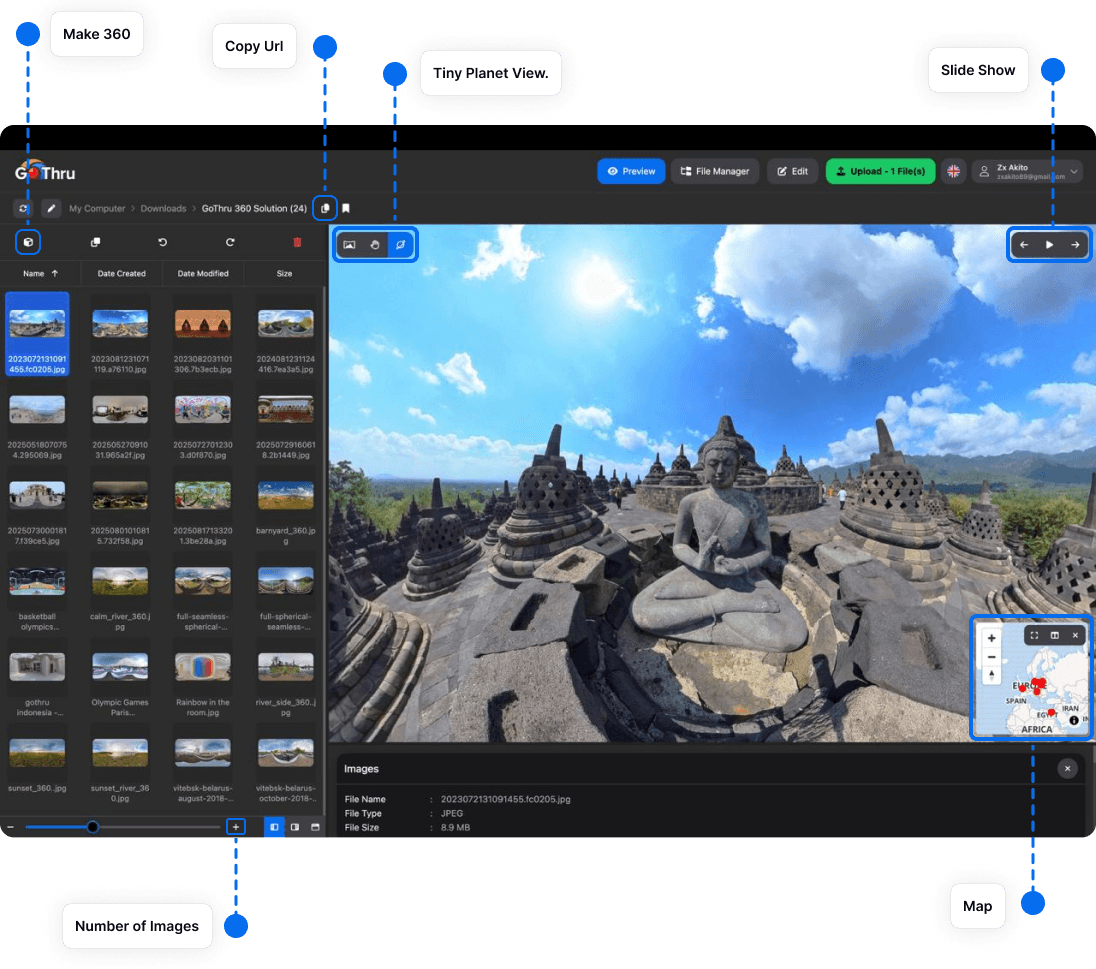
Preview and Review 360° Images

Preview and Review 360° Images

Viewing & Editing
Add a Logo to the Nadir

Add a Logo to the Nadir

Viewing & Editing

AI Tools

  • Use AI Tools with Your Own API Key

  • Add Virtual Furniture to 2D Images with AI

  • Remove Unwanted Objects from 360° Panoramas

Show more →

File Management

  • Organize 360° Photos with the File Manager

Show more →

Getting Started

  • GoThru Photo Studio FAQ

  • Getting Started with GoThru Photo Studio

Show more →

HDR & Conversion

  • Convert Between Equirectangular and Cubemap Images

  • Create HDR 360° Images with Enfuse

  • How to Set an Image as a 360° Image Using EXIF Metadata

Show more →

Publishing

  • Publish and Share Your 360° Photos

Show more →

Viewing & Editing

  • Add a Logo to the Nadir

  • Preview and Review 360° Images

  • Batch Image Resize: Resize Multiple Images in Seconds

  • Reduce Image File Sizes with Image Minifier

  • Create a Nadir Patch from Your Logo

Show more →
GoThru Photo Studio Documentation © 2026
  • GoThru
  • Support
  • Privacy
  • Terms
Powered by Ghost