

Featured

How to Create a 360° Video on GoThru
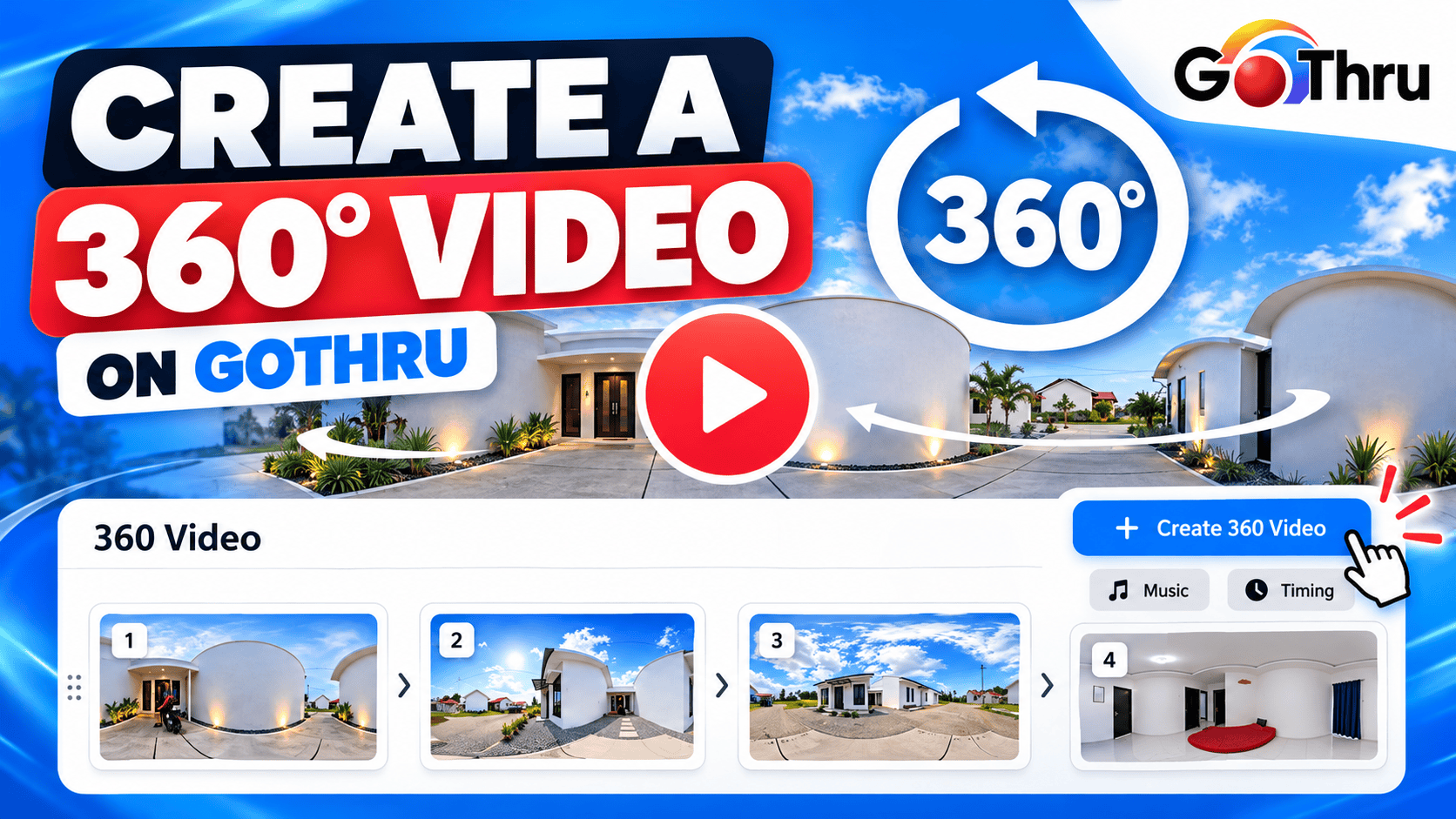
The 360 Video tool allows you to create a slideshow-style 360° video from the panoramas in your GoThru tour. You can select multiple panoramas, arrange them in your preferred order, choose background music, and set the duration for each slide. GoThru
Slideshow Video: Create a Video That Rotates 360 Degrees on Each Selected 360 Image
Create a slideshow video that automatically rotates 360 degrees around each selected 360 panorama. Choose the panoramas you want to include, customize the rotation, add music, adjust timing and video settings, and generate your MP4 video.
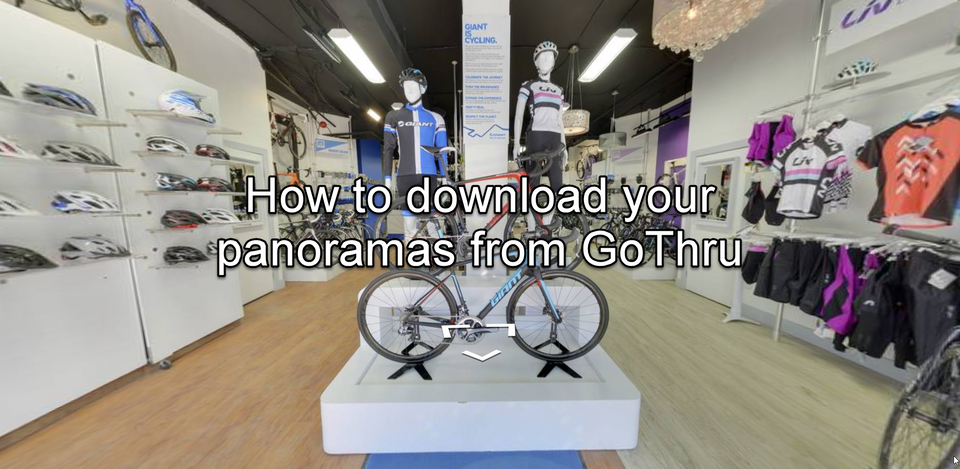
How To Download Your Panoramas From GoThru
GoTrhu allows you to download your panoramas by creating a ZIP archive with all your panoramas for the listing.
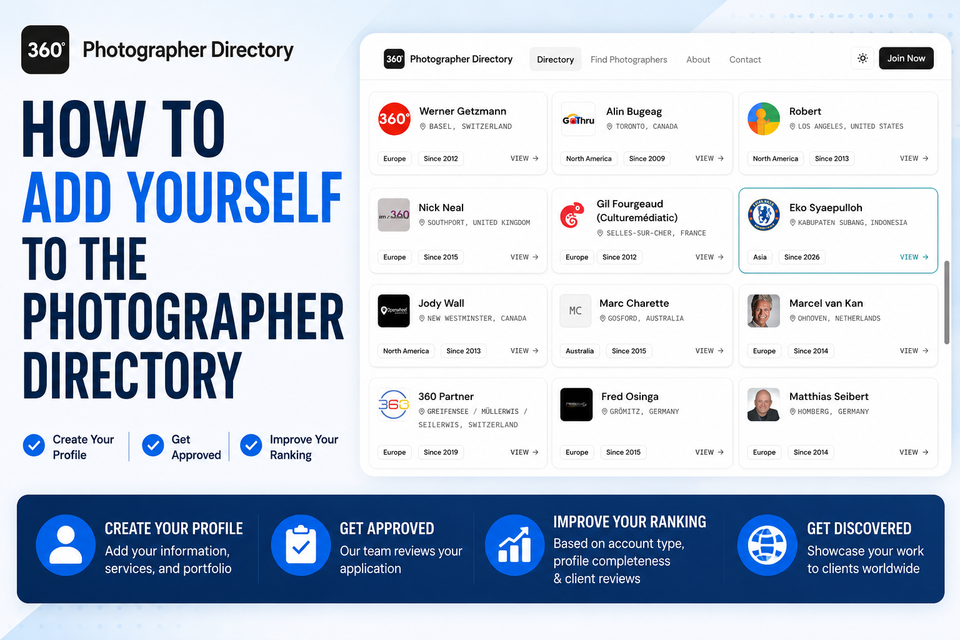
How to Join the GoThru Photographer Directory
The GoThru Photographer Directory helps businesses and customers find trusted 360° photographers around the world. By joining the directory, you can showcase your services, receive client reviews, and make it easier for potential clients to discover and contact you.
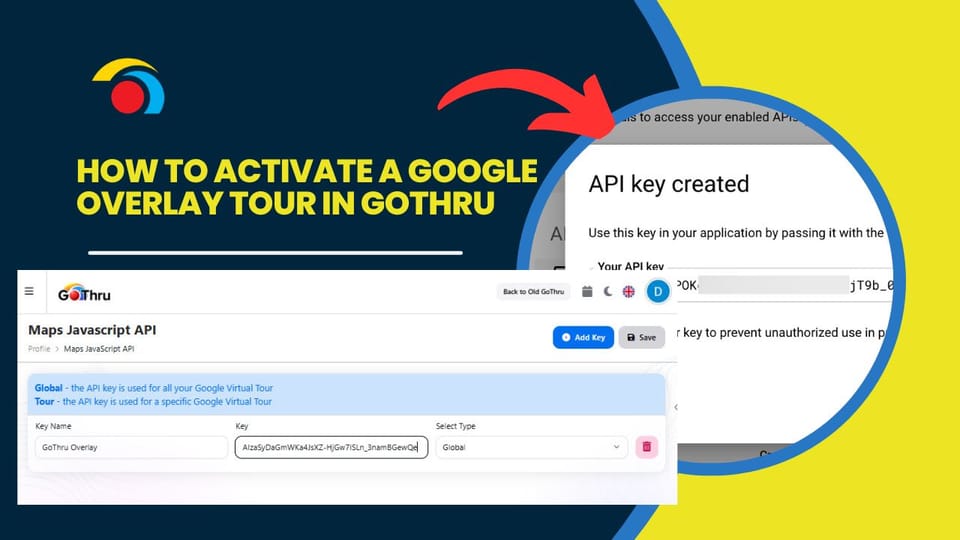
How to Activate a Google Overlay Tour in GoThru
This tutorial explains how to activate Google Overlay tours in GoThru by creating and connecting a Google Maps JavaScript API key. Once completed, you’ll be able to use Google Maps as an overlay inside your GoThru tours.
How To Publish a New Tour Over an Old Tour
Sometimes a business updates its space and the Street View images on Google become outdated. If the original tour was published by you, GoThru allows you to replace the old images with a new tour using the new backend.
What to Do When Levels Are Not Shown on Google Street View
Sometimes, even when your tour has multiple levels correctly set up in GoThru, the Elevator Widget (floor selector) does not appear on Google Street View. This guide explains why this happens and how to fix it using the new GoThru interface.
How to Work with Levels in GoThru
Levels allow you to organize panoramas by floor (e.g. basement, ground floor, upper floors) so they display correctly in GoThru and Google Street View’s elevator widget.
How To Merge Tours In GoThru
GoThru allows you to merge multiple tours that belong to the same business or belong to the same location into a single tour. This is useful when a location was captured in separate sessions and you want everything combined into one continuous Street View tour.
How to Unarchive a Tour from Google
If your virtual tour has been archived on Google and you need to restore it into GoThru, follow these steps using the new GoThru interface.
Step 1: Open Your Tour Details