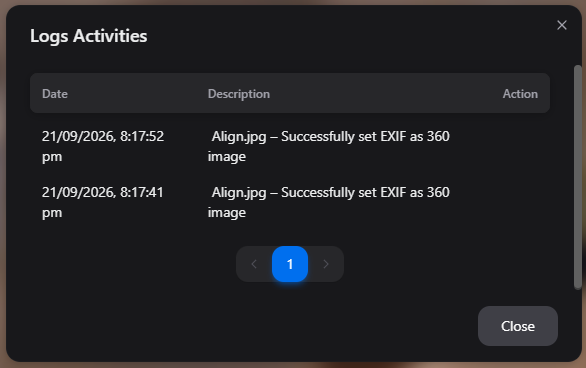
How to Set an Image as a 360° Image Using EXIF Metadata
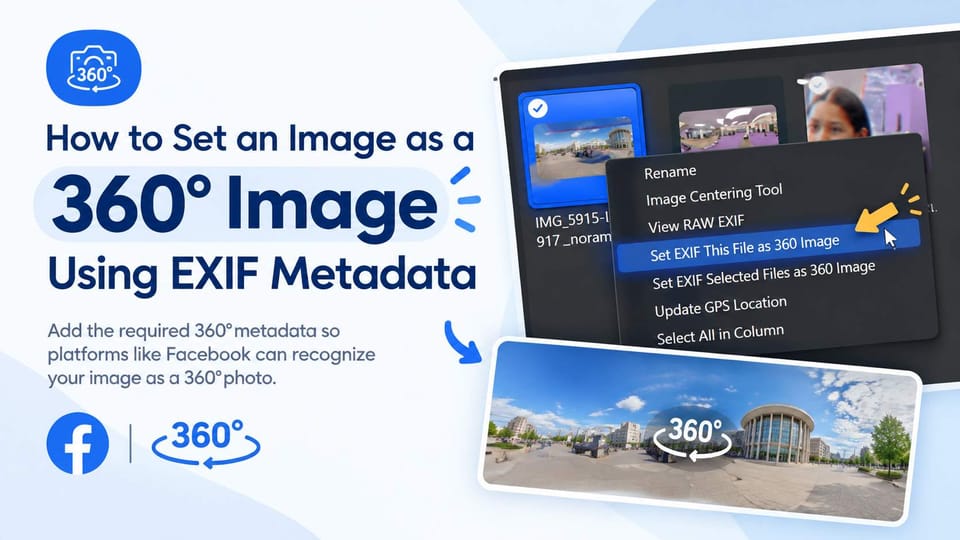
What is “Set EXIF File as 360 Image”?
This feature adds the necessary 360° image metadata to a file so that platforms such as Facebook can recognize it as a 360° image.
This can be useful when a 360° image is not automatically recognized as a 360° photo after export or editing.
How do I use Set EXIF File as 360 Image?
- Select the image you want to convert to a 360° image.
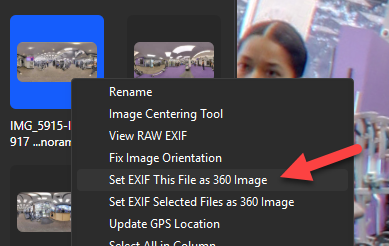
- Right-click the selected image.
- Select “Set EXIF File as 360 Image” from the context menu.
- The required 360° metadata will be added to the image's EXIF information.
What is the final result?
The image will contain the required 360° metadata, allowing supported platforms to recognize it as a 360° image.
Note: Facebook supports JPG images for 360° photos. RAW files may need to be converted to JPG before uploading.