
Create a Nadir Patch from Your Logo
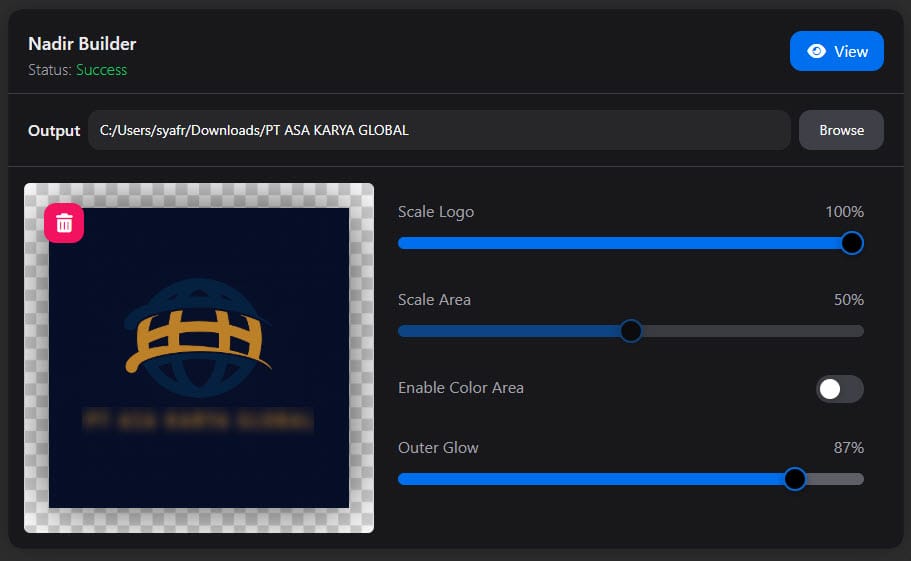
What is Nadir Builder?
An intuitive tool to design your perfect branded nadir patch. It allows you to create a professional look by defining the logo scale, and setting a specific background color.
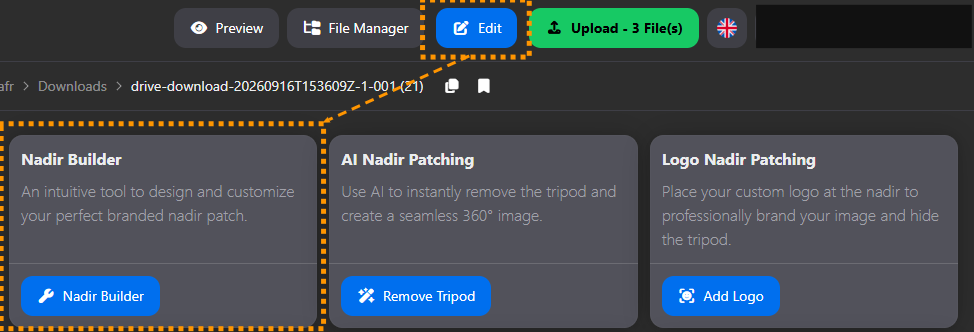
How do I use Nadir Builder?
- Select your JPG/PNG logo image file.
- Click “Select Image” Button or drag & drop the image to the image box/drop zone.
- Adjust the logo and area size.
- Enable and Select Color Area. If you want to add the background color to the nadir.
- Click the "Build" button.
- Click the “View” button to preview the result.
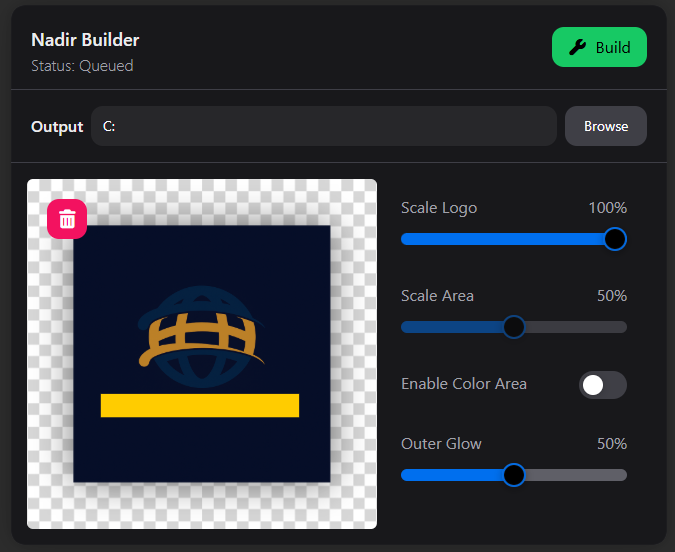
What is the final result?
A new, custom-designed nadir patch file is created, often named {{filename}}_{{timestamp}}_nadir.png, ready to be applied to your 360° image.