Add Virtual Furniture to 2D Images with AI
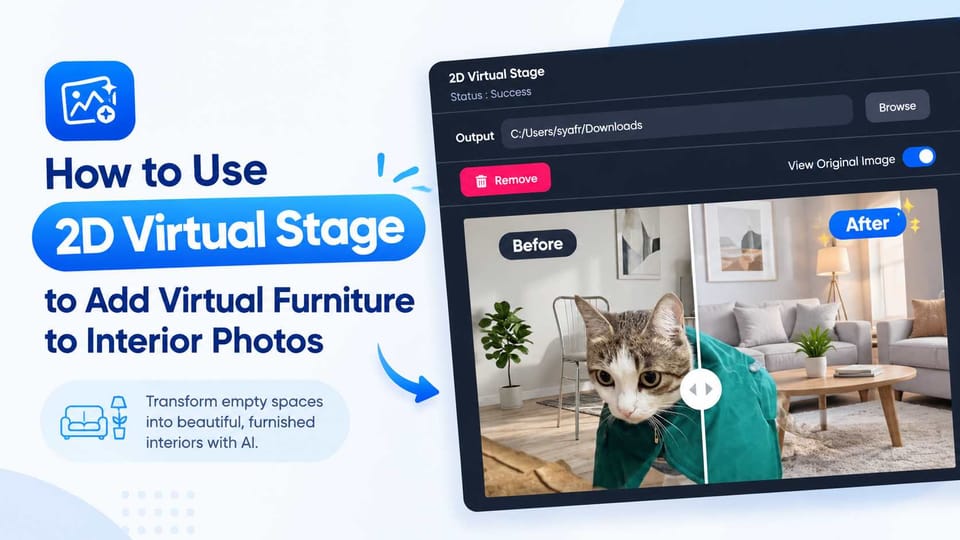
What is 2D Virtual Stage?
It is an AI-powered tool that automatically adds realistic virtual furniture and decor to your empty interior photos (standard flat images, not 360° equirectangular panoramas) based on your specific design preferences.
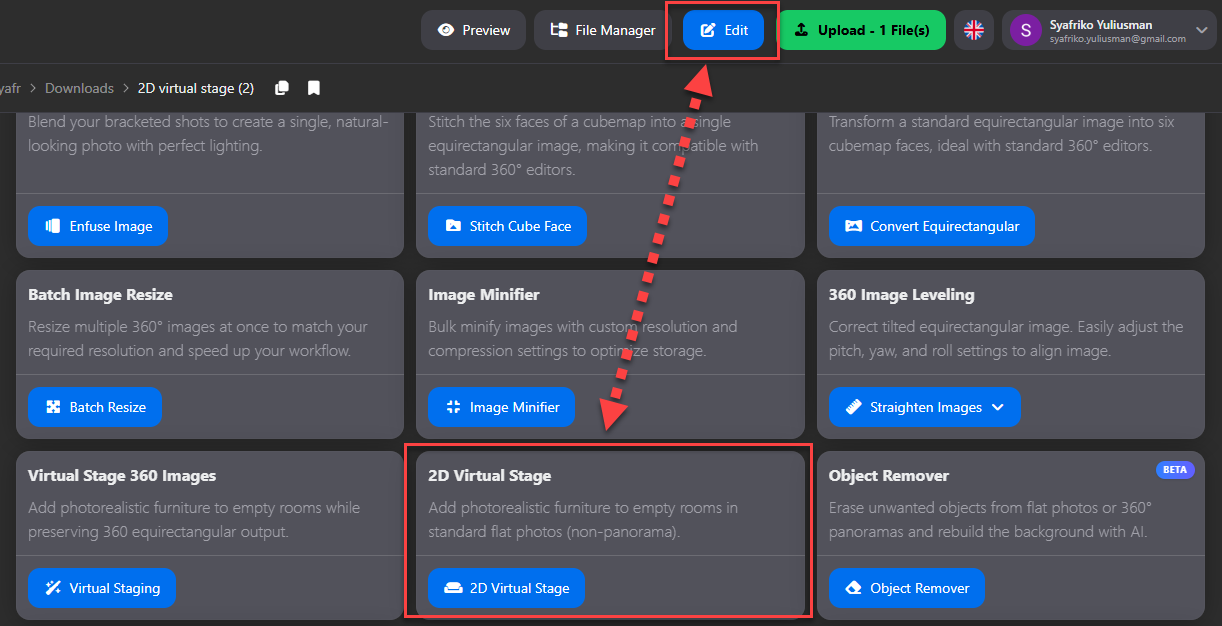
How do I use 2D Virtual Stage?
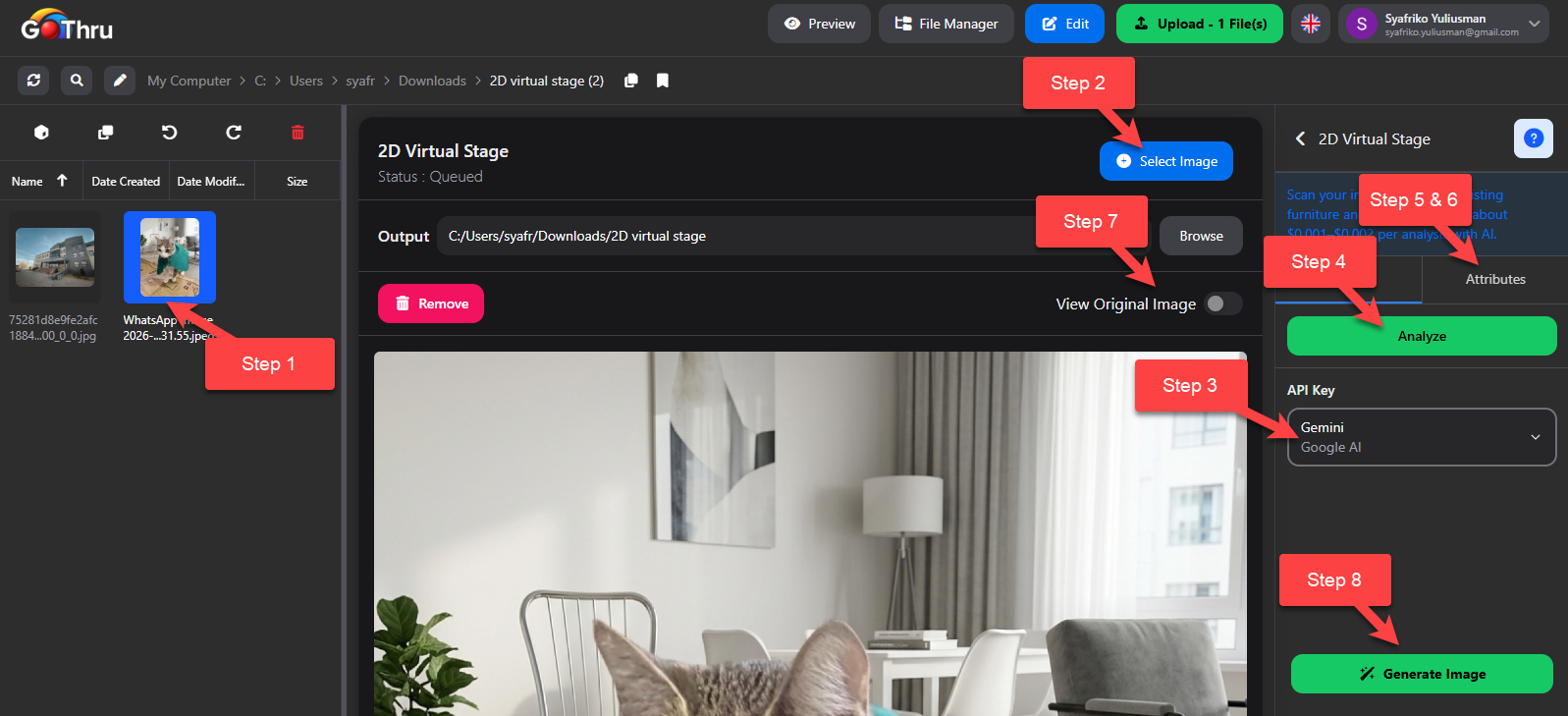
- Select a flat interior photo (not a 360° equirectangular panorama).
- Add and select an AI API key.
- Click “Analyze Image” to continue the 2D Virtual Stage process (optional).
- Adjust your general and attribute settings.
- Edit or add furniture in Attributes, then set its position and size on the preview.
- Choose your output destination (Overwrite or Save as New File).
- Click “Generate” to start the AI process.
What is the final result?
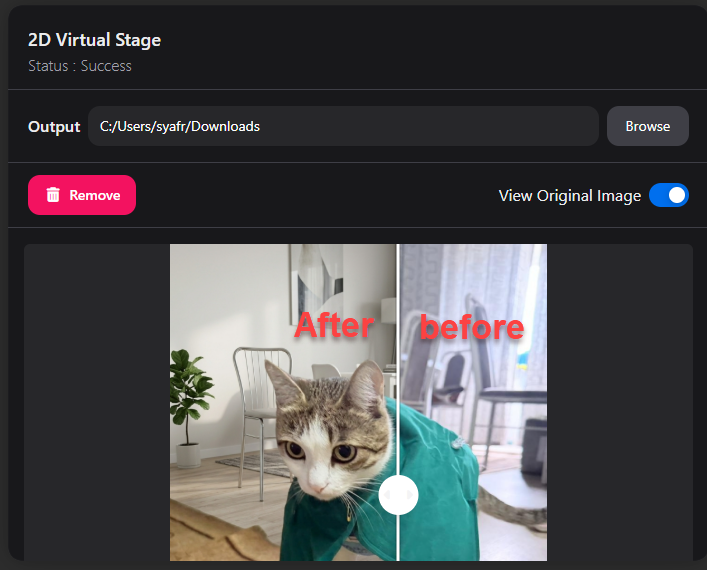
The tool will generate a fully finished, high-resolution flat photo that blends seamlessly with the original perspective and lighting of your empty room.
Where are the results saved?
The generated image will either overwrite your original file, or be saved as a new file in a “2D virtual stage” folder next to the source image, depending on the output option you selected in step 6.