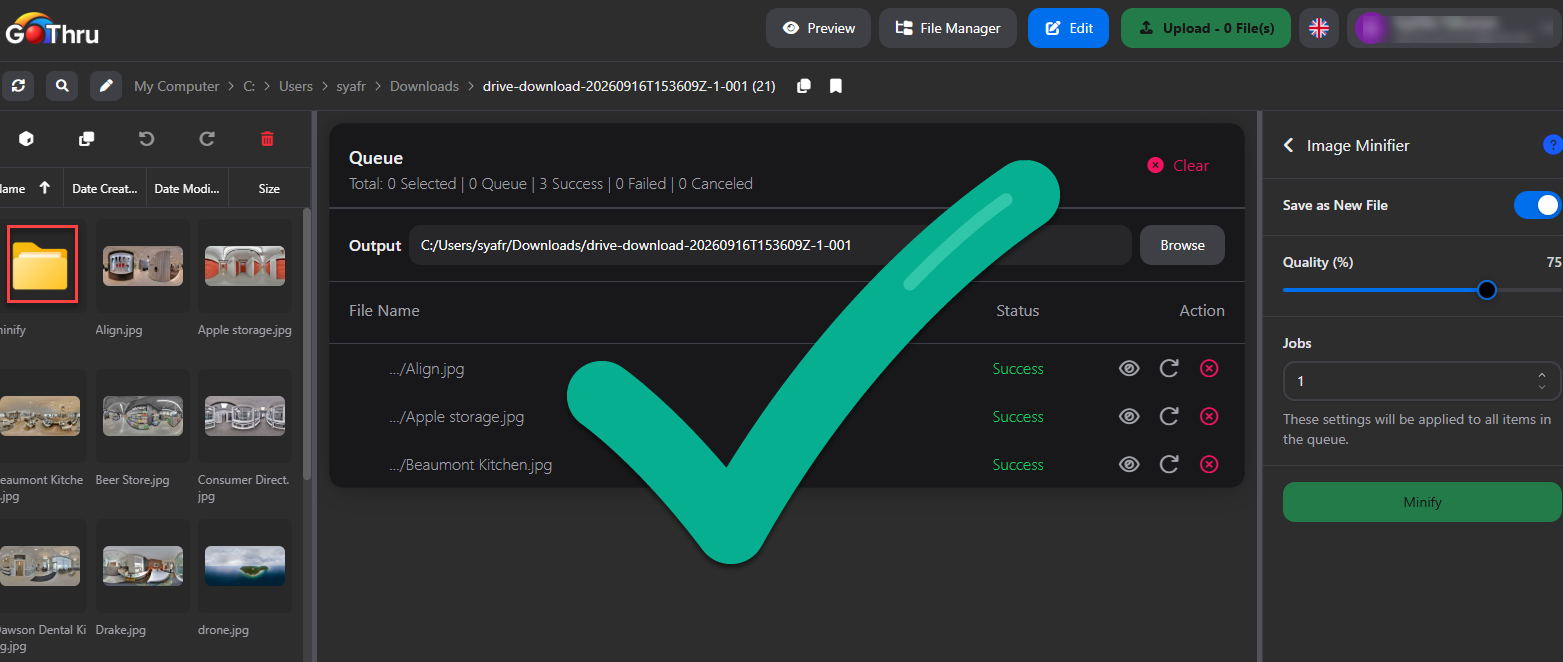
Reduce Image File Sizes with Image Minifier
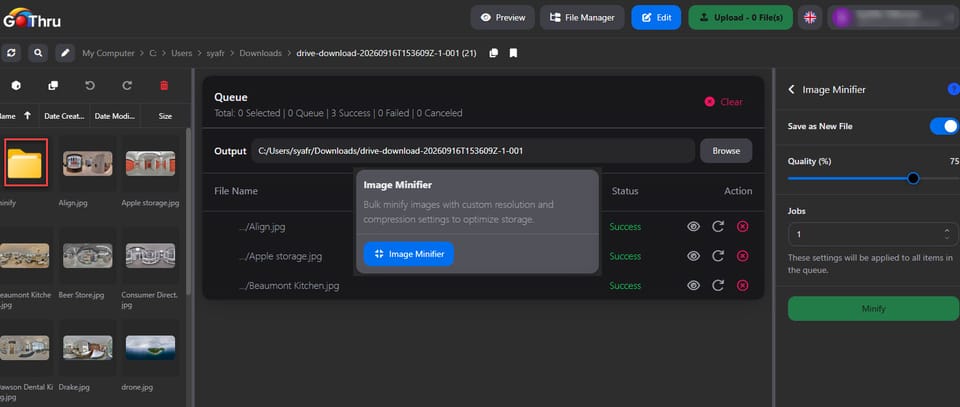
What is Image Minifier?
It is a tool that allows you to compress multiple images simultaneously. It helps you reduce file sizes in bulk based on your desired quality settings, optimizing your storage and workflow.
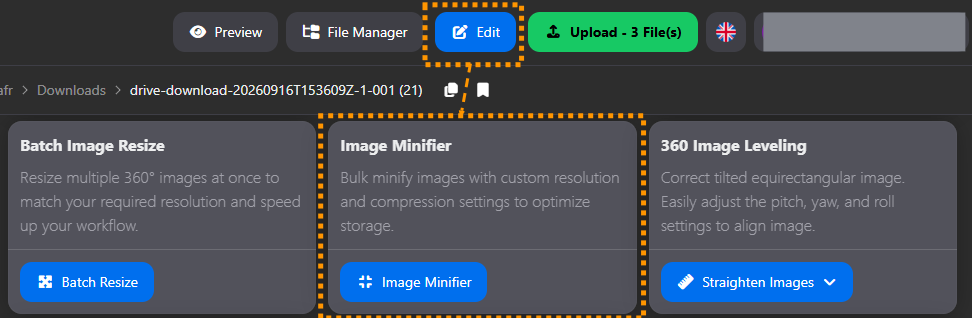
How do I use Image Minifier?
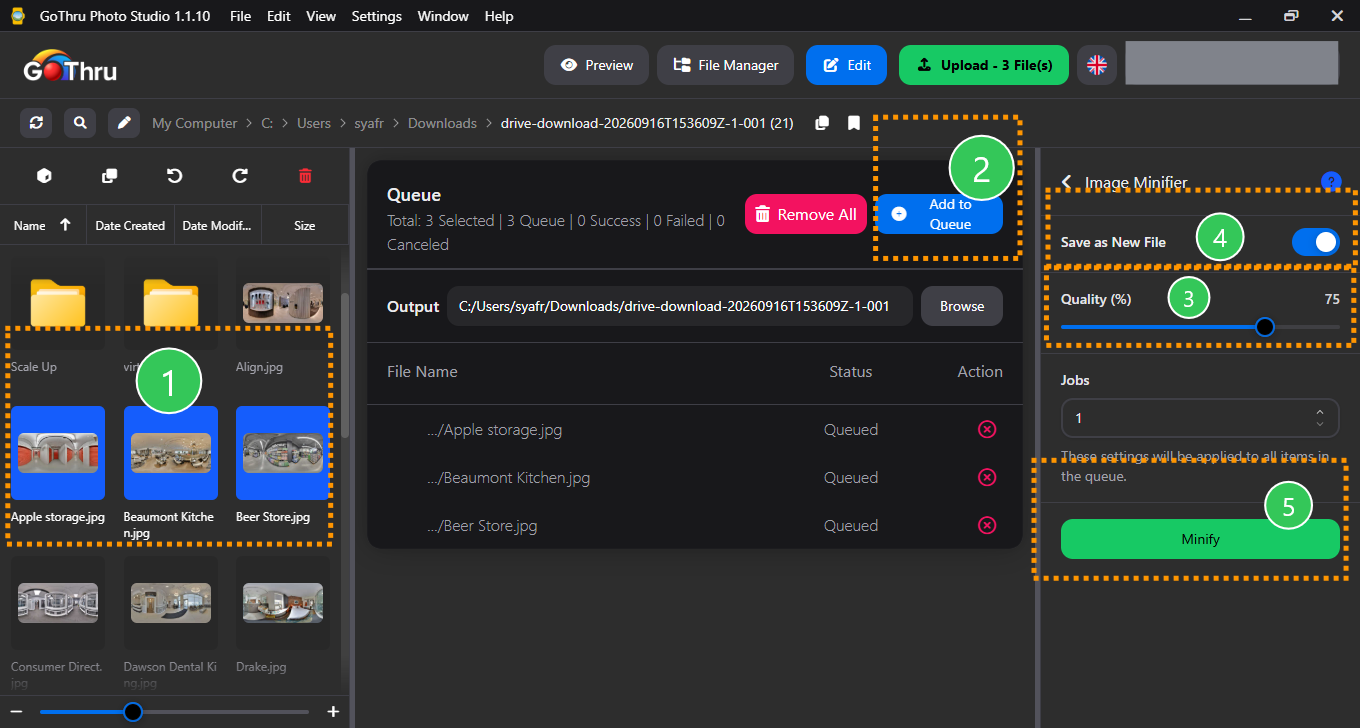
- Select a folder or multiple images you want to minify.To select multiple images, hold
CtrlorShiftwhile clicking the images. - Add them to the queue.
- Adjust the quality settings to your preference.
- Choose whether to overwrite the original files or save them as new files. If saving as new, set your preferred output destination.
- Click the "Minify" button to start processing.
What is the final result?
The tool will output your images at the newly adjusted quality. If you selected the save as new file, new files are created with the name {filename}-minify.
Where are the results saved?
The minified files will replace the originals in their current folder. If you choose "Save as New File", you will find the results in the custom output location you selected before starting the process.
The original files remain in their original location.