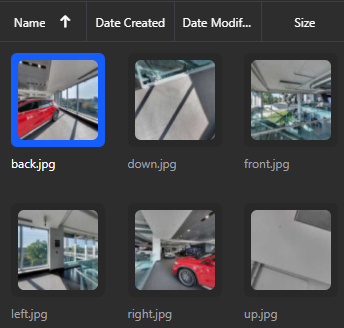
Convert 360° Panoramas to Cubemaps
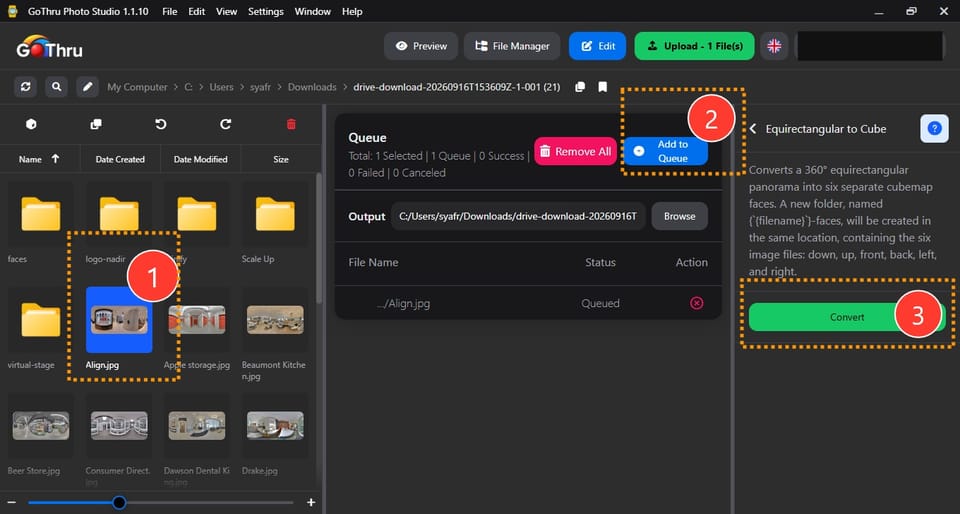
What is the "Equirectangular to Cube" feature?
This feature converts a standard 360° equirectangular panorama into the six separate "face" images needed for a cubemap.
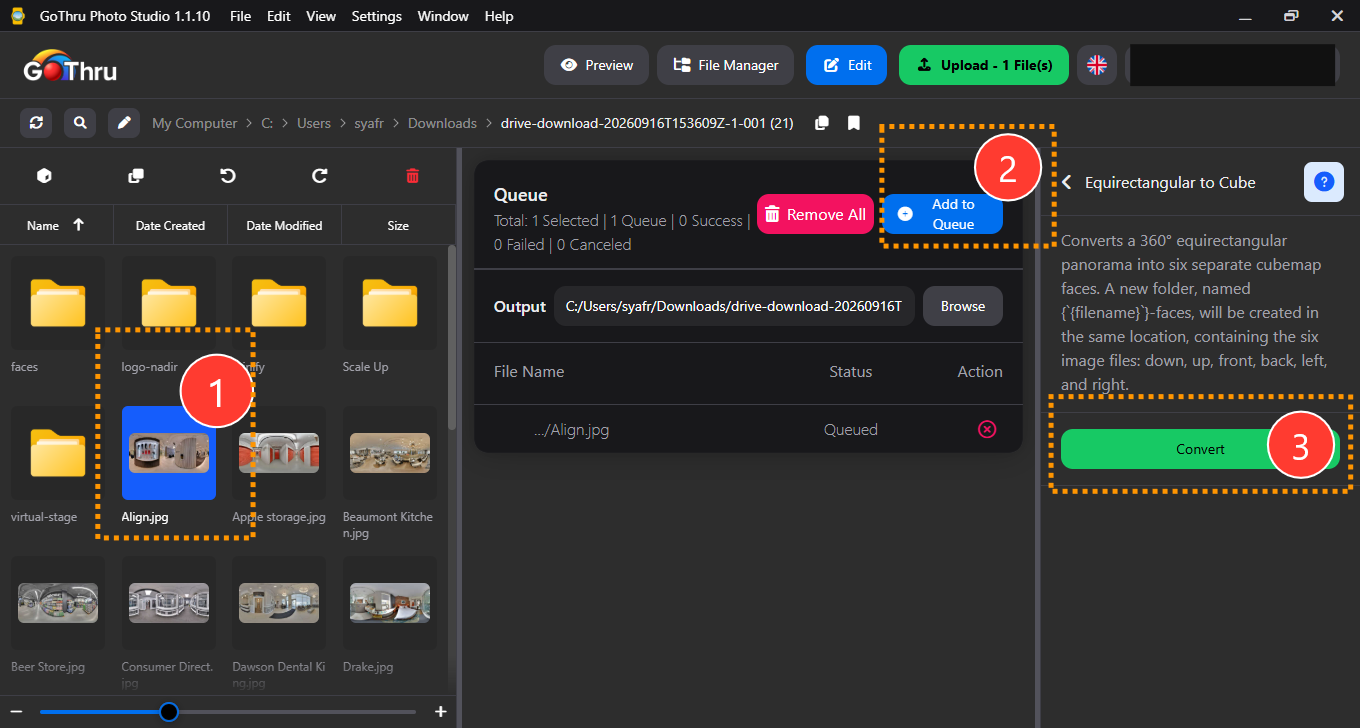
How do I use it?
- Select the 360° equirectangular panorama you want to convert.
- Add to queue.
- Click the "Convert" button.
What is the final result?
A new folder is created in the same location, named after your original file ({filename}) in the faces folder. Inside this folder, you will find six files, one for each face of the cube (down, up, front, back, left, and right).
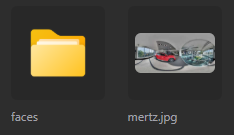
Where are the results saved?
By default, the output is saved in the folder equirectangular-to-cube located in the same directory as your source files. You may also manually define a custom output location before starting the process.