
Create HDR 360° Images with Enfuse
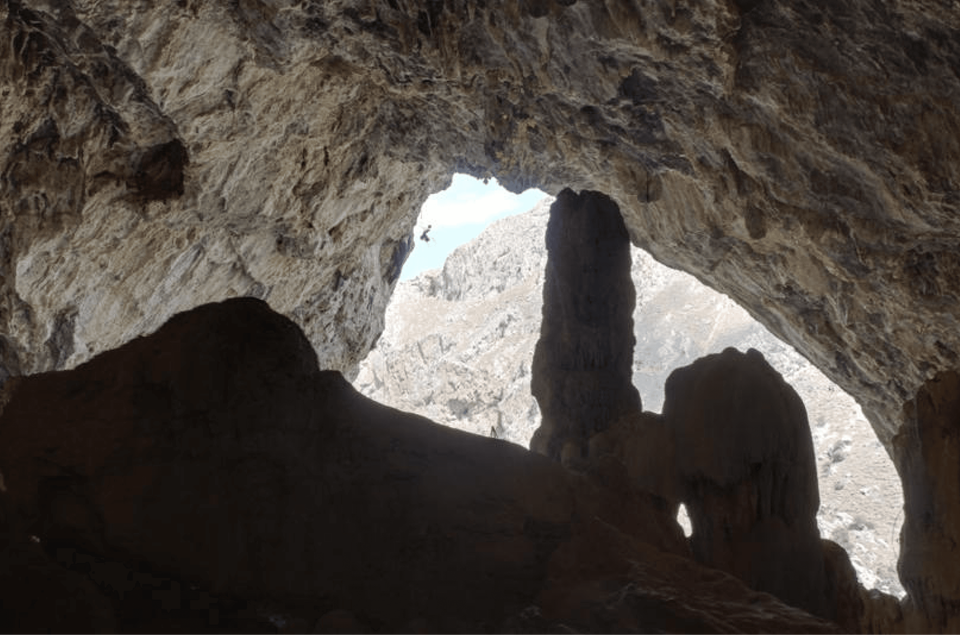
Enfuse blends bracketed exposures into one image with more usable detail in highlights and shadows. A common bracket is −2, 0, and +2 EV.
Before you begin
- Use exposures captured from the same tripod position.
- Keep the image dimensions and projection identical.
- Place each bracket set together and use matching file names.
Blend the bracket
- Open the Enfuse or HDR blending tool.
- Add the dark, normal, and bright exposures from one scene.
- Confirm the files are in the same bracket set.
- Run the blend and save the result to your edits folder.
Review the output
Inspect bright windows, shadow detail, stitching seams, and any moving objects. A good blend should look natural rather than flat. Keep the source bracket files in case you want to create a different blend later.