Straighten 360° Images with Auto Leveling
What is Auto Leveling?
It automatically straightens tilted 360° images by reading your camera's internal gyroscope metadata (GPano:PoseRollDegrees & GPano:PosePitchDegrees). No manual adjustments needed.
How do I use Auto Leveling?
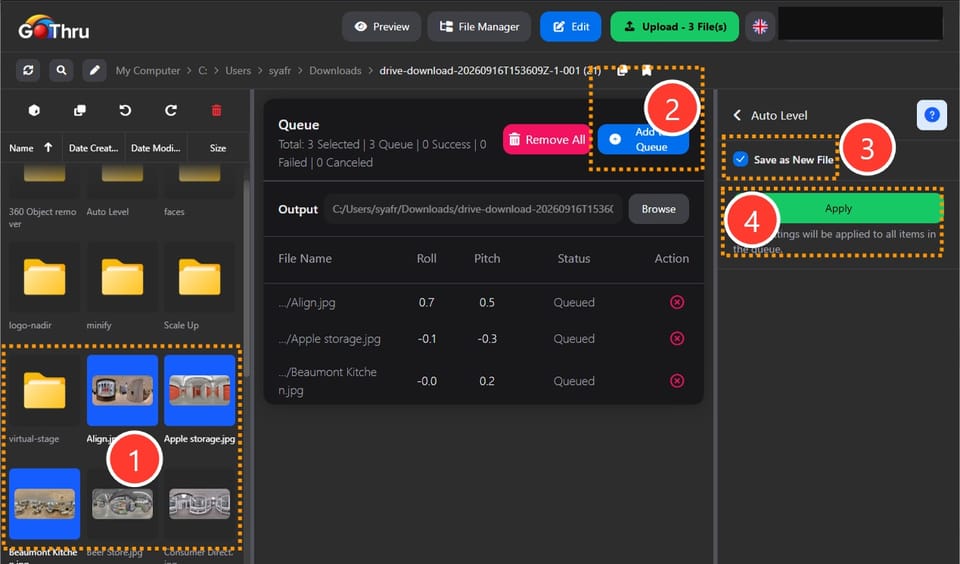
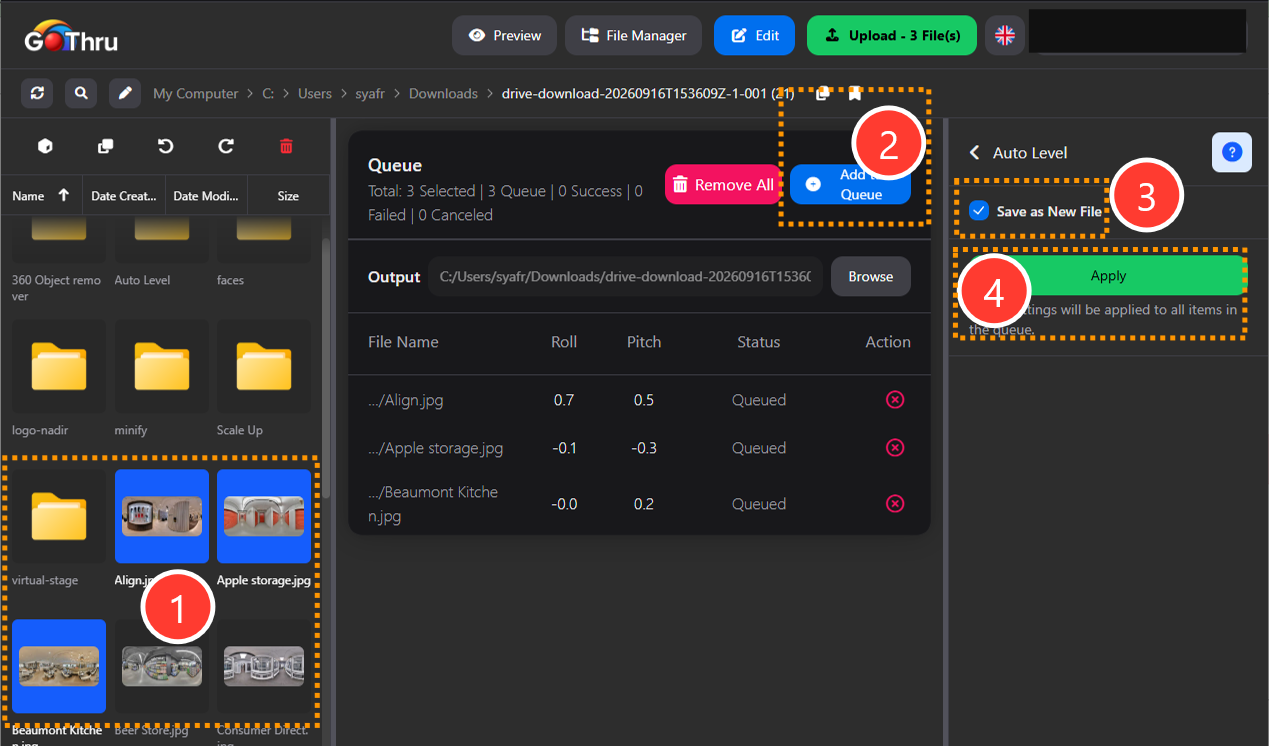
- Select a folder or images containing GPano metadata.
- Add the selected images to the queue.
- You can choose to either:
- Save: Overwrite the original files with the leveled images.
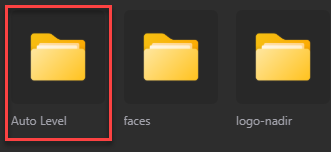
- Save as New File: Save the leveled images as new files in an “auto leveling” folder at your chosen custom location.
- Choose to overwrite original files or set a custom output location, then click "Apply".
What is the final result?
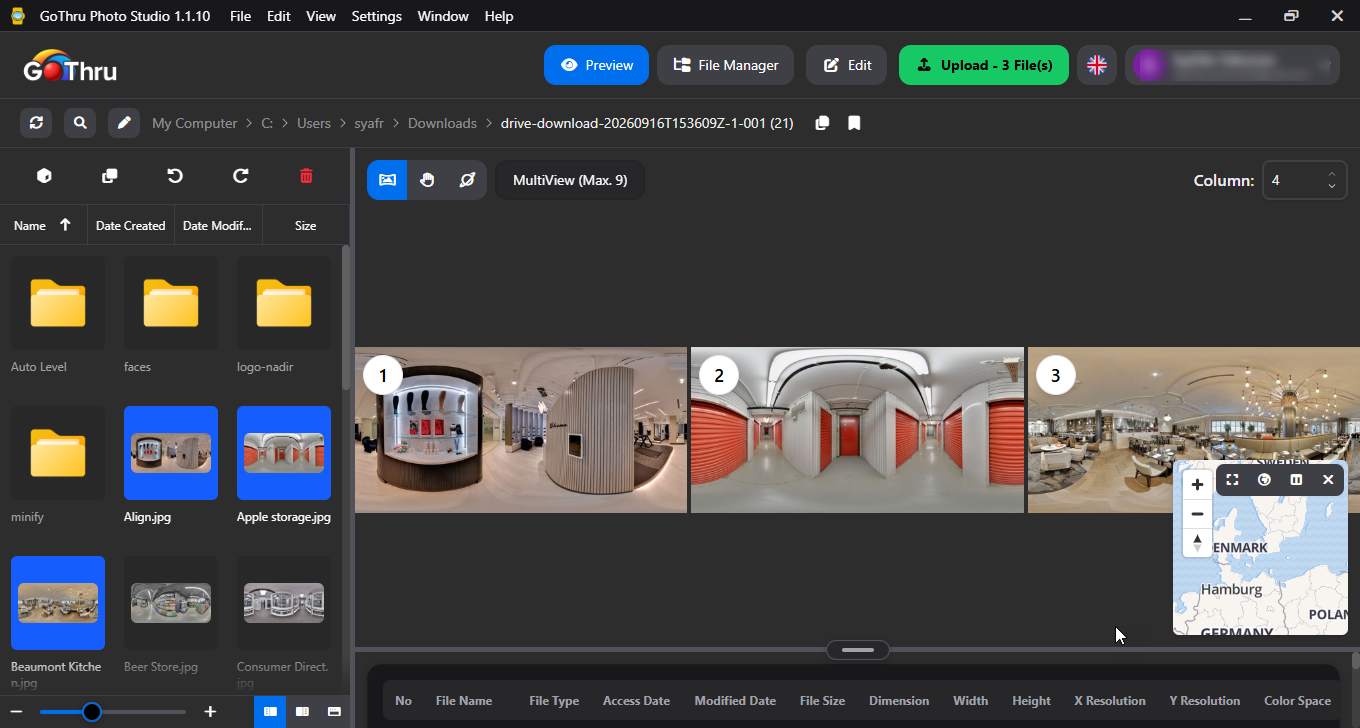
Perfectly straight horizons. Corrects the image tilt and resets the roll/pitch metadata to 0 to prevent display errors on other platforms. Press the preview to see the final results.
Where are the results saved?
They will either overwrite your original files, or be saved as new files inside an "auto leveling" folder at your chosen custom location.