
Publish and Share Your 360° Photos
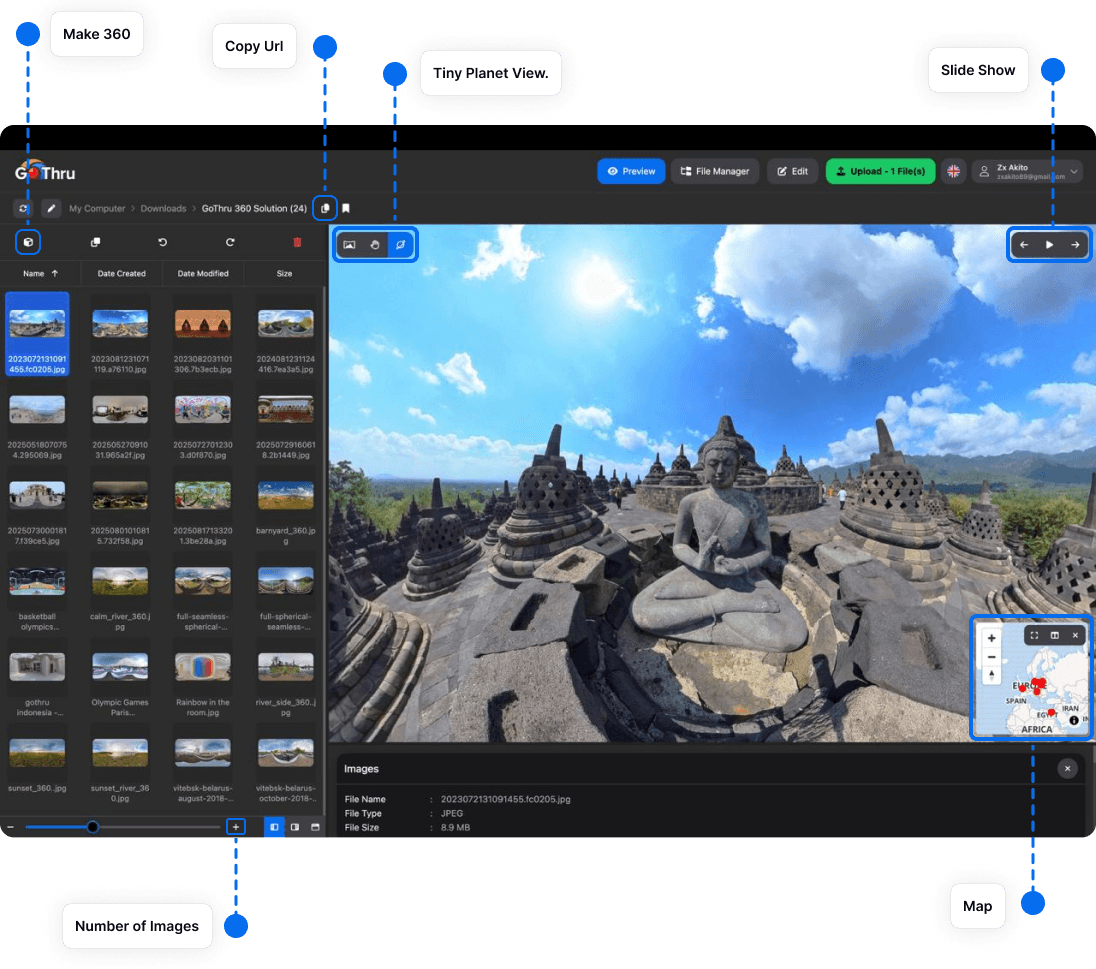
Photo Studio can send finished images to the GoThru Virtual Tour dashboard, Panorra, and supported Google Street View workflows, including Google Business and Blue Line contributions.
Pre-publish checklist
- The panorama is level and uses the correct equirectangular projection.
- Stitching seams and the nadir have been reviewed.
- Exposure and color are consistent across the project.
- Sensitive information has been removed or obscured.
- File names and location details are correct.
Publish
- Select the finished image or images.
- Choose Upload and select the destination available in your app version.
- Sign in or connect the required destination account.
- Confirm the selected files and start the upload.
- Open the destination afterward and verify that every image processed successfully.
For GoThru platform and Google Street View tour instructions, visit the main GoThru documentation.