
Use AI Tools with Your Own API Key
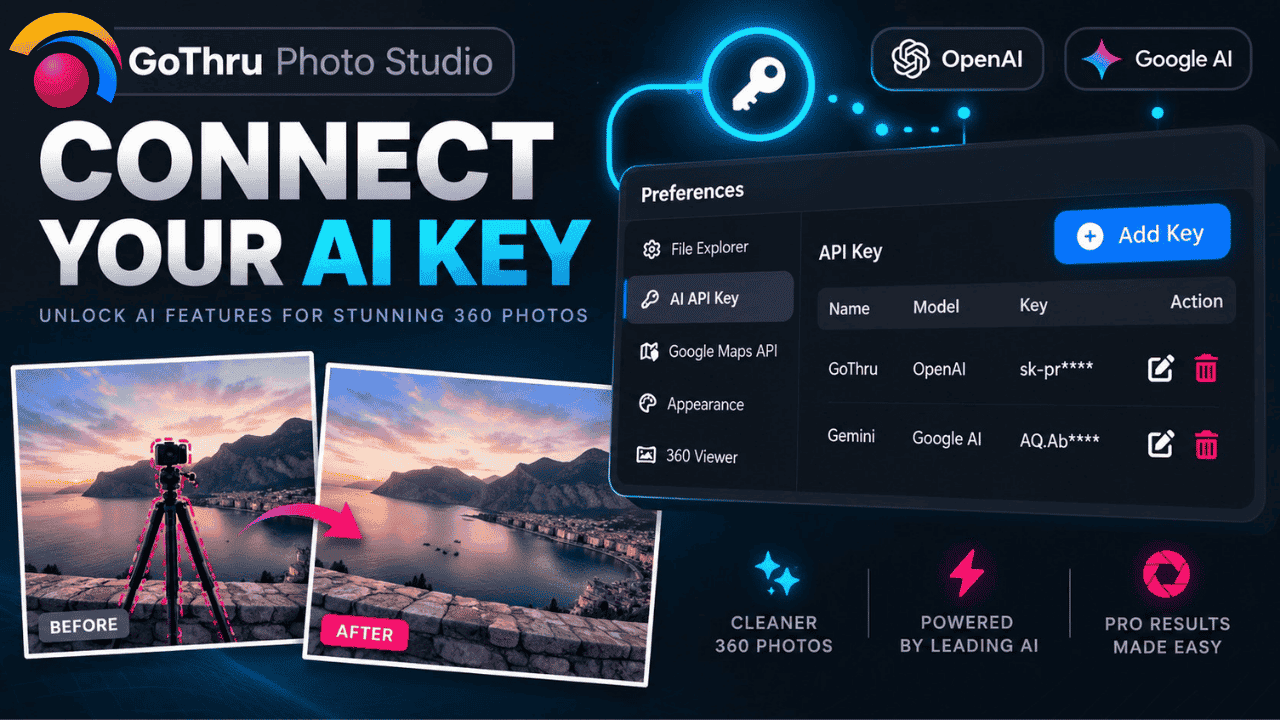
GoThru Photo Studio uses a bring-your-own-key model for AI-assisted features such as tripod removal. You pay the AI provider directly for the requests you make; GoThru does not add a markup.
Connect a key
- Create an API key in the account of the AI provider supported by your Photo Studio version.
- Open Photo Studio settings and locate the AI or API key section.
- Paste the key and save the configuration.
- Test the connection with one non-critical image.
Use AI safely
- Never share your API key in a screenshot or support post.
- Set provider-side usage limits or alerts.
- Review every generated edit at full resolution.
- Keep the original panorama and save the result as a new file.
AI can invent textures or remove real details. Always inspect seams, shadows, and repeating patterns before publishing.