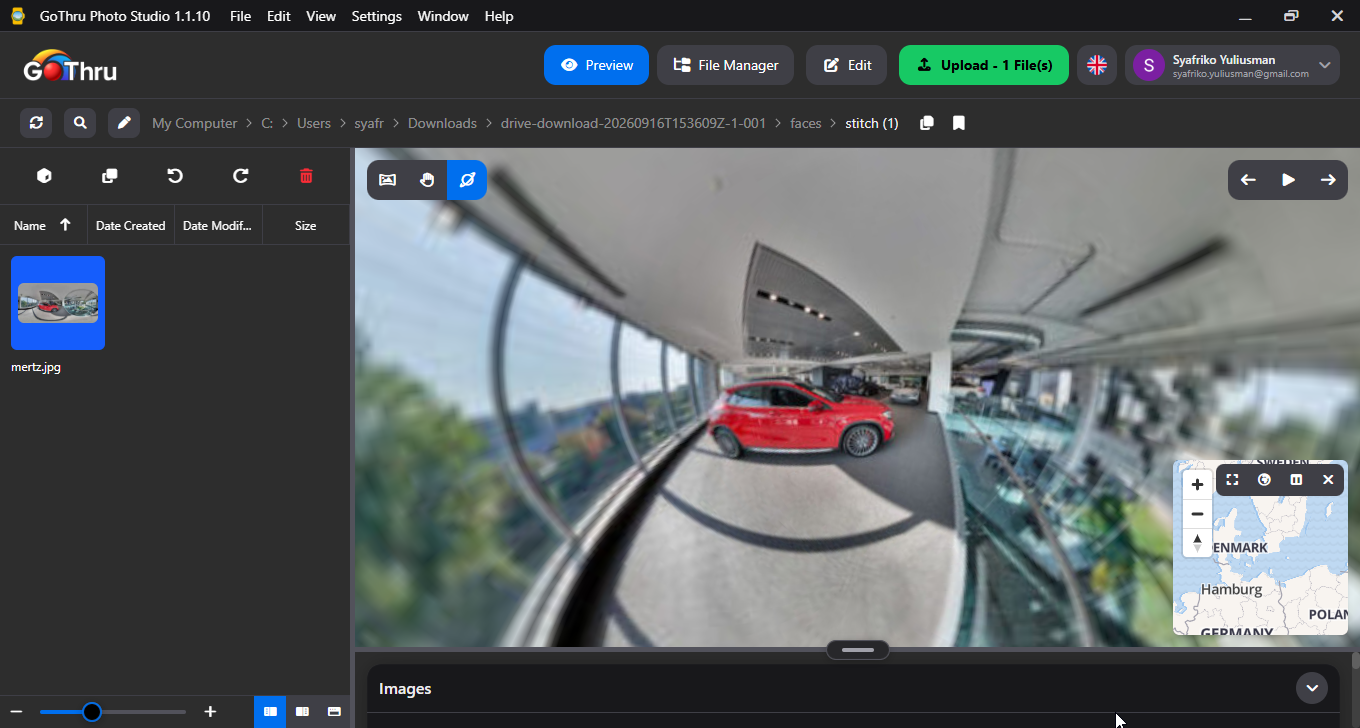
Stitch Cubemap Faces into a 360° Image
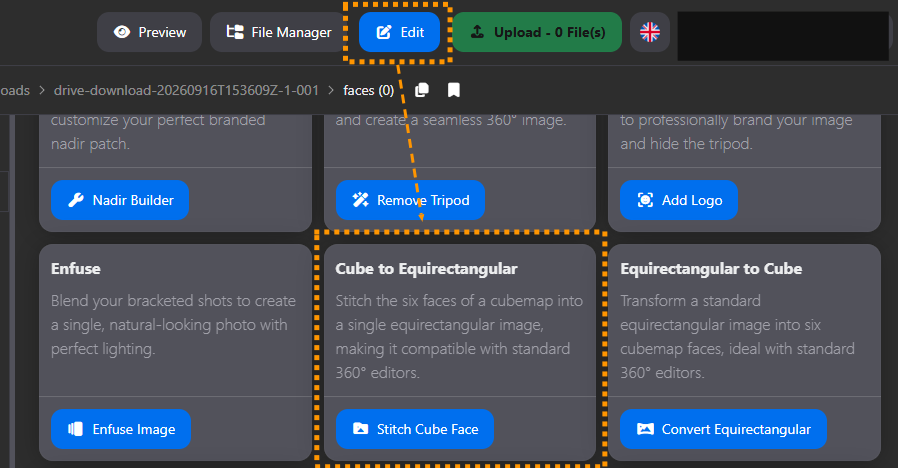
What is the "Cube to Equirectangular" feature?
This tool stitches the six separate faces of a cubemap back together into a single, seamless 360° equirectangular panorama.
How do I use it?
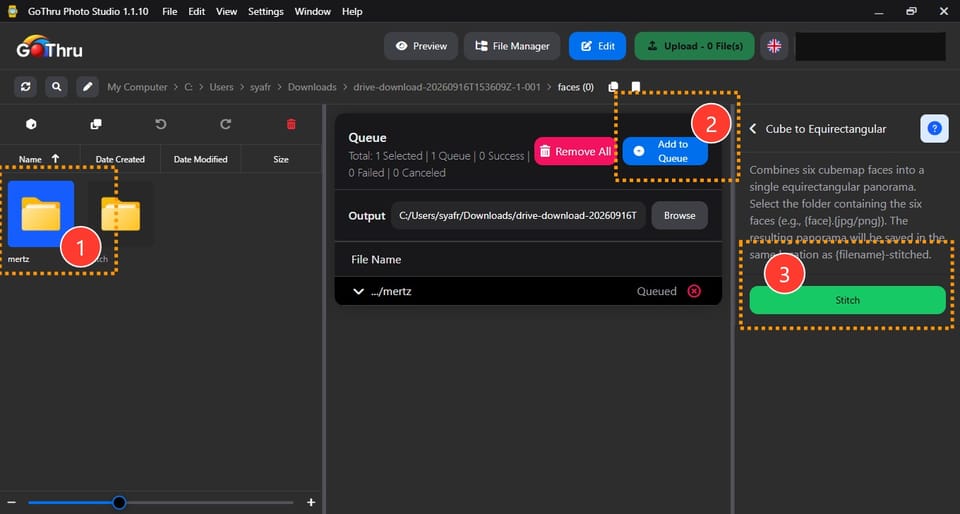
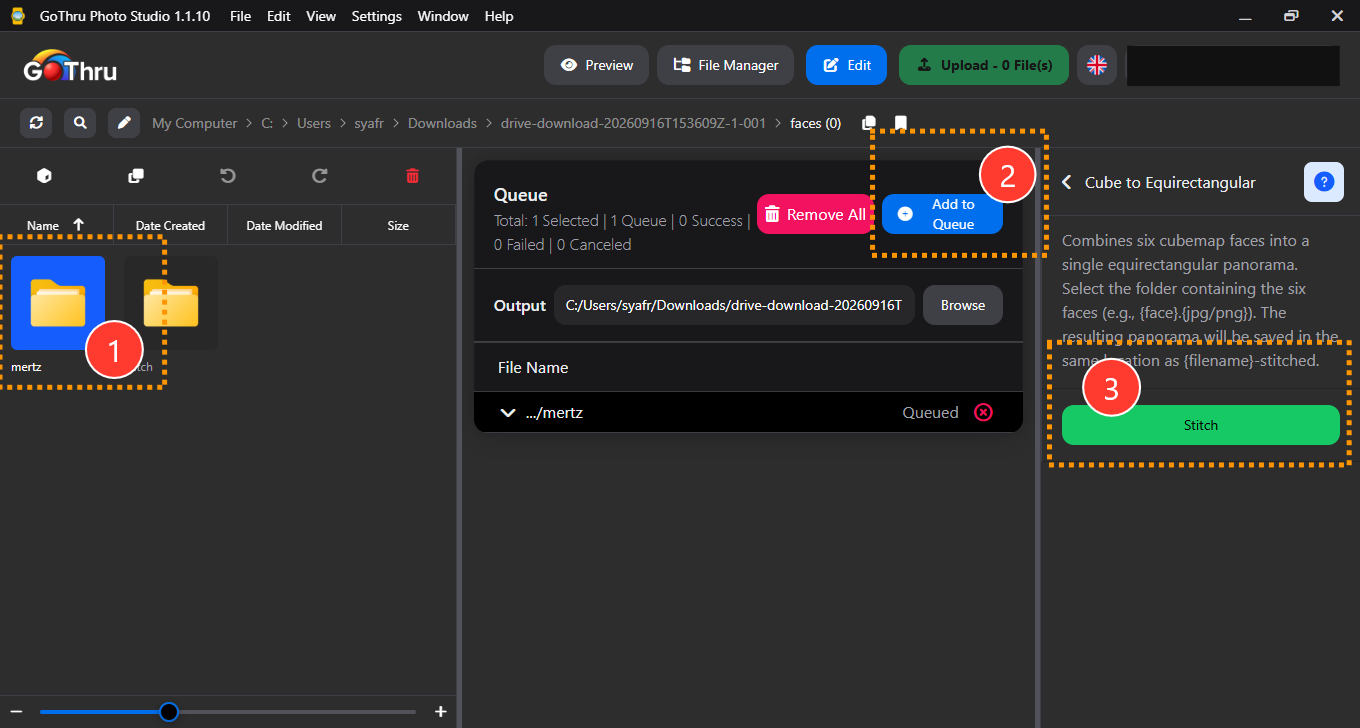
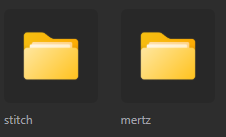
- Select the folder containing the cubemap files (front, back, top, bottom, left, and right faces, e.g.,
{face}.jpg/png). - Add to queue.
- Click the "Stitch" button.
What is the final result?
The system combines the faces into a single equirectangular panorama, saved as a new file in the same location with the name {filename}-stitched.
Where are the results saved?
By default, the output is saved in a new folder named cube-to-equirectangular_{timestamp} located in the same directory as your source files. You may also manually define a custom output location before starting the process.