
Organize 360° Photos with the File Manager
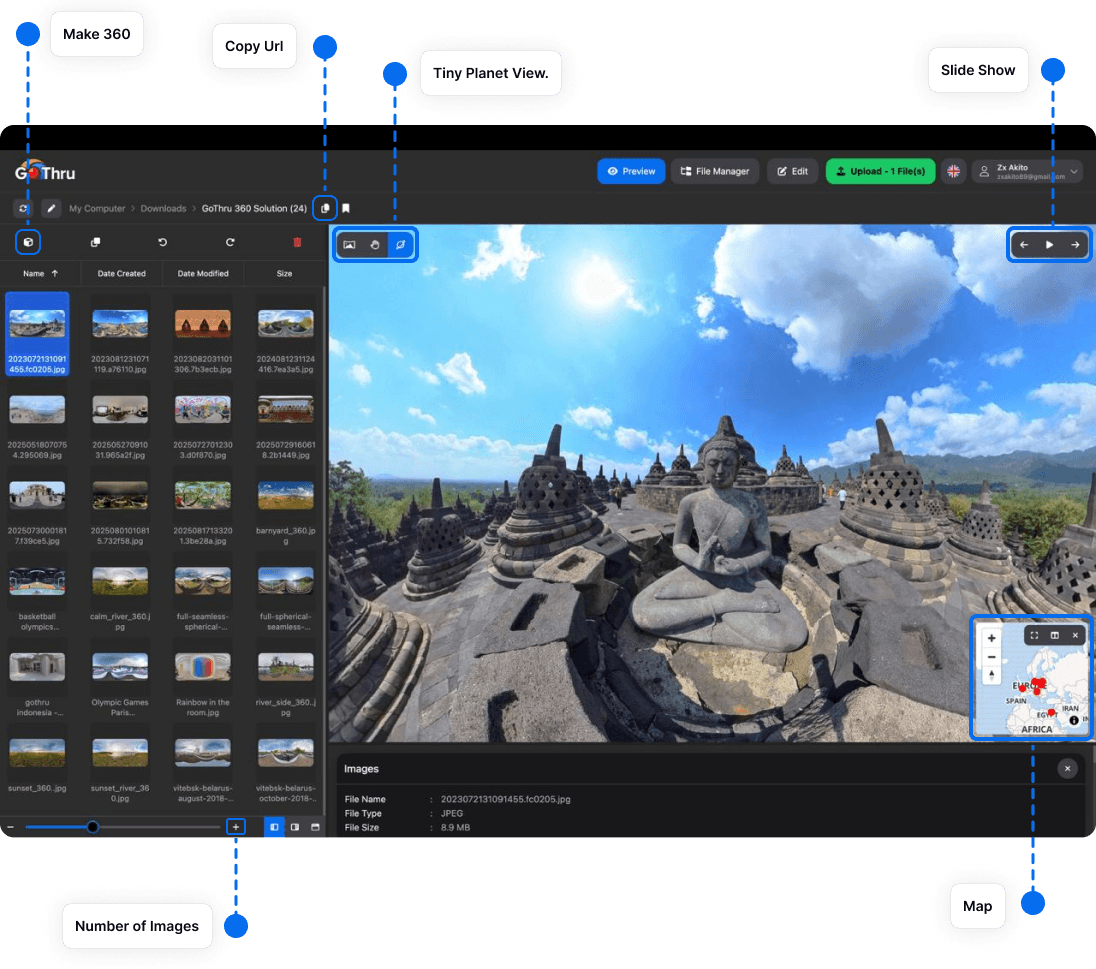
Photo Studio combines a 360° viewer with a file manager so you can review and organize images without switching applications.
Recommended folder structure
Keep each project in its own folder and separate source files from finished exports:
Project Name/
  01-originals/
  02-brackets/
  03-edits/
  04-exports/
Review a folder
- Open the project folder in the file manager.
- Use thumbnails to identify the scene you want to inspect.
- Select an image to open it in Preview.
- Check the file name, type, and dimensions in the information panel.
Protect your originals
Keep untouched camera files in an originals folder and save edited results to a separate location. Use consistent names such as lobby-01-original.jpg and lobby-01-final.jpg.
Make a backup before running batch operations on an important project.