Ricoh Theta Z1: Real Estate & Virtual Tour Camera Guide
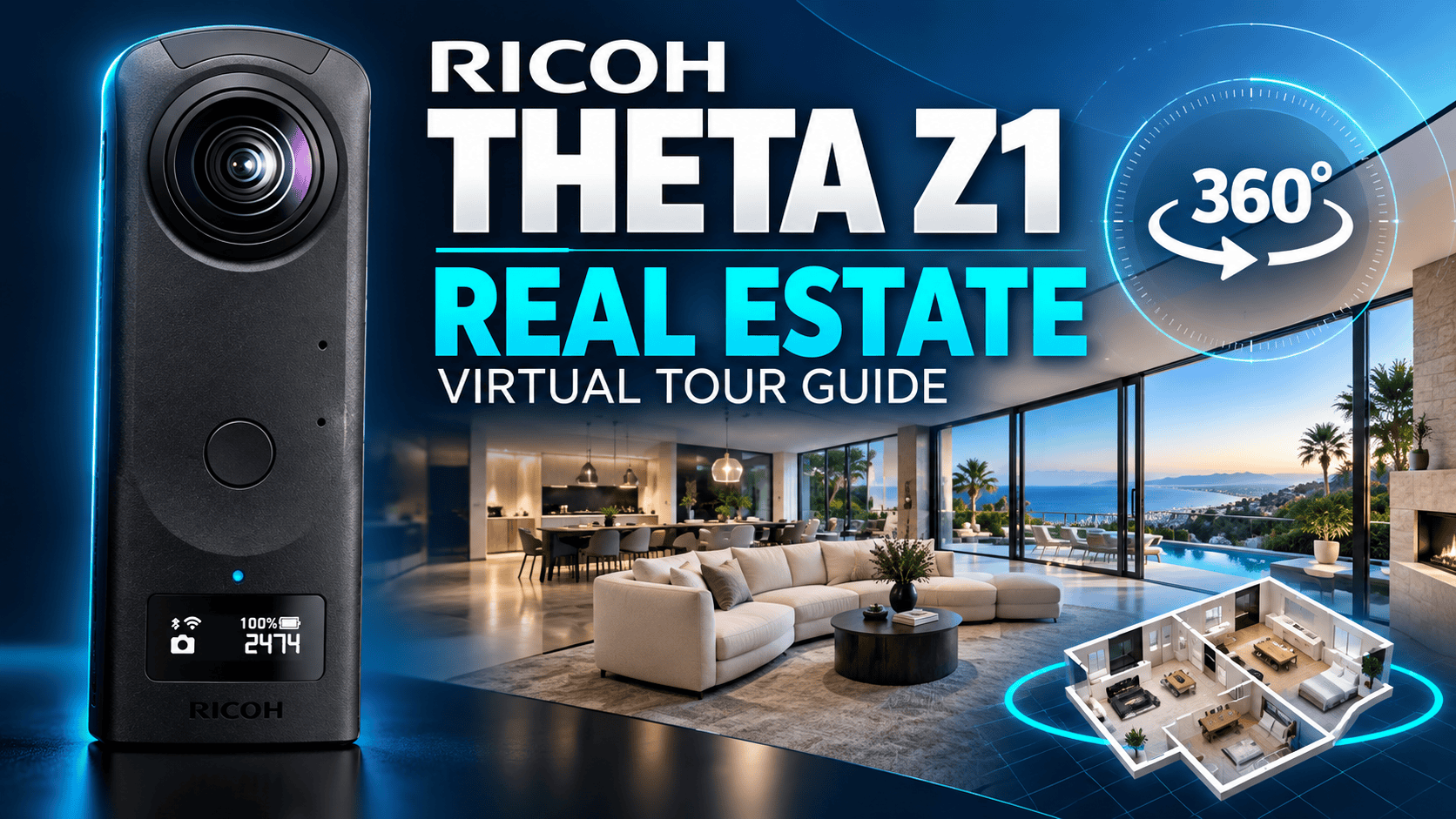
Camera analysis · Real estate / Business / Construction / Travel
The Z1 makes the most sense when the finished panorama matters more than the fastest route from shutter to upload. Its appeal is editing control; the trade-off is a workflow that needs care, time and a computer.
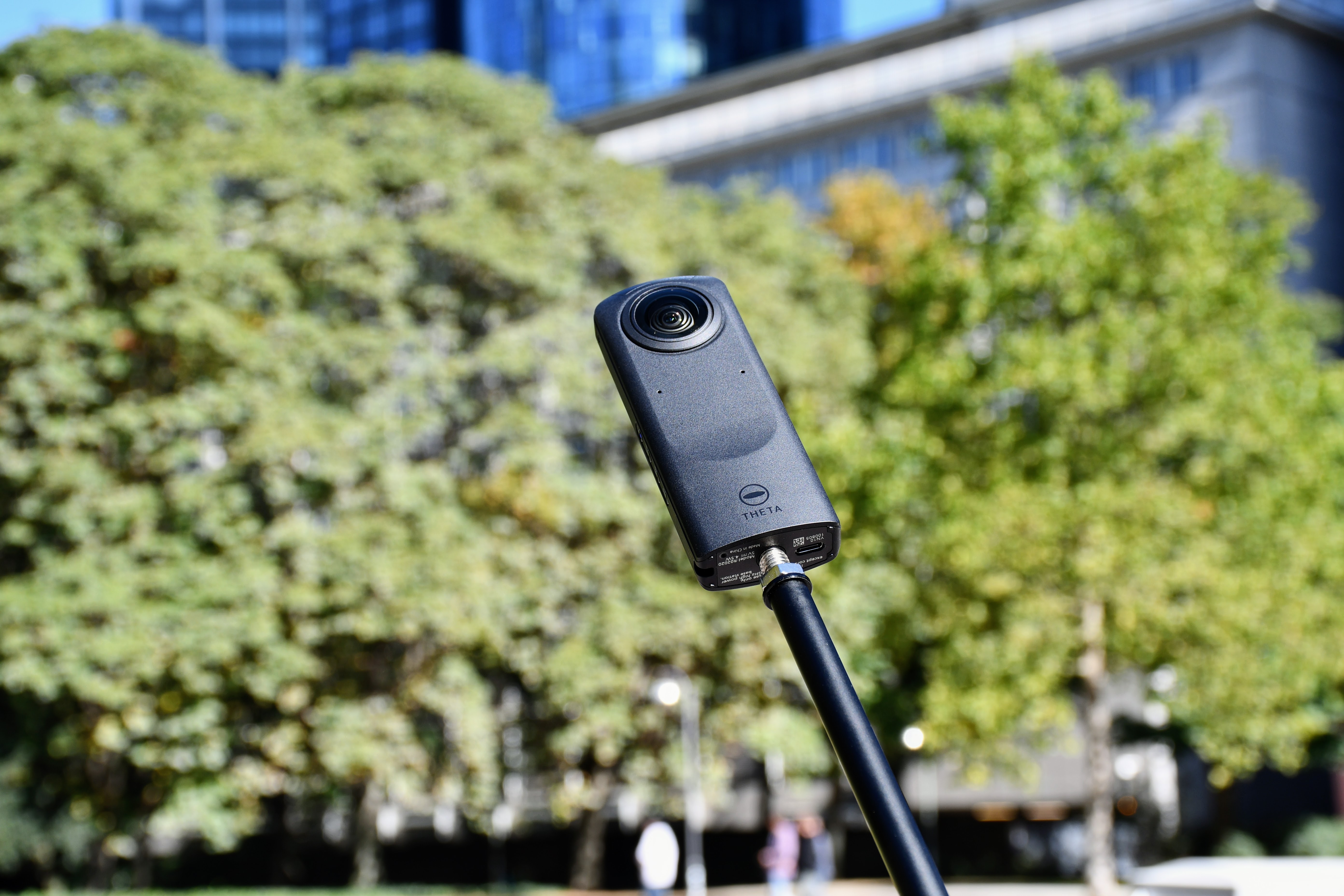
The practical verdict
For a property photographer willing to develop RAW files, the Theta Z1 belongs on the shortlist. For someone who needs a rugged camera to hand to different people on an active construction site, the decision needs more scrutiny. For travel, think carefully composed destination panoramas rather than a camera bought primarily for action video.
The buying question is not simply whether its pixel count is competitive. Ask whether you can deliver a clean, natural-looking room on schedule. A window that remains readable, believable paint colors and a doorway without stitching errors may matter more to a client than an impressive resolution number. Those are acceptance criteria to test with actual files, not advantages we can award from a specification sheet.
Specifications that affect the job
| Item | Ricoh Theta Z1 |
|---|---|
| Sensors | Two 1-inch-type back-illuminated CMOS sensors |
| JPEG panorama | 6720 × 3360 pixels |
| RAW recording | DNG; listed file dimensions 7296 × 3648 |
| Aperture choices | f/2.1, f/3.5, f/5.6 |
| 360 video | 3840 × 1920 at 29.97 fps |
| Storage versions | Approximately 19 GB or 51 GB internal memory |
| Power and weight | Built-in battery; approximately 182 g |
Source: Ricoh Z1 specifications. Identify the storage version before buying used. RAW recording dimensions are not a promise of an identically sized finished stitched panorama.
Panorama width: still image versus video frame
JPEG still: 6,720 pixels
4K video frame: 3,840 pixels
Real estate: make the window-and-room test decisive
A useful evaluation scene is a room with a bright exterior view, a dark corner, mixed lighting and a reflective surface. Keep the camera position fixed, then compare the result at the zoom level a visitor will actually use. Inspect the window frame, ceiling line and edges of furniture, not just the pleasant-looking center of the scene. A compelling thumbnail can conceal problems in the interactive panorama.
Ricoh's June 2021 firmware article documents RAW + JPEG support for HDR rendering, handheld HDR and noise reduction. Its tripod HDR workflow combines exposures, while its editing example develops the file in Lightroom Classic before stitching with Theta Stitcher. This is important historical context: an early review describing the launch-era RAW limitations may not describe an updated camera. Check installed firmware and the software environment before following an old tutorial. Ricoh's RAW workflow update.
Our suggested delivery check is deliberately conservative: aim for natural brightness and color, preserve room geometry, and avoid turning a difficult lighting situation into an unrealistically polished representation. If a person crosses the frame during a multi-exposure capture, inspect for ghosting before leaving. When a mirror reveals the operator, change position or reshoot where practical rather than relying on extensive reconstruction.
A production workflow worth testing before a paid shoot
For mobile control, Ricoh lists Z1 support in RICOH360; its discontinued THETA app faces new Android installation restrictions from November 2026. Treat app migration separately from the RAW-development and stitching stages below.
The theta360.com sharing service ended in January 2025. Do not use old sharing instructions as a client handoff plan. Our suggested safeguard is to retain both the capture originals and the final panorama outside any single sharing service.
Ricoh's Theta Stitcher release history documents standalone operation from version 3.00.0, so describing it only as a Lightroom plug-in is incomplete. The same history records Theta X HDR-DNG support in version 3.20.0. These are documented software capabilities, not a claim that we have tested your computer or installed application versions.
Ricoh's current download page lists Z1 and Z1 51GB for Stitcher, with Windows 11 among its Windows environments and macOS 12–14 for Mac. It recommends 16 GB RAM and 4 GB video memory. The page names Lightroom Classic 11.4.1, while the September 2024 Windows manual names 13.4. These differing reference versions do not establish support for every newer Lightroom or operating-system release. Check the exact combination before upgrading a working production computer.
The same Windows manual makes the file dependency explicit: develop the RAW image, export a dual-fisheye JPEG or TIFF without resizing, and keep the original DNG beside that export. If Stitcher cannot find the DNG, its selection dialog lets you identify the original manually. Standalone operation changes how you launch the stitcher; it does not remove this documented dependency on the original file. For a property assignment, preserve both files until stitching and delivery checks are complete.
For a reversible output, the manual says disabling Overwrite image file saves a separate result with an _er suffix. It also warns that canceling a batch leaves subsequent images unstitched. Our delivery check is therefore to inspect each finished sphere, not assume every JPEG in an export folder has already been stitched.
- Agree the deliverable. Decide whether the client needs standalone panoramas, a connected walkthrough, or both. Confirm access, branding and the rooms to exclude.
- Run an end-to-end sample. Capture one difficult room, process it on your actual computer, and load the finished panorama into your intended tour platform. Verify orientation, seam continuity and mobile viewing.
- Plan the positions. Keep a consistent camera height where practical. Allow room around the lenses and place important close objects away from the seam. Focus distance is not a guarantee of clean near-field stitching.
- Capture and inspect. Keep lighting consistent between adjoining rooms. Review reflective surfaces, moving subjects and blown highlights before moving on.
- Develop and stitch. Preserve the original files. Use a verified Z1-compatible processing route and inspect the resulting sphere, including the floor and ceiling.
- Deliver and archive. Check the public tour on a phone, keep an original master, and record the export settings used for delivery.
GoThru is the owner-operated virtual-tour business behind this publication. This guide does not claim that we have completed a Z1 compatibility test with any particular platform or plan.
What to learn from independent coverage
An independent 2024 multi-camera comparison singled out the Z1's edited Dual Fisheye result for dynamic range, while also noting visible purple fringing around a window. That finding concerns the reviewer's specific edited test, not an unprocessed JPEG or a guaranteed outcome in every property. It supports testing the editing route, rather than buying on sensor size alone.
In the accessible introduction to Hugh Hou's June 2020 Z1 workflow article, he reports showing his clients Z1 Dual Fisheye HDR and QooCam 8K SuperHDR results in a headset. He says they regarded the Z1 images as closer to the property's real appearance, with fewer HDR artifacts, while he found the QooCam editing route easier at that time. This is his historical client experience, not a controlled study or a comparison with the later QooCam 3 models.
The remainder of that article is membership-restricted and has not been treated as verified evidence. It also predates Ricoh's 2021 RAW update, so its capture instructions should not be assumed to describe the current firmware.
When watching a review, look for downloadable originals and a clear explanation of processing. A heavily edited result and an out-of-camera JPEG answer different questions. Before adopting an older plug-in tutorial, confirm current installation, software support and licensing; a video remaining online does not prove its exact workflow still works.
Construction-site virtual tours: repeatability over spectacle
Use our construction-site virtual-tour workflow to plan repeat viewpoints and archive the Z1's originals separately from processed delivery images. That structure makes later visits easier to compare without implying survey-grade alignment.
The useful output for a project team is a visual record they can revisit: the same corridor, service area or room at a known point in the schedule. Establish named capture positions, retain dates and keep unmodified originals. If a position becomes inaccessible, document the change rather than making two viewpoints appear directly equivalent.
The Z1's internal storage and built-in battery should influence the daily capture plan. Arrange an offload and charging routine, and keep a contingency for a delayed site visit. Before selecting it for dusty or wet work, obtain manufacturer confirmation of suitable protection; this analysis establishes no dust or water rating.
Schedule capture with the site team so the photographer is not walking backward into an active work area while monitoring a phone. Consider what a panorama reveals in every direction: workers, documents, access controls and unfinished spaces may require restricted sharing. A visual walkthrough is not a dimensional survey, certified inspection or automatic BIM comparison.
Travel photography: plan for the finished destination story
A destination panorama can communicate how a courtyard, viewpoint or hotel interior fits together in a way a narrow photograph cannot. The Z1's small body makes it plausible to carry for planned stops, but protect both protruding lenses in transit and budget time for file management. A travel kit is only convenient if you can keep it charged and safely store the day's work.
At a busy attraction, prioritize a moment with fewer people close to the camera. For evening scenes, compare a stable capture with a handheld one before committing to a workflow for the whole trip. Longer or multi-frame capture can change how movement appears; do not assume a brighter result will also be a cleaner one.
For destination inspiration, explore Panorra, also owned by the publisher. We have not verified a Z1 upload workflow there, and the link is not an endorsement by Ricoh.
Budget for editing, not just the camera
Build a job budget from capture time, processing time, quality control, storage and tour delivery. Include a suitable support, lens protection, any editing software and the time needed to learn the workflow. No current selling price is quoted here because condition, region and storage version materially affect the purchase.
For a used unit, request an original panorama and inspect both lenses, battery behavior and the ability to transfer files. Perform your own sample-room test before relying on it for client work. A low purchase price does not compensate for a lens defect repeated across every delivered panorama.
Theta Z1 versus Theta X: editing control or field convenience?
Our Theta X guide explains its standard JPEG and later HDR-DNG workflows in more detail.
| Decision point | Theta Z1 | Theta X |
|---|---|---|
| Sensor size | Two 1-inch-type sensors | Two 1/2-inch-type sensors |
| Listed JPEG size | 6720 × 3360 | Up to 11008 × 5504 |
| Aperture | f/2.1, f/3.5, f/5.6 | Fixed f/2.4 |
| Battery strategy | Built-in battery | Removable DB-110 battery |
| On-camera preview | Plan around phone control for composing and reviewing the scene | 2.25-inch touchscreen supports preview and settings |
Sources: Z1 specifications above, Theta X specifications and Ricoh's Theta X product page. The X's HDR-DNG plug-in support means “Z1 has RAW, X never does” is no longer a sound blanket comparison.
Our decision framework: prioritize the Z1 when you want its aperture choices and a deliberate RAW-development routine; investigate the X when changing batteries and reviewing shots on the camera would simplify fieldwork. The X's larger JPEG dimensions do not, on their own, establish better window handling or cleaner shadows. Conversely, the Z1's larger sensors do not guarantee that every exported room image is better. Compare the actual capture modes and processing routes you intend to use.
Who should shortlist it?
Shortlist the Z1 if your priority is a controlled still-photography workflow and you are prepared to inspect and edit each deliverable. Compare alternatives if fast field handoff, interchangeable power, verified environmental protection or high-resolution video is central to the job. The final decision should come from a representative exported panorama and the time it takes your team to deliver it—not a megapixel ranking alone.
See the full Theta X vs Theta Z1 technical comparison for side-by-side photo, RAW, video, connectivity and battery specifications. Find more pairs in the comparison directory.
Technical head-to-head comparisons
Compare specifications and workflow tradeoffs with these alternatives. These are source-based comparisons, not our own controlled camera tests.
- QooCam 3 Ultra vs Ricoh Theta Z1: Specs and RAW Tour Workflow
- Insta360 X5 vs Ricoh Theta Z1: Specs, RAW Photos and 8K Video
- Insta360 X4 vs Ricoh Theta Z1: Specs and RAW Tour Workflow
Browse all published pairs in the comparison directory.
For a JPEG-versus-RAW workflow decision, read our DJI Osmo 360 vs Ricoh Theta Z1 technical comparison, including recording modes, storage and power.
Compare Insta360 X3 vs Ricoh Theta Z1 for RAW processing, aperture controls, action-video modes and field-workflow differences.
Considering an action-video alternative? Our GoPro MAX2 vs Ricoh Theta Z1 technical comparison contrasts RAW and JPEG workflows, bracketing, video modes and field maintenance.
Considering a newer hybrid camera? Our Insta360 X6 vs Ricoh Theta Z1 technical comparison covers photo formats, exposure control, video modes and field logistics without equating megapixels with tested image quality.
Considering the standard QooCam model? Our QooCam 3 vs Ricoh Theta Z1 comparison contrasts RAW processing, aperture controls, panorama dimensions and mixed photo/video work.
Compare touchscreen-led capture with adjustable-aperture RAW photography in our PanoX V2 vs Ricoh Theta Z1 technical comparison, including photo specifications, video modes and field storage.
For recurring owner-reported issues, read Ricoh Theta Z1 Problems, Complaints & Common Issues. It separates corroborated Reddit reports from isolated complaints and preserves reported improvements and evidence limits.




Comments ()