PanoX V2 vs Ricoh Theta Z1: Specs and RAW Workflows
Technical head-to-head · Virtual-tour photography
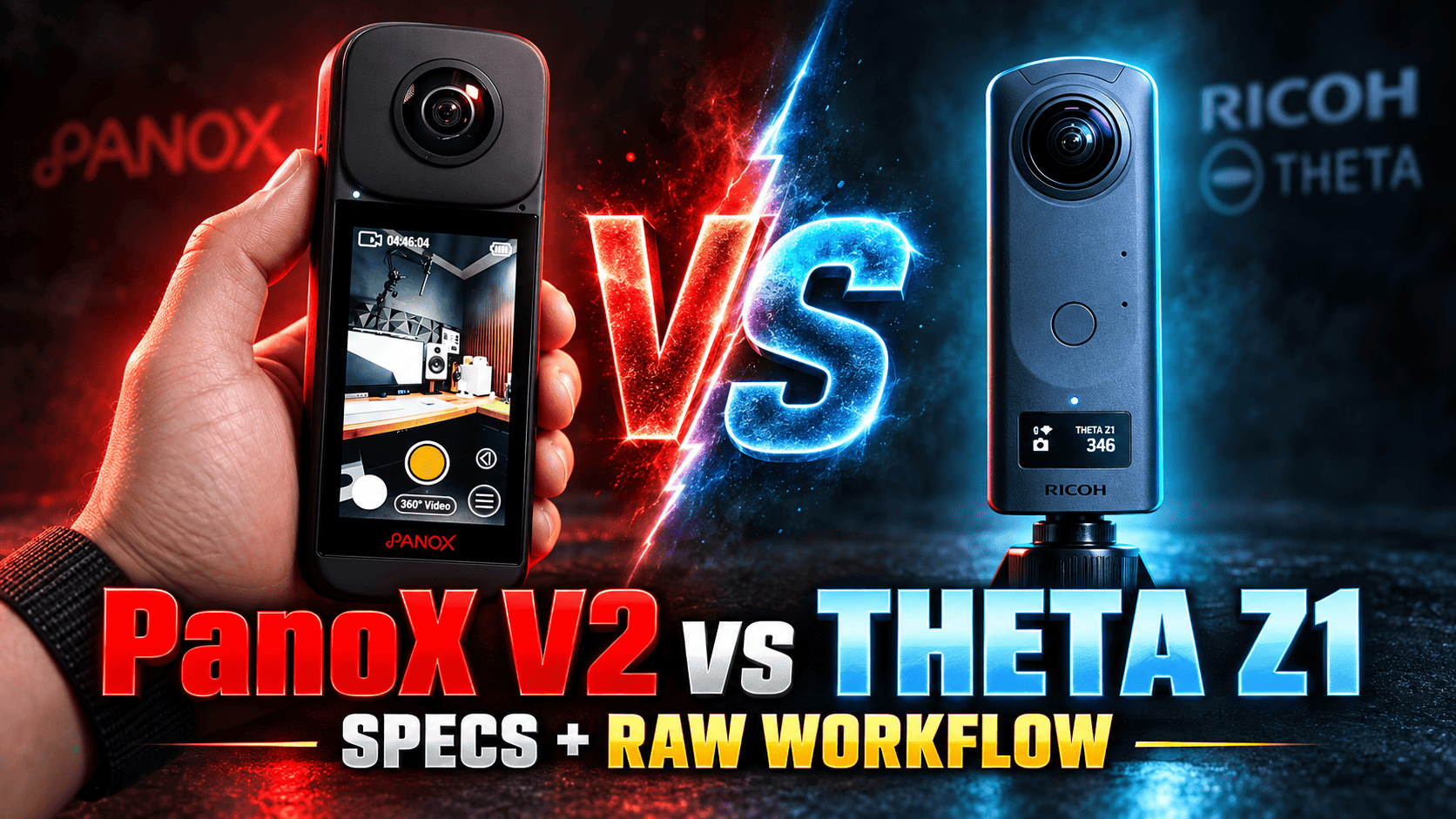
PanoX V2 and Theta Z1 approach spherical photography differently: touchscreen-led operation and larger output dimensions on one side, larger sensors and selectable apertures on the other. For property and construction work, the deciding question is which complete capture-to-delivery route you can reliably run.
Which camera addresses your actual bottleneck?
Consider V2 if camera-side control, removable recording media and higher-resolution spherical video matter to the assignment. Before choosing it for professional RAW work, obtain sample originals and confirm that your team can develop, stitch and deliver them with software you can access today.
Consider Z1 if adjustable aperture and its documented DNG processing route are the reasons for buying. Its older design is not automatically disqualified by a smaller JPEG. Equally, a larger sensor label is not proof that every finished interior will look better. Judge accepted panoramas, processing effort and repeatability together.
If you already own either camera, identify a failed delivery requirement before replacing it. A purchase that increases file dimensions without fixing seams, exposure or turnaround may leave the original problem untouched.
Sensor, lens and still-photo specifications
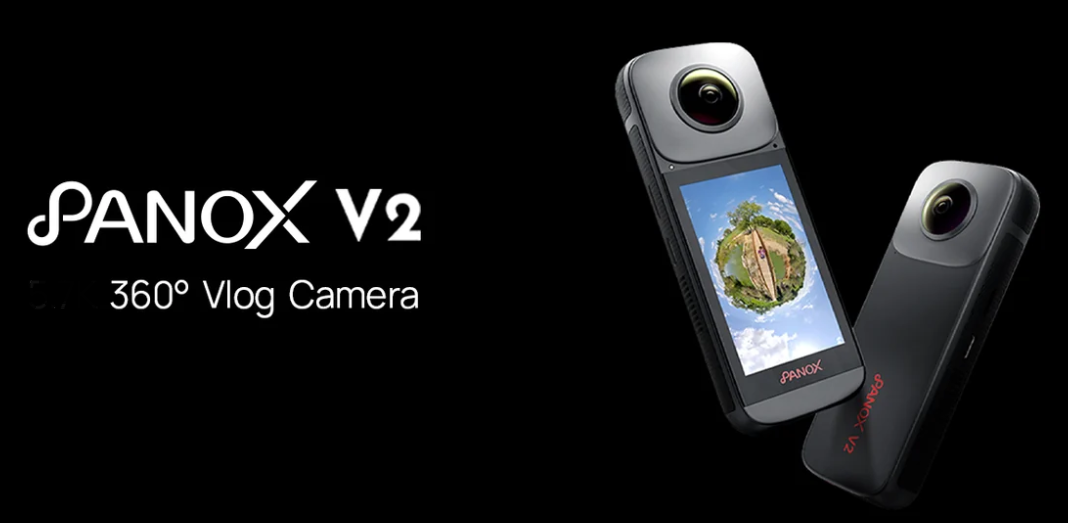
| Parameter | PanoX V2 | Theta Z1 |
|---|---|---|
| Sensors | Dual Sony 1/2-inch | Dual 1-inch back-illuminated CMOS |
| Aperture | f/2.0 | f/2.1, f/3.5, f/5.6 |
| Maximum JPEG | 11968 × 5984 | 6720 × 3360 |
| RAW | DNG listed; mode matrix unverified | DNG; 7296 × 3648 |
| Manual shutter | Numeric limits unverified | 1/ |
| ISO | Numeric limits unverified | 80–6400 |
| EV adjustment | Numeric limits unverified | ±2; 1/3-stop steps |
| White balance | Manual control listed; range unverified | 2500–10000 K plus presets |
Sources: PanoX V2 specifications and Ricoh Theta Z1 manual. Unknown limits are not zero-valued specifications. Sensor-format names do not express measured dynamic range, and a higher ISO ceiling is not a noise-performance score.
Maximum listed JPEG panorama width
PanoX V2 — 11,968 pixels
Theta Z1 — 6,720 pixels
For a fair visual comparison, export at the same delivered dimensions and inspect the same viewer zoom. Look at window edges, distant lettering, neutral walls and objects crossing a seam. Keep the full-resolution masters: a hosting service's resized copy should not become the only retained record.
RAW support is useful only with a working processing route
Ricoh's Stitcher FAQ describes a specific Z1 sequence: develop the RAW in suitable software, export a dual-fisheye JPEG or TIFF, then generate the sphere with RICOH THETA Stitcher. Stitcher can run standalone or as a Lightroom Classic plug-in. The FAQ names Lightroom Classic 13.4 as confirmed software; it does not certify every later application or operating-system version.
That gives a prospective Z1 operator a testable handoff, not a guarantee of effortless processing. Retain the DNG, developed intermediate and stitched master separately. Check exposure consistency between viewpoints, orientation and seam placement before exporting the delivery set. Avoid overwriting the only source file while experimenting.
V2's specification lists DNG, but this comparison has not established a complete current manufacturer-supported development-and-stitching route. The international download-center address redirected to a password-protected store page on the research date. This observation does not prove that the camera is discontinued or that no alternative workflow exists.
Ask the seller for representative originals and working software access before committing to RAW-dependent work. Demonstrate the entire export on your own computer. If a fast JPEG route meets the brief, evaluate that separately; RAW is a production choice, not a requirement for every ordinary room.
What Z1's aperture choices change in a test plan
Selectable aperture adds another exposure variable. Closing the aperture admits less light, so maintaining brightness requires a compensating shutter or ISO change. That can alter motion rendering or noise; it does not automatically improve a difficult interior. Evaluate the finished sphere rather than assuming the smallest opening is always best.
For a controlled room trial, keep camera position and lighting consistent, record the exposure choices and inspect both near and distant detail. Include moving curtains or people only in a separate motion test. A bracketed workflow can fail differently from a single exposure, so do not mix the results into an invented overall score.
V2's video modes cover different uses from Z1's 4K
| Parameter | PanoX V2 | Theta Z1 |
|---|---|---|
| 7680 × 3840 | 10 fps | Not listed |
| 5760 × 2880 | 30 fps | Not listed |
| 3840 × 1920 | 60 fps | 29.97 fps |
| Lower resolution | 2560 × 1280; 120 fps | 1920 × 960; 29.97 fps |
| Format | MP4, H.264/H.265; 8-bit listed | MP4, H.264 |
| Sound | Stereo microphones | AAC-LC mono + four-channel spatial PCM |
Sources: the manufacturer specifications linked above. V2's 8K10 mode is not an 8K30 substitute for normal travel motion. Z1's smaller video raster also spreads across the whole sphere, not a single flat view. Neither camera's maximum resolution establishes thermal endurance or stabilization quality.
| Parameter | PanoX V2 | Theta Z1 |
|---|---|---|
| Output | 4K/2.5K at 30 fps | 4K/2K at 29.97 fps |
| Documented route | RTMP, SRT, RTSP; optional Ethernet hub | USB live output |
| Audio | Bluetooth/USB-C microphones supported | Four-channel PCM |
A construction meeting and a permanent still tour have different acceptance criteria. Test network stability, receiving software and speech intelligibility for live use. For a permanent record, test the saved panorama, metadata and navigation instead. A live-streaming feature does not establish a RAW export capability or compatibility with a particular hosting service.
Touchscreen and card slot versus internal storage
| Parameter | PanoX V2 | Theta Z1 |
|---|---|---|
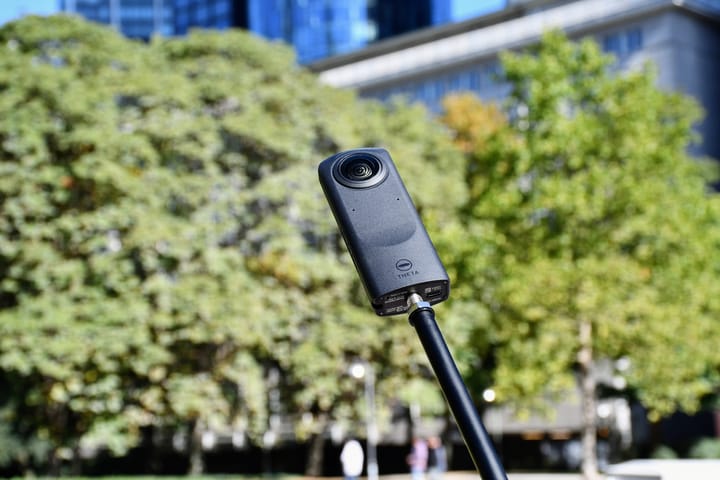
| Display/control | 3-inch touchscreen, 480 × 854 | Status panel; smartphone for manual settings |
| Weight | 200 g | 182 g |
| Dimensions | 134.3 × 50 × 34 mm; manufacturer order | 48 × 132.5 × 29.7 mm; W × H × D |
| Battery | Built-in 1500 mAh | Built-in rechargeable |
| Storage | microSD UHS-I U3 | Internal: about 19 GB or 51 GB |
| USB | Type-C; generation unverified | Type-C, USB 3.0 |
| Operating temperature | 0–40°C | 0–40°C |
Sources: manufacturer pages above. V2's 6 GB RAM is working memory, not recording capacity. Neither camera offers a normal removable-battery swap in this comparison. Neither cited specification establishes a waterproofing rating; an operating-temperature range is not weatherproofing.
V2 quotes 70 minutes at 8K10 with its screen on; Z1 quotes approximately 300 stills or 60 minutes of video under Ricoh's method. These are not comparable HDR-job endurance measurements. Test your actual shooting and connection pattern, plan charging breaks and check battery health when buying used.
Storage and power can fail independently. A card swap does not recharge V2, while buying the higher-capacity Z1 does not rejuvenate its battery. Confirm storage version, available space and a verified offload route before a long visit. Keep a second copy before deleting anything from a camera or card.
Property, construction and travel buying advice
Property interiors: compare the time to an accepted panorama, including development, stitching and correction. Include a bright window, reflective surface and close doorway in the sample job. The value of Z1's aperture options or V2's larger file depends on the actual failure you need to avoid.
Construction-site tours: keep fixed viewpoint IDs, capture dates and consistent camera height. Record changes in camera or processing so a rendering change is not mistaken for a physical site change. Supplement panoramic context with close-up defect photographs; no survey-accuracy claim is made. See the construction-site capture workflow.
Travel photography: rehearse charging, file transfer and mobile viewing before departure. Protect both exposed lenses and keep an independent backup. Owner-operated Panorra is a related destination-storytelling project, not evidence of tested direct integration with either camera.
GoThru operates this publication. We have not performed an end-to-end camera-specific hosting test for this pair. Obtain current complete-kit quotes, confirm software access and inspect a hosted sample on phone and desktop before purchase.
Continue with the PanoX V2 guide, Theta Z1 guide, PanoX V2 vs Theta X or the camera comparison selector.




Comments ()