GoPro MAX2 vs Ricoh Theta Z1: Specs and RAW Workflow
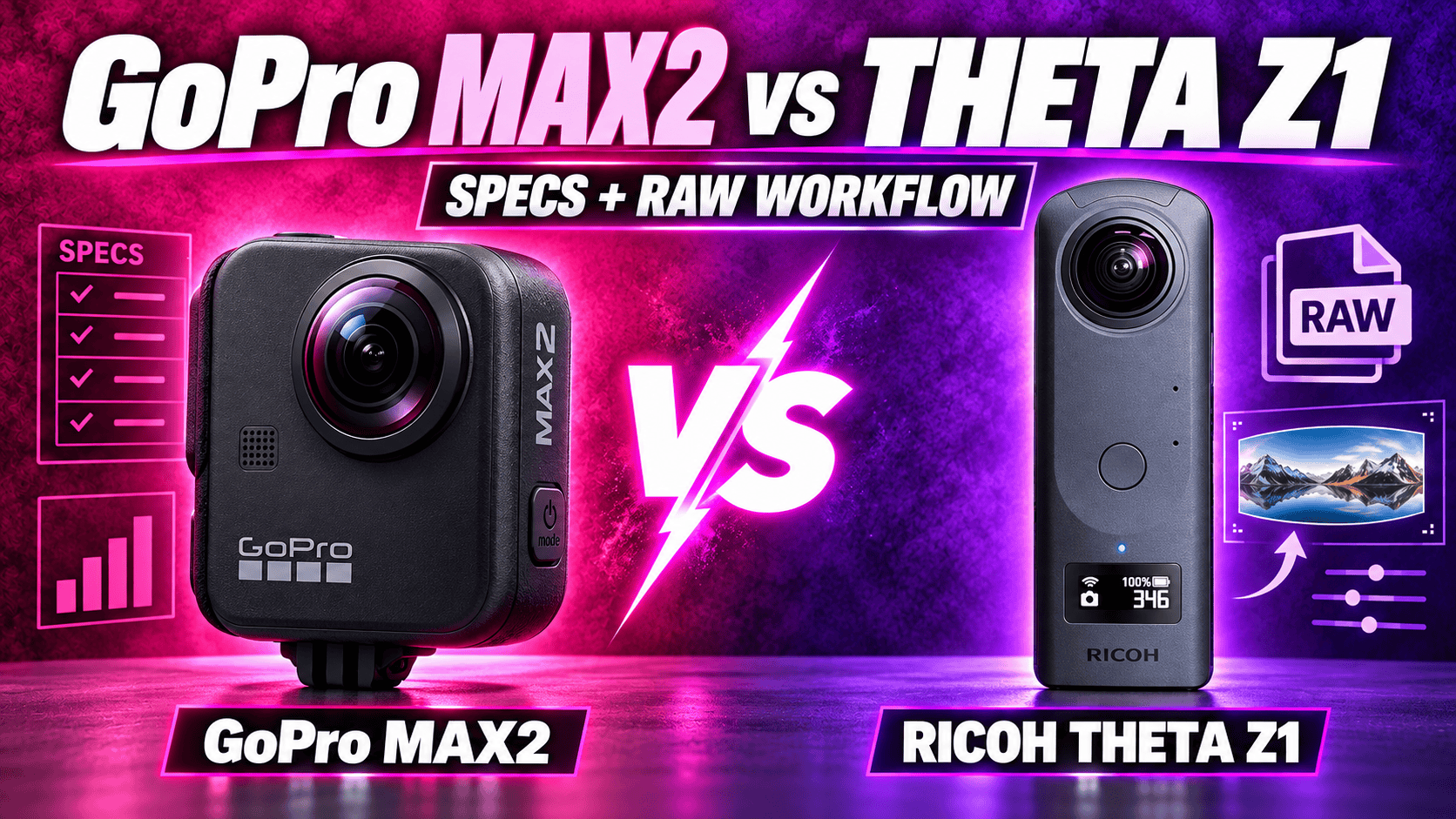
Technical comparison · Action video versus RAW still-photo workflow
MAX2 offers 8K spherical video, removable batteries and replaceable lenses. Theta Z1 offers DNG capture, three aperture settings and a separate RAW-development and stitching workflow. The decision starts with the deliverable, not an overall score.
Choose around still panoramas or action footage
For a spherical RAW workflow, Z1 has the documented route. MAX2's standard spherical photos use .36P or JPG, while its RAW option applies to single-lens photography. Optional Labs JPEG bracketing and HDRI processing are different capture and delivery methods, not a substitute for native spherical RAW.
For video-led travel work, MAX2 offers substantially more recording choices. Its 8K sphere and higher-frame-rate lower-resolution modes leave more flexibility for reframing than Z1's listed 4K29.97 maximum. That is a specification advantage, not proof of superior detail, noise or stabilization in every scene.
Sensors, optics and still-photo controls
| Parameter | GoPro MAX2 | Ricoh Theta Z1 |
|---|---|---|
| Sensor format | Dual 1/ | Dual 1-inch-type back-illuminated CMOS |
| Aperture | f/1.8 | f/2.1, f/3.5, f/5.6 |
| Standard sphere | 7680 × 3840; approximately 29.5 MP | JPEG: 6720 × 3360; approximately 23 MP |
| Other photo dimensions | Single lens: 4000 × 3000 | RAW: 7296 × 3648; not a finished stitched JPEG |
| Photo formats | .36P/JPG spherical; GPR RAW single-lens only | DNG and JPEG |
| ISO | Photo 100–3200; Night 100–800; video 100–6400 | 80–6400 |
| Manual still shutter | Ordinary photo: Auto or 1/ | 1/ |
| Exposure compensation | ±2 EV | ±2 EV in 1/ |
| White balance | 2300–6500 K | 2500–10000 K |
| Minimum shooting distance | Equivalent numeric value not established here | Approximately 0.4 m; not a seamless-stitching guarantee |
Sources: MAX2 technical specifications, its manual and Z1 specifications. Sensor-format labels alone do not establish a measured dynamic-range or low-light advantage.
Standard spherical-photo width
MAX2 — 7,680 pixels
Z1 JPEG — 6,720 pixels
RAW development, bracketing and HDRI
Z1's AE Bracket guide lists 3, 5, 7 or 9 shots, with exposure steps of 0.0/0.3/0.7/1.0/1.3/1.7/2.0/2.3/2.7/3.0, selectable order and an ISO-adjustment switch. Its separate Multi Bracket guide supports 2–19 parameter sets with independently chosen shutter, ISO and white balance. These are different sequence controls, not a promise that every listed capture format works with every combination; the cited guides do not establish that full matrix.
Z1's Stitcher FAQ describes RAW development into dual-fisheye JPEG or TIFF, then stitching those files into a sphere. Stitcher can run independently or as a Lightroom Classic plug-in. The FAQ identifies Lightroom Classic 13.4 as a confirmed version; this is not a promise that every future release behaves identically.
Its aperture-priority, shutter-priority, ISO-priority and manual controls offer different ways to standardize an interior shoot. Ricoh says a smartphone is needed to change modes and manual settings. Aperture choices are useful controls, but closing down can change exposure time and motion sensitivity; do not assume the smallest aperture is automatically the best setting for every room.
MAX2 Labs bracketing offers up to nine selected exposure positions from −4 to +4 EV using JPG rather than .36P. Triggering uses the physical shutter or a compatible BLE remote, not Quik. Optional renaming hides files from camera/Quik playback. The preset keeps the camera on; the RAW instruction explicitly applies to Single Lens.
The separate Labs HDRI workflow merges JPEG exposures into a lighting-environment .HDR file. Its page says up to eleven two-stop exposures while retaining nine-shot timing language later. Verify the script instead of promising a fixed duration. A lighting HDRI still needs a suitable tone-mapped output for ordinary tour delivery.
For a meaningful room test, capture the same windows, furniture and nearby doorframes from the same position. Compare equally sized final panoramas and record hands-on processing time. Keep the original capture files: a merged HDR output and a developed RAW master are not interchangeable evidence of what the sensor recorded.
Spherical video and audio
| Parameter | MAX2 | Z1 |
|---|---|---|
| Highest listed resolution | 7680 × 3840 at 24/ | 3840 × 1920 at 29.97 fps |
| Intermediate mode | 5376 × 2688 at 25/ | Not listed |
| Lower-resolution mode | 3328 × 1664 at 50/ | 1920 × 960 at 29.97 fps |
| Container / codec | .360 / HEVC | MP4 / H.264 |
| Bitrate | Launch 120 Mbps; June 2026 update up to 200 Mbps in specified modes | 4K: 56 Mbps; 2K: 16 Mbps |
| Log / bit depth | GP-Log; manual lists 10-bit for ordinary 8K sphere/4K single lens; June update expands timelapse support | Equivalent log/10-bit option not established here |
| Audio | Six microphones, stereo/360 audio; WAV single-lens only | AAC-LC mono plus four-channel spatial PCM |
GoPro's 25 June 2026 update announcement assigns its 200 Mbps claim to 8K spherical and 4K single-lens recording. Keep standard firmware distinct from separate Labs bitrate claims. Z1 bitrate values come from the 51GB launch specification. Neither a higher bitrate nor a log profile proves a better finished image by itself.
Both cameras spread spherical pixels across all directions; a reframed social clip uses only part of that image. MAX2's mode labelled 4K has different dimensions from Z1's 4K. Comparing the names alone would conceal the actual frame sizes and frame-rate tradeoff.
Special modes and capture limits
GoPro's linked 25 June 2026 announcement adds 10-bit color and GP-Log across TimeWarp, Night Effects, Time Lapse and Night Lapse. Keep these firmware additions separate from the launch manual's ordinary-video restrictions and from still-photo RAW support.
Z1's Time Shift exposes its two lenses sequentially so the photographer can move out of each view. The guide allows first-lens delay settings of 0–10 seconds and second-lens settings of 1–10 seconds, in one-second steps. This still-photo method is not equivalent to a moving timelapse. Moving subjects can also change between the two exposures, so inspect the completed seam.
| Task | MAX2 | Z1 |
|---|---|---|
| Single-lens video | 4K landscape, portrait or 4:3 at 24/ | Equivalent recording mode not listed |
| POV / Selfie | Retains full sphere for later reframing, with ordinary 360 resolutions/frame rates | Equivalent mode not listed |
| Moving timelapse | TimeWarp: spherical 8K30/5.6K30; flat 4K30/1080p30 | Equivalent mode not established |
| Stationary sequence | Time Lapse / Night Lapse: spherical 8K30/5.6K30 or standard 29 MP photos | Interval and interval-composite still capture |
| Exposure sequence | Optional Labs JPEG workflows described above | Multi-bracketing; launch document specifies up to 19 settings |
| Long recording | Mode-specific thermal/runtime result not measured here | Maximum 5 or 25 minutes per recording; temperature can stop recording |
MAX2's 4K single-lens sizes are 3840 × 2160, 2160 × 3840 or 4000 × 3000. Its 1080p options are 1920 × 1080 or 1080 × 1920. These flat outputs must not be confused with its lower-resolution, high-frame-rate spherical mode.
MAX2's 29 MP burst options are 5 or 10 frames in one second, 10 or 30 in three seconds, or 30 in six seconds. Star Trails, Light Painting and Vehicle Lights output 8K30 or 5.6K30 spherical video. Those creative sequences should not be interpreted as exposure-bracketed RAW still capture.
Ricoh's listed total storage capacity, per-recording duration and battery runtime are three different limits. A 51GB edition can hold more footage than the original edition without changing the maximum duration of one recording. Likewise, a still-photo interval sequence is not proof of an ordinary high-resolution video mode.
Hardware, storage and field maintenance
| Parameter | MAX2 | Z1 |
|---|---|---|
| Weight | 195 g including battery and mounting fingers | Approximately 182 g |
| Width × height × depth | 64 × 69.7 × 48.7 mm | 48 × 132.5 × 29.7 mm in current manual |
| Screen | 1.82-inch touchscreen | 0.93-inch status OLED; not a live-view touchscreen |
| Battery | Removable 1960 mAh Enduro | Built-in rechargeable battery |
| Storage | microSD A2 V30 or better; maximum capacity not established here | Approximately 19 GB or 51 GB internal |
| USB | Type-C 3.0 | Type-C 3.0 |
| Wireless | Listed Wi-Fi a/b/g/n/ac; BLE 5.3 | Wi-Fi a/b/g/n/ac; Bluetooth 4.2; regional restrictions apply |
| Operating temperature | −10–35°C | 0–40°C |
| Water rating | 5 m body rating | Equivalent waterproof rating not established |
| Lens repair | User-replaceable lenses; manufacturer says no recalibration required | Equivalent user-replacement procedure not established |
Z1's launch PDF gives a 48.2 mm width whereas its current manual gives 48 mm; the table follows the current manual. Ricoh quotes approximately 300 stills or 60 minutes of video using its own measurement method. These are reference values, not a prediction for a used battery or a matched test against MAX2.
Z1 wireless specifications come from Ricoh's archived catalogue. MAX2's technical panel labels wireless Wi-Fi 6 but omits ax from its protocol list; the table preserves the listed protocols. MAX2 also includes GPS, Bluetooth audio, folding mounting fingers, a 1/4-20 mount and Magnetic Latch Mount compatibility. These capabilities are not measured transfer-speed or accessory-clearance results.
GoPro's comparison tool with MAX2 selected lists approximately one hour to 80% and two hours to full charge with a 3 A/15 W source. No equivalent full-charge measurement or matched runtime for Z1 is supplied here. Removable power and fixed internal power create different recovery plans for a full-day job.
For construction work, protect both protruding lenses, copy originals before clearing storage and check available space before entering the site. A removable card is not itself a backup. MAX2 lens replacement addresses a field-maintenance problem; Z1's RAW workflow addresses a post-production problem. Neither makes the camera a calibrated surveying instrument.
Editing and export are part of the camera system
GoPro Player offers reframing and batch export and lists macOS 10.14 or Windows 10 with HEVC-capable graphics guidance. HyperSmooth Pro is a separate feature that explicitly excludes 360 content; do not confuse it with MAX2's camera stabilization. Quik is the mobile workflow, but a current MAX2-specific phone-performance baseline has not been established here.
Z1's RAW workflow needs a suitable developer before Stitcher. Budget for both software access and operator time, and test the actual computer/plug-in combination rather than treating the documented Lightroom version as universal compatibility. Preserve the unprocessed DNG, intermediate development and final sphere as distinct files.
Measure the whole assignment: offload, processing, stitching, seam inspection, export and upload. A camera with more source pixels or faster capture can still take longer to deliver if its files do not fit the team's established software workflow.
Real estate, construction and travel decisions
Real estate: Z1 is the more directly documented choice when spherical RAW and aperture selection are requirements. Validate finished interiors and processing time before extending that format advantage into a blanket image-quality claim.
Construction: MAX2's replaceable lenses and removable power may suit repeat visits, while Z1's RAW controls may suit carefully exposed documentation. Use consistent viewpoints and naming regardless of camera. See our construction-site virtual-tour workflow.
Travel: MAX2's video-mode range suits a mixed spherical-video and social-crop brief. For destination stills on owner-operated Panorra, test the final panorama export and upload; native camera-file compatibility is not assumed.
Read the MAX2 and Theta Z1 camera guides, compare DJI Osmo 360 vs MAX2, or explore the comparison directory. Include protection, support, power, software and staff time when comparing complete-kit costs.




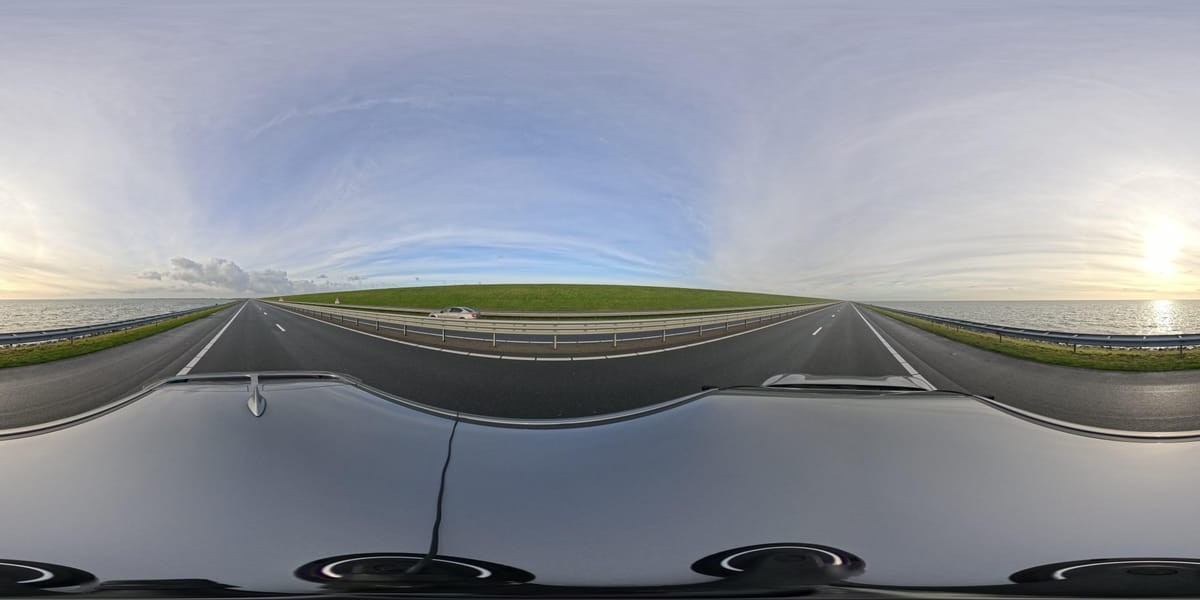
_2025-11-02_08H30M14S000_(1546019943479385_at_S5wp7d3cHai9lgKELnOqAW)_taken_with_GoPro_MAX2.jpg)
Comments ()