DJI Osmo 360 vs Ricoh Theta Z1: Specs and Tour Workflow
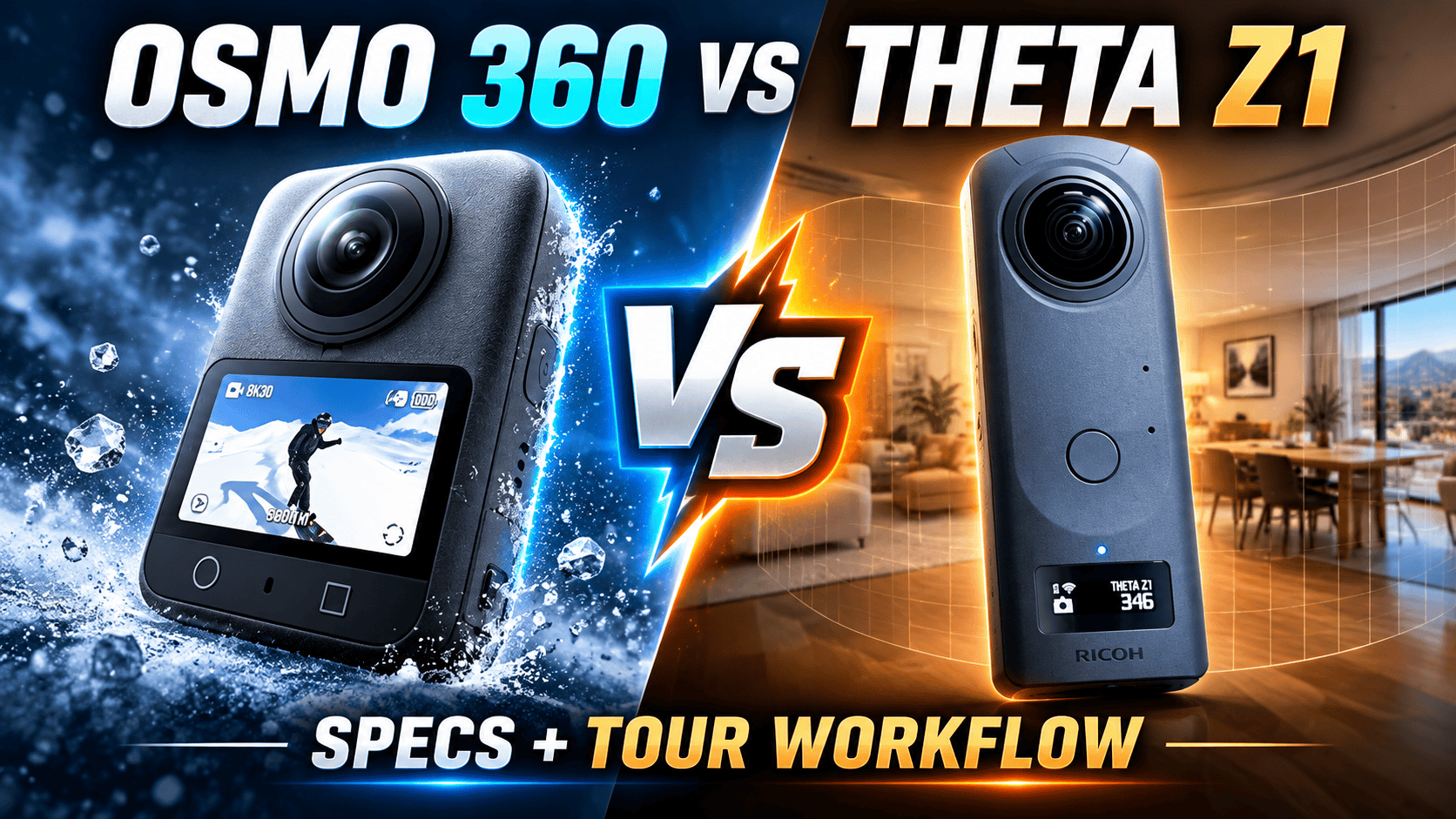
Technical comparison · JPEG delivery or RAW development?
Osmo 360 combines a large listed JPEG panorama, high-frame-rate 8K capture and expandable storage. Theta Z1 provides native DNG capture and selectable aperture. For an interior photographer, the decisive question is how each camera gets from a difficult room to an acceptable delivered panorama.
Which problem are you trying to solve?
If native RAW is a required part of your still-photo archive, Z1 documents that capability; DJI's cited Osmo 360 specification lists JPEG. If the assignment also requires reframed moving footage, Osmo 360's documented recording modes offer a different toolset from Z1. Neither distinction proves which produces the better finished photograph in your room.
A Z1 owner adding a camera for video need not automatically replace the still-tour workflow. Conversely, a photographer who primarily delivers JPEG should calculate whether a RAW development stage earns its time through the final result. Evaluate the complete job, including offload, editing and revision requests.
Sensors, optics and still-photo controls
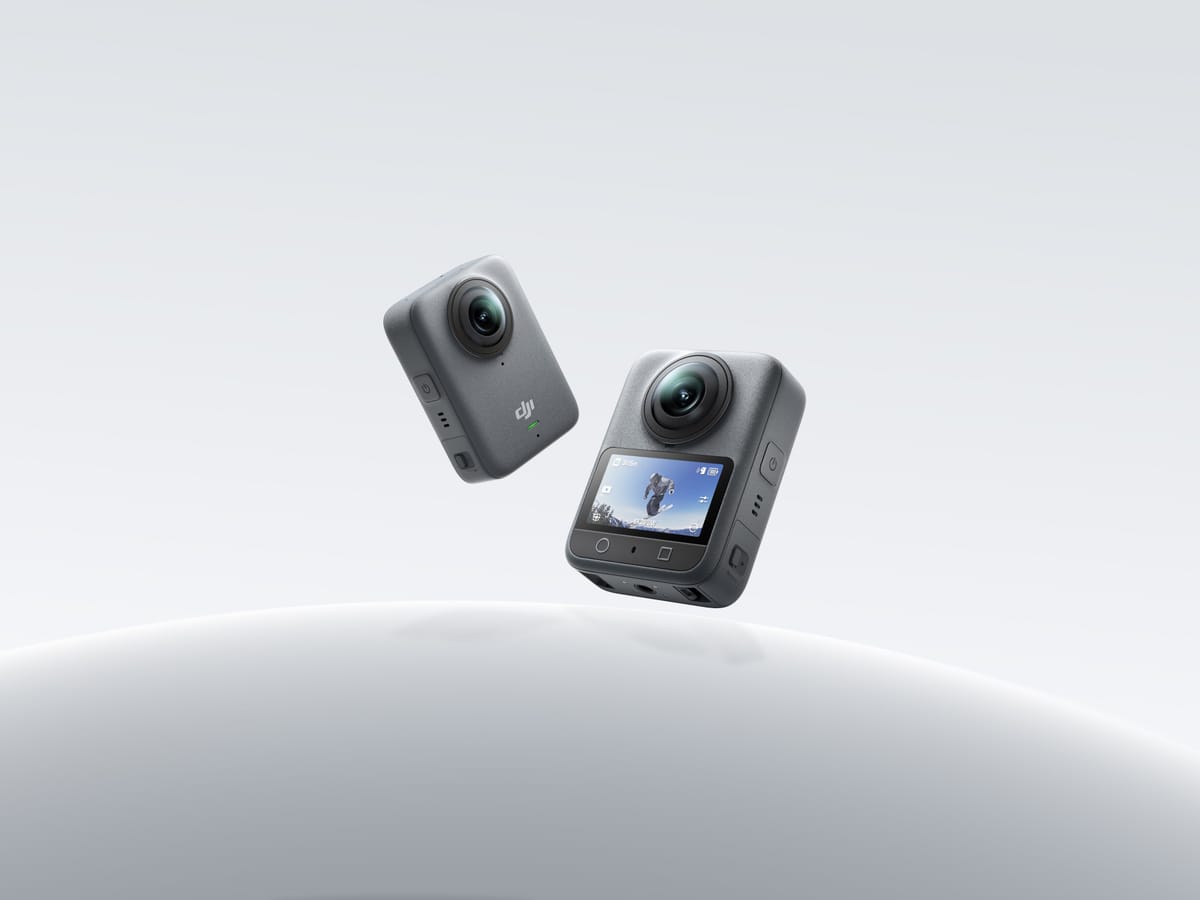
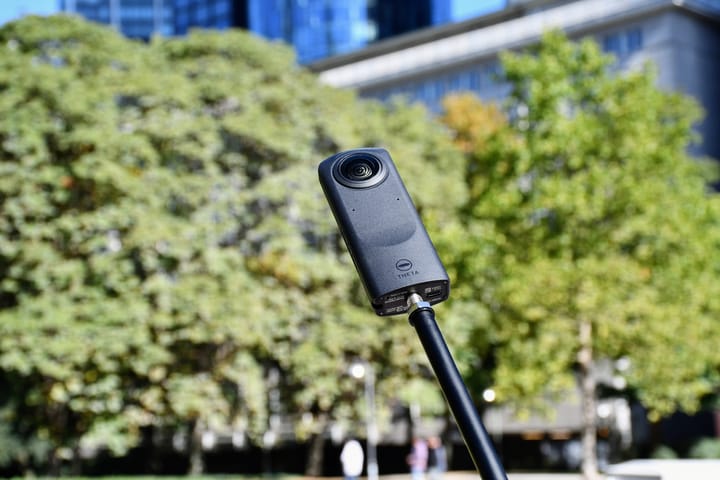
Product photographs are not to scale and are not sample captures.
| Parameter | Osmo 360 | Theta Z1 |
|---|---|---|
| Sensor format | 1/ | Two 1-inch-type back-illuminated CMOS sensors |
| Aperture | f/1.9 | f/2.1, f/3.5, f/5.6 |
| Maximum panorama / JPEG | 15520 × 7760; 120 MP | 6720 × 3360 |
| Other dimensions | Single-lens photo: 6400 × 4800 | RAW: 7296 × 3648 |
| Still formats | JPEG | JPEG, DNG |
| Listed ISO range | 100–51200 | 80–6400 |
| Manual photo shutter | 1/ | 1/ |
| Exposure compensation | Numeric limits not established here | ±2 EV; 1/ |
| White balance range | Numeric limits not established here | 2500–10000 K |
| Minimum focus / shooting distance | 0.35 m | About 0.4 m |
| Separate stitching guidance | At least 0.75 m | Equivalent numeric clearance not established here |
Sources: DJI specifications, DJI FAQ and Z1 specifications. Sensor-format labels and ISO ceilings are not measurements of usable dynamic range or clean shadow detail. Focus distance is not stitching clearance.
Maximum listed panorama/JPEG width
Osmo 360 — 15,520 pixels
Z1 JPEG — 6,720 pixels
Do not compare a RAW master with a finished JPEG
Z1 supports aperture-priority, shutter-priority, ISO-priority, manual and automatic exposure; its manual requires smartphone control for changing modes and manual settings. DJI's FAQ documents shutter and ISO adjustment through PRO mode and manual exposure. A fixed aperture does not mean an entirely automatic exposure workflow.
The Ricoh Stitcher FAQ describes developing DNG to dual-fisheye JPEG or TIFF, then stitching. It supports standalone operation or a Lightroom Classic plug-in and names Lightroom 13.4 as a confirmed version. Test your actual developer and stitcher versions; that dated confirmation is not certification of every later combination.
For JPEG capture, decide exposure and white balance carefully before a whole property run. For RAW capture, include development, stitching and cleanup in the time estimate. More editing latitude is only useful if the team can reproduce the intended result. Keep untouched originals separately from resized client files in either workflow.
A useful acceptance test includes a bright window, dark textured furniture and a nearby doorframe crossing a seam. Match viewpoint and final viewing size, record the settings, and inspect the hosted panorama. This comparison does not substitute unrelated manufacturer samples for that test.
Recording formats and motion deliverables
| Parameter | Osmo 360 | Theta Z1 |
|---|---|---|
| 8K: 7680 × 3840 | 24/ | Not listed |
| 6K: 6000 × 3000 | 24/ | Not listed |
| 4K: 3840 × 1920 | 100 fps | 29.97 fps |
| 2K: 1920 × 960 | Not listed as ordinary panorama video | 29.97 fps |
| Recording files | OSV panorama; MP4/HEVC flat | MP4; H.264 |
| Maximum bitrate | 170 Mbps | 56 Mbps at 4K; 16 Mbps at 2K in 51GB launch specification |
| Low-light panorama mode | SuperNight: 8K/6K at 24/ | Equivalent dedicated mode not established here |
| Audio encoding | 48 kHz, 16-bit AAC | AAC-LC mono plus four-channel spatial PCM |
Video sources: DJI's specifications/FAQ and Ricoh's manual, with Z1 bitrates from the 2021 51GB launch specification. Recording and live-stream bitrates are different. Z1's manual lists 5- or 25-minute recording limits depending on settings and warns about temperature; an ordinary resolution entry is not a guarantee of uninterrupted capture.
DJI documents RockSteady 3.0 and HorizonSteady; panoramic stabilization is chosen during Mimo export. Single-lens HorizonSteady is limited to standard-view, distortion-corrected 16:9 video up to 60 fps. Its product overview lists 10-bit and D-Log M. We have not established an equivalent Z1 log workflow or performed a stabilization comparison.
Single-lens clips and special modes
DJI's FAQ lists ordinary single-lens 5K, 4K and 2.7K at 25/30/50/60 fps in 4:3 or 16:9; Boost extends 4K/2.7K to 100/120 fps with portrait options. These are not full-sphere high-frame-rate modes. The Z1 manual does not list equivalents.
| Mode | Osmo 360 | Theta Z1 |
|---|---|---|
| Selfie | 3840 × 3840 up to 60; 3000 × 3000 up to 120; 1920 × 1920 up to 240 fps | Equivalent mode not listed |
| Vortex | 6000 × 1500 at 100/ | Equivalent mode not listed |
| Timelapse | 8K25/ | Interval and interval-composite still shooting |
| Hyperlapse | 8K25/ | Equivalent mode not listed |
These mode labels come from the linked specifications; a narrow Vortex output is not a complete 2:1 sphere. Timelapse playback rate is not the capture interval. For a client requesting a navigable room or dated site record, retain an appropriate full panorama rather than only an accelerated or reframed clip.
Storage, power and protection
| Parameter | Osmo 360 | Theta Z1 |
|---|---|---|
| Weight | 183 g | 182 g |
| Dimensions | 61 × 36.3 × 81 mm, L×W×H | 48 × 132.5 × 29.7 mm, W×H×D |
| Screen | 2.0-inch; 314 × 556 | 0.93-inch status OLED; 128 × 36 |
| Battery | Removable 1950 mAh | Built-in rechargeable |
| Storage | 128 GB internal, 105 GB usable; microSD up to 1 TB | About 19 GB original or 51 GB variant; internal |
| USB / Bluetooth | USB-C 3.1 / BLE 5.1 | USB-C 3.0 / Bluetooth 4.2 |
| Wi-Fi | 802.11a/b/g/n/ac/ax | 802.11a/b/g/n/ac; regional restrictions |
| Operating temperature | −20–45°C | 0–40°C |
| Body water protection | IP68; 10 m | No rating established by cited sources |
Z1 display/wireless values are documented in Ricoh's archived catalogue. The nearly identical listed weights do not mean identical handling: body shape, screen and power arrangements differ. Inspect the battery condition and storage edition when considering a used Z1.
DJI's FAQ quotes 100 minutes at 8K30, 120 with Endurance enabled or 190 at 6K24 Endurance. Its method uses 25°C, screen off and several control/wireless features off; EU/UK results can differ. Ricoh quotes around 300 photos or 60 minutes of video using its own method. These are not a matched property-shoot endurance test.
DJI lists PD 3.0 charging with a 30 W-or-higher adapter and compatibility with the 1950 mAh Extreme Battery Plus or 1770 mAh Extreme Battery. Spare batteries address one interruption risk; the Z1's built-in battery requires a different charging plan. Full-charge times have not been established for this comparison.
Protect exposed lenses and use the appropriate mounting instructions. DJI's water-depth claim does not guarantee correct underwater stitching, and neither model should be treated as suitable for every construction hazard.
Offload, editing and the job decision
DJI's FAQ supports Mimo or USB transfer for internal/card storage; a card reader accesses the card only. Its downloads page lists Mimo requirements separately from Studio: at this check, Mimo 2.12.0 requires iOS 15 or Android 9, while Studio 1.2.11 lists macOS 11 on M1 or newer, or Windows 10+, with at least 16 GB RAM recommended. Test real files on the intended computer; operating-system support is not a performance benchmark.
For Z1, validate the chosen RAW developer and Stitcher combination before a booking. For either system, preserve a separate verified backup before clearing originals. Do not assume a mobile export preserves every attribute of a camera master.
Real estate: base the choice on a completed difficult-room panorama and its production time. Native DNG and selectable aperture are documented Z1 capabilities; higher JPEG dimensions and broader video modes are documented DJI capabilities. Neither is a substitute for a matched result.
Construction: use repeatable camera height and position, exposure policy and file naming. If changing systems, record an overlapping reference visit so rendering changes are not mistaken for physical site changes. See the construction-site virtual-tour workflow; no survey-grade accuracy is claimed.
Travel: DJI covers more moving-footage tasks, while Z1 remains an option for deliberate still capture. Preserve full destination panoramas for owner-operated Panorra separately from social clips. No end-to-end integration test is claimed.
Read the individual Osmo 360 and Z1 guides, compare Osmo 360 vs X5 or Theta X vs Z1, or browse the comparison directory. Use current kit/software quotes and realistic processing costs rather than an unverified permanent price ranking.




Comments ()