QooCam 3 Ultra vs Ricoh Theta Z1: Specs and RAW Tour Workflow
Technical comparison · Interior photography and mixed-media tours
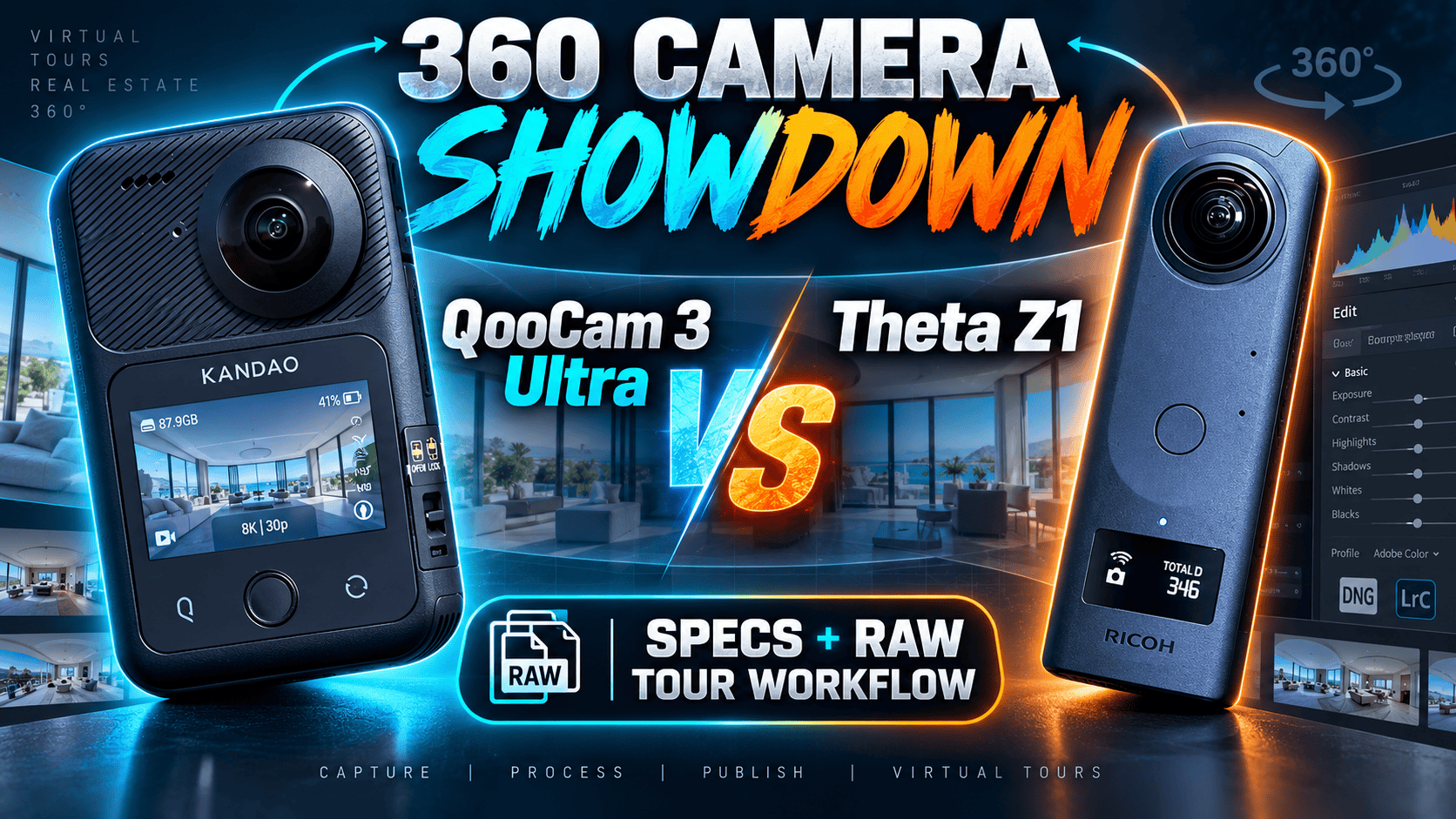
The Ultra offers much larger panorama files, 8K video and removable power. The Theta Z1 offers larger sensor formats, selectable apertures and a different RAW production route. The interesting interior-photo comparison is not simply 96 MP versus 23 MP: Ultra's DR Boost works at 24 MP, while the Z1's RAW dimensions are not its stitched JPEG dimensions.
Start with the deliverable, then choose a capture route
Shortlist the Ultra for assignments combining high-resolution panoramas with 8K footage, or where card storage and swappable batteries solve an operational limitation. Keep the Z1 on the shortlist for a deliberate RAW interior workflow with aperture control. Neither recommendation establishes a winner for difficult window scenes.
For an existing Z1 operator, switching brands means learning a new capture-to-stitch process as well as buying a camera. Test a complete small property before moving a client schedule to the new system. For a new operator, compare finished results and editing effort from both routes rather than inheriting somebody else's preferred settings.
Sensor, optics and exposure specifications
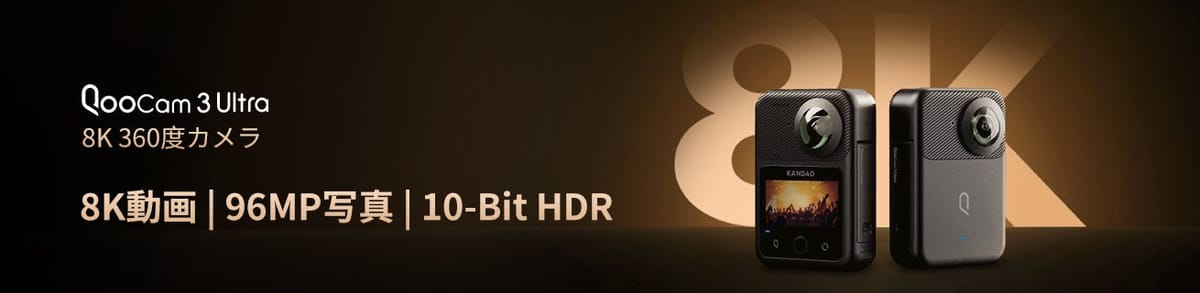
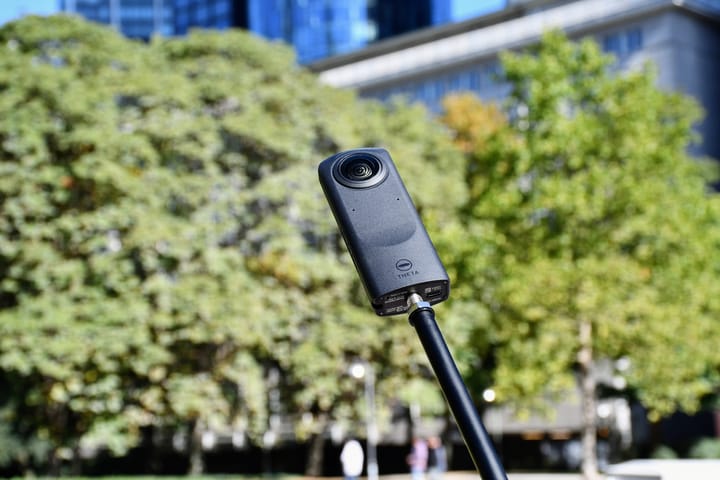
Product images are not to scale and are not camera sample captures.
| Parameter | QooCam 3 Ultra | Theta Z1 |
|---|---|---|
| Sensor format | 1/1.7-inch type | Two 1-inch-type back-illuminated CMOS sensors |
| Aperture | f/1.6 | f/2.1, f/3.5, f/5.6 |
| Maximum photo dimensions | 13888 × 6944; 96 MP | JPEG: 6720 × 3360 |
| Other photo dimensions | 6944 × 3472; 24 MP | RAW: 7296 × 3648, not a stitched-JPEG comparison |
| Listed photo formats | JPEG, DNG, EXR | JPEG, DNG |
| Ordinary ISO range | 100–6400 | 80–6400 |
| Photo shutter, manual range | 1/6400–50 s | 1/25000–60 s |
| Exposure compensation | ±4 EV | ±2 EV; 1/3-stop steps |
| Color temperature | Auto; 2500–10000 K | Auto, presets; 2500–10000 K |
Sources: Ultra technical specifications and Z1 manual. Z1 lists aperture-priority as well as manual, shutter-priority, ISO-priority and automatic shooting. Its manual requires a smartphone for changing modes or manual settings. A wider compensation range is not a measurement of recoverable highlights.
Why the headline resolution gap needs context
Maximum listed panorama/JPEG width
Ultra — 13,888 pixels
Z1 JPEG — 6,720 pixels
In DR Boost, Ultra's listed 6944-pixel width is much closer to the Z1 JPEG's 6720 pixels than its 96 MP headline suggests. That makes mode selection central to the comparison. A larger standard capture and a lower-resolution enhanced capture answer different needs; evaluate the actual route you will use in a bright-window interior.
DNG, DNG8, AEB and DR Boost are not interchangeable
The Ultra shooting guide describes DNG8 as eight captures at the same exposure parameters, merged in QooCam Studio. AEB varies the exposure instead. Do not count eight same-exposure files as eight brackets or assume they recover a clipped highlight.
The Ultra FAQ limits DR Boost photos to 24 MP, with ISO 6–100 and a 1/800–30-second shutter range in that mode. Those values must not be combined with the ordinary 96 MP/ISO 6400 specification as one setting.
Z1 supports native DNG capture, multi-bracketing, HDR rendering and interval composite functions. A DNG file still needs the chosen development and stitching route; transferring it to a laptop is not a finished tour. Avoid treating an optional plug-in's processing behavior as a specification of every Z1 capture.
- Use a fixed tripod position and a quiet interior with difficult window light.
- Capture each camera with the mode intended for production, recording exposure and software versions.
- Develop, merge where required, stitch and export a complete sphere.
- Inspect matching viewer sizes for window edges, dark surfaces, seams and moving-object artifacts.
- Record total working time as well as visual acceptability before choosing the route for a whole property.
Video specifications change the shortlist
| Parameter | Ultra | Z1 |
|---|---|---|
| 8K 360 | 24/25/30 fps | Not listed |
| 5.7K 360 | 24/25/30/50/60 fps | Not listed |
| 4K 360 | 100/120 fps in technical table | 3840 × 1920; 29.97 fps |
| 2K 360 | Not listed in cited table | 1920 × 960; 29.97 fps |
| Single-lens video | 4K up to 60 fps; 100 fps resolution conflict below | Not listed in cited manual |
| Codec / container | H.265 / MP4 | H.264 / MP4 |
| Maximum recording bitrate | 150 Mbps | 56 Mbps at 4K; 16 Mbps at 2K in Ricoh's 51GB launch specification |
| Video color options | 8-bit Rec.709; 10-bit HLG Pro, HLG Normal, K-Log | Comparable log/HLG options not established by cited manual |
| Audio | Four-channel AAC; 48 kHz, 16-bit | AAC-LC mono plus four-channel spatial PCM |
Ultra's FAQ specifies H.265; MP4 alone is only a container name. Its technical page lists single-lens 4K100, while the FAQ lists 3.4K100. Confirm firmware and actual output before promising that deliverable. Z1 bitrate figures come from Ricoh's 2021 51GB specification, not the current manual, and should not be substituted for live-stream bitrates.
A hotel operator needing 8K footage has a clear specification reason to investigate Ultra. A still-tour operator does not: video capability does not prove better room panoramas. Ten-bit HLG or K-Log also requires suitable editing and delivery color management. We have not measured either camera's stabilization or thermal endurance.
Field hardware, power and storage
| Parameter | Ultra | Z1 |
|---|---|---|
| Weight | 336 g with battery; 296 g body only | 182 g with built-in battery |
| Listed width × height × depth | 71.5 × 103.2 × 26.6 mm | 48 × 132.5 × 29.7 mm |
| Display | 2.19-inch touchscreen | 0.93-inch OLED status panel |
| Battery | Removable; 2280 mAh | Built-in rechargeable battery |
| Charging connection | USB-C; PD/QC; 9 V/2 A or 5 V/3 A | USB-C; supplied cable to computer per manual |
| Full-charge claim | About 75 minutes, camera off under laboratory conditions | Not specified in cited specification manual |
| USB data standard | USB 3.1 Gen 2, per support FAQ | USB 3.0 |
| Internal storage | 128 GB nominal; about 98.2 GB usable | About 19 GB original or 51 GB variant |
| Memory card | microSD up to 1 TB; UHS-I V30; exFAT | Internal storage only |
| Wi-Fi | 2.4/5 GHz; a/b/g/n/ac/ax | 2.4/5 GHz; a/b/g/n/ac, region-dependent |
| Bluetooth | 5.2 | 4.2 |
| Built-in GPS | Yes | Not specified in cited manual |
| Working temperature | −20–40°C | 0–40°C |
| Water protection | IP68; 10 m manufacturer claim | No rating established by cited sources |
Z1 display and wireless details are in Ricoh's archived catalogue. Ultra usable storage and charging are described in its preparation guide. Confirm the Z1 storage version when buying used; 51 GB does not make the original model expandable.
Ultra lists roughly 50 minutes at 10-bit 8K or 75 minutes at 8-bit 5.7K. Ricoh quotes about 300 still images or 60 minutes of video using its own method. These are not equivalent workloads and cannot support an endurance winner. Z1's built-in battery condition deserves attention on a used unit; Ultra's spare battery offers a different downtime strategy.
Ultra's FAQ gives conflicting advice about battery removal during external-power operation. Keep the battery installed and verify the intended setup before an unattended job. Neither internal recording storage nor a memory card is a backup: verify a separate copy before deleting originals.
Processing and transfer are part of the purchase
Ricoh's Theta Stitcher FAQ defines a two-stage RAW route: develop the DNG in RAW software, then send a dual-fisheye JPEG or TIFF to Stitcher to produce the sphere. Stitcher can run standalone or as a Lightroom Classic plug-in. The FAQ names Lightroom Classic 13.4 as a confirmed version; this is not confirmation of every newer Lightroom or operating-system combination.
Test the complete software route with originals before a paid booking. Ultra's FAQ lists Android 9 with Snapdragon 855 or Exynos 2200 and a 64-bit system, or iOS 13 with A12, as app baselines. Those are not promises about every later app release or all editing functions. For the Z1, confirm the exact RAW developer, stitching tool and phone-control workflow you intend to use.
Export a complete panorama for the tour, not just a reframed video or preview. Check the hosted sphere at phone and desktop sizes and retain the original captures separately. This article does not certify an end-to-end integration for either camera.
Kandao's FAQ identifies the Ultra connection as USB 3.1 Gen 2, not Thunderbolt. That protocol ceiling is not a measured copy speed. Its Mac instructions use an MTP transfer tool and require copying files locally before editing; a removed microSD card offers a separate card-reader route. Verify the transfer tool on your installed macOS version before relying on internal storage for a trip.
Real estate, construction and travel
Real estate: compare Z1 RAW development against Ultra's actual chosen mode, including 24 MP DR Boost if relevant. The 96 MP versus 23 MP headline alone is a poor buying rule for window recovery.
Construction: Ultra's removable power, card option and weather rating may fit a field plan, but GPS is not survey accuracy. Z1 needs an appropriate protection and charging plan. Keep dated viewpoint IDs and consistent capture height; see our construction-site virtual-tour workflow.
Travel: Z1 is lighter than Ultra's battery-installed configuration; Ultra supplies a broader documented video toolkit. Compare the complete support and protection kit. Preserve destination spheres for owner-operated Panorra separately from promotional clips.
Continue researching the workflow
Read the individual QooCam 3 Ultra and Theta Z1 guides, explore Theta X vs Z1, or use the comparison directory. Obtain current camera, accessory and software quotes rather than assuming a permanent price advantage.




Comments ()