Antigravity A1 Problems, Complaints & Common Issues: What Owners Say
Owner reports · Checked September 22, 2026
This review separates complaints about the A1’s live transmission and goggles from the quality of the camera’s saved footage. The evidence supports two recurring owner-experience topics, not a universal hardware diagnosis.
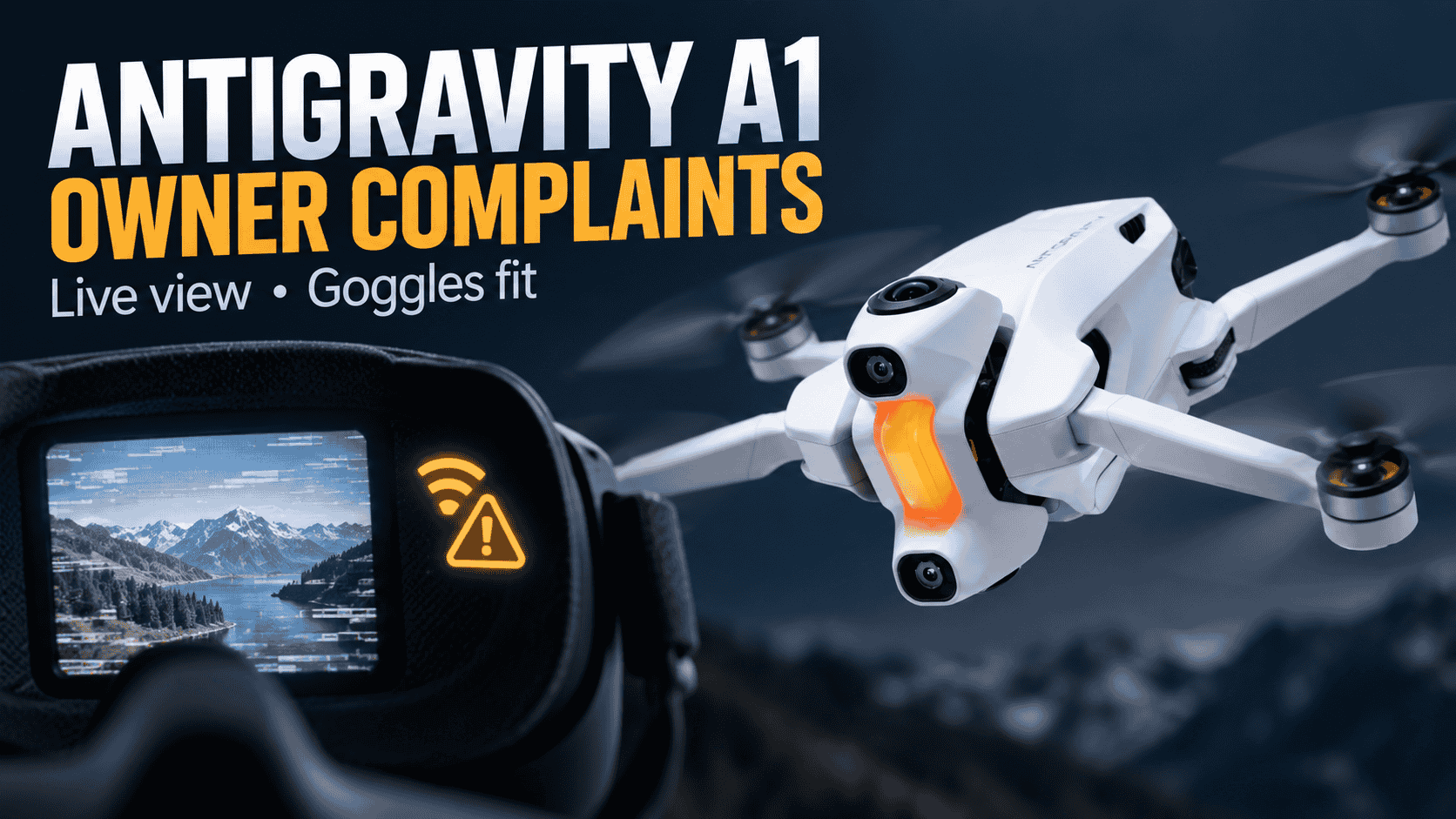
Live-view image breakup and disappointing transmission range
One A1 owner reports degraded preview quality and range warnings before reaching approximately 490 metres during a flight near Santa Fe. They describe an elevated, unobstructed position and a recent firmware update, but do not supply the version. A later reply says the drone was purchased in the EU; their suggestion that regional configuration might explain the result remains unverified. Source: A1 live-view and range discussion.
A separate confirmed A1 buyer describes substantial transmission-image breakup on a route where their Mavic Air had performed better. That comparison is an owner account, not a controlled radio test: distance, interference and matching conditions are not documented. They sought a return, but the thread does not establish a completed resolution. Source: independent A1 transmission report.
The common symptom is deterioration of the live view. Neither report proves corrupted saved footage, a fixed maximum operating distance, or one common cause. Other owners report satisfactory transmission: a confirmed A1 buyer in this ownership discussion describes no range or latency complaints in their own flying locations. Do not treat any reported distance as a safe flight target or a reason to push through signal warnings.
Difficulty getting the whole goggles display clearly in focus
A glasses-wearing A1 owner says adjusting the diopters clears some of the view but not all dashboard widgets, especially those near the top. A second A1 owner describes needing to position the goggles against their eyebrows to obtain focus, with clarity still unsatisfactory. Sources: dashboard clarity complaint and independent fit and focus account.
This concerns headset fit and viewing clarity, not the focus of the drone’s recorded video. The second owner also experiences fit-related focus trouble with another headset, and praises the A1 goggles’ light weight and the drone’s FPV flight. Their experience does not establish a manufacturing fault shared by all units. Neither account provides a confirmed adjustment or replacement that resolved the issue.
The official Vision Goggles specifications list an interpupillary-distance adjustment range of 59–72 mm and native diopter adjustment from −5.0 D to +2.0 D. These are separate fit variables, not a guarantee of clarity for every wearer. The same specifications distinguish the goggles’ display and recording system from the drone camera; a blurry headset view alone does not establish blurry original camera files.
The same specifications say optional −3.0 D corrective lenses extend the diopter correction range to +2.0 D through −8.0 D. This is a manufacturer-listed fit option, not a confirmed resolution for the owners' dashboard-clarity complaints. Source: manufacturer documentation.
How to interpret these reports
The A1's published maximum one-way transmission distances are 10 km (FCC), 8 km (SRRC), 6 km (CE) and 4 km (MIC), tested outdoors at 25°C in an open, interference-free environment and excluding return-to-home. Antigravity says actual performance varies with environment, usage and firmware. These are controlled test figures, not a safe flight target or proof that an individual live-view loss is a camera fault. Record the installed firmware versions, location, obstacles and exact warning messages when contacting support; do not infer a radio fault solely by comparing a flight with a headline maximum-distance figure. Source: manufacturer documentation.
Our review covered transmission, goggles, image quality, stabilization, power, storage/editing and support. Isolated stabilization, startup, activation and battery-duration reports did not establish additional recurring faults. Image noise in goggles playback, softness after reframing and live-view signal breakup are different symptoms—not interchangeable evidence of a single camera defect.
Preserve original footage and flight logs before troubleshooting, and back up important files before resetting devices or formatting storage. Check the exact component involved: drone, goggles, controller, battery or editing software. A suggested workaround is not a verified fix until the owner reports a successful retest.
For specifications and alternatives, visit our 360-camera comparison hub.


Comments ()