Ricoh Theta X: Virtual Tours, HDR-DNG & Real Estate
Camera analysis · Property, business, construction and travel
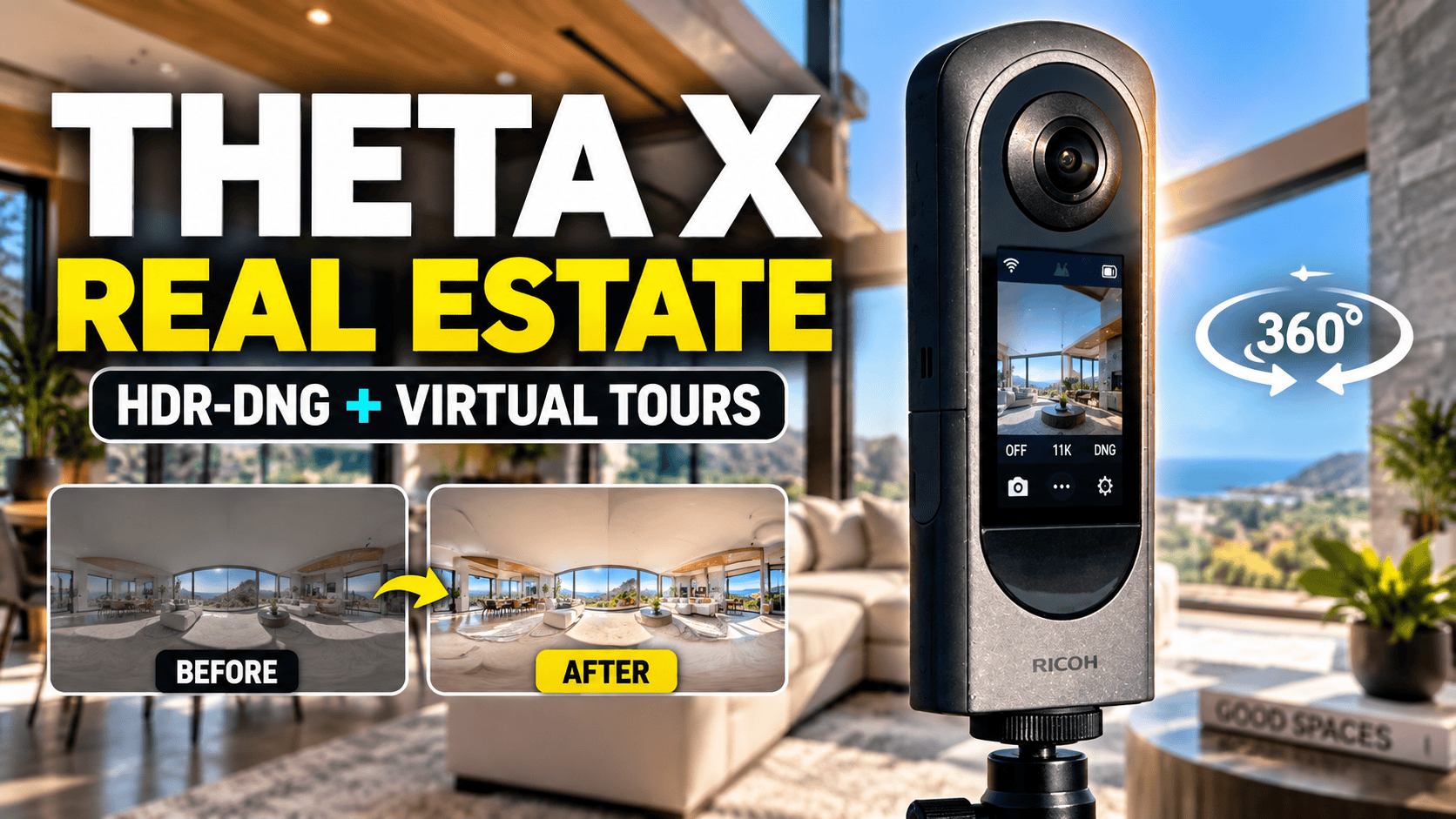
The Theta X combines a touchscreen-led shooting experience with high-resolution panoramas. Its later HDR-DNG plug-in adds an editing route that early reviews could not evaluate.
Who should consider the Theta X?
The Theta X deserves consideration when a photographer needs to capture many locations and keep the equipment easy to operate. A screen on the camera and a replaceable battery can be useful operational advantages, but neither guarantees that the finished panorama meets a client's expectations. Evaluate it with a representative room and your actual delivery platform.
Its strongest editorial distinction is the choice between workflows. A business can investigate a relatively direct JPEG route for routine documentation, or a more involved HDR-DNG route when editing control matters. Treat those as separate processes with separate time budgets. Buying the camera does not make every output equally quick to deliver.
Specifications that matter for tours
| Feature | Theta X |
|---|---|
| Sensor format | Two 1/2-inch-type sensors |
| Aperture | f/2.4 |
| Standard still sizes | 11008 × 5504 or 5504 × 2752 |
| Standard still format | JPEG; separate HDR-DNG plug-in discussed below |
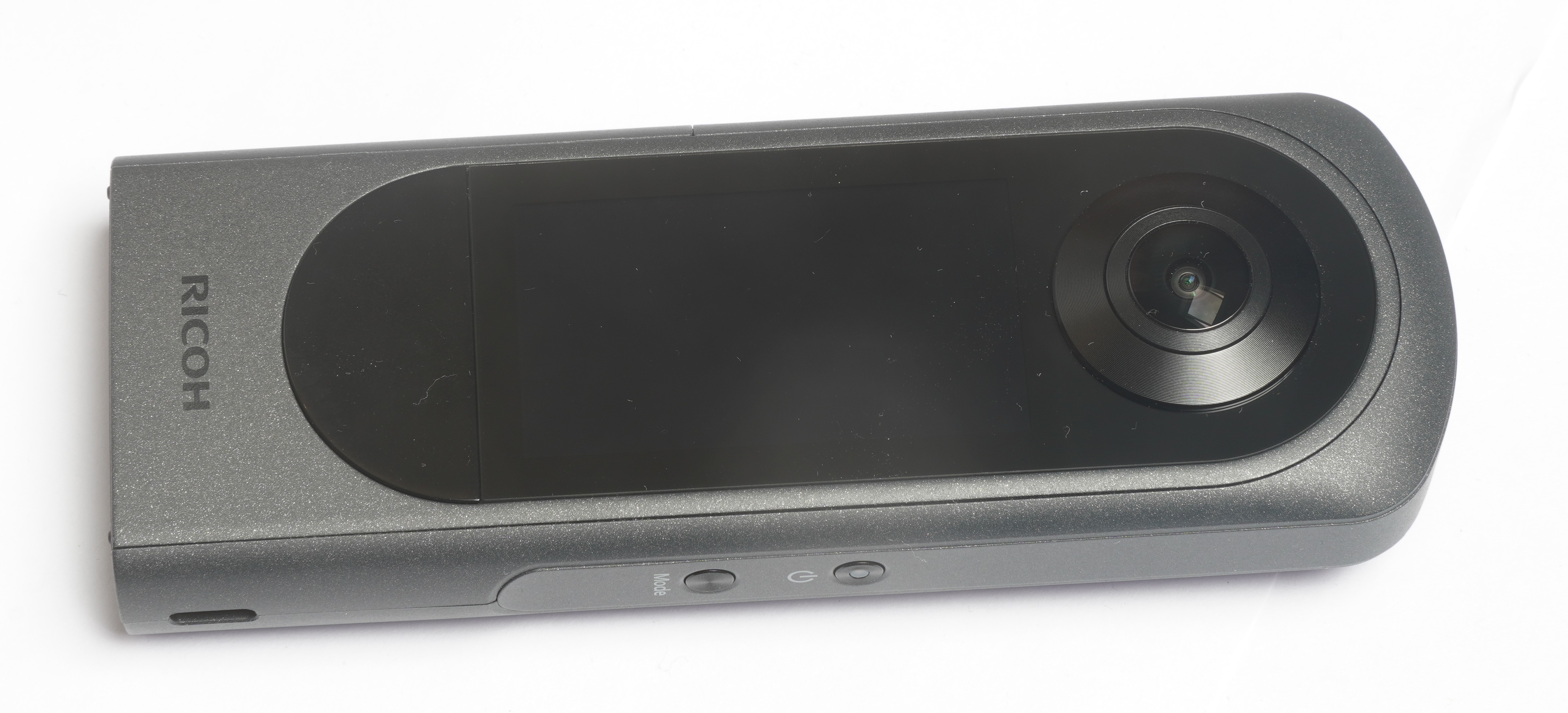
| Display | 2.25-inch color touchscreen |
| Power | DB-110 rechargeable battery, 1350 mAh |
| Weight | Approximately 170 g including battery and microSDXC card |
| Video examples | 5.7K at 30 fps; 4K at 60 fps; 8K at 10 or 2 fps |
Source: Ricoh Theta X specifications. The 8K modes are low-frame-rate options, not an 8K/30 action-video specification. Choose according to the intended output rather than the largest number in a listing.
Why “JPEG-only” is no longer the full explanation
Ricoh documents an HDR-DNG plug-in for Theta X that processes four RAW captures into an HDR-DNG output. Its installation guidance specifies firmware 2.61.0 or later. This does not mean that ordinary camera shooting automatically produces RAW files: the plug-in is a distinct capture workflow.
Ricoh's processing instructions describe developing the DNG in RAW-editing software, exporting dual-fisheye JPEG/TIFF files and then using Theta Stitcher. The instructions identify Lightroom Classic 13.5 as a verified environment at the time of publication. They also say to disable Auto Align when using Lightroom HDR Merge. Check your current software against the documentation; these historical version references are not a claim that we tested today's software.
Our interpretation is that the plug-in broadens the camera's options while changing the labor involved. If your goal is immediate delivery, judge standard JPEG capture on its own results. If your goal is careful editing, test the complete plug-in route. Do not combine the speed advantage of one route with the editing potential of another and present that as a single tested result.
Ricoh's instructions provide a phone-browser route: start HDR-DNG on the camera, connect the phone to its access-point Wi-Fi and scan the plug-in's QR code. Ricoh advises securing the camera during processing, which it says takes up to around ten seconds. This is manufacturer guidance, not our measured capture time. Its stitching precautions require dual-fisheye JPEG or RGB TIFF files and recommend keeping them beside the original DNG or one folder below.
For an interior assignment, rehearse that browser route before arriving. Keep moving people and nearby doors out of the capture sequence where practical, and do not move the tripod as soon as the shutter is pressed. Record whether a delivered room used standard JPEG or HDR-DNG so later revisions follow the same process.
What the two panorama sizes actually mean
Specified horizontal image dimensions
11K still — 11,008 pixels
5.5K still — 5,504 pixels
A virtual-tour visitor sees a portion of the sphere, not the entire rectangular file at once. Compare images inside the viewer at the same zoom setting. Inspect the text on a sign, a fine railing and the edge of a doorway. More pixels may help, but a poor stitch or aggressive compression can dominate the result.
How to interpret older reviews
An independent 2024 comparison praised the Theta X's large screen and direct in-camera stitching workflow. That discussion is useful context for usability, but it should not be treated as a test of the later HDR-DNG route.
The important review question is therefore not just “Which camera won?” Ask which firmware, capture mode and editing route produced the result. A comparison of finished JPEGs answers a different question from a comparison of manually processed RAW captures. Seek original panoramas where possible and judge them in an interactive viewer rather than relying entirely on compressed video crops.
Real estate and business tours: decide the workflow before the visit
Ricoh's current Android notice identifies RICOH360 as the successor app for Theta X. New installations of the discontinued THETA app face restrictions from November 2026. Verify the intended capture and plug-in workflow, not merely whether an app opens.
theta360.com sharing ended in January 2025. Our delivery advice is to test the chosen viewer with an exported panorama and keep an independent archive; a link in an older tutorial is not evidence of an available hosting service.
A useful pre-purchase test includes a window-lit room, a dim corridor and a reflective reception area. Capture the set using the workflow you intend to sell, then time transfer, editing, inspection and delivery. This reveals whether the apparent convenience survives a real assignment.
Keep color and brightness believable between adjoining spaces. A tour can be technically navigable yet feel disjointed if each room has been processed differently. Inspect the floor and ceiling, where a quick screen preview may hide support shadows or stitching problems. Retain original files so revisions do not depend on an already-compressed delivery copy.
For restaurants and showrooms, arrange a quiet capture window and check what is visible in every direction. Personal documents, staff areas and reflections need the same attention as the primary subject. Verify exported files with the chosen hosting service before promising a delivery format. GoThru owns this publication; no specific integration test is claimed here.
Construction progress: repeatable positions and reliable handoff
A replaceable battery can help a team plan longer site visits, but a replacement still needs to be charged, tracked and transported safely. Assign a responsible person for checking batteries, available recording space and file transfer before each visit.
Name capture positions consistently and record the date and floor or zone. When a position changes because work blocks access, document the change. A repeatable visual record is more useful than superficially similar images whose locations are uncertain.
This guide establishes no dust, water, impact or hazardous-location certification for the camera. Confirm the manufacturer's protection requirements and the site's rules before use. A panorama can assist remote discussion; it does not by itself provide survey-grade dimensions, automatic construction progress measurement or BIM alignment.
Travel photography: a practical destination camera?
The screen and relatively light ready-to-shoot body make the X worth evaluating for planned destination panoramas. Try the actual support, protective case and spare-battery arrangement you would carry. Portability is a property of the complete kit, not only the body weight.
At a busy attraction, consider whether people are close enough to dominate the seam. For an evening interior, compare a stable capture with your handheld alternative before deciding what belongs in the travel kit. A multi-capture processing mode and moving crowds can require different compromises.
Explore owner-operated Panorra for panoramic destination imagery. This guide does not claim a tested Theta X upload route there or imply Ricoh endorses the service.
The buying decision
Read our Theta Z1 real-estate guide for the alternative RAW-oriented workflow. The important choice is not simply “RAW versus JPEG”: both models now have documented RAW-derived routes, but the X's route requires its HDR-DNG plug-in.
| Priority | What to compare |
|---|---|
| Field operation | The X offers touchscreen preview and a removable battery. Evaluate whether those reduce interruptions across a multi-room visit. |
| Exposure control | The X uses f/2.4; the Z1 offers f/2.1, f/3.5 and f/5.6. Compare the capture settings and workflow you will actually use. |
| Detail versus tonal handling | The X's larger standard JPEG dimensions do not prove superior shadow or window detail. Compare finished panoramas at matching viewing sizes. |
The comparison uses Ricoh's X specifications above and Z1 specifications; it is a decision framework, not a head-to-head camera test.
Choose the workflow first, then assess whether the X delivers the quality and turnaround that workflow requires. The JPEG route and HDR-DNG route should each be tested on their own terms. Compare with the Z1 if RAW editing is central to your business, and with other camera families if demanding action video or verified environmental protection is central instead.
Research checked 21 September 2026. Capture timings, image-quality scores and compatibility guarantees are intentionally absent because we have not measured them.
Our detailed Theta X vs Theta Z1 comparison covers RAW processing, sensors, video modes, controls and field hardware. Browse the comparison directory for other published pairs.
Technical head-to-head comparisons
Compare specifications and workflow tradeoffs with these alternatives. These are source-based comparisons, not our own controlled camera tests.
Browse all published pairs in the comparison directory.
Compare the standard Kandao model in QooCam 3 vs Ricoh Theta X: similarly sized panoramas, different RAW workflows and recording restrictions.
Need more motion-video options? Compare Insta360 X5 vs Ricoh Theta X for still formats, frame rates, maintenance and storage tradeoffs.
Considering the newer Insta360 model? Our Insta360 X6 vs Ricoh Theta X comparison separates photo dimensions, RAW processing, motion-video capabilities and site logistics.
Compare the earlier Insta360 generation in Insta360 X4 vs Ricoh Theta X, with photo processing, frame rates, batteries and storage side by side.
Additional technical comparisons:
- Insta360 X3 vs Ricoh Theta X: Specs and Tour Workflows
- DJI Osmo 360 vs Ricoh Theta X: Specs and Tour Workflows
- GoPro MAX2 vs Ricoh Theta X: Specs and HDR Workflows
PanoX V2 vs Ricoh Theta X: specifications, RAW workflows and field power.




Comments ()