DJI Avata 360 Problems, Complaints & Common Issues: What Owners Say
Owner reports · Checked September 22, 2026
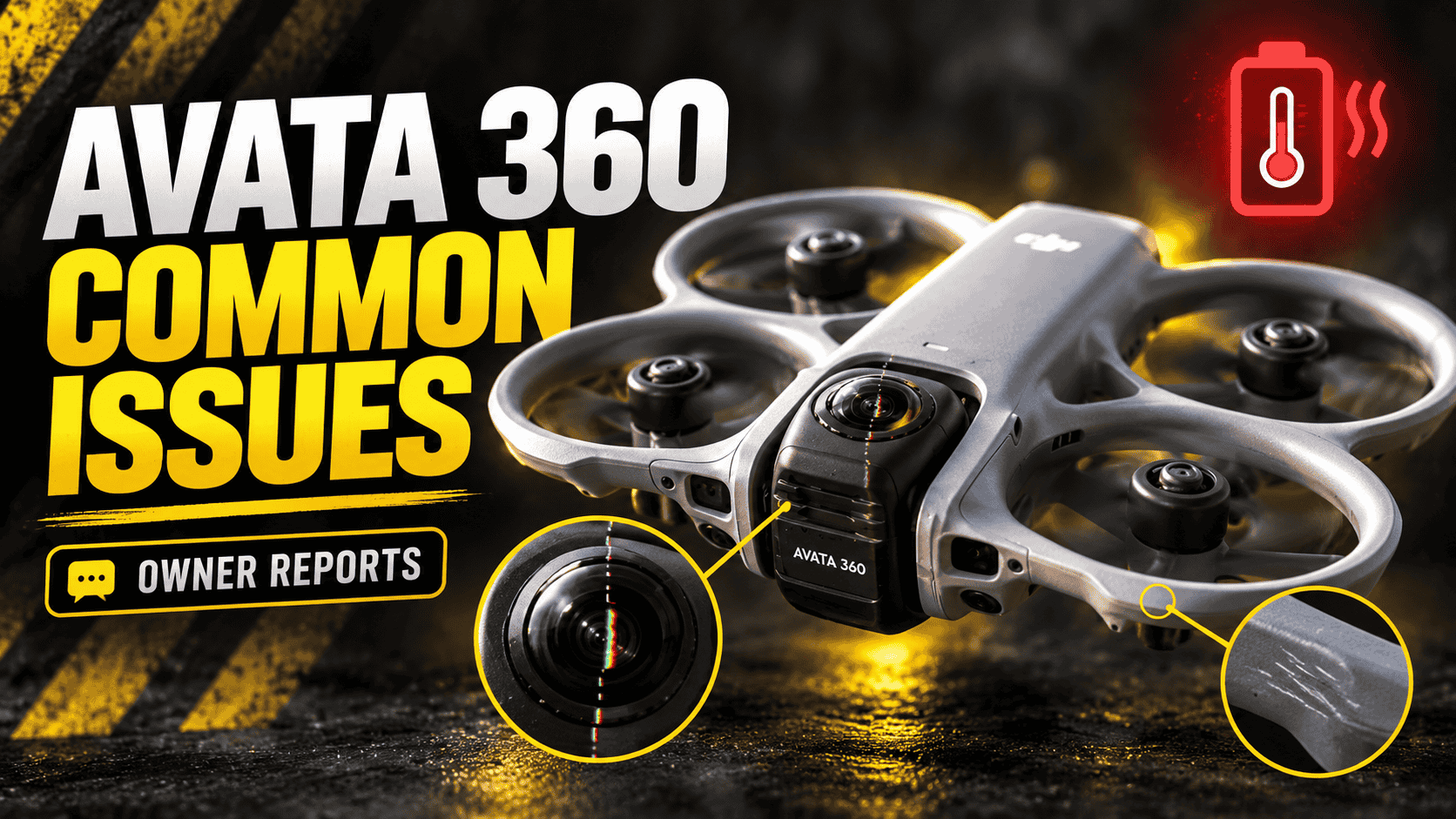
Independent Avata 360 owners report battery-temperature warnings, visible stitching seams and lens scratches during ground handling. Early buyers also describe delays obtaining replacement lenses. These are distinct experiences, not evidence of one defect affecting every drone.
Battery-overheat warnings during warm-weather flights
One owner in Florida reports repeated battery-temperature warnings while flying at full speed. After updating the batteries, they still received a red warning during a Sport-mode flight at 89°F, with approximately 15 mph gusts, even without recording. The drone returned, and the warning changed to orange. A subsequent slower Normal-mode flight on another battery did not produce the warning. Source: Florida flight report and follow-ups.
A separate Texas owner reports warnings on three batteries at approximately 90°F. They describe returning the drone when alerts appeared, and one shutdown after landing with 20% battery indicated. That is not a report of an airborne shutdown. They planned to check battery firmware updates, but the reviewed replies do not establish a final resolution. Source: independent Texas battery-warning report.
The repeated symptom is an overheating warning, not a proven shared battery defect. Other owners in these discussions report flights without warnings. One describes two flights in roughly similar ambient temperatures, using a mix of Sport and Normal modes near dusk. Those conditions are not identical to sustained full-speed flight. Another explicit Avata 360 owner reports no alarms after an initial battery update, but does not say an existing overheating problem was cured. A firmware update cannot be presented as a verified universal fix.
Visible seams and distorted objects around the stitch line
An Avata 360 owner filming an Airbnb reports visible seams and duplicated or distorted objects in the exported footage. A second owner explicitly identifies the same camera and says their footage behaves similarly near objects, while considering the example relatively minor. This corroborates the symptom, not agreement that either drone is defective. Sources: Airbnb stitching discussion and independent owner reply.
Exact object distances, calibration state and software versions are not supplied. The first owner later singles out flickering as the main concern. These accounts support a discussion of visible stitching limitations; they do not prove factory lens misalignment or establish that every seam can be eliminated.
Lens scratches during ground handling
One owner describes accidentally tilting the camera into a concrete sidewalk while picking up the drone, leaving a small scratch. Another reports scratching the lower lens after the camera rotated during handling and they set it down without realizing the lens faced the pavement. Their follow-up distinguishes this from damage during an automatic landing. Sources: pickup-related scratch report and independent setdown-related scratch report.
The repeated concern is lens contact with a hard surface during handling. These reports do not establish unusually soft glass or a shared defective camera lock. The second owner describes a loose-feeling lock, but another participant reports a firmly fitting cover and securely clicking camera head. The effect of the scratches on final image quality is not established in both accounts.
Early replacement-lens availability complaints
Both owners also describe difficulty obtaining replacement kits in the early ownership period. The first later placed preorders; the second had an order without a confirmed delivery date and saw shipping estimates several weeks away. These are historical availability complaints, not a claim that kits remain unavailable today. Other participants had already received kits from overseas sellers, showing that availability differed by seller and location. The same two source discussions document these outcomes.
Why follow-up outcomes matter
A separate owner initially thought two Avata 360 units produced severe shaking and stitching errors. They later reported that updating DJI Studio removed the problem and concluded that the original drone was probably fine. This is one resolved owner account, not two independent defective-camera reports or a verified fix for all stitching complaints. Source: software-update outcome.
Charging guidance is not a cure for in-flight warnings
Our research also covered file access, export quality, flight control and service experiences. Isolated Windows-transfer and flight-slowdown accounts did not establish additional recurring faults. A dramatic description is not enough: the model, owner, symptom and eventual outcome must match before reports can be combined.
DJI’s charging troubleshooting guide, which explicitly covers Avata 360, recommends the appropriate charger and cable, a charging environment of 5–40°C, and resting a hot post-flight battery for about ten minutes before charging. Those instructions address charging conditions. They do not establish the cause of the reported in-flight warnings or justify continuing a flight through an alert.
Preserve original recordings and flight logs when investigating a problem, and back up important files before formatting storage or resetting equipment. Record the exact warning, firmware, battery and conditions for support; distinguish the live view, original recording and exported video.
For specifications and alternatives, see our 360-camera comparison hub.


Comments ()