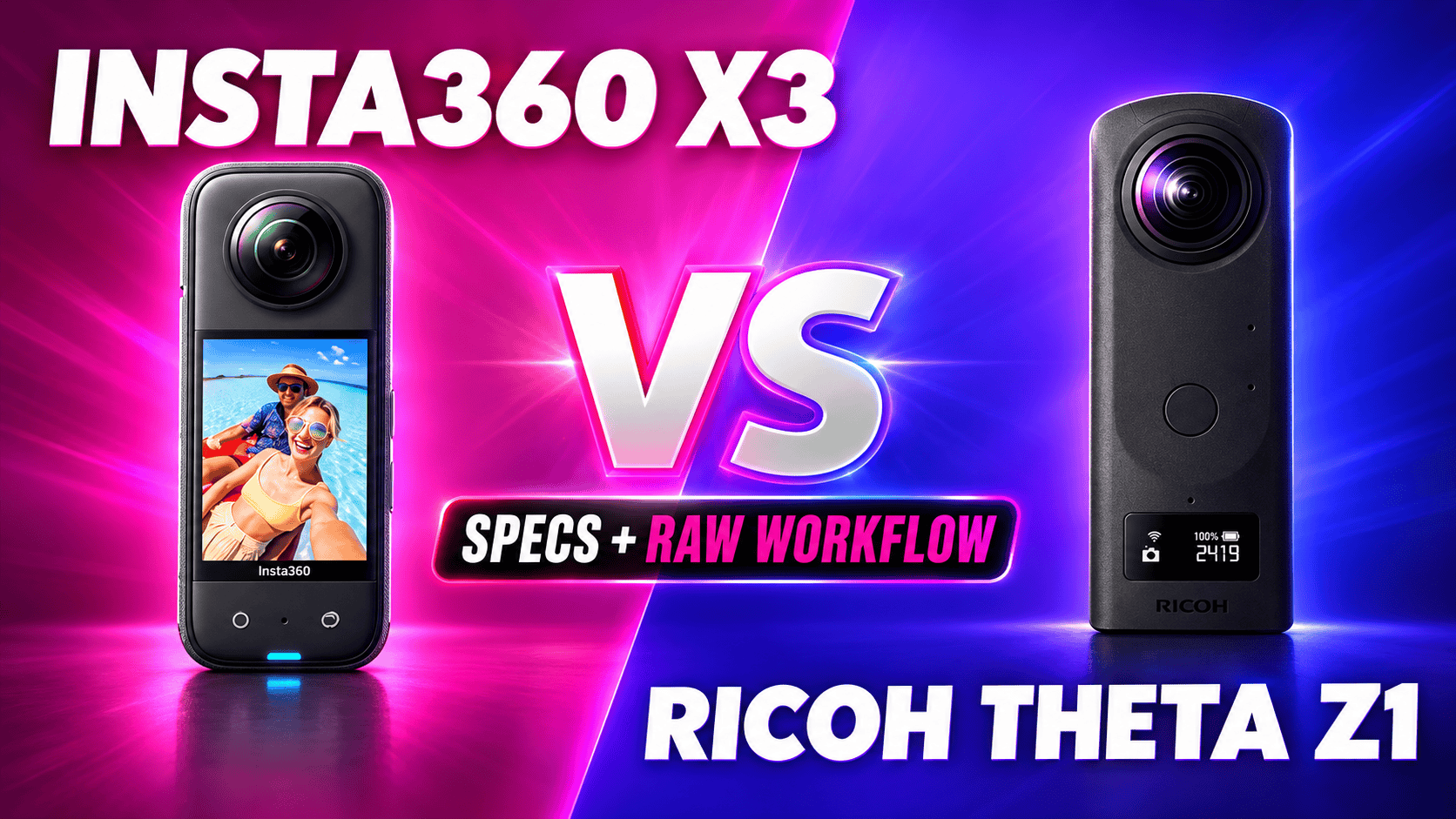
Insta360 X3 vs Ricoh Theta Z1: Specs and RAW Workflow
Technical head-to-head · Action footage and deliberate still panoramas
X3 combines 5.7K spherical video with high-resolution photos, a touchscreen and removable power. Theta Z1 offers larger sensor formats and selectable apertures in a still-oriented workflow. Their different strengths make this a deliverables decision, not a contest decided by megapixels.
Choose around the missing deliverable
X3 is the more flexible documented video tool in this pair. Its recording modes cover reframing, flat footage and slow motion. Z1 deserves consideration for controlled still photography when adjustable aperture and its RAW development route matter more than action-video modes. That is a workflow distinction, not proof that either produces the better finished room panorama.
If you already own X3, ask whether a Z1 would complement it for interiors rather than replace it for travel. If you own Z1, an X3 can add a different capture role, but first compare the newer options in our camera directory. No current price advantage is assumed for either older model.
Sensors, optics and still-photo controls
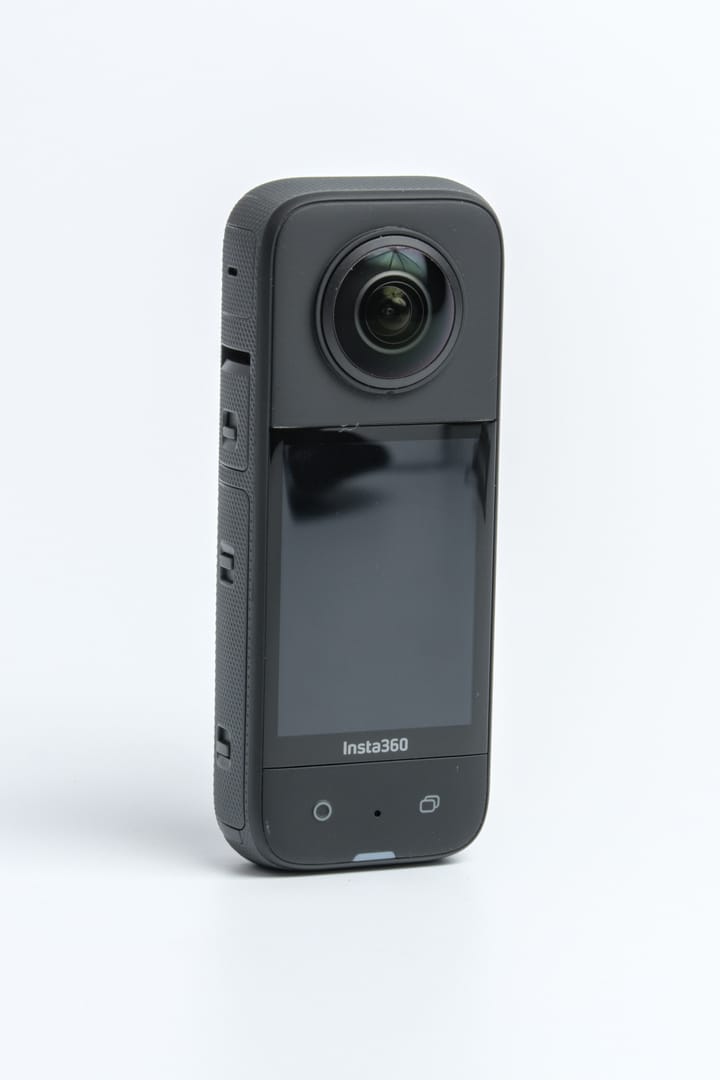
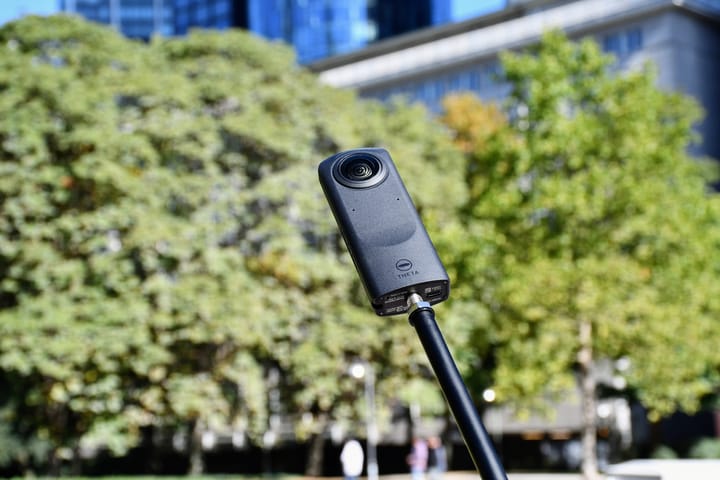
Equipment photographs are not to scale or examples of images captured by the cameras.
| Parameter | Insta360 X3 | Ricoh Theta Z1 |
|---|---|---|
| Sensor format | Dual 1/2-inch type | Dual 1-inch-type back-illuminated CMOS |
| Aperture | f/1.9 | f/2.1, f/3.5, f/5.6 |
| Minimum focus / shooting distance | 0.3 m | Approximately 0.4 m |
| Panorama dimensions | 11968 × 5984 (72 MP); 5952 × 2976 (18 MP) | JPEG: 6720 × 3360 |
| Other listed photo dimensions | Flat: 5984 × 5984 or 2976 × 2976 in shared shooting table | RAW: 7296 × 3648 |
| Photo formats | INSP, DNG | JPEG, DNG |
| ISO range | 100–3200 | 80–6400 |
| Manual photo shutter | 1/ | 1/ |
| Exposure compensation | ±4 EV | ±2 EV in 1/ |
| White balance | 2000–10000 K | 2500–10000 K |
Sources: Insta360 hardware table, shared shooting table, X3 product specifications and Z1 specifications. The format lists do not establish every resolution/RAW combination. Z1's RAW dimensions are not a finished stitched JPEG size. Minimum focus is not a safe stitching-clearance specification.
Maximum listed panorama/JPEG width
X3 — 11,968 pixels
Z1 JPEG — 6,720 pixels
RAW capture does not remove the processing differences
X3's product page specifically directs PureShot photo processing to desktop software. This must not be generalized into “all X3 photos require a computer”: its INSP files also have an app export route. Its HDR Photo mode is documented, but the sources reviewed here do not establish a complete bracket-count, exposure-step and resolution matrix. Confirm that combination before making a multi-room capture plan.
Z1 lists aperture-priority, shutter-priority, ISO-priority and manual shooting, with a smartphone required to change modes and manual settings. Its Stitcher FAQ describes a separate RAW developer producing dual-fisheye JPEG or TIFF input, followed by stitching into a sphere. Stitcher can run standalone or as a Lightroom Classic plug-in; the cited confirmed Lightroom version is 13.4, not a guarantee for all future versions.
For a fair interior comparison, photograph the same room from the same location, retain the originals and compare finished spheres at a common viewing size. Inspect window detail, shaded textures, color consistency and seams near furniture. Record capture and editing time. Moving curtains or people can complicate multi-exposure processing; a higher resolution label cannot recover information missed at capture.
Ordinary spherical recording and media formats
| Parameter | X3 | Z1 |
|---|---|---|
| 5.7K: 5760 × 2880 | 24/25/30 fps | Not listed |
| 4K: 3840 × 1920 | 24/25/30/50/60 fps | 29.97 fps |
| Lower-resolution video | 3K: 3008 × 1504 at 100 fps | 2K: 1920 × 960 at 29.97 fps |
| Original video containers | INSV for 360; MP4 for single-lens | MP4 |
| Codec | H.264 | H.264 |
| Maximum listed bitrate | 120 Mbps | 4K: 56 Mbps; 2K: 16 Mbps |
| Color profiles | Standard, Vivid, LOG | Equivalent log option not established here |
| Audio | 48 kHz, 16-bit AAC; wind reduction, stereo, Direction Focus | AAC-LC mono plus four-channel spatial PCM |
The Z1 51GB launch specification supplies the bitrate values; these are not streaming bitrates. X3's codec is listed in the shared shooting specifications. Neither bitrate nor a LOG label measures usable dynamic range. A narrow reframed view contains only part of the sphere's pixels.
X3 lists FlowState stabilization and 360° Horizon Lock. Active HDR is a separate X3 mode; do not assume every ordinary-video frame-rate option also applies to HDR. Z1's stated recording limits are 5 or 25 minutes per clip, and Ricoh warns that rising internal temperature can stop recording. No matched thermal-duration test is presented.
Single-lens clips, timelapse and slow motion
| Deliverable | X3 listing | Z1 comparison |
|---|---|---|
| Single-lens 4K | 3840 × 2160; 24/25/30 fps | No equivalent listed |
| Lower single-lens video | 3584 × 2016, 2720 × 1530 or 1920 × 1088; 24/25/30/50/60 fps | No equivalent listed |
| Bullet Time | 4K120 or 3K180 | No equivalent listed |
| Active HDR / TimeShift | Each: 5.7K at 24/25/30 fps | No equivalent listed |
| Timelapse | 8K or 5.7K at 24/25/30 fps playback; not ordinary 8K recording | Interval and interval-composite still functions |
| Me Mode | X3-specific manual: 1080p30/60; shared table conflicts | No equivalent listed |
The X3-specific parameter manual documents these special-mode limits. Its Me Mode entry is more specific than the shared table's contradictory unsupported entry. Check the intended firmware. It lists timelapse intervals of 0.2/0.5/1/2/4/10/30/60/120 seconds without a complete resolution-by-interval matrix. HDR Photo, Burst and Starlapse use 18 MP; interval stills offer 72/18 MP with 3/5/10/30/60/120-second intervals. Bracket counts and steps remain unestablished here; the newer multi-model AEB guide does not include X3.
The same X3 manual lists loop durations of 1/3/5/10/15/20/25/30 minutes. Default single-lens video applies FlowState in camera; FOV+ uses the app or Studio for stabilization, horizon lock and aspect-ratio adjustments and is listed at 2.7K/1080p up to 60 fps. The X3 FAQ also documents 15/30-second pre-recording in ordinary 360 and single-lens Video mode, not every special mode. It excludes HDMI output. The shared table excludes X3 FreeFrame, PureVideo and InstaFrame.
For a construction project, a promotional timelapse is not a substitute for dated, navigable still panoramas. Define those outputs separately, retain original files and keep capture positions repeatable.
Power, storage and protection
| Parameter | X3 | Z1 |
|---|---|---|
| Weight | 180 g | 182 g |
| Width × height × depth | 46 × 114 × 33.1 mm | 48 × 132.5 × 29.7 mm |
| Display | 2.29-inch LCD; 344 × 476 | Status OLED, not an equivalent live-view touchscreen |
| Battery | Removable 1800 mAh | Built-in rechargeable battery |
| Storage | microSD UHS-I V30, exFAT; up to 1 TB | Internal approximately 19 GB or 51 GB, depending on edition |
| USB | USB-C 2.0 | USB-C 3.0 |
| Wireless | BLE 5.0; 2.4/5 GHz Wi-Fi a/b/g/n/ac | Bluetooth 4.2; Wi-Fi a/b/g/n/ac, regional restrictions apply |
| Operating temperature | −20–40°C | 0–40°C |
| Water depth | 10 m body; appropriate dive case to 50 m | No waterproof rating established here |
Hardware sources are linked above; Z1's wireless specifications appear in Ricoh's archived catalogue, and its display in the 51GB launch document. USB generation is not a measured transfer-speed result.
Insta360 quotes 81 minutes at 5.7K30 with High bitrate, screen off and Wi-Fi Auto at 25°C, and approximately 90 minutes for charging at 5 V/3 A. Ricoh quotes roughly 300 photos or 60 minutes of video under its own measurement method. These different workloads do not establish a percentage battery-life winner for virtual tours.
For used equipment, inspect the lenses and test a full working session. Check Z1's storage edition and battery condition; plan X3 spare batteries and cards. X3 Sticky Lens Guards are not a user-replaceable optical system. Its water rating does not eliminate underwater stitching issues—the manufacturer specifies a dive case for that workflow.
Phone support and the complete delivery path
X3's compatibility list starts at A11/iOS 13 or Android examples including Snapdragon 845, Kirin 980, Exynos 9810 and Tensor Pixel 6. A 64-bit system is required; SDM765 5G is excluded. Snap Wizard lists A11 iPhones, M1 iPads, or Android with Snapdragon 855, Kirin 990 or Exynos 990 and above. The page supports wireless iOS/Android connection but explicitly excludes wired iOS connection.
Z1's manual identifies smartphone control for its manual settings, while the RAW path needs a suitable developer and stitcher. Neither a successful connection nor a nominal system requirement proves acceptable processing speed. Before a paid assignment, capture, transfer, develop, stitch and upload representative files on the actual equipment you will take.
What this means for tours, travel and site records
Property interiors: evaluate Z1 when aperture control and deliberate RAW development address an existing capture problem. Keep X3 in the shortlist when one kit must also make motion content. Decide from completed room outputs and operator time, not this page's resolution chart alone.
Construction: X3 offers a different removable-power and protection plan; Z1 needs a plan around its fixed storage and power. When changing cameras mid-project, make an overlapping reference visit so a processing change is not mistaken for a site change. See our construction virtual-tour workflow; no survey-grade measurement is claimed.
Travel: separate the destination sphere from the social-video crop. Owner-operated Panorra is relevant to the former, but platform compatibility must be checked with the final export. Transport protection and backup space belong in the budget alongside the camera.
Read the X3 and Z1 guides, consider X3 vs X4 or Theta X vs Z1, or return to the comparison directory.





Comments ()