Insta360 X6 vs Ricoh Theta Z1: Specs and RAW Workflow
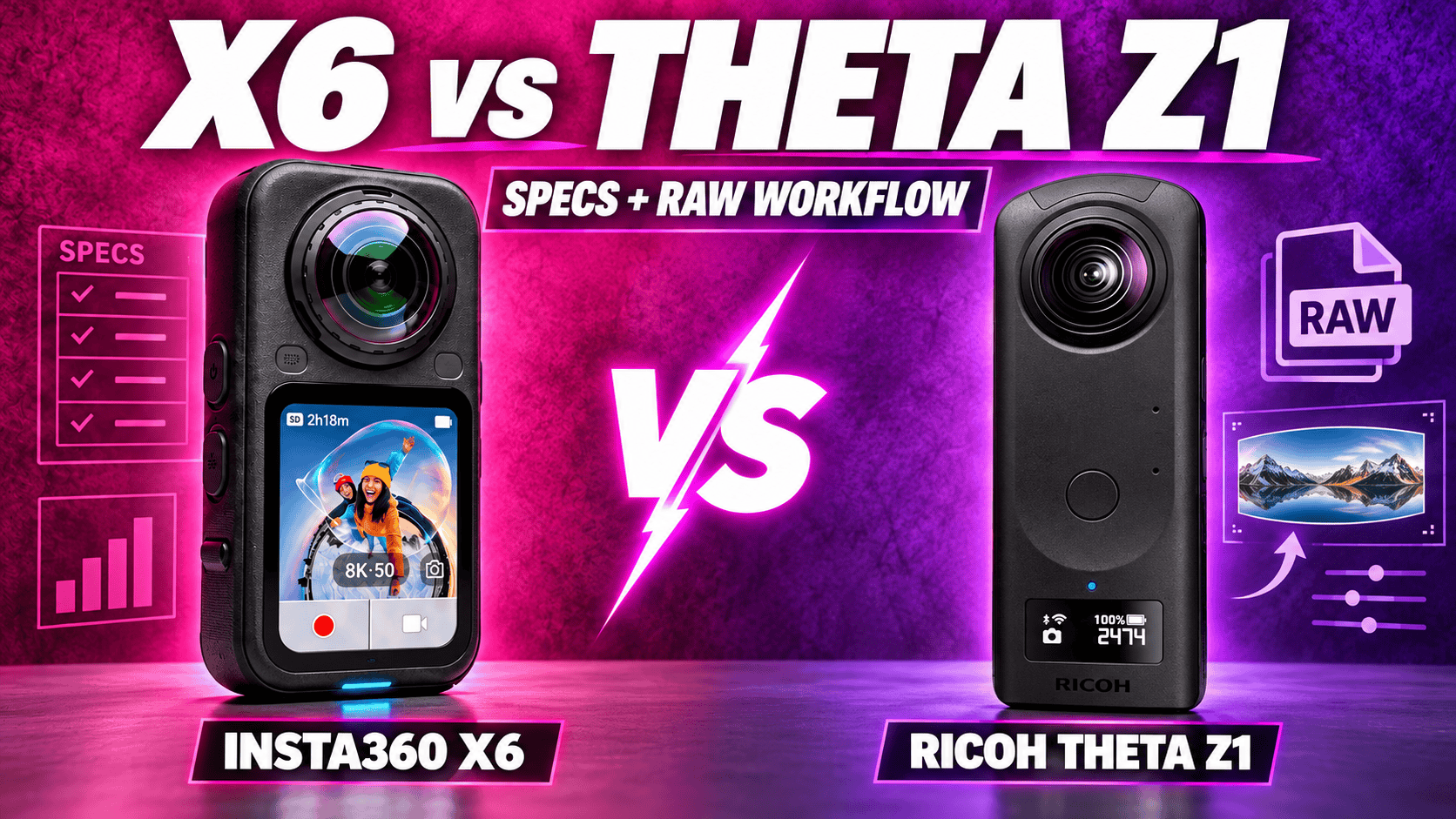
Technical comparison · Hybrid 8K capture and a dedicated RAW workflow
X6 offers larger listed panoramas, 8K video, removable power and replaceable lenses. Z1 offers three aperture settings and a documented RAW-development and stitching route. Both deserve a workflow comparison, not a verdict based only on megapixels.
The decision starts with your finished deliverable
For mixed video and still assignments, X6 offers the broader documented recording range. Its 8K sphere, dedicated flat modes and internal-plus-card storage address a different brief from Z1's 4K video and fixed internal storage. Those are concrete capability differences, not a universal image-quality ranking.
For carefully processed room panoramas, compare both RAW routes. Z1 provides aperture selection and a separate developer-to-Stitcher process; X6 combines its own photo-processing and export options with resolution-dependent bracketing. Neither format list alone proves how much highlight detail a finished window scene will retain.
Sensors, exposure controls and photo dimensions
| Parameter | Insta360 X6 | Ricoh Theta Z1 |
|---|---|---|
| Sensor format | 1/ | Dual 1-inch-type back-illuminated CMOS |
| Aperture | f/2.0 | f/2.1, f/3.5, f/5.6 |
| Largest listed panorama | 15520 × 7760; 120 MP | JPEG: 6720 × 3360; approximately 23 MP |
| Other photo sizes | 30 MP sphere: 7776 × 3888; flat: 6528-square, 6528 × 3712 or 6528 × 2816 | RAW: 7296 × 3648, before the documented development/stitching route |
| Listed photo formats | INSP, DNG, JPG; mode-dependent | DNG and JPEG |
| ISO | 100–6400 | 80–6400 |
| Manual photo shutter | 1/ | 1/ |
| Exposure compensation | ±4 EV | ±2 EV, 1/ |
| White balance | 2000–10000 K | 2500–10000 K |
| Minimum focus / shooting distance | 0.6 m | Approximately 0.4 m |
Sources: X6 product specifications, shared shooting table, hardware table and Z1 specifications. Minimum focus is not safe stitching clearance. ISO ceilings and sensor-format labels are not measurements of noise, dynamic range or usable room detail.
Largest listed panorama width
X6 — 15,520 pixels
Z1 JPEG — 6,720 pixels
RAW, bracketing and interior processing
X6's file-format guide distinguishes PureShot INSP or in-camera-stitched JPG from PureShot + RAW, which adds DNG. It lists JPG export through the app and JPG/DNG through Studio. These lists do not establish every resolution-by-format combination, so confirm the intended 120 MP or 30 MP capture configuration before a multi-room job.
The X6 AEB guide limits 120 MP bracketing to three or five exposures; seven requires 30 MP. More exposures and a wider master are different choices. A long sequence can also capture changes in people, foliage or lighting that complicate a merge.
Z1's AE Bracket guide lists 3/5/7/9 shots, exposure-step settings from 0.0 to 3.0 in its listed increments, selectable order and ISO adjustment. Its separate Multi Bracket allows 2–19 custom parameter sets with shutter, ISO and white balance. Neither guide is a complete RAW-by-mode compatibility matrix.
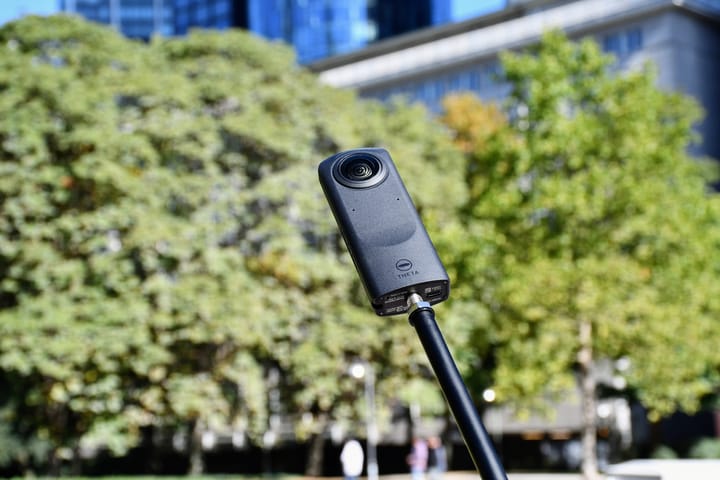
For Z1, the Stitcher FAQ specifies developing RAW into dual-fisheye JPEG or TIFF before stitching. Stitcher works standalone or as a Lightroom Classic plug-in, with version 13.4 named as confirmed. Do not infer compatibility with every later release. The camera's aperture-priority and manual settings require a smartphone to configure.
Use a difficult interior with windows and textured shadows as the test scene. Match capture position and final viewing size; inspect seams, moving subjects and color, then time development through accepted delivery. Preserve original RAW files separately from intermediate and final panoramas. A format advantage is not a measured image-quality result.
Ordinary spherical video, color and audio
| Parameter | X6 | Z1 |
|---|---|---|
| Highest-resolution sphere | 7680 × 3840 at 24/ | 3840 × 1920 at 29.97 fps |
| Intermediate mode | 6016 × 3008 at 24/ | Not listed |
| 4K: 3840 × 1920 | 24/ | 29.97 |
| Lower-resolution Z1 video | No matching ordinary 2K mode listed | 1920 × 960 at 29.97 |
| Sphere container / codec | INSV / H.265 | MP4 / H.264 |
| Ordinary maximum bitrate | 180 Mbps | 4K: 56 Mbps; 2K: 16 Mbps |
| Color choices | Standard Rec.709, Dolby Vision, 10-bit I-Log | Equivalent log/10-bit mode not established here |
| Audio | 48 kHz, 16-bit AAC | AAC-LC mono plus four-channel spatial PCM |
Z1 bitrate values are from the 51GB launch specification; X6 values are from the linked shooting table and product page. Codec, grading and scene complexity make bitrate alone unsuitable as a quality score. A reframed crop uses only part of either sphere.
X6's 240 Mbps high-bitrate 8K TimeShift/timelapse and 360 Mbps 16K timelapse ceilings are special-mode values, not ordinary 8K-video bitrates. Its PureVideo supports 8K/6K/4K at 24/25/30, but the manual lists 5760 × 2880 for 6K PureVideo while the product page lists 6016 × 3008. Verify the actual output for that mode rather than hiding the discrepancy.
Flat video and sequences are separate capabilities
| Task | X6 | Z1 |
|---|---|---|
| Flat video | 5K landscape up to 60; portrait up to 30; 4K/2.7K landscape up to 120 | Equivalent recording mode not listed |
| FreeFrame | 6016-square at 25/30; 3040 × 3840 at 25/30/50/60 | Equivalent mode not listed |
| InstaFrame 2.0 | 4K flat with 8K spherical backup up to 30 fps | Equivalent mode not listed |
| Bullet Time | 7680 × 1920 at 100; 6016 × 1504 at 120; 3840 × 960 at 240 fps | Equivalent mode not listed |
| Timelapse | 15360 × 7680 or 7680 × 3840 at 25/30 playback fps | Interval and interval-composite still functions |
| Time Shift naming | Moving-timelapse workflow | Sequential-lens still capture to let the photographer move out of view |
| Recording limit | No matched thermal limit measured here | 5 or 25 minutes per recording; temperature can stop capture |
X6's narrow Bullet Time frames are not complete 2:1 spheres, and 16K timelapse is not ordinary 16K video. Its timelapse guide requires Studio for 16K preview, editing and export. For construction, a compressed activity clip does not replace individually dated inspection panoramas.
The timelapse guide lists X6 intervals of Off, 0.5/1/2/5/10/15/30/60/120 seconds, with availability dependent on resolution. Its HDR guide applies Active HDR automatically to ordinary 360 Video and InstaFrame; flat 5K and flat zoom from 1× to 1.2× are excluded. Video HDR is separate from still-photo AEB and RAW development.
X6 documents FlowState and 360° Horizon Lock; Ricoh's launch specification describes three-axis rotational stabilization for Z1. These descriptions do not establish equivalent walking performance. Compare the same route, exposure conditions and final crop before choosing a stabilization winner.
Some X6 tables conflict: portrait 4K/2.7K reaches 120 fps on the product page but 60 in the manual; flat-only InstaFrame reaches 60 in the manual but 30 on the product page. Neither supports promising an 8K60 spherical backup. Confirm firmware and export settings for the intended delivery.
For exact flat dimensions, X6 lists 5120 × 3840 or 5120 × 2880 at 5K, 3840 × 2880 or 3840 × 2160 at 4K, and 2688 × 2016 or 2688 × 1520 at 2.7K, with portrait variants. The shared manual's nominal 9:16 4K row repeats 2880 × 3840 rather than a 9:16 frame; check actual firmware output if that delivery aspect ratio is required.
Z1's Time Shift guide exposes each lens at a different time. First-lens delays range from 0–10 seconds and second-lens settings from 1–10 seconds, in one-second increments. A moving subject can change between those exposures; inspect the final seam before delivery.
Body, storage and power
| Parameter | X6 | Z1 |
|---|---|---|
| Weight | 196 g | Approximately 182 g |
| W×H×D | 50 × 100 × 40 mm, lenses included | 48 × 132.5 × 29.7 mm in current manual |
| Display | 2.32-inch OLED; 480 × 600 | 0.93-inch status OLED, not equivalent live-view touchscreen |
| Battery | 2600 mAh Xtreme; optional 1300 mAh Lite | Built-in rechargeable battery |
| Internal storage | 64 GB nominal; 47 GB available | Approximately 19 GB or 51 GB, edition-dependent |
| Expansion | microSD UHS-I V30 or higher, up to 1 TB | No removable-card storage listed |
| USB | Type-C 3.1 | Type-C 3.0 |
| Wireless | Wi-Fi a/b/g/n/ac/ax; BLE 5.3 | Wi-Fi a/b/g/n/ac; Bluetooth 4.2, regional restrictions apply |
| Operating temperature | −20–40°C | 0–40°C |
| Water rating | 20 m body; appropriate dive case to 60 m | Equivalent waterproof rating not established |
| Lens maintenance | Replaceable Lenses 2.0 | Equivalent user-replacement procedure not established |
X6 quotes 140 minutes at 8K30, 79 at 8K50 and 170 at 6K30 with its standard battery. Its stated conditions include 25°C, Standard bitrate/color, screen off and Wi-Fi on. Z1 quotes approximately 300 stills or 60 minutes of video using Ricoh's own method. Different formats and procedures prevent a controlled runtime percentage comparison.
X6's 24-minute 80% and 35-minute full-charge claims require suitable 30 W PD 3.0 PPS power, camera off at 25°C. These figures do not describe its optional Lite battery in every condition. Z1's fixed battery calls for a different power plan, especially when buying a used body whose battery history is unknown.
USB documentation caveat: X6's shared hardware table specifies USB 3.1, while its Japanese launch release calls it USB 3.0. The table follows the technical manual; neither label is a measured transfer result on your cable and computer. X6 also lists a 1/4-inch mounting point and quick-release mounting; confirm adapter fit and lens clearance before reusing a Z1 support setup.
Z1's 2021 launch PDF lists 48.2 mm width, while the current manual gives 48 mm; the table follows the manual. Water-depth claims do not guarantee underwater stitching quality or protection against all construction hazards. Follow sealing and lens-protection instructions, and keep independent copies before clearing either camera.
Z1's wireless values are listed in Ricoh's archived catalogue. Protocol generations are not measured transfer rates. On a long assignment, verify remote control, file offload and backups as separate steps.
Phone and desktop requirements can change the purchase
X6's product page lists A14/iOS 16 or Android examples including Snapdragon 8 Gen 2 and Kirin 9000, with Android 10/HarmonyOS 2 and a 64-bit system. SDM765 devices are excluded; the Exynos 2200 listing conflicts with a decoding exclusion. Confirm the exact handset and required feature, not just whether the app installs.
For Z1, smartphone control and desktop RAW development are different tasks. For X6, basic camera control and smooth export of its largest video or timelapse files are also different tasks. Test representative original files on the actual workstation before pricing a replacement kit.
Include RAW-development software, stitching, color grading, archive capacity and staff time. A successful Wi-Fi transfer or a newer USB generation is not a measured end-to-end productivity result. Preserve both the source files and a checked final panorama.
Which differences matter for your work?
Real estate: compare Z1's aperture control and separate RAW route against X6's resolution-dependent bracketing and export options. Match the final delivery size and inspect difficult windows and seams rather than assuming a larger master is automatically better.
Construction: X6's removable power, card storage and lens-repair options can address operational risks; Z1 can remain relevant where a repeatable RAW still workflow is already established. Maintain consistent camera positions and naming across visits. See the construction-site virtual-tour workflow; neither model is presented as survey-grade equipment.
Travel: X6's broader video modes suit mixed spherical and promotional-clip work. Preserve full destination panoramas separately for owner-operated Panorra, testing the actual exported file and upload. A social crop and a navigable sphere are different deliverables.
Read the individual X6 and Z1 guides, compare X5 vs Z1, or browse the comparison directory.




Comments ()