QooCam 3 vs Ricoh Theta Z1: RAW Workflow and Full Specs
Technical comparison · RAW photography, virtual tours and travel
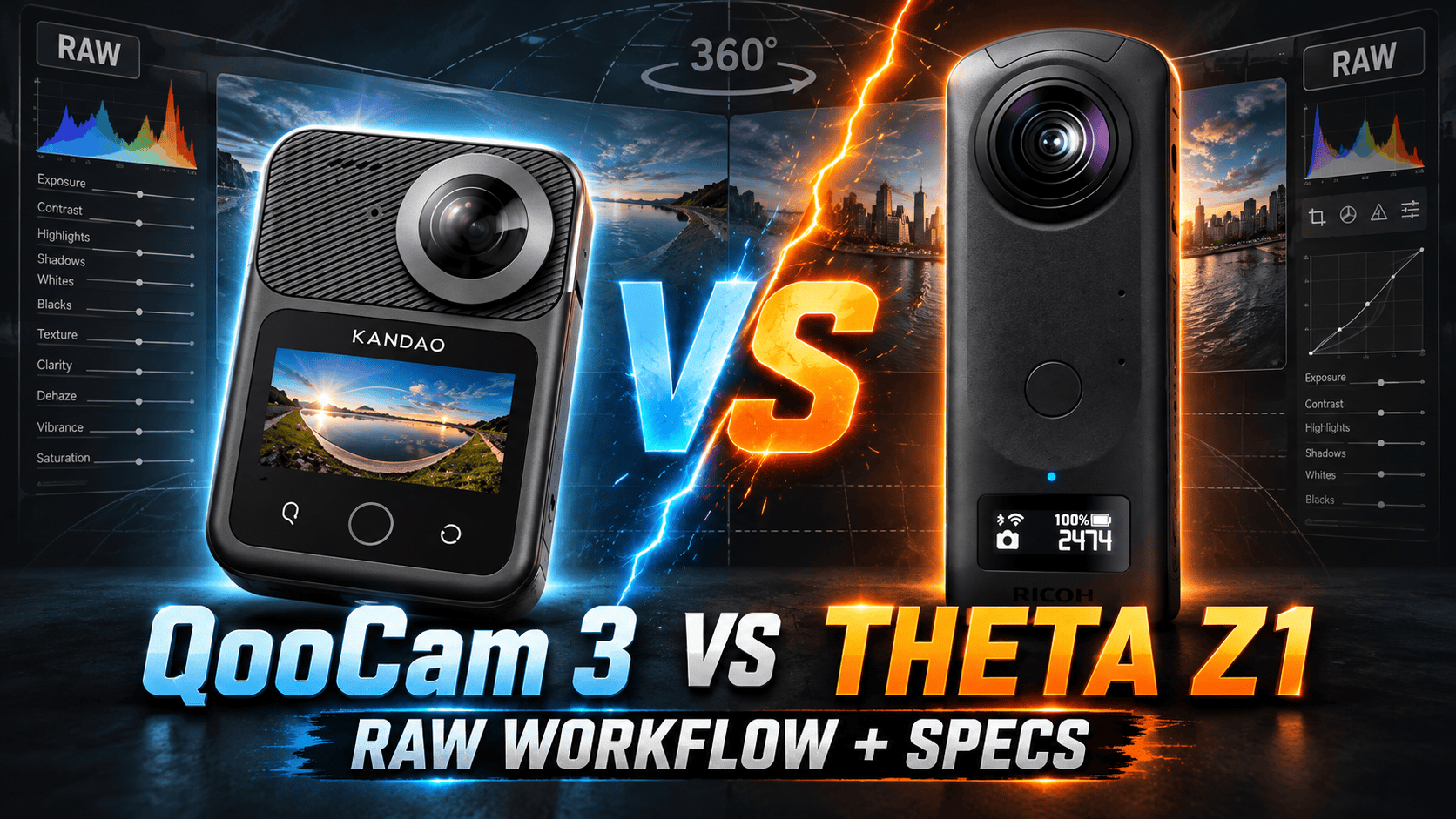
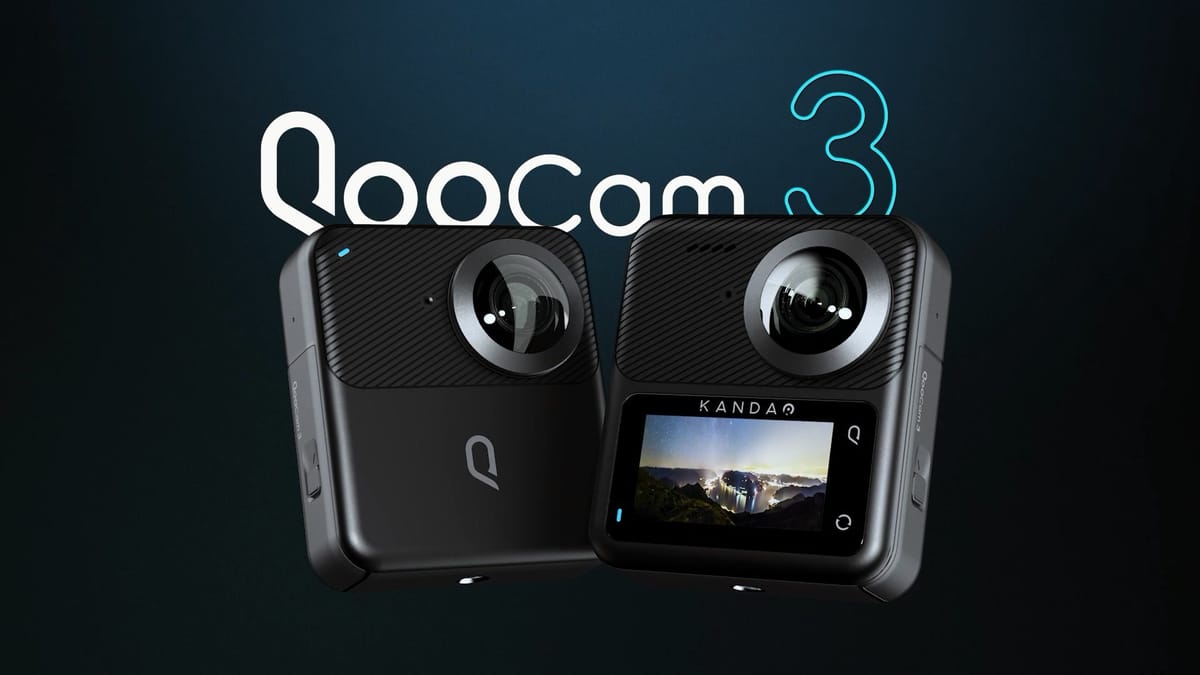
The QooCam 3 combines a larger specified panorama with a touchscreen, removable recording card and more video frame-rate choices. The Theta Z1 offers larger sensor formats and selectable apertures, but its fixed storage and battery need a different field plan. For interior work, the deciding comparison is the finished stitched image—not the megapixel label.
Which camera fits the assignment?
Shortlist QooCam 3 for mixed still/video jobs when its touchscreen, card-based recording and 5.7K video would simplify capture. Its larger photo file also gives a reason to test distant detail at the delivery viewer's actual zoom level. That is a testable advantage in output dimensions, not proof that it records more useful detail in every room.
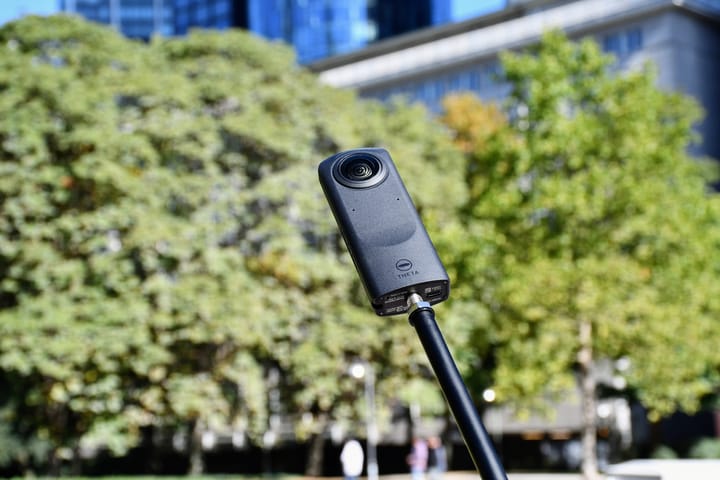
Shortlist Theta Z1 for a deliberate RAW interior workflow when aperture selection and your existing RAW-development process matter more than video frame-rate flexibility. An established Z1 workflow is a reason to test a replacement against a completed job, not to replace it solely because another camera has a newer release date.
For either camera, include processing time, failed merges and reshoots in the comparison. A specification table cannot tell you whether a difficult window scene will pass a client's requirements without intervention.
Sensors, lenses and exposure controls
| Parameter | QooCam 3 | Theta Z1 |
|---|---|---|
| Sensor format | 1/1.55-inch type | Dual 1-inch type |
| Aperture | f/1.6 | f/2.1, f/3.5, f/5.6 |
| Equivalent focal length | 9.36 mm | Not established here |
| ISO | 100–6400 | 80–6400 |
| Manual photo shutter | 1/6400–60 sec | 1/25000–60 sec |
| Exposure compensation | ±2 EV | ±2 EV; 1/3-EV steps |
| White-balance temperature | 2500–8000 K | 2500–10000 K |
Manufacturer references: QooCam 3 technical specifications and Theta Z1 specifications. Aperture selection changes the exposure decision; it is not a numerical quality score. Use the same scene, delivered brightness and viewer size to evaluate the practical result.
Kandao's support FAQ recommends a 1.5 m stitching distance. Ricoh's approximately 0.4 m focusing distance is a different specification, not proof of clean stitching at that distance. In cramped rooms, inspect near doorframes and railings crossing the seam before accepting either setup.
Panorama size, RAW and exposure brackets
| Parameter | QooCam 3 | Theta Z1 |
|---|---|---|
| Listed panorama / JPEG | 11136 × 5568; 62 MP | 6720 × 3360 |
| RAW format | DNG | DNG; 7296 × 3648 RAW capture |
| Additional photo modes | DNG8, AEB, TimeFusion | AE Bracket, Multi Bracket; HDR rendering; Time Shift |
| Interval capture | Interval photos; timelapse video | Interval and interval-composite stills |
| AEB controls | EV step, photo count, countdown; exact limits unestablished | 3/5/7/9 frames; steps listed below |
Specified panorama width
QooCam 3 — 11,136 pixels
Theta Z1 JPEG — 6,720 pixels
The QooCam 3 shooting guide describes DNG8 as eight consecutive DNG frames and AEB as multiple exposures. Its illustrated controls show adjustable bracket count and EV step without establishing their numeric limits. Do not borrow the Ultra's mode restrictions or bracket settings for the standard camera.
Ricoh's AE Bracket instructions list steps of 0, 0.3, 0.7, 1, 1.3, 1.7, 2, 2.3, 2.7 and 3 EV, plus selectable order and ISO adjustment. That page lists JPEG/DNG alongside an image-size note of 6720 × 3360, whereas the general specification gives the larger RAW dimensions above. Treat those as differently scoped documentation, not a guarantee that every file in every mode has the same layout.
For a window-heavy interior, bracket coverage, movement and the merge result matter more than the number of source frames alone. Use a stable support; compare highlight edges, fine texture and moving foliage. Record the capture mode so a later editor knows whether a group is an exposure bracket or a multi-frame sequence.
Kandao's app release history dates TimeFusion support to app 2.0.0 and requires connected-camera firmware 1.2.0.4 or later. The technical page lists the mode but does not establish a complete timing/format matrix. Do not substitute Ultra instructions. Ricoh's Time Shift instead explicitly documents sequential lens capture, with first-shot delay 0–10 seconds and second-shot setting 1–10 seconds, in one-second steps, so the operator can move behind the inactive lens. This is not a moving timelapse video mode.
Z1's separate Multi Bracket supports 2–19 configured shots with exposure and white-balance settings. Neither its count nor QooCam's DNG8 count predicts capture time or guarantees a clean merge when people move through the room.
Video modes, recording format and audio
| Parameter | QooCam 3 | Theta Z1 |
|---|---|---|
| Highest listed 360 mode | 5760 × 2880: 24/25/30 fps | 3840 × 1920: 29.97 fps |
| Other 360 mode | 4K: 24/25/30/50/60 fps | 1920 × 960: 29.97 fps |
| Single-lens video | 2880 × 2880: 24/25/30/50/60 fps | Not listed |
| Container / codec | MP4 / H.264 | MP4 / H.264 |
| Stated recording bitrate | Up to 120 Mbps | 4K: 56 Mbps; 2K: 16 Mbps |
| Color styles | Standard, ProColor | No log/10-bit claim established here |
| Audio | Four-channel AAC; 48 kHz, 16-bit | AAC-LC mono + four-channel PCM |
| Other video capture | Timelapse; loop recording | Live streaming listed |
| Clip duration / splitting | Five-minute file segments; continuous recording described in FAQ | 5 or 25 minutes; thermal stop possible |
| Stabilization | Six-axis gyro; processing in app/Studio | Three-axis rotational stabilization |
Ricoh's Z1 product specifications supply the recording bitrates and stabilization description. QooCam's FAQ supplies the 5.7K and single-lens dimensions, five-minute file splitting and software stabilization route. Its segmentation is not a five-minute total session limit. Exact 4K pixel dimensions and numeric timelapse/loop intervals are not established by the cited standard-model documentation; resolution labels are retained rather than inferred.
The QooCam FAQ does not support live streaming or an external microphone. Its answer saying no HDR photography should not be read as denying the separately documented AEB capture: an exposure bracket and a camera-produced HDR image are different deliverables.
QooCam's recording codec is confirmed in the linked manufacturer FAQ. Choosing H.265 later in desktop export does not change the original camera codec. Likewise, a 360 resolution describes the whole sphere; a cropped forward view does not retain all those pixels. Preserve the sphere if immersive viewing is part of the brief.
QooCam's additional frame rates make it the more flexible specification match for mixed photo/video travel capture. That does not establish superior stabilization, low-light motion or microphone quality; those require matched recordings. Neither this table nor the panorama chart is a substitute for such a test.
Battery, storage and field handling
| Parameter | QooCam 3 | Theta Z1 |
|---|---|---|
| Published weight | 189 g, battery excluded | 182 g, built-in battery |
| Dimensions | 71.5 × 82.7 × 26.6 mm | 48 × 132.5 × 29.7 mm |
| Display | 1.9-inch touchscreen | 0.93-inch OLED status display; 128 × 36 |
| Battery | 1600 mAh; removable | Built-in |
| Recording storage | microSD ≤256 GB; V30+, exFAT; no internal memory | Internal: about 19 or 51 GB |
| USB | USB-C; protocol speed unestablished | USB-C, USB 3.0 |
| Wireless | 802.11a/b/g/n/ac; BLE 4.2 | 802.11a/b/g/n/ac; Bluetooth 4.2; regional restrictions |
| Working temperature | −20–40°C | 0–40°C |
| Protection | IP68 | No water rating established here |
Z1 wireless details come from Ricoh's catalogue. Its small OLED is a status readout, not a live composition touchscreen. The 51GB launch document gives 48.2 mm width where the current manual gives 48 mm; the table follows the manual. The launch document confirms a metal tripod socket; QooCam's FAQ specifies a standard 1/4-inch socket. Check adapter and cable clearance on the actual support.
Kandao quotes approximately 58 minutes of 5.7K recording under laboratory conditions. Ricoh quotes about 60 minutes of video or 300 stills using its own method. These are not matched endurance tests. Plan power from your capture schedule, screen use, transfer time and ambient conditions rather than declaring a two-minute winner.
The QooCam charging guide quotes about 90 minutes with a 5 V/2 A adapter, camera off. Removing the cover loses waterproofing and can let the battery slide out. For external power, the FAQ recommends the dedicated side-opening charging cover; do not assume a cabled setup retains sealed-camera protection.
A card reader provides QooCam with an additional offload route. Z1's internal storage makes a successful camera transfer particularly important. On either camera, a second folder on the same device is not an independent backup. Copy and verify originals before clearing capture media.
RAW development and desktop requirements
For Z1, Ricoh THETA Stitcher takes dual-fisheye JPEG/TIFF files developed from RAW and makes the stitched sphere. It can run standalone or as a Lightroom Classic plug-in; Ricoh lists Classic 13.4 as confirmed, not blanket compatibility with every later version. Validate the complete development-to-stitch route before a paid assignment.
For QooCam, test the ordinary photo, DNG8 and AEB routes separately rather than assuming the same import/merge/export sequence. Keep source groups intact and check the finished sphere's orientation, seams and metadata. A DNG filename alone does not establish that it can be uploaded directly as a finished tour image.
The DNG8/Raw+ guide linked from QooCam 3 support documents this route: install DNG Converter and Raw+, select one frame to load its eight-frame group, merge to one DNG, develop to JPEG in a RAW editor, then stitch in QooCam Studio. The first frame is the default alignment reference. This is a documented multi-application route, not evidence of one-click in-camera processing or a measured improvement in dynamic range.
The linked QooCam Studio guide lists Windows 10 64-bit 20H2+ or macOS 11+, 8 GB minimum RAM and 32 GB recommended for 4K-or-higher media. These are that guide's published baselines, not a guarantee for every newer build. Confirm the installed version, GPU support and actual export path with a short project before committing to a large job.
Kandao lists a phone baseline of Android 9 with Snapdragon 855 or Exynos 2200 and a 64-bit OS, or iOS 13 with A12. Its desktop FAQ says export above 4K needs MP4/H.265 for GPU acceleration, with compatible GPU encoding support. Installation success does not prove smooth playback or fast export on your workstation.
Construction sites, interiors and travel photography
Construction documentation: compare the same fixed viewpoints across visits. Card swaps and spare batteries may be useful operationally, but neither is a guarantee of a consistent visual record. Keep timestamps, viewpoint identifiers and processing settings consistent; do not infer measurement accuracy from image resolution. See our construction-site virtual-tour workflow.
Interior tours: make one complete pilot room with each intended capture mode. Judge seams near furniture, exterior detail through windows, noise in shaded walls and total editing time. A larger export is only useful if the viewer preserves it and the underlying detail survives processing.
Travel: decide whether the deliverable is a still destination sphere, an immersive video or a reframed social clip. For owner-operated Panorra, preserve the full-sphere master separately from crops. We have not performed a camera-specific upload test or established underwater stitching performance for either model.
Related technical comparisons
Continue with the individual QooCam 3 guide and Theta Z1 guide, the QooCam 3 vs Ultra comparison, or Ultra vs Z1. The comparison directory lists published matchups. Obtain current kit prices before comparing total ownership cost; no permanent price winner is assumed here.




Comments ()