Insta360 X3 for Real Estate, Virtual Tours & Travel
Camera analysis · Existing-owner and used-buying guide
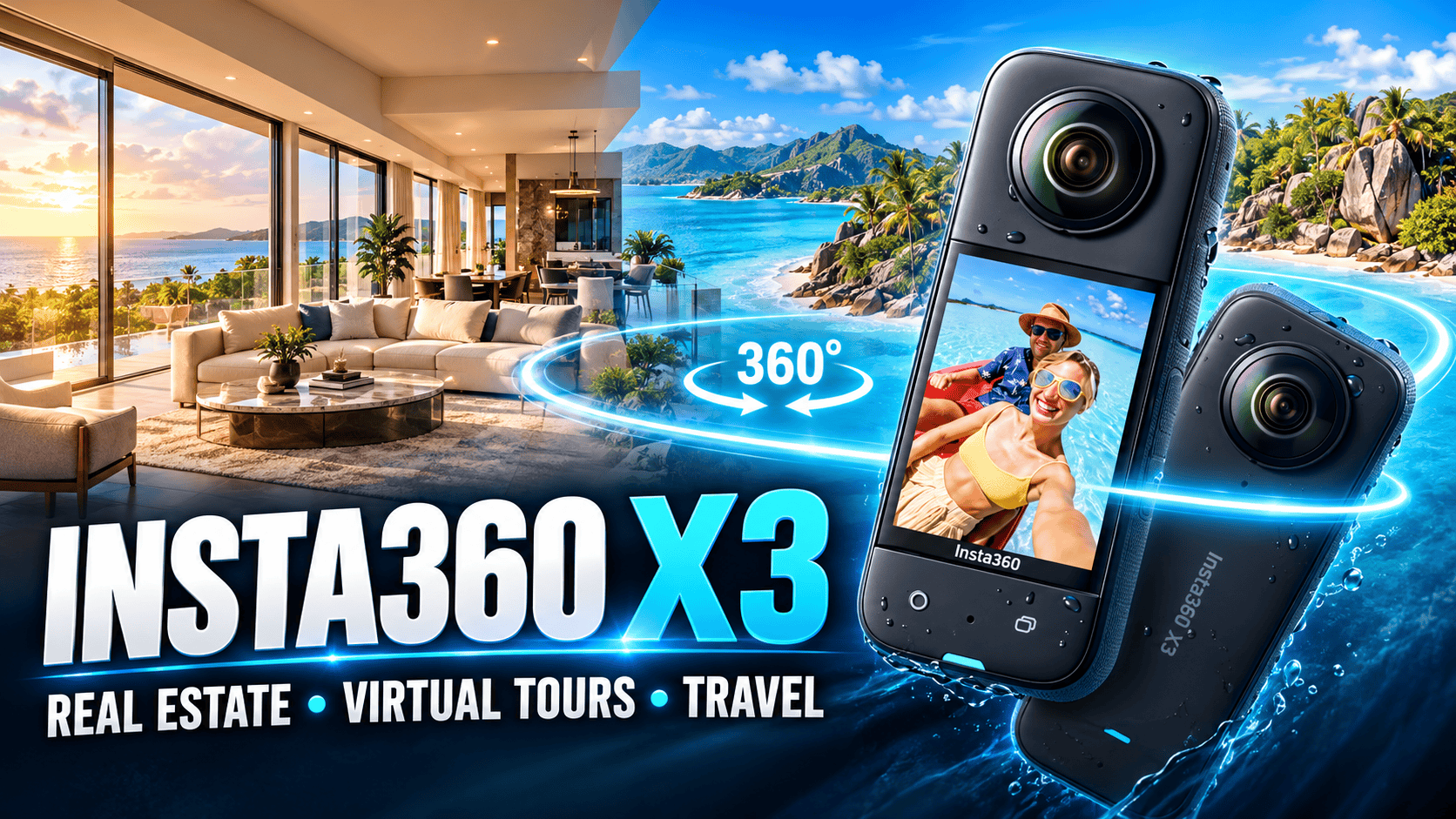
The X3 combines high-resolution photo modes with 5.7K panoramic video. For property work, its usefulness depends on the processed stills and the time needed to deliver them—not its reputation as an action camera.
Our assessment
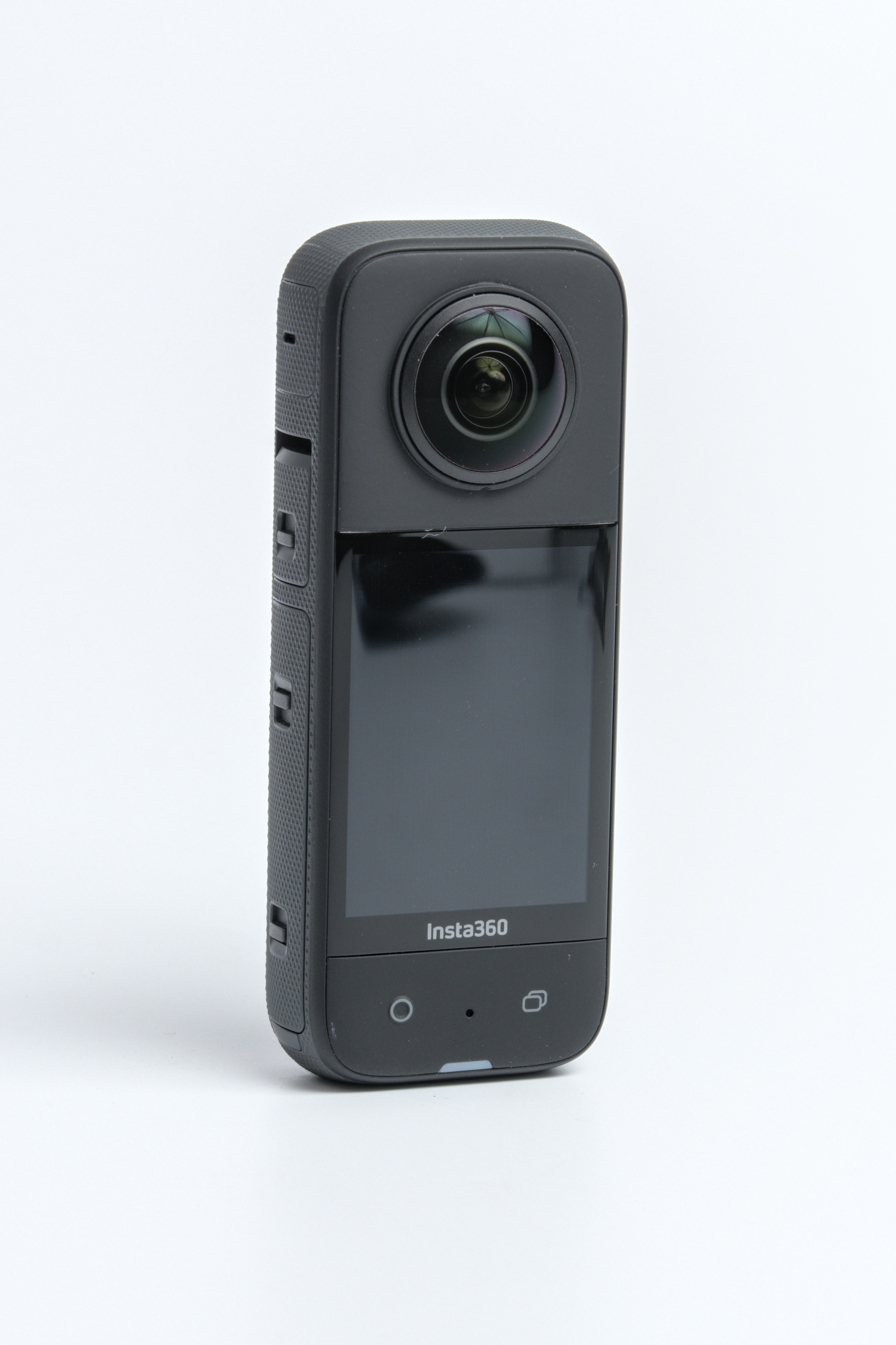
If you already own an X3, test a complete property-tour workflow before assuming a newer body is necessary. If you are buying one, request original files and compare the delivered panorama against alternatives. A lower purchase price is meaningful only when the camera meets your agreed quality standard.
The X3's photo and video capabilities should be evaluated separately. A successful moving-camera travel clip is not proof that a bright-window interior will be convincing, and a good still panorama does not establish low-light walking-video quality.
Photo and video specifications
| Feature | Insta360 X3 |
|---|---|
| Photo sizes | 11968 × 5984 (72 MP); 5952 × 2976 (18 MP) |
| Photo formats | INSP and DNG RAW; official FAQ directs PureShot editing to desktop |
| Photo modes | Standard, HDR, burst, interval and Starlapse |
| 360 video examples | 5.7K at up to 30 fps; 4K at up to 60 fps |
| Video files | INSV for 360 capture; MP4 for single-lens capture |
Source: Insta360 X3 shooting-mode FAQ. These are X3 dimensions; the later X4 and X5 use slightly different dimensions despite similar megapixel labels.
| Feature | Insta360 specification |
|---|---|
| Sensor / aperture | 1/2-inch sensor; f/1.9; 6.7 mm-equivalent focal length. |
| Weight / dimensions | About 180 g; 114 × 46 × 33.1 mm. |
| Focus / stitching | Minimum focusing distance: 0.3 m. Safe stitching distance: 0.6 m. |
| Storage / battery | microSD UHS-I V30 or higher; 1800 mAh battery. |
| Connections | 2.4 and 5 GHz Wi-Fi; Bluetooth 5.0. |
Source: Insta360 X3 hardware FAQ and shared X-series hardware table, X3 column. The focus and stitching figures describe different limits; close focus alone does not guarantee a clean join.
Why dedicated still capture matters
Maximum still and 5.7K video-frame width
72 MP photo — 11,968 pixels
5.7K video frame — 5,760 pixels
For a client requesting both a video and a navigable tour, plan separate still captures. Check the resulting panorama inside the viewer at the expected zoom level. A high-resolution flat preview can conceal seams, while a small thumbnail can conceal softness.
PureShot: a starting point with model-specific caveats
the independent reviewer's January 2023 virtual-tour workflow recommends single-shot PureShot for the X3. The demonstration primarily uses the ONE RS 1-Inch 360 Edition and separately discusses that model's PureShot HDR capabilities. Do not copy all of its settings into an X3 workflow or assume its sample images were captured with an X3.
That distinction is useful when choosing tutorials: a family-wide title does not mean every menu or feature is shared. We recommend using the creator's X3-specific guidance as a starting point, then checking your camera's current firmware and processing software. We have not performed that camera-to-computer test ourselves.
For a business trial, keep the originals, produce one completed panorama and load it into your intended viewer. Check exposure, seam continuity, orientation and the floor area before processing an entire property. Time the full sequence so that your estimate reflects delivery labor rather than shutter time alone.
From camera files to a deliverable panorama
| Camera option | Files saved | Documented export |
|---|---|---|
| INSP | INSP | JPG |
| INSP + RAW | INSP and DNG | App: JPG. Studio: JPG and DNG. |
| PureShot | INSP and DNG | JPG and DNG; follow the X3 FAQ's desktop editing guidance. |
Source: the X3 rows of Insta360's X Series file-format reference. Despite its X4 Air URL, the page explicitly covers X3. This table describes file handling, not every resolution/mode combination. The same reference says X Series photos cannot be exported as .hdr or .exr; a tour's HDR photograph should not be mistaken for a documented HDRI lighting-map workflow.
Our practical recommendation is to archive the complete capture folder, including companion files, before editing. Keep the stitched master separate from any smaller delivery copy. Open the final full-sphere JPG in the actual tour viewer and check that it covers the complete scene, faces the intended starting direction and retains acceptable detail after the platform processes it. An INSP file on a memory card is not yet a verified client deliverable.
What an independent X3 comparison found
In his 23 January 2023 comparison, the reviewer found the X3's large screen easier to operate than the smaller screens on several contemporary Insta360 models. His still-photo examples were more qualified: X3 roof-tile detail ranked behind Xphase and ONE RS 1-Inch, while his overall edited virtual-tour preference placed X3 after Xphase, Theta Z1, Theta X, Trisio and ONE RS 1-Inch. He nevertheless considered all six usable for paid tours and found X3 stronger outdoors, particularly with PureShot.
Those are attributed historical observations, not our measurements or a current-market ranking. Our takeaway is to judge X3 separately for outdoor storytelling and difficult interiors. A travel-friendly hybrid may meet one brief while requiring more compromise on another; the 72 MP label alone does not settle that decision.
Real estate: inspect what buyers will notice
Photo HDR and Active HDR video are different. The manufacturer's shooting-mode FAQ lists HDR among still modes and Active HDR among video modes. A tutorial showing stabilized HDR video is not evidence that a particular still-photo setting has the same exposure or motion behavior. Keep your camera mode, resolution and processing choice in the job notes so that a successful result can be repeated.
Test a bright-window room, a narrow doorway and a reflective bathroom. Compare the view at a natural viewing angle before inspecting extreme zoom. Straight architectural features should remain believable, wall colors should be consistent and a bright exterior should not distract from the room.
Move the camera if an important nearby object crosses an awkward seam. A better position is often more practical than trying to repair distorted geometry later. Keep edits reversible and preserve the original property appearance rather than making dramatic changes simply because the software permits them.
Business tours: separate the file from the experience
A stitched panorama is one component of a usable tour. The viewer also needs sensible starting directions, clear navigation and acceptable mobile loading. Prototype a short route through several spaces so these decisions are tested together.
For hospitality and retail, schedule capture to limit movement and check all directions for private material. Export a complete sphere for the interactive tour; reserve reframed flat compositions for other deliverables. GoThru owns this publication, but this article does not certify every X3 mode against a specific hosting plan.
Construction progress with an older camera
An existing X3 can be evaluated for broad visual documentation without assuming it will reveal small workmanship details. Agree on whether a capture is for orientation, progress discussion or a specific inspection task. Supplement panoramas with appropriate detail photographs when the task demands them.
Record dates and stable viewpoint identifiers with the originals. Note changes in access or camera position between visits. Inspect lens condition before capture and coordinate safe positions with site staff. This guide establishes no survey accuracy, automated defect detection, BIM alignment or hazardous-location approval.
For a repeat-visit X3 pilot, record the photo mode and whether each location used INSP, RAW or PureShot. Mixing processing routes between visits can make a lighting or color change look like a material change. Keep a simple location register with capture height, direction and access notes; mark a moved viewpoint rather than implying exact alignment. Capture close-up evidence separately when labels, fixings or surface defects cannot be read in the panorama. Keep sensitive plans, security arrangements and identifiable workers out of unrestricted public tours.
Travel photography: preserve two kinds of output
A full-sphere destination still and a reframed travel video offer different ways to tell a story. Preserve the original captures so you can revisit either format, and plan enough storage and backup capacity for the trip. Verify the desktop workflow before departure if PureShot photography is important to you.
Keep close crowds, railings and other near objects in mind when placing the camera. A location can be visually impressive yet awkward to capture from a cramped position. Explore owner-operated Panorra for panoramic destination inspiration; no X3 upload test is claimed here.
Keep, buy used or upgrade?
| What needs improvement? | Useful comparison |
|---|---|
| Processed window-lit interiors | Theta Z1: compare RAW/HDR editing effort and the delivered result. |
| Room-by-room capture and handling | Theta X: examine its still-focused workflow rather than relying on video specifications. |
| Travel video plus property photography | Insta360 X4: compare photo-mode restrictions separately from its higher video resolution. |
These are suggested comparison paths, not our own head-to-head performance ranking. Test the same room and viewing scale, and include staff processing time in the cost calculation.
Keep the X3 when its finished panoramas satisfy the job and the workflow is reliable. Buy used only after checking lens condition, operation and original files. Upgrade to solve a demonstrated limitation—such as a required output or workflow—not merely because another camera has a larger video number.
Research checked 21 September 2026. No invented score or benchmark is included.
Technical head-to-head comparisons
Compare specifications and workflow tradeoffs with these alternatives. These are source-based comparisons, not our own controlled camera tests.
- Insta360 X3 vs X4: Specs, 8K Video and Virtual Tour Tradeoffs
- Insta360 X3 vs X5: Specs and the Two-Generation Upgrade
Browse all published pairs in the comparison directory.
For the three-generation upgrade, read Insta360 X3 vs X6: photo formats, 5.7K versus 8K video, transfer, storage, repair and phone requirements.
Compare Insta360 X3 vs Ricoh Theta Z1 for RAW processing, aperture controls, action-video modes and field-workflow differences.
Additional technical comparisons:
- Insta360 X3 vs Ricoh Theta X: Specs and Tour Workflows
- GoPro MAX2 vs Insta360 X3: Full Specs and Upgrade Tradeoffs
- DJI Osmo 360 vs Insta360 X3: Full Specs and Upgrade Tradeoffs
Considering a change between these systems? Our Insta360 X3 vs QooCam 3 Ultra comparison separates video upgrades from still-tour workflow changes, with technical tables and field-storage considerations.
Compare supported still workflows, 5.7K recording and card-based field logistics in our Insta360 X3 vs QooCam 3 technical comparison. This matchup uses the standard QooCam, not Ultra specifications.




Comments ()