Insta360 X3 vs QooCam 3 Ultra: Specs and the 8K Upgrade
Technical head-to-head · Upgrade planning for stills and video
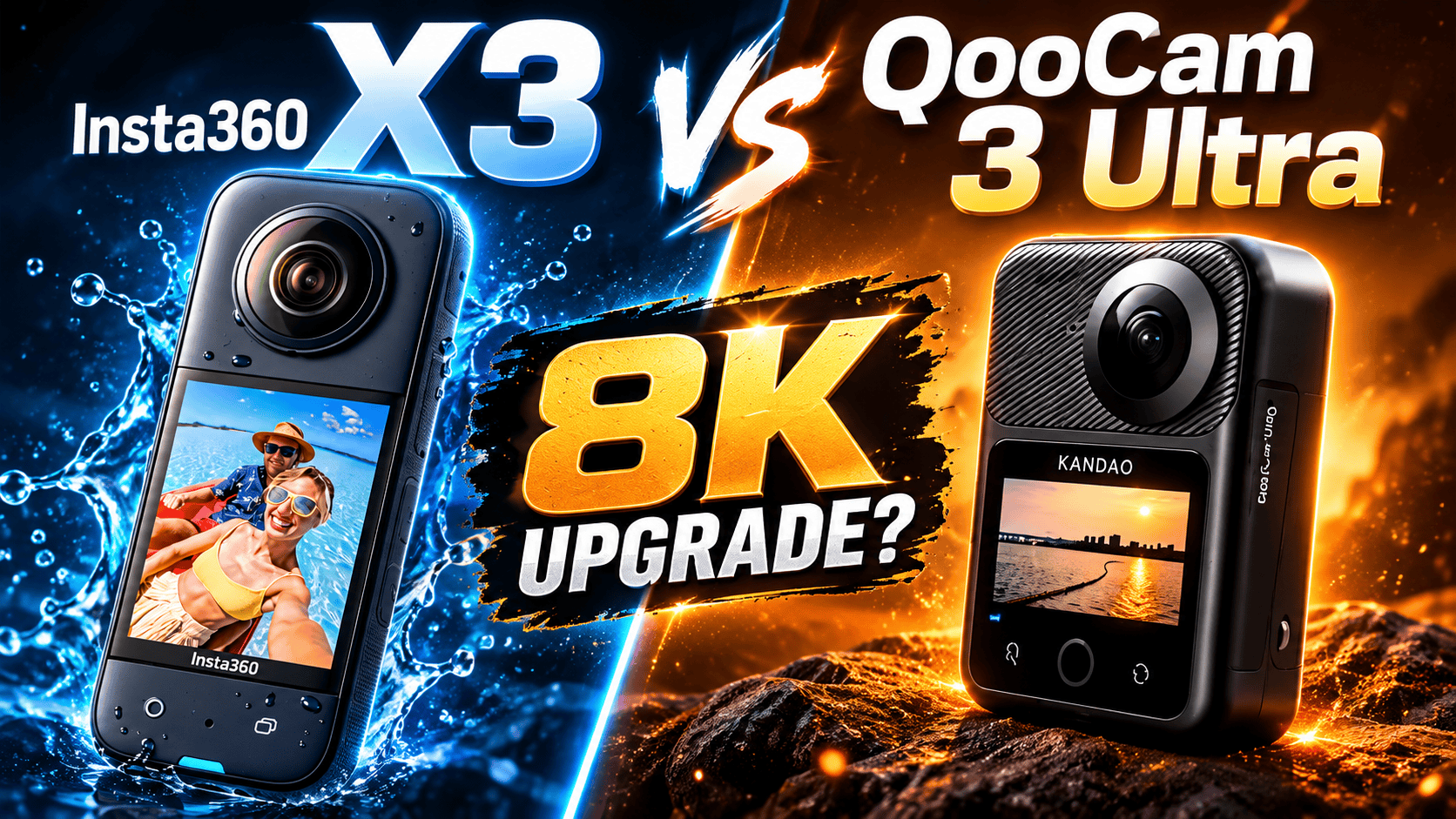
QooCam 3 Ultra adds ordinary 8K30 spherical recording, ten-bit color options and internal storage to this comparison. X3 is substantially lighter and may already satisfy a team's delivery requirements. The upgrade case depends on the finished work, not simply a newer camera or a larger megapixel label.
Is the missing deliverable video, still photography or field reliability?
Consider Ultra if ordinary 8K capture, its documented color modes or internal recording storage solve a current limitation. Its 8K capability is a real mode difference from X3's ordinary 5.7K ceiling. It is not proof that every reframed clip or room panorama will look better.
Keep X3 in consideration when its exports already meet the brief and carrying weight matters. X3's listed 180 g mass is 156 g below Ultra's 336 g with-battery figure. The complete kit still includes support, spare power and protection; this is not a measured carrying-comfort test.
Separate a video upgrade from a still-tour upgrade. A team might benefit from higher-resolution motion footage without needing to replace the established capture and processing route for every interior.
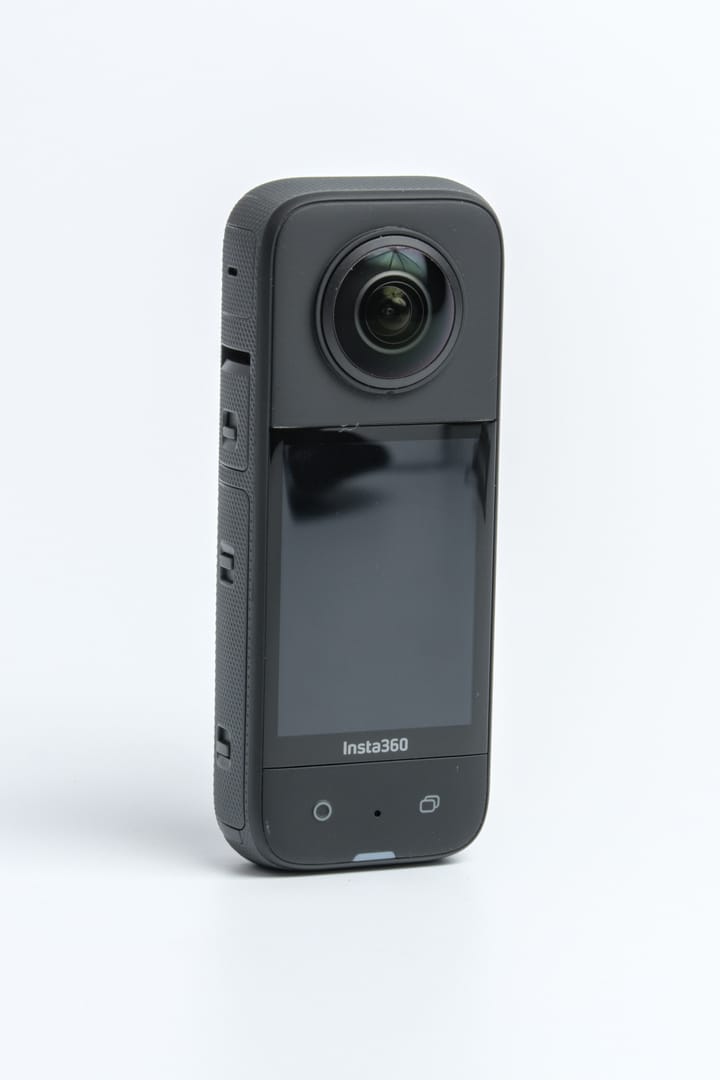
Still-photo specifications and exposure control
| Parameter | X3 | QooCam Ultra |
|---|---|---|
| Sensor format | 1/2-inch type | 1/ |
| Aperture | f/1.9 | f/1.6 |
| Maximum panorama | 11968 × 5984; 72 MP | 13888 × 6944; 96 MP |
| Smaller panorama | 5952 × 2976; 18 MP | 6944 × 3472; 24 MP |
| Photo formats | INSP, DNG | JPG, DNG, EXR |
| ISO | 100–3200 | 100–6400 |
| Photo shutter | 1/ | 1/ |
| Exposure adjustment | ±4 EV | ±4 EV |
| White balance | 2000–10000 K | Auto; 2500–10000 K |
Sources: Insta360 hardware table, X3 column, shared shooting specifications and Ultra specifications. A higher ISO ceiling does not quantify usable low-light quality. Sensor format, aperture and pixel count are inputs to a workflow, not an overall image-quality ranking.
Maximum listed panorama width
X3 — 11,968 pixels
QooCam 3 Ultra — 13,888 pixels
Do not compare 72 MP and 96 MP as if every HDR route used them
| Route | Documented limit | Acceptance check |
|---|---|---|
| X3 HDR Photo | 18 MP | Inspect finished windows, seams and moving objects |
| X3 PureShot | Shared table directs processing to desktop Studio | Confirm the computer can process sample originals |
| Ultra DNG8 | Separate multi-frame RAW mode | Preserve and process the full capture set |
| Ultra DR Boost | 24 MP; ISO 6–100; 1/800–30 s | Evaluate this output separately from ordinary 96 MP |
X3's model-specific parameter guide lists HDR Photo, Burst and Starlapse at 18 MP. Its ordinary Photo and Interval entries offer 72 or 18 MP. A general list of resolution, RAW and HDR support does not establish every possible combination. The exact bracket-count and exposure-step matrix is not established here.
The Ultra support FAQ supplies the DR Boost limits. Its DNG8 and AEB modes are listed separately: a repeated-frame RAW process is not automatically the same as varying exposure across a bracket. Test the selected route through development and stitching, retaining all source frames until a master and independent backup are verified.
For a useful interior trial, keep viewpoint and delivery size consistent. Include bright windows, dark fabric, a nearby doorway and a moving curtain. Compare the accepted sphere and total production time, not just the time to release the shutter. More processing choices can help difficult scenes without being appropriate for every routine room.
The clearest upgrade is ordinary 8K recording
| Parameter | X3 | QooCam Ultra |
|---|---|---|
| 8K | Not ordinary video | 24/25/30 fps |
| 5.7K | 24/25/30 fps | 24/25/30/50/60 fps |
| 4K sphere | 24/25/30/50/60 fps in shared table | 100/120 fps in technical table |
| Lower resolution | 3008 × 1504; 100 fps | No lower ordinary mode in cited table |
| Container / codec | INSV; H.264 | MP4; H.265 |
| Bitrate ceiling | 120 Mbps | 150 Mbps |
| Color choices | Standard, Vivid, LOG | 8-bit Rec.709; 10-bit HLG Pro/Normal, K-Log |
Sources: shared shooting specifications, Ultra technical specifications and support FAQ above. X3's model-specific page lists only 30/60 at 4K, while the shared table adds 24/25/50; confirm the desired setting on the installed firmware. Ultra's ordinary spherical rasters are 7680 × 3840, 5760 × 2880 and 3840 × 1920 for 8K, 5.7K and 4K respectively.
Kandao's manual documents a non-real-time stitch/export for recorded Ultra video from the on-camera album, starting with firmware V1.1.0. The 360° export keeps source resolution and frame rate; the 180° stabilized flat export varies resolution by aspect ratio. This is a post-capture video menu, not a still-photo route (QooCam 3 Ultra user manual).
An 8K sphere spreads its pixels around the complete scene. A narrow reframed view is not an 8K conventional-camera image. Compare the intended crop, stabilization and final compression on the actual delivery device before assigning a quality advantage.
Ultra's explicitly listed ten-bit modes offer a defined color-processing route. X3's LOG label should not be interpreted as proof of the same bit depth or grading behavior. Process each profile correctly; comparing ungraded log against finished standard-color footage is not a fair test.
Keep special modes separate from the ordinary-video table
X3's parameter guide lists Active HDR at 5.7K24/25/30 and timelapse playback at 8K or 5.7K24/25/30. The latter does not make X3 an ordinary 8K camera. Its Bullet Time entries—4K120 and 3K180—also do not extend normal spherical recording limits.
For flat clips, X3's default single-lens mode lists 4K up to 30 fps, with 3.6K, 2.7K and 1080p up to 60. Its FOV+ route uses app or Studio processing for stabilization, horizon lock and aspect ratio. The model-specific guide lists Me Mode at 1080p30/60; that is distinct from ordinary video.
Ultra's FAQ explicitly gives square single-lens output of 3840 × 3840 up to 60 fps or 3472 × 3472 at 100 fps. Its general technical table uses a conflicting 4K100 label. Plan around the explicit pixel dimensions and inspect original files before promising a particular cropped delivery.
Internal storage, power and carrying weight
| Parameter | X3 | QooCam Ultra |
|---|---|---|
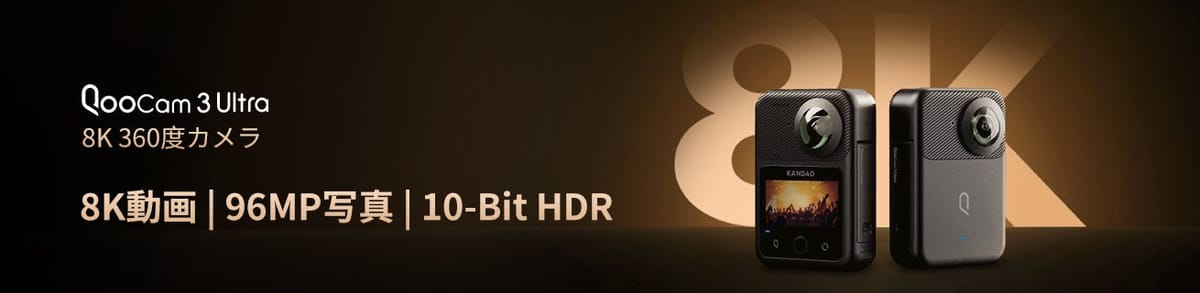
| Weight | 180 g | 336 g with battery |
| W × H × D | 46 × 114 × 33.1 mm | 71.5 × 103.2 × 26.6 mm |
| Touchscreen | 2.29-inch; 344 × 476 | 2.19-inch |
| Removable battery | 1800 mAh | 2280 mAh |
| Internal storage | No recording capacity listed | 128 GB nominal; about 98.2 GB usable per FAQ |
| Card | microSD UHS-I V30 or faster | microSD UHS-I V30 or faster; ≤1 TB, exFAT |
| USB | Type-C 2.0 | Type-C; USB 3.1 Gen 2 per FAQ |
| Bluetooth | 5.0 | 5.2 |
| Operating range | −20–40°C | −20–40°C |
| Body water-depth claim | 10 m | 10 m; IP68 |
Sources: X3 shared hardware table and Ultra specifications/support above. A USB generation does not establish actual offload speed. Internal storage offers an alternative recording destination, not an independent backup. Water-depth claims depend on the correctly closed camera and do not guarantee seamless underwater images.
X3's hardware manual quotes about 81 minutes at 5.7K30 with high bitrate, screen off and Wi-Fi Auto at 25°C. Ultra quotes about 50 minutes for ten-bit 8K or 75 minutes for eight-bit 5.7K under its laboratory method. Different workloads prevent a direct endurance ranking; neither value is a guaranteed number of completed HDR rooms.
Plan charging and offload together. A higher-capacity battery does not solve full storage, and an internal recording fallback does not recharge the camera. Keep independent copies before clearing cards or camera memory. Check used-camera battery health and lens condition before deciding from purchase price alone.
A complete pilot job decides the upgrade
Ultra's support FAQ specifically advises H.265 export above 4K for QooCam Studio GPU acceleration, with support dependent on the graphics card's encoding capabilities. Check the intended resolution and ten-bit processing on the actual workstation. A successful camera connection does not prove that a computer can edit or export the intended job efficiently.
Property interiors: test X3's actual HDR/PureShot route against the selected Ultra route, including editing time. A larger ordinary still file should not stand in for a matched comparison of supported HDR exports.
Construction: Ultra's internal storage and X3's lighter kit address different operational risks. Keep dated viewpoint IDs, height and processing settings consistent. If changing cameras mid-project, make an overlapping reference visit so a rendering change is not mistaken for a site change. See the construction-site workflow; neither camera is presented as survey-grade equipment.
Travel: include the editing device, spare power and lens protection in the kit trial. Test both the immersive panorama and the intended promotional crop. Owner-operated Panorra provides a related destination-storytelling context, not proof of a tested direct camera integration.
GoThru operates this publication. We have not completed a camera-specific hosting test for this pair. Verify spherical recognition, orientation, seams and image loading after upload on phone and desktop. Retain original files separately from processing masters and delivery copies.
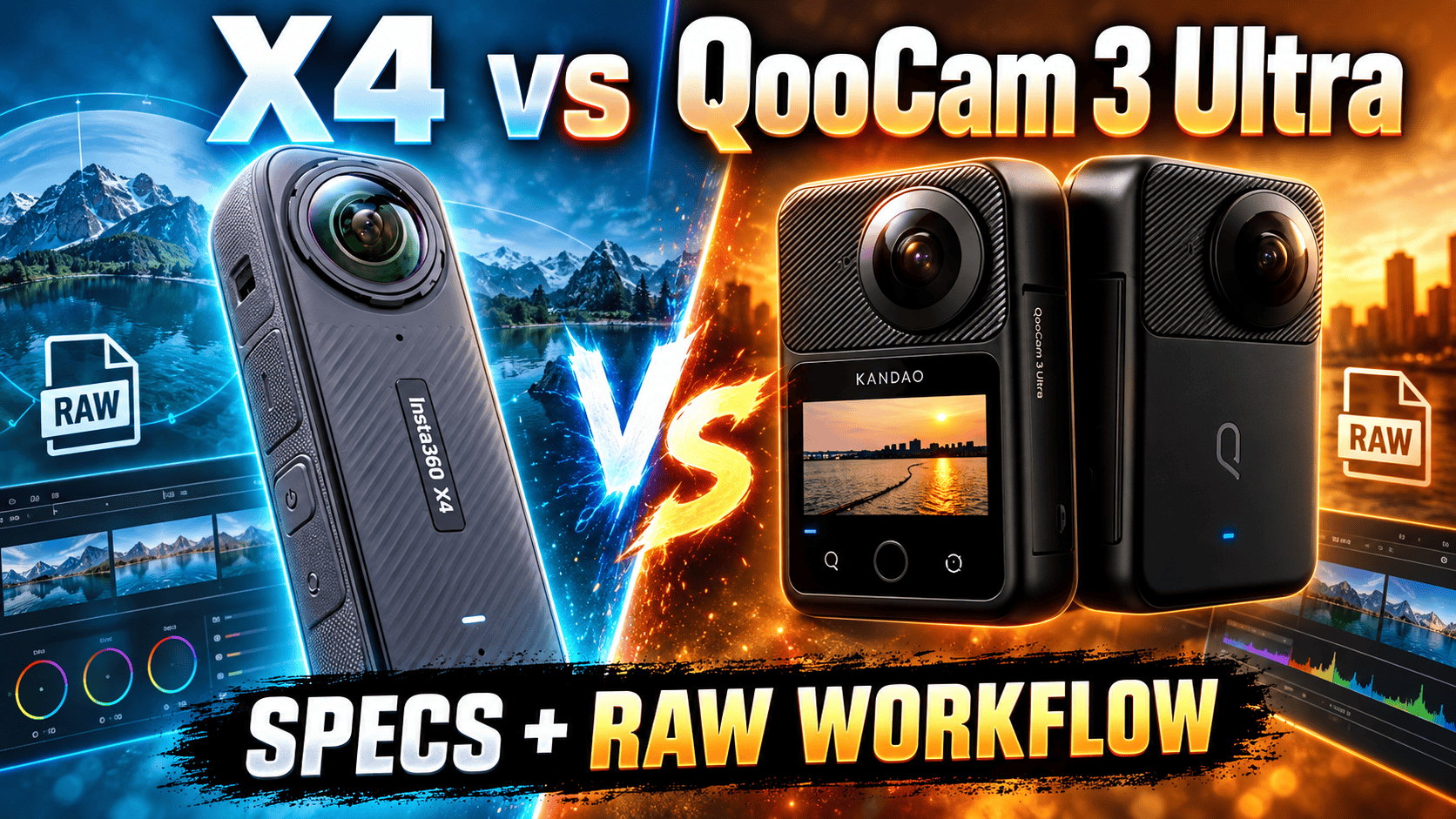
Read the X3 guide, QooCam 3 Ultra guide, X4 vs Ultra comparison or X3 vs X4 comparison, and explore the comparison selector. Request current complete-workflow quotes rather than assuming a permanent price winner.



Comments ()