GoPro MAX2 vs Insta360 X3: Full Specs and Upgrade Tradeoffs
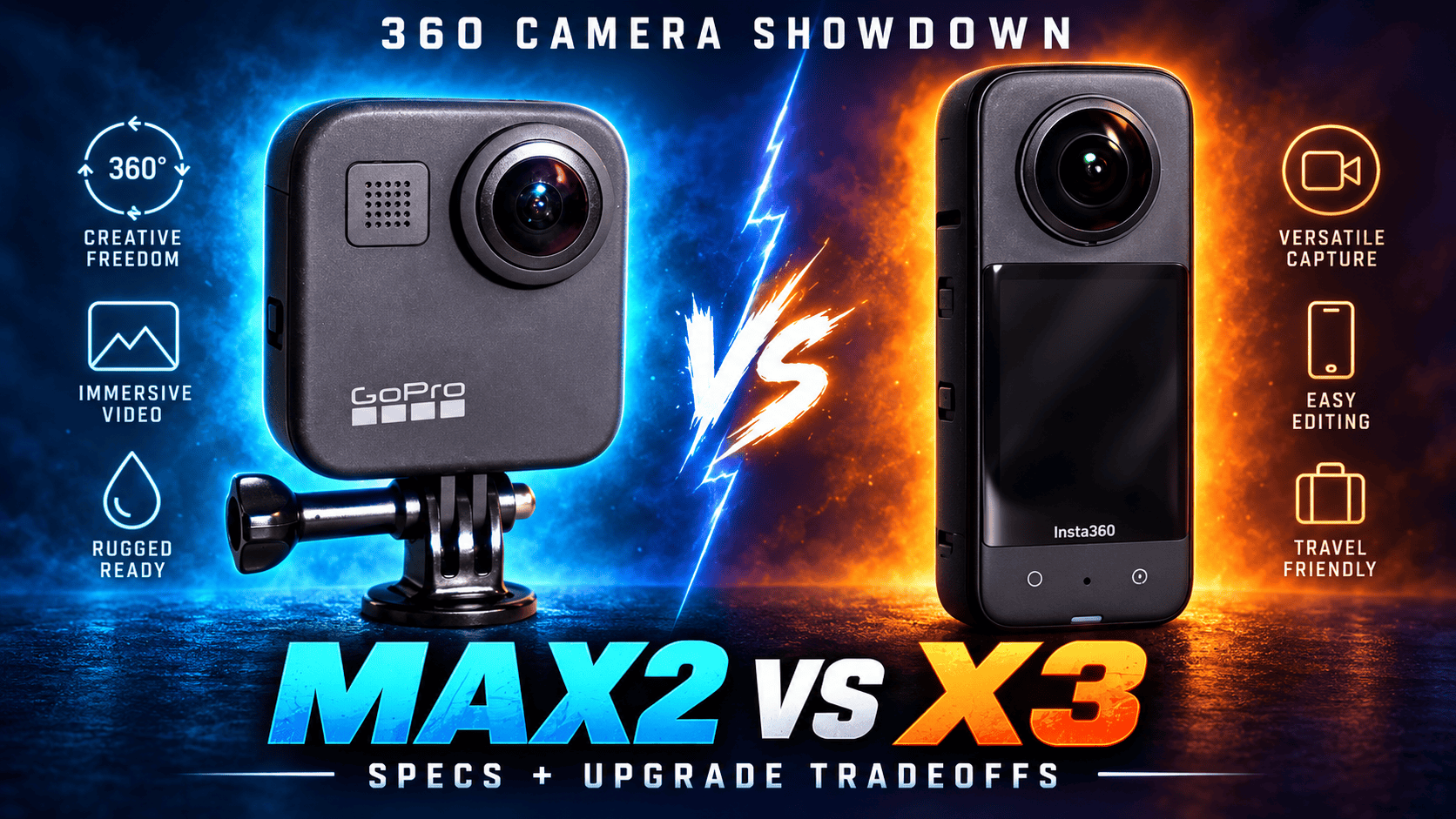
Technical head-to-head · Is MAX2 a useful X3 upgrade?
MAX2 adds ordinary 8K spherical recording and user-replaceable lenses to this comparison. X3 lists larger maximum still panoramas and a different RAW/HDR workflow. Moving from X3 to MAX2 therefore changes video capability and field repairability, but does not automatically improve every virtual-tour photograph.
When does replacing X3 make sense?
Shortlist MAX2 when ordinary 8K video or replaceable lenses solves a real problem. X3's ordinary sphere tops out at 5.7K30, so MAX2 changes available recording dimensions. A replaceable lens can also change the recovery plan after field damage. Neither specification establishes the quality of a completed interior tour.
Keep X3 in consideration when its existing still workflow meets the brief. Its DNG/PureShot route and larger listed photo dimensions address different needs from MAX2's spherical JPEG workflow. Changing camera brands also changes accessories, presets and operator training.
For an X3 owner, test the missing deliverable before replacing a working kit. An 8K motion requirement is different from wanting better window detail in room panoramas. For a new buyer, compare complete current kits and newer options in the comparison directory; no permanent price advantage is assumed here.
Photo dimensions and exposure controls
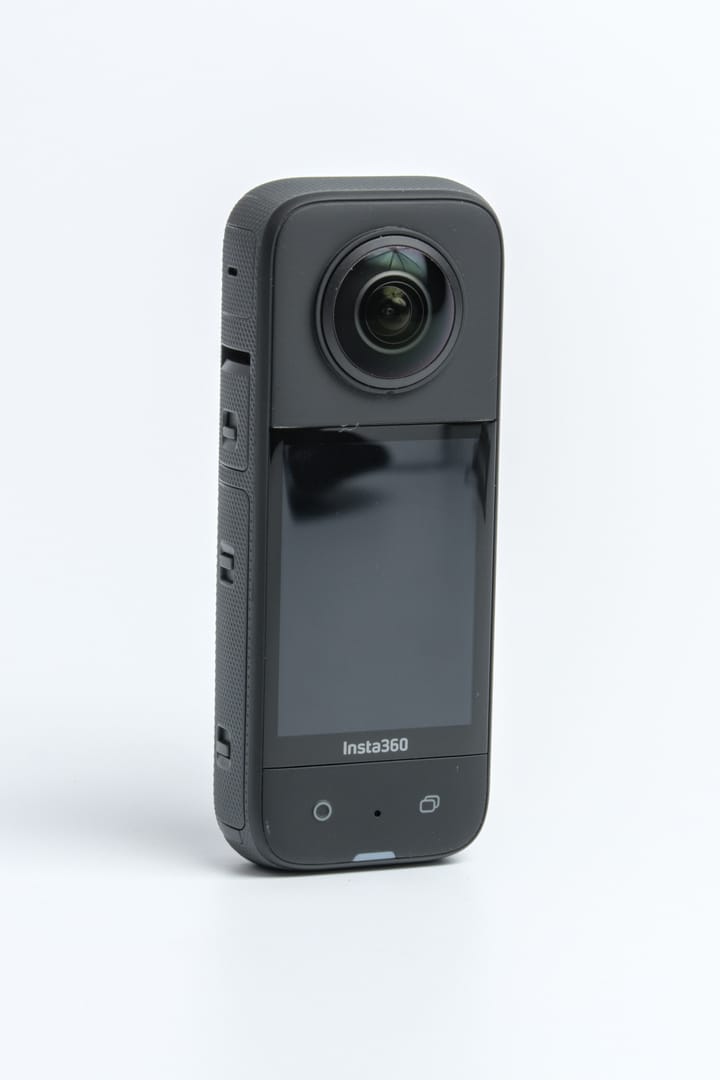
| Parameter | MAX2 | X3 |
|---|---|---|
| Sensor format | Dual 1/ | Dual 1/2-inch type |
| Aperture | f/1.8 | f/1.9 |
| Largest sphere | 7680 × 3840; approximately 29.5 MP | 11968 × 5984; 72 MP |
| Other photo size | Single-lens: 4000 × 3000 | Smaller sphere: 5952 × 2976; 18 MP |
| Still formats | .36P/JPG sphere; GPR RAW single-lens only | INSP, DNG |
| ISO | Photo 100–3200; Night 100–800 | 100–3200 |
| Photo shutter | Auto or 1/ | Manual: 1/ |
| Exposure adjustment | ±2 EV | ±4 EV |
| Color temperature | 2300–6500 K | 2000–10000 K |
| Minimum focus | Numeric value not established here | 0.3 m |
Sources: MAX2 technical panel, shared Insta360 shooting table, X3 column and hardware guide. Sensor format and ISO limits do not measure usable dynamic range. Minimum focus is not a guarantee of clean stitching around nearby furniture.
Largest listed panorama width
MAX2 — 7,680 pixels
X3 — 11,968 pixels
RAW and bracketing are not equivalent features
| Route | Capture | Workflow |
|---|---|---|
| MAX2 ordinary | .36P or JPG sphere | Not native spherical GPR RAW |
| MAX2 Labs | JPG; up to nine selected exposure positions | Optional firmware/preset and separate processing |
| X3 ordinary | 72 or 18 MP | Check selected format and export |
| X3 HDR Photo | 18 MP per model-specific manual | Bracket count/step matrix not established here |
| X3 PureShot | RAW processing route | Shared guide specifies desktop Studio processing |
X3's parameter manual limits HDR Photo, Burst and Starlapse to 18 MP. Its 72 MP maximum must not be combined with every listed photo feature as though all work simultaneously.
MAX2 Labs bracketing selects up to nine exposure positions from −4 to +4 EV and requires JPG rather than .36P for spherical capture. Trigger it with the shutter or a compatible BLE remote, not Quik. Renaming can hide files from camera/Quik playback, and the preset keeps the camera on. Its RAW instructions apply to Single Lens, not spherical GPR.
The separate Labs HDRI tool merges JPEG exposures into a lighting-environment .HDR file; it is not an automatic ready-to-host room panorama. Its introduction and older timing text describe different exposure counts, so a fixed sequence duration is not promised here.
Test bright windows, shadow texture, close furniture and movement at a seam. Compare finished spheres at a common viewing size and time capture, development and cleanup separately. A larger photo maximum or a RAW extension does not determine the result in advance.
What ordinary 8K adds over 5.7K
| Parameter | MAX2 | X3 |
|---|---|---|
| 8K: 7680 × 3840 | 24/25/30 fps | Not ordinary video |
| Intermediate size | 5376 × 2688 at 25, 30, 50, 60 fps | 5760 × 2880 at 24/25/30 fps |
| Mode labelled 4K | 3328 × 1664 at 50, 60, 90, 100 fps | 3840 × 1920 at 24, 25, 30, 50, 60 fps |
| Other ordinary mode | See modes above | 3008 × 1504 at 100 fps |
| Files / codec | .360 / HEVC | INSV / H.264 |
| Bitrate ceiling | Launch 120 Mbps; June update up to 200 in specified modes | 120 Mbps |
| Color profiles | Natural, Vibrant, Flat; GP-Log | Standard, Vivid, LOG |
| Audio | Six microphones; stereo/360 audio; WAV single-lens only | 48 kHz, 16-bit AAC; stereo, wind reduction, Direction Focus |
The shared Insta360 table supplies X3's broader 4K rate list; its model-specific parameter guide lists 30/60 there. Verify the selected firmware and frame rate before a job. MAX2's 8K panorama is one-third wider than X3's 5.7K panorama, but the mode labelled 4K on MAX2 is narrower than X3's 4K frame. Labels alone conceal those differences.
GoPro's 25 June 2026 update assigns 200 Mbps to 8K spherical and 4K single-lens video and extends 10-bit/GP-Log to TimeWarp, Night Effects, Time Lapse and Night Lapse. Keep those firmware additions separate from launch specifications and optional Labs settings.
A larger spherical source can change reframing options, but the final forward-facing crop contains only part of the pixels. Codec, bitrate and profile names do not prove a matched quality advantage. Compare the same crop, motion and delivery grade.
Flat clips and time sequences
MAX2 ordinary flat 4K lists 3840 × 2160, 2160 × 3840 or 4000 × 3000 at 24/25/30/50/60 fps; its 1080p landscape/portrait modes run at 50/60. X3 lists 3840 × 2160 at 24/25/30; 3584 × 2016, 2720 × 1530 and 1920 × 1088 add 50/60. These flat sizes must not be mixed with the full-sphere table.
X3's parameter guide lists Active HDR and TimeShift at 5.7K24/25/30, Bullet Time at 4K120 or 3K180, and timelapse playback at 8K or 5.7K24/25/30. Its 8K timelapse is not ordinary 8K motion recording. Model-specific Me Mode lists 1080p30/60 despite the shared table's contradictory unsupported entry.
MAX2 lists spherical TimeWarp and time-lapse video at 8K30 or 5.6K30. Night effects are separate from bracketed room photography. X3 interval stills offer 72 or 18 MP and 3/5/10/30/60/120-second spacing. Preserve dated site panoramas independently of accelerated promotional video.
MAX2 documents Max HyperSmooth and 360° Horizon Lock; X3 documents FlowState and horizon lock. X3's default-field-of-view video applies FlowState in camera, while FOV+ uses app/Studio processing for stabilization and aspect ratio. Those workflows and feature names do not establish a matched walking-stabilization winner.
X3's timelapse capture intervals are 0.2/0.5/1/2/4/10/30/60/120 seconds. Loop recording offers 1/3/5/10/15/20/25/30-minute durations. Its shooting FAQ limits 15/30-second pre-recording to ordinary 360 and single-lens Video, rather than all special modes, and excludes HDMI output. Capture interval, playback rate and retained loop duration are distinct controls.
MAX2's 29 MP burst options are 5 or 10 frames in one second, 10 or 30 in three seconds, or 30 in six seconds. Star Trails, Light Painting and Vehicle Lights produce spherical 8K30 or 5.6K30 video. Its manual describes TimeWarp speeds from 2× to 30× plus Auto, scheduling up to 24 hours ahead and a 3/10-second photo timer. A complete resolution-by-interval matrix is not established here.
Repairability, storage and power
| Parameter | MAX2 | X3 |
|---|---|---|
| Weight | 195 g with battery and mounting fingers | 180 g |
| W × H × D | 64 × 69.7 × 48.7 mm | 46 × 114 × 33.1 mm |
| Touchscreen | 1.82-inch LCD | 2.29-inch LCD; 344 × 476 |
| Removable battery | 1960 mAh Enduro | 1800 mAh |
| Recording storage | microSD A2 V30 or better; maximum capacity not established here | microSD up to 1 TB; UHS-I V30, exFAT |
| USB | Type-C 3.0 | Type-C 2.0 |
| Bluetooth | BLE 5.3 | 5.0 |
| Operating range | −10–35°C | −20–40°C |
| Body water rating | 5 m | 10 m |
| Location hardware | GPS | Built-in GNSS not established here |
| Lens maintenance | User-replaceable lenses | Sticky Lens Guards protect rather than replace lenses |
X3's shared hardware guide quotes 81 minutes at 5.7K30, High bitrate, screen off and Wi-Fi Auto at 25°C. A matched MAX2 runtime is not established here. Battery capacity cannot be converted into accepted rooms per charge, and USB generation alone does not predict complete offload time.
Field repairability can matter more than nominal depth ratings after a scratched lens interrupts a construction visit. Carrying a MAX2 replacement lens is a different contingency from fitting a protective guard to X3. Neither water rating guarantees clean underwater stitching; assess the appropriate housing for that task.
X3's product page quotes approximately 90 minutes for charging at 5 V/3 A; its shared hardware manual qualifies charging with camera-off, 25°C conditions. GoPro's comparison tool with MAX2 selected quotes approximately one hour to 80% and two hours to full with a 3 A/15 W source. These different manufacturer setups are not a matched charging benchmark.
X3 lists 2.4/5 GHz Wi-Fi with a/b/g/n/ac. MAX2's technical panel lists a/b/g/n/ac despite a Wi-Fi 6 label; confirm the regional camera/phone connection rather than assuming an unlisted protocol. MAX2 has folding fingers, a 1/4-20 mount and Magnetic Latch Mount compatibility. X3's exact mounting-thread specification is not established here; check the actual support, adapter and battery access.
Budget the complete export process
Test representative MAX2 originals in Quik/Player and X3 originals in the Insta360 app/Studio installation you intend to use. Test ordinary stills separately from Labs exposure sequences or PureShot processing. A phone connection does not establish that every original transfers or edits smoothly.
X3's product compatibility list starts at A11/iOS 13, with Android examples including Snapdragon 845, Kirin 980, Exynos 9810 and Tensor Pixel 6. It requires a 64-bit phone system and excludes SDM765 5G; Snap Wizard has a separate higher requirement. Wireless iOS/Android use is supported, but wired iOS connection is explicitly excluded. Its optional microphone adapter provides a separate 3.5 mm input route.
GoPro Player lists macOS 10.14 or Windows 10 and newer, HEVC-capable graphics guidance and batch export. HyperSmooth Pro explicitly excludes 360 content; do not confuse that desktop feature with MAX2's camera stabilization. A current MAX2-specific phone-performance baseline is not established here.
Keep capture originals, processing masters and hosted exports separate. Inspect seams, orientation and color at the intended viewing size. When switching systems, preserve an overlapping reference session so a changed processing pipeline does not masquerade as a change on the construction site.
Real estate, construction and travel choices
Real estate: compare X3's actual 18 MP HDR/PureShot workflow with MAX2's spherical JPEG/bracketing path. Neither X3's 72 MP maximum nor MAX2's 8K video label settles difficult-room output quality.
Construction: MAX2 adds GPS and field-replaceable lenses; X3 remains useful if its existing capture process meets the brief. Keep viewpoint IDs and processing rules consistent. See the construction-site virtual-tour workflow. Neither camera is presented as survey-grade equipment.
Travel: MAX2's ordinary 8K and flat 4K60 add documented capture options; X3 still offers special slow-motion and conventional tour outputs. Preserve destination spheres separately from social crops for owner-operated Panorra; no direct integration is claimed.
Read the MAX2 and X3 guides, compare MAX2 vs X5 or X3 vs X4, and browse the comparison directory.




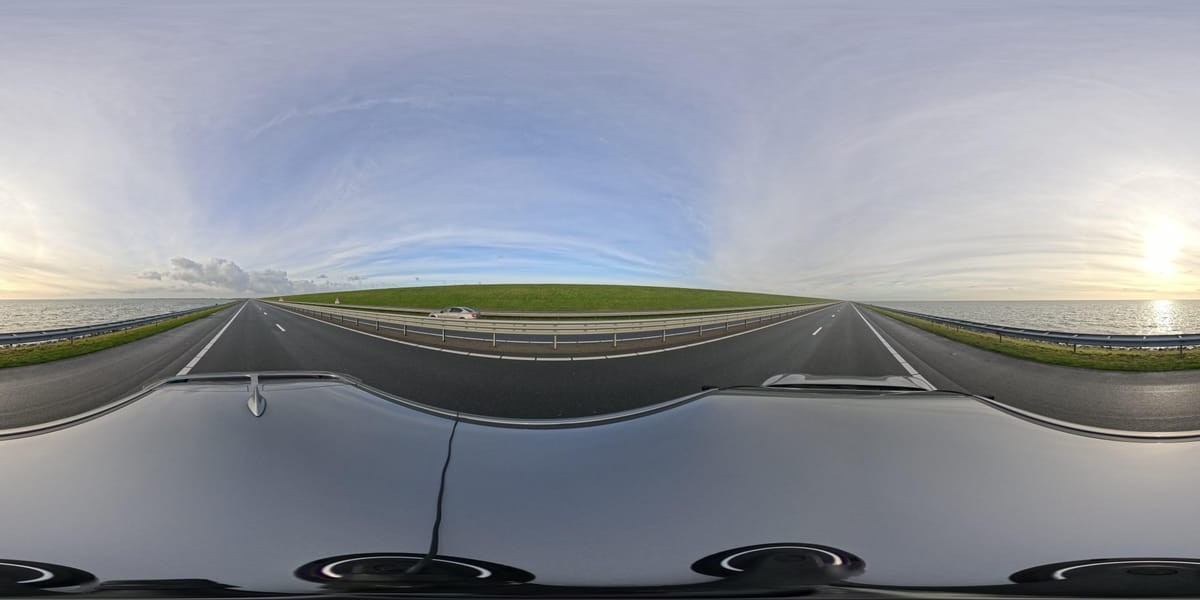
_2025-11-02_08H30M14S000_(1546019943479385_at_S5wp7d3cHai9lgKELnOqAW)_taken_with_GoPro_MAX2.jpg)
Comments ()