Insta360 X5 for Real Estate, Virtual Tours & Travel
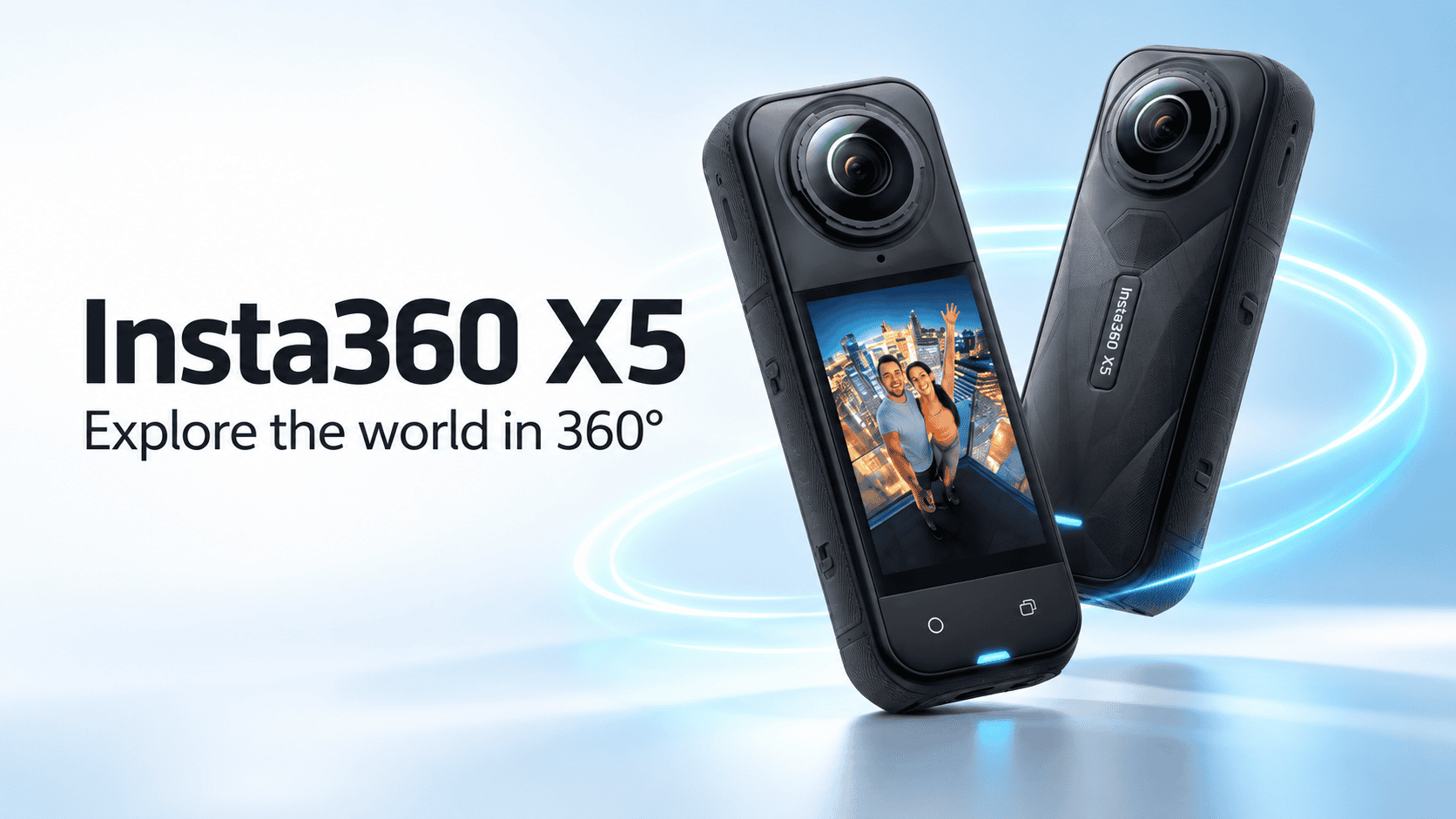
Camera analysis · Virtual tours and travel capture
The X5 is not only an action-video camera. Its panorama modes and DNG option give property photographers a reason to investigate it—but a successful tour depends on exporting the full sphere and choosing an appropriate capture mode.
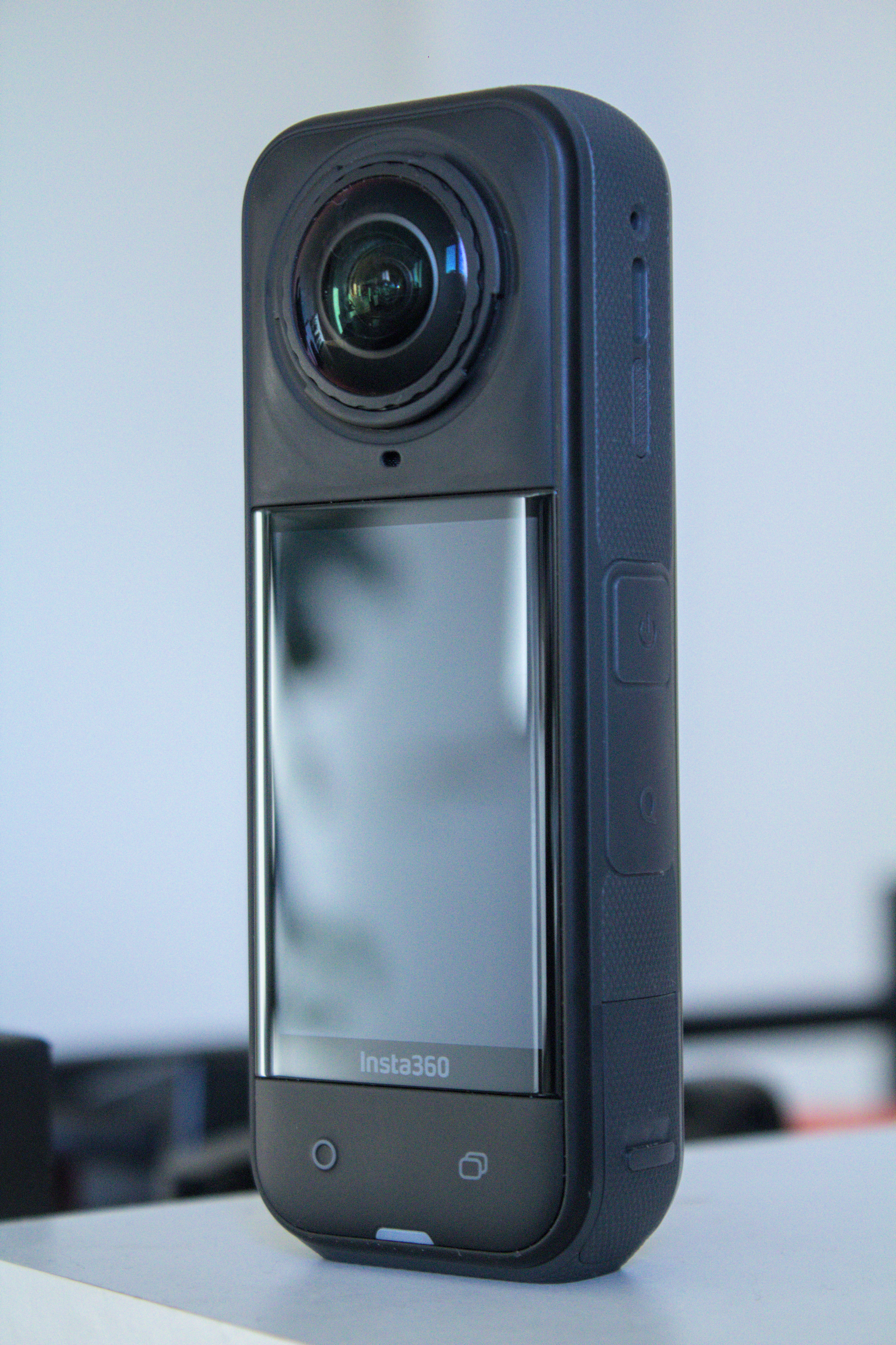
Our assessment
Consider the X5 when your assignments combine interactive still panoramas with travel or promotional video. Evaluate its dedicated photo workflow rather than assuming a frame from a video will serve the same purpose. A photographer delivering a property tour needs consistent room-to-room exposure, clean geometry and a practical editing route; a compelling action clip establishes none of those on its own.
For an existing Insta360 user, familiarity with the software may be valuable. For a new buyer, include computer performance, file management and export time in the evaluation. A camera that is easy to operate can still generate a labor-intensive job.
Photo specifications to understand
| Feature | Insta360 X5 |
|---|---|
| Sensor format | Dual 1/1.28-inch-type sensors |
| Higher-resolution panorama | 11904 × 5952, marketed as 72 MP |
| Lower-resolution panorama | 5888 × 2944, marketed as 18 MP |
| Photo formats | INSP, with JPG available through in-camera stitching; PureShot+RAW adds DNG. See the export distinctions below. |
| Lens serviceability | User-replaceable lenses advertised; follow the manufacturer's replacement procedure |
| Video positioning | 8K 360 capture; assess video separately from still-photo suitability |
Sources: Insta360 X5 product page and manufacturer X-series shooting comparison. The latter is a multi-model table: the figures above come from its X5 column, not the X3 or X4 columns.
72 MP versus 18 MP: file dimensions, not a quality score
X5 panorama width by photo mode
72 MP mode — 11,904 pixels
18 MP mode — 5,888 pixels
Judge both modes at an equal viewing angle in the final tour. Look at signs, window frames and textured furnishings. The full panorama wraps around the viewer, so its total pixel count should not be confused with the detail available in a single on-screen view.
A creator-tested starting point
Watch the independent reviewer's X5 virtual-tour tutorial on YouTube. The observations summarized below are documented in his accompanying written guide.
An independent December 2025 X5 virtual-tour guide recommends 72 MP photography with HDR and PureShot Plus RAW. The reviewer favors that HDR route over AEB in his workflow, reporting cleaner results and quicker capture. This recommendation is a useful starting point, not our own universal comparison of every firmware version and scene.
His guide uses Insta360 Studio for stitching and modest adjustments, then exports a 360 photo at original resolution with horizon leveling. Crucially, a reframed export is a flat composition rather than the full sphere needed for a tour. Keep that output choice explicit when handing work between people.
Our suggested validation is to photograph one challenging room with your chosen settings and retain every original file. Process it on the computer intended for paid work, then inspect the result in the actual viewer. Only then decide whether the workflow is fast and predictable enough for the service you want to sell.
What independent testing establishes—and what it does not
In his April 2025 Digital Camera World review, Adam Juniper includes a cropped indoor photograph from a dim restaurant and finds the default color rendering respectable. He also reports responsive menus and a startup of roughly four seconds in his testing. These are useful observations for location work, but a cropped restaurant example does not establish full-sphere seam quality, window recovery or consistent color across a property.
Sam Kieldsen's April 2025 TechRadar review describes several days with a production camera on release firmware, mainly filming while walking, cycling and riding in a car. He praises low-light video and the appearance of the stills, but his examples are not a controlled interior-photo comparison. Treat that review as mixed-use context; the tour-specific workflow above is more directly relevant to property deliverables.
Our conclusion is therefore conditional: the X5 deserves consideration for a combined tour-and-video kit, but these sources do not establish that it beats a dedicated still-camera workflow in every room. We have not converted reviewers' subjective impressions into numerical scores or reused their sample photographs.
From camera originals to a tour-ready panorama
The manufacturer's X-series file-format reference explicitly includes the X5. Its 360-photo entries distinguish the processed image from the RAW route:
| Capture choice | Camera files | Export route |
|---|---|---|
| PureShot | INSP, or JPG with in-camera stitching enabled | JPG output |
| PureShot+RAW | Processed image plus DNG; JPG availability depends on in-camera stitching / Starlapse settings | App: JPG. Studio: JPG or DNG. |
The same reference lists a v1.7.43 format change for single-lens photos; do not apply that threshold to the 360 rows. It also says X-series cameras do not export .hdr or .exr files. HDR photography here is not a promise of those CGI lighting formats.
For computer transfer, Insta360's X5 instructions specify a USB-C connection, powering on the camera, selecting File Transfer and copying from DCIM/Camera01. In the phone app, downloading saves to its gallery, whereas exporting saves to the phone's album. Keep the app open and the phone unlocked during export.
Our delivery recommendation is to archive originals before editing, keep the processed master separate, and inspect the exported full sphere in your tour viewer. Confirm horizon, seams and room identification before deleting anything from the card. These are proposed production checks, not a claim that we have tested every current firmware/software combination.
Real estate: use RAW flexibility with a clear purpose
A DNG option gives you an alternative processing path, but it does not automatically make every difficult exposure recoverable. Compare the finished window view and the interior at normal visitor zoom. If the result needs extensive correction, measure that labor before quoting a multi-room job.
Keep wall colors believable across adjacent rooms, and inspect mirrors and polished surfaces before leaving. Move the camera when doing so improves geometry or avoids a distracting reflection. Make the property's layout easy to understand rather than adding redundant viewpoints solely because capture is convenient.
| Test scene | Inspect in the exported tour | Decision to make |
|---|---|---|
| Room with a bright window | Outdoor detail, indoor shadow noise and edge halos | Whether the processed HDR file is sufficient or the RAW route adds useful recovery |
| Door frame near a stitch boundary | Broken vertical lines and mismatched detail between lenses | Whether to reposition the camera before repeating the full room sequence |
| Adjacent rooms under different lights | Wall-color consistency at normal visitor zoom | How much correction time to include in the job estimate |
| Repeated construction viewpoint | Comparable camera height, direction and visible coverage | Whether the capture plan supports clear progress comparison without implying measurement accuracy |
Business tours: build a delivery standard
A showroom may need readable product context while a hospitality client prioritizes ambience and navigation. Agree on that purpose first. Then define an acceptance check for exposure, seam visibility, orientation and mobile loading. Reuse that check across the whole location.
The publication is operated by GoThru. We do not claim to have tested every X5 file mode against a particular hosting plan. Verify a complete exported panorama before promising integration, and preserve a master separate from the delivery copy.
Construction sites: lens serviceability is not certification
Replaceable lenses are relevant to field equipment planning, but a repair procedure is not a reason to expose the camera to avoidable damage. Protect the lenses, inspect them before each visit and follow the manufacturer's instructions if replacement becomes necessary. Do not infer an impact rating or hazardous-location approval.
For progress documentation, assign stable viewpoint names and retain dates and locations with the originals. Capture access should be coordinated with site staff, especially when positions are near temporary structures. A visual record can support discussion, but this guide promises neither survey-grade measurement nor automated BIM alignment or defect detection.
Travel: separate the panorama from the edited highlight reel
A full-sphere destination photograph lets visitors look around; a reframed travel clip directs their attention. Both can be useful, but they should be planned and exported as distinct outputs. Keep enough original material to revisit the choice later.
Test your complete carrying kit, including support and protection, before a long trip. Plan where you will offload large files and how you will keep a second copy. For panoramic destination inspiration, explore owner-operated Panorra; this guide does not certify an X5 upload workflow there.
The buying decision
Shortlist the X5 if mixed photo/video assignments and a software-assisted panorama workflow suit your business. Compare it with dedicated tour-oriented alternatives when immediate still-image delivery is the dominant requirement. For an upgrade, compare original exports from the cameras you are considering at the same viewer settings rather than relying on megapixel labels or a single video comparison.
Compare complete workflows, not just megapixels
Read our Insta360 X4 guide when deciding whether an existing Insta360 setup needs replacing. The Ricoh Theta Z1 guide explores a still-photography-focused alternative, while the Kandao QooCam 3 guide examines its DNG8 processing tradeoffs. These are workflow comparisons, not a controlled head-to-head image-quality ranking.
Research checked 21 September 2026. No invented test score or measured performance chart is included.
Considering an upgrade? Our Insta360 X5 vs X6 technical comparison puts the photo specifications, recording modes, accessory changes and editing requirements side by side. Find other published pairs in the comparison directory.
Upgrading from an X4? Our Insta360 X4 vs X5 comparison explains why identical maximum photo dimensions do not make the sensor, HDR, repair and video workflows identical.
Technical head-to-head comparisons
Compare specifications and workflow tradeoffs with these alternatives. These are source-based comparisons, not our own controlled camera tests.
- Insta360 X3 vs X5: Specs and the Two-Generation Upgrade
- Insta360 X5 vs Ricoh Theta Z1: Specs, RAW Photos and 8K Video
- DJI Osmo 360 vs Insta360 X5: Specs, Photos and Video
Browse all published pairs in the comparison directory.
Considering GoPro? Our GoPro MAX2 vs Insta360 X5 technical comparison explains the differences in spherical photo formats, recording modes, lens replacement and editing workflows.
Prioritizing still tours? Our Insta360 X5 vs Ricoh Theta X comparison covers HDR-DNG, video limits, internal storage and field workflow differences.
Insta360 X5 vs QooCam 3 Ultra: specifications, RAW workflows and 8K video.
For recurring owner-reported issues and documented outcomes, read Insta360 X5 Problems, Complaints & Common Issues: What Owners Say. Each complaint topic is supported by more than one independent owner report; these accounts are not a failure-rate survey.




Comments ()