Insta360 X4 vs X5: Specs, HDR Photos and Upgrade Tradeoffs
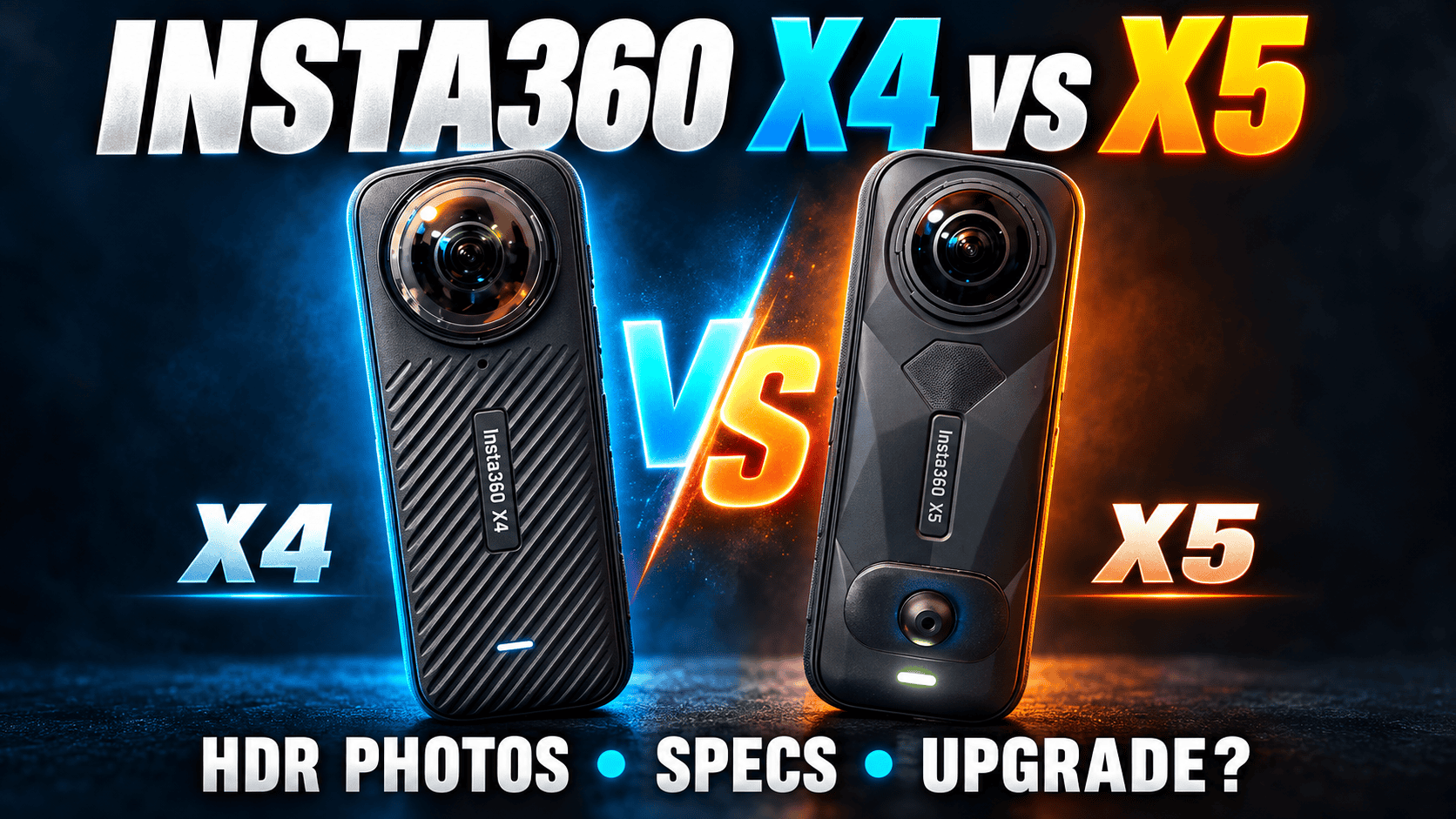
Technical comparison · Property tours, construction and travel
The Insta360 X5 changes the sensor format, lens-repair options and recording workflow without increasing the maximum listed 360-photo dimensions over the X4. For a virtual-tour photographer, the useful question is whether those changes solve a problem in finished panoramas—not whether the model number is newer.
Should an X4 owner upgrade to the X5?
Keep a working X4 on your shortlist when it already delivers acceptable still tours and daylight travel clips. The X5 merits a closer look when you need its documented PureVideo or InstaFrame workflow, want user-replaceable lenses, or have a specific exposure-processing limitation to solve. None of those features alone proves that switching cameras will improve every client deliverable.
For a new kit, compare the camera, compatible protection, spare power, mounting and processing time together. For an upgrade, identify one difficult job the X4 cannot reliably complete, then ask for original X5 captures of an equivalent scene. A successful new workflow is more useful evidence than a collection of larger specification numbers.
Sensor, lens and photo specifications
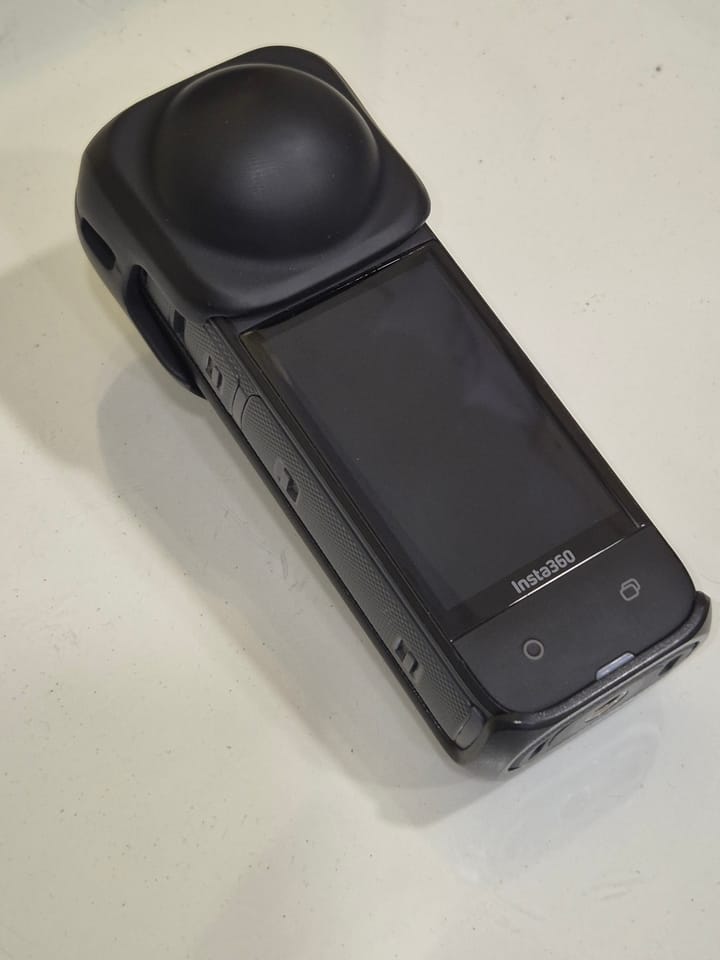
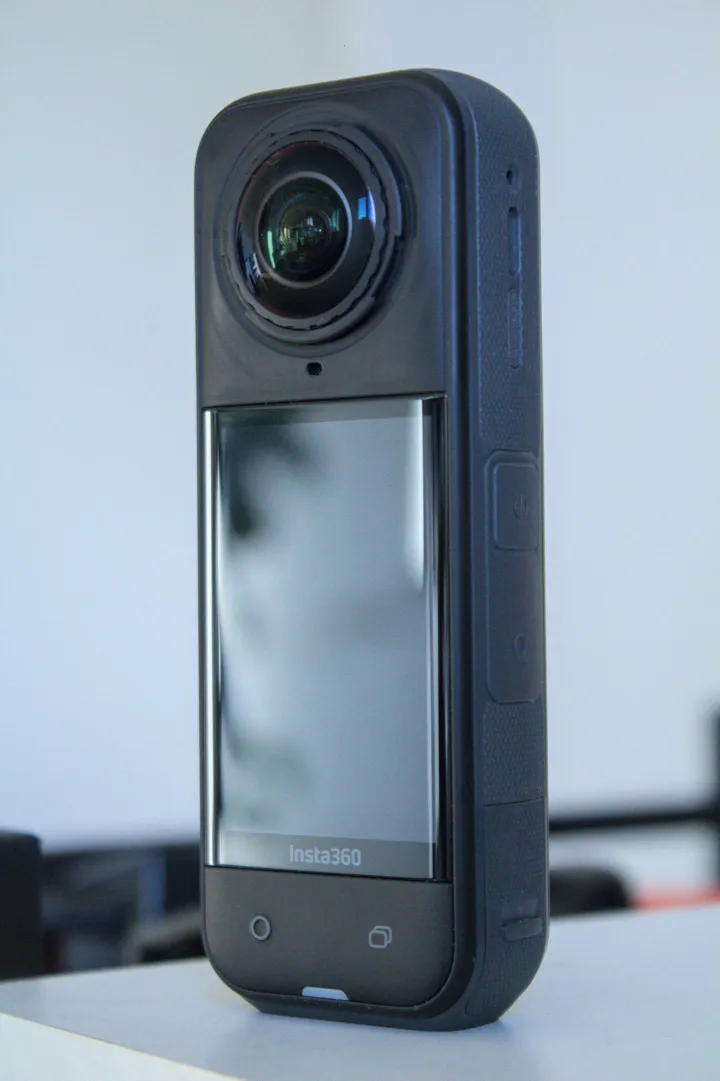
The product photographs are not to scale and are not examples of images captured by the cameras.
| Parameter | Insta360 X4 | Insta360 X5 |
|---|---|---|
| Original release | 16 April 2024 | 22 April 2025 |
| Sensor format | 1/2-inch type | 1/1.28-inch type |
| Aperture | f/1.9 | f/2.0 |
| 35 mm equivalent focal length | 6.7 mm | 6 mm |
| Minimum focusing distance | 0.6 m | 0.6 m |
| High-resolution 360 photo | 11904 × 5952; marketed as 72 MP | 11904 × 5952; marketed as 72 MP |
| Lower-resolution 360 photo | 5888 × 2944; marketed as 18 MP | 5888 × 2944; marketed as 18 MP |
| Single-lens photo dimensions | 5984 × 5984 or 2976 × 2976 | 5984 × 5984 or 2976 × 2976 |
| Photo formats | INSP, DNG | INSP, DNG |
| Photo shutter range | 1/8000–120 seconds | 1/8000–120 seconds |
| ISO / exposure compensation | 100–6400 / ±4 EV | 100–6400 / ±4 EV |
| White balance | Auto; 2000–10000 K | Auto; 2000–10000 K |
Sources: Insta360's hardware table, photo/video table, and individual X4 and X5 product specifications. Shared support tables include other models: these values are from the X4 and X5 columns, not X4 Air or X6.
Why 72 MP does not settle this comparison
Maximum listed 360-photo width
X4 — 11,904 pixels
X5 — 11,904 pixels
A larger sensor format and a different processing pipeline can matter without changing export dimensions. Conversely, the larger sensor label does not quantify the improvement. Compare final spheres at a common zoom and resolution, with the same sharpening and compression policy, before assigning a business value to an upgrade.
HDR and bracketing: do not transfer settings blindly
The manufacturer's multi-model AEB instructions make an important distinction. On the X4, select 360 HDR Photo, change to 18 MP and choose PureShot + RAW before setting the bracket count and exposure steps. Its FAQ explicitly excludes AEB at 72 MP. The X5 instructions instead place AEB inside 360 Photo's HDR Photo selector. Do not assume the X4 restriction or another model's bracket count applies to the X5.
For an X4 owner photographing bright windows, this is a workflow evaluation, not a blanket instruction to replace the camera. Compare your supported 18 MP bracketed export against your higher-resolution route, then compare an X5 export that meets the same delivery requirement. Check straight edges, moving curtains and shadow texture as well as the visible scene through the glass.
An independent December 2025 X5 tour guide favors 72 MP HDR with PureShot Plus RAW over AEB in its workflow, reporting cleaner results and quicker capture. That is an attributed recommendation, not our matched X4/X5 experiment or a guarantee for every room. The source contains purchase links and course promotion.
360 video, codecs and recording modes
| Parameter | X4 | X5 |
|---|---|---|
| 8K: 7680 × 3840 | 30/25/24 fps | 30/25/24 fps |
| 5.7K+: 5760 × 2880 | 30/25/24 fps | 30/25/24 fps |
| 5.7K: 5760 × 2880 | 60/50/30/25/24 fps | 60/50/48/30/25/24 fps |
| 4K: 3840 × 1920 | 100/60/50/30/25/24 fps | 120/100/60/50/48/30/25/24 fps |
| PureVideo | Not supported in the current table | 8K, 5.7K or 4K at 30/25/24 fps |
| InstaFrame 2.0 | Not supported | Backup on: 1080p flat plus 5.7K+ 360; backup off: up to 4K flat only; up to 30 fps |
| 360 capture file | INSV | INSV; InstaFrame adds flat MP4 |
| Compression | H.264 / H.265 | H.264 / H.265 |
| Maximum listed bitrate | 200 Mbps | 180 Mbps |
| Color profiles | Standard, Vivid, Flat | Standard, Vivid, Flat; I-Log listed on product page |
| Stabilization | FlowState and 360° Horizon Lock | FlowState and 360° Horizon Lock |
| Recorded audio | 48 kHz, 16-bit AAC | 48 kHz, 16-bit AAC |
| Audio processing choices | Automatic/active wind reduction, stereo, direction focus | Automatic wind reduction, voice enhancement, stereo, 360 audio |
Both list HDR video, timelapse, TimeShift, Bullet Time and loop-recording capabilities, but those are separate modes rather than permission to combine every feature with 8K30. The X5's lower maximum bitrate does not itself mean lower quality: codec, scene, processing and selected settings all affect the output. We have not measured stabilization, noise or sustained recording temperatures.
The InstaFrame mode guide requires X5 firmware 1.7.43 or later and app 2.14.0 or later for version 2.0. Its backup setting matters: X5 cannot simultaneously supply the mode's 4K flat output and its 360 backup. Enable backup for 1080p flat plus 5.7K+ 360, or disable backup for up to 4K flat only.
Documentation discrepancy: the X5 product page lists 3840 × 2160 for 4K PureVideo under its 360 section, while the shared shooting manual lists 3840 × 1920. The table above retains the 4K label without pretending those dimensions agree. Check the actual camera mode and export before committing to a delivery specification.
HDR video and timelapse restrictions
The current HDR guide places X5 Active HDR inside Video settings and limits it to 5.7K60 or lower. X4 uses a separate Active HDR mode. Do not read either camera's ordinary 8K recording specification as a promise of 8K Active HDR.
For both cameras, the timelapse manual lists 11K, 8K and 5.7K output at 30 fps, with a combined interval list of 0.5, 1, 2, 5, 10, 30, 60 and 120 seconds. Available intervals depend on resolution. Its X4 high-resolution interval FAQ is internally unclear about the one-second boundary; use the actual camera menu to confirm your intended interval rather than promising every combination.
Timelapse output frame rate describes playback, not thirty new exposures every second. A construction-progress timelapse also serves a different purpose from a sequence of separately navigable, dated panoramas. For Bullet Time, the manufacturer's mode guide warns about motion blur in low light. This article does not substitute ordinary 360-video frame rates for unverified special-mode limits.
Single-lens and reframed deliverables
| Mode | X4 | X5 |
|---|---|---|
| Ordinary 4K / 2.7K | 3840 × 2160 / 2720 × 1536; 60/50/30/25/24 fps | 3840 × 2160 / 2720 × 1536; 60/50/30/25/24 fps |
| Ordinary 1080p | 1920 × 1080; 60/50/30/25/24 fps | 1920 × 1080; 120/100/60/50/30/25/24 fps |
| FreeFrame square 4K | 3840 × 3840; 30/25/24 fps | 3840 × 3840; 30/25/24 fps |
| FreeFrame square 2.7K / 1080p | 2720 × 2720 / 1920 × 1920; 60/50/48/30/25/24 fps | 2720 × 2720 / 1920 × 1920; 60/50/30/25/24 fps |
| Me Mode maximums | 4K30; 2.7K/1080p120 | 4K30; 2.7K/1080p120 |
For a hotel assignment, treat the navigable panorama and the promotional reel as different exports. InstaFrame can be relevant to a faster flat-video handoff, but a cropped MP4 does not replace the complete sphere needed for immersive delivery. Preserve originals and validate both outputs in their intended viewers.
Battery, storage and physical specifications
| Parameter | X4 | X5 |
|---|---|---|
| Weight | 203 g | 200 g |
| Width × height × depth, with lenses | 46 × 123.6 × 37.6 mm | 46 × 124.5 × 38.2 mm |
| Screen | 2.5-inch LCD; 440 × 696 | 2.5-inch LCD; 440 × 696 |
| Battery capacity | 2290 mAh | 2400 mAh |
| Charge to 80% / 100% | 38 / 55 minutes | 20 / 35 minutes |
| 8K30 claimed endurance | 75 minutes | 93 minutes |
| 5.7K30 claimed endurance | 135 minutes | 135 minutes |
| Storage | microSD; UHS-I V30; exFAT; up to 1 TB recommended | microSD; UHS-I V30 or faster |
| USB / Bluetooth | USB-C 3.0 / BLE 5.2 | USB-C 3.0 / BLE 5.2 |
| Product-page Wi-Fi listing | 5 GHz 802.11a/n/ac | 802.11a/n/ac |
| Operating temperature | −20°C to 40°C | −20°C to 40°C |
| Body waterproof depth | 10 m | 15 m |
The hardware manual's test notes prevent a fair percentage-based endurance ranking: X4 measurements use High bitrate, while X5 measurements use Standard bitrate with additional processing settings disabled. Charging claims also depend on the specified power setup; X5's figures use a 30 W PD3.0 PPS charger at 25°C with the camera off. A spare battery and an offload plan may matter more on a job than either headline duration.
Lens protection and replacement are different things
The X5 product page documents user-replaceable lenses. X4 removable lens guards are protective accessories, not the same repair feature. Include model-specific parts and the manufacturer's replacement procedure in your maintenance plan; a similar body shape is not proof that batteries, guards or closely fitted accessories interchange.
An independent May 2024 X4 review reported flare from premium lens guards in bright light. That observation is useful when planning a window-lit interior test, but it does not compare current X4 and X5 guard designs. Inspect a guarded camera facing the actual light source before committing to a whole property.
Waterproof depth assumes correct closure and manufacturer conditions; it does not guarantee clean underwater stitching or make either camera suitable for every construction hazard. Keep camera handling outside active machinery zones. For repeated site views, physical protection and repeatable positioning belong in the same capture plan.
Software, phone compatibility and handoff
Both cameras use Insta360's app and desktop Studio to process camera formats. Keep untouched INSP, DNG and INSV originals separately from client exports. A successful connection to a phone is not proof that the same phone can smoothly process your highest-resolution files.
The individual product pages list an Apple baseline of A12 with iOS 13 or later, and Android examples beginning with Snapdragon 855 or Kirin 990, with Android 10 or HarmonyOS 2. These are manufacturer-listed baselines, not an assurance that every later app release supports every listed phone. Confirm the current app-store requirements and test a representative file on the exact device before travel or a paid booking.
Both pages also list Exynos 2200 and require a 64-bit phone system, excluding SDM765 5G devices because of decoding limitations. The X5 page explicitly excludes HarmonyOS NEXT and applies separate device restrictions to AI Frame. Meeting the basic camera-control requirement therefore does not establish support for every AI editing function.
- Capture a difficult room using the intended firmware, mode and lens protection.
- Archive originals and record the software versions used for processing.
- Export a complete panorama for the tour and a separate reframed asset when needed.
- Inspect the hosted result on phone and desktop, including windows, seams, floor and ceiling.
Property tours, construction and travel: the practical choice
Property interiors: an X4 owner should investigate the resolution-versus-bracketing tradeoff first. An X5 purchase should earn its place through the finished room image and predictable processing effort, not the identical 72 MP label.
Construction: keep camera height, direction and exposure workflow consistent between visits. If changing from X4 to X5, capture an overlapping reference visit where practical so processing changes are not mistaken for site changes. See our construction-site virtual-tour guide; this comparison makes no survey-accuracy or automatic defect-detection claim.
Travel: X5's PureVideo and lens replacement are reasons to investigate it for mixed-light, mixed-media trips; neither removes the need for a safe backup and protection plan. For owner-operated Panorra storytelling, preserve complete destination panoramas alongside social clips. No end-to-end upload test is claimed here.
Compare the complete kit before buying
Calculate the upgrade using current quotes: camera plus compatible accessories, software and setup time, less realistic resale proceeds. We do not insert an unverified sale price into a permanent recommendation. If the X4 already meets the brief, money spent on stable support, lighting control or more consistent editing may address a different bottleneck.
Read the individual Insta360 X4 and Insta360 X5 guides, compare the next generation in X5 vs X6, or use the camera comparison directory.





Comments ()