GoPro MAX2 vs Insta360 X5: Specs and Workflow Tradeoffs
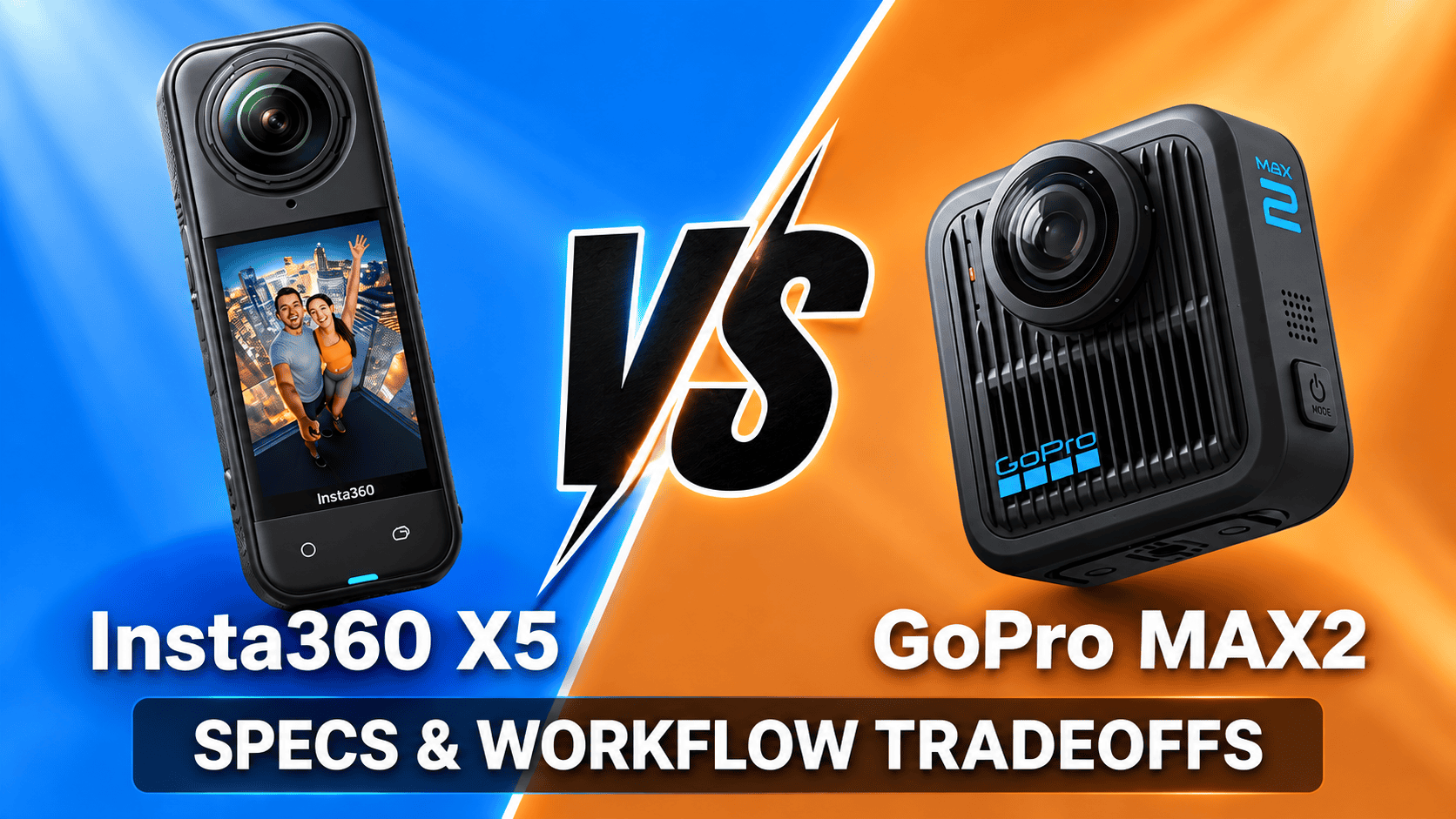
Cross-brand comparison · Capture modes, repair and still-photo workflow
Both cameras offer 8K spherical video and replaceable lenses. The more consequential differences for a mixed travel and virtual-tour kit are their photo formats, special recording modes, firmware-dependent controls and export workflow.
Start with still panoramas or moving footage
For a still-tour workflow requiring spherical RAW, X5 has the clearer documented format route. MAX2's documented RAW option applies to single-lens photography, not standard spherical photographs. Its optional Labs tools offer a different, multi-exposure JPEG workflow that deserves its own evaluation.
For motion content, the shared 8K label is only the beginning. Compare the exact modes, editing tools and controls available on your firmware. Neither a larger sensor-format label nor a higher bitrate establishes a universal winner in daylight, low light or seam quality.
Sensors, optics and photo output
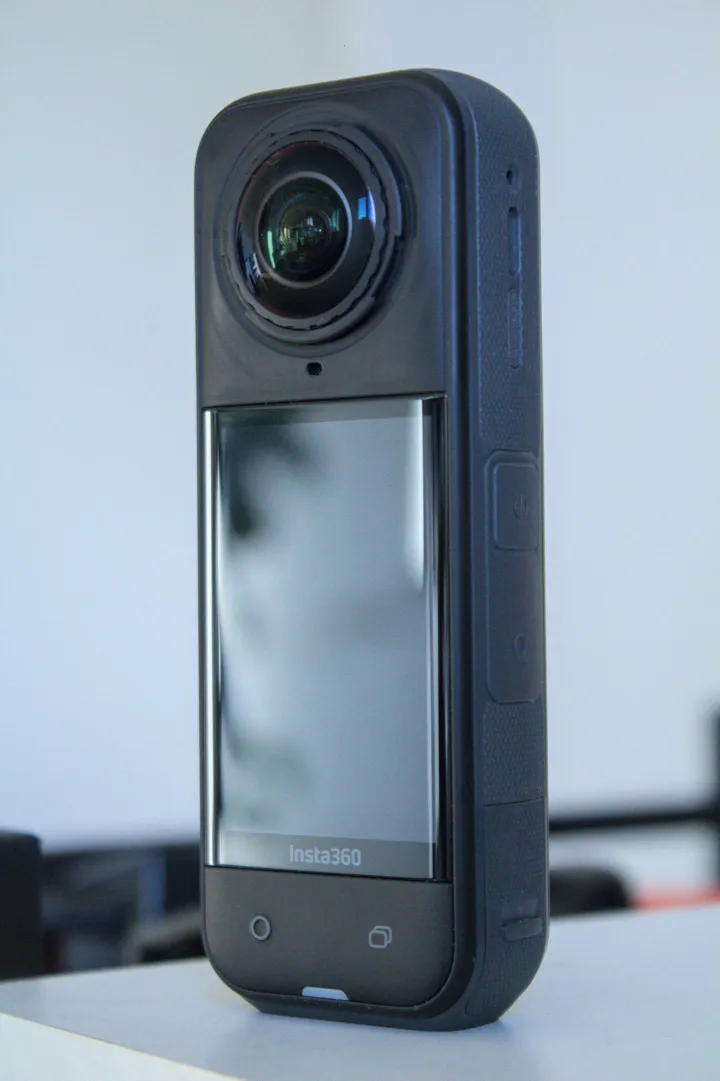
| Parameter | GoPro MAX2 | Insta360 X5 |
|---|---|---|
| Sensor format | Two 1/ | 1/ |
| Aperture | f/1.8 | f/2.0 |
| Largest spherical photo | 7680 × 3840; 29.5 MP in comparison table, marketed as 29 MP | 11904 × 5952; 72 MP |
| Other photo dimensions | Single lens: 4000 × 3000; 12 MP | 360: 5888 × 2944; flat: 5984 × 5984 or 2976 × 2976 |
| Spherical photo formats | .36P or JPG; not documented as spherical RAW | INSP, DNG |
| RAW distinction | RAW output listed for Single Lens Photo | DNG listed for photo capture; not a complete resolution/format matrix |
| ISO | Photo 100–3200; Night 100–800; video 100–6400 | 100–6400 |
| Photo shutter | Ordinary photo: Auto or 1/ | 1/ |
| EV / white balance | ±2 EV; 2300–6500 K | ±4 EV; 2000–10000 K |
Sources: GoPro's comparison tool with MAX2 selected, the MAX2 manual, X5 product specifications and Insta360's shared shooting table. Do not mistake MAX2's default ISO maximum for its complete adjustable range.
Largest listed spherical-photo width
X5 — 11,904 pixels
MAX2 — 7,680 pixels
Standard photos and optional Labs HDRI are different workflows
The MAX2 manual's 360 Photo Format preference distinguishes .36P, intended for GoPro apps, from JPG. That entry inconsistently says “videos” under a photo heading, so verify actual file handling on your software. Neither extension is evidence of RAW sensor data. The manual assigns Standard, HDR and RAW processing choices specifically to Single Lens Photo.
GoPro Labs BRKT lets users select up to nine exposure positions from −4 to +4 EV. MAX2 setup requires JPG rather than .36P. Triggering uses the physical button or a compatible BLE remote, not Quik; optional renamed files disappear from camera/Quik playback. Its RAW instruction explicitly names MAX2 Single Lens. The camera remains on while this preset is selected.
The separate Labs HDRI workflow combines bracketed JPEGs into .HDR for lighting environments. Its page describes up to eleven two-stop exposures but later retains nine-shot wording, so do not promise a fixed bracket length or capture time. This desktop-oriented process is not the same as standard spherical RAW, and a lighting HDRI still needs an appropriate tone-mapped export for a conventional tour.
X5's AEB guide documents enabling bracketing within 360 Photo and setting shot count and exposure step. Its file-format guide separates PureShot from PureShot + RAW. Do not transfer X6's 120 MP bracket restrictions to X5 or assume that every mode produces an interchangeable master file.
For an interior trial, match capture position and final viewing size, then inspect window exposure, shadow texture, seams and moving subjects. Record operator time from capture through accepted export. This tests the actual job without converting a format advantage into an unsupported image-quality ranking.
Video modes, codecs and firmware context
| Parameter | MAX2 | X5 |
|---|---|---|
| 8K | 7680 × 3840 at 24/25/30 fps | 7680 × 3840 at 24/25/30 fps |
| Intermediate spherical video | 5.6K: 5376 × 2688 at 25/30/50/60 fps | 5.7K: 5760 × 2880 at 24/25/30/48/50/60; 5.7K+ at 24/25/30 |
| Mode labelled 4K spherical | 3328 × 1664 at 50/60/90/100 fps | 3840 × 1920 at 24/25/30/48/50/60/100/120 |
| Original containers | .360 spherical; MP4 single-lens | INSV spherical; MP4 single-lens |
| Codec | H.265 / HEVC | H.264 and H.265 |
| Bitrate context | 120 Mbps in launch manual/comparison table; later firmware adds 200 Mbps in selected modes; Labs advertises up to 300 Mbps | 180 Mbps maximum listed |
| Color controls | 8/10-bit; ordinary 10-bit video at 8K 360 and 4K single lens; June update expands 10-bit/GP-Log to timelapse modes | Standard, Vivid, Flat; I-Log listed |
| Stabilization | Max HyperSmooth; horizon controls depend on mode | FlowState and 360° Horizon Lock |
| Audio | Six microphones; stereo/360 audio; separate WAV capture in single-lens mode | 48 kHz, 16-bit AAC; wind reduction, voice enhancement, stereo and 360 audio |
GoPro's 25 June 2026 firmware announcement identifies 200 Mbps for 8K 360 and 4K single-lens recording alongside expanded professional controls. The product page separately advertises 300 Mbps through Labs and GP-Log. Do not merge these into a claim that every stock mode records at 300 Mbps. Record firmware, mode and bitrate when comparing results.
The MAX2 Tech Specs tab explicitly labels 3328 × 1664 as its 4K spherical mode. It is not the same file size as X5's 3840 × 1920 mode. Both 8K files describe the whole sphere; reframed output uses only part of it. We do not rank GoPro's “True 8K” marketing against X5's capture pipeline or infer resolved detail from file dimensions alone.
Flat footage and special modes
| Mode | MAX2 | X5 |
|---|---|---|
| Single-lens 4K | 3840 × 2160, 2160 × 3840 or 4000 × 3000; 24/25/30/50/60 fps | 3840 × 2160; 24/25/30/50/60 |
| Lower single-lens video | 1080p 16:9 or 9:16; 50/60 fps | 2.7K 2720 × 1536 up to 60; 1080p 1920 × 1080 up to 120 |
| Moving timelapse | TimeWarp: 360 8K30/5.6K30; single-lens 4K30/1080p30 | TimeShift listed; detailed limits still to verify |
| Stationary time/night lapse | 360 8K30/5.6K30 video or 29 MP standard-output photos | Timelapse: 11K, 8K or 5.7K at 30 fps playback; separate Starlapse mode |
| Bullet Time | No equivalent rotating-camera mode established here | 5.7K120 documented in manufacturer's shooting guide |
| Low-light video | Firmware-dependent controls; not represented as X5 PureVideo | PureVideo: spherical 8K/5.7K/4K at 24/25/30 |
| Square-source reframing | No equivalent established here | FreeFrame: 3840 square up to 30; 2720/1920 square up to 60 |
| Me Mode | No equivalent established here | 4K up to 30; 2.7K/1080p up to 120 |
X5 InstaFrame 2.0 requires care: backup enabled produces 1080p flat plus 5.7K+ 360, while backup disabled permits up to 4K flat only. A flat-only file cannot recover the missing sphere later. The product and shared manual differ on X5 PureVideo's 4K dimensions; verify that mode rather than silently treating a 16:9 figure as spherical.
Hardware, charging and field logistics
The linked 25 June 2026 GoPro announcement also expands 10-bit color and GP-Log to TimeWarp, Night Effects, Time Lapse and Night Lapse. These are firmware-dependent additions beyond the launch manual's ordinary-video limits, not evidence that every resolution supports every color setting.
The multi-model timelapse manual lists X5 intervals of 0.5/1/2/5/10/30/60/120 seconds, with available choices depending on resolution. The X5 shooting guide documents 5.7K120 Bullet Time. These are separate capture modes, not additional ordinary-video options.
| Parameter | MAX2 | X5 |
|---|---|---|
| Weight | 195 g including mounting and battery | Approximately 200 g |
| Width × height × depth | 64 × 69.7 × 48.7 mm | 46 × 124.5 × 38.2 mm, including lenses |
| Display | 1.82-inch touch LCD | 2.5-inch LCD; 440 × 696 |
| Battery | Removable 1960 mAh Enduro | Removable 2400 mAh |
| Recording storage | microSD; manual requires A2 and V30 or higher; maximum capacity not established here | microSD; UHS-I V30 or higher |
| Charging claims | About 1 hour to 80%; 2 hours full at 3 A/15 W | 20 minutes to 80%; 35 full at 9 V/3 A using 30 W PD3.0 PPS, 25°C, camera off |
| USB / Bluetooth | USB-C 3.0; BLE 5.3 | USB-C 3.0; BLE 5.2 |
| Wi-Fi | 2.4/5 GHz; a/b/g/n/ac | 5 GHz; a/n/ac in product specification |
| Operating temperature | −10–35°C | −20–40°C |
| Waterproof body depth | 5 m | 15 m |
| Lens repair | Hand-replaceable lenses; manufacturer says no calibration required | User-replaceable lenses |
| Mounting | Folding fingers, 1/4-20 thread, Magnetic Latch accessory compatibility | 1/4-inch thread and quick release |
Sources: GoPro's MAX2-selected comparison tool, X5 product page and Insta360 hardware table. Neither faster charging nor greater nominal battery capacity proves longer field runtime. X5's detailed product specification quotes 93 minutes at 8K30 and 208 at 5.7K24 Endurance; those are different settings, not interchangeable results.
Budget for cards, support, protection and compatible spare power. Replaceable lenses reduce one repair obstacle but still need an optical/seam check after fitting. Water-depth ratings do not guarantee clean underwater stitching or establish construction-site dust and chemical resistance.
MAX2's Tech Specs tab confirms GPS and USB 3.0. Its wireless row calls the connection “Wi-Fi 6” while listing a/b/g/n/ac without ax; we retain the listed protocols rather than resolving that contradiction by assumption. GoPro's battery page supplies no comparable mode-specific runtime figure, so this comparison does not invent one from its “all-day” description.
Processing requirements are part of the kit
X5's device list specifies A12/iOS 13 or later, or supported Android examples starting at Snapdragon 855, Kirin 990 and Exynos 2200 with Android 10/HarmonyOS 2. A 64-bit system is required; SDM765 5G and HarmonyOS NEXT are excluded. Some AI features impose additional requirements. InstaFrame 2.0 specifically requires camera firmware 1.7.43+ and app 2.14.0+.
GoPro Player's requirements list macOS 10.14 or Windows 10 and HEVC-decoding graphics hardware. Those broad minimums are not a performance guarantee for MAX2 8K files. Player offers batch export and reframing, but its paid HyperSmooth Pro feature explicitly excludes 360 content. APMP export for Apple Vision Pro has stricter requirements: Player 3.3+, macOS 26 and visionOS 26.
GoPro's MAX2-era editing announcement distinguishes Quik's mobile reframing tools from Player and ReFrame plug-ins for Premiere Pro, After Effects and DaVinci Resolve. Resolve launched as a public beta; verify current host and plug-in compatibility rather than assuming a direct .360 import path from the announcement. Older HERO10 5.3K phone guidance is not evidence of smooth MAX2 8K processing. Test a representative video and full-resolution panorama before choosing editing hardware.
Tour, travel and construction delivery
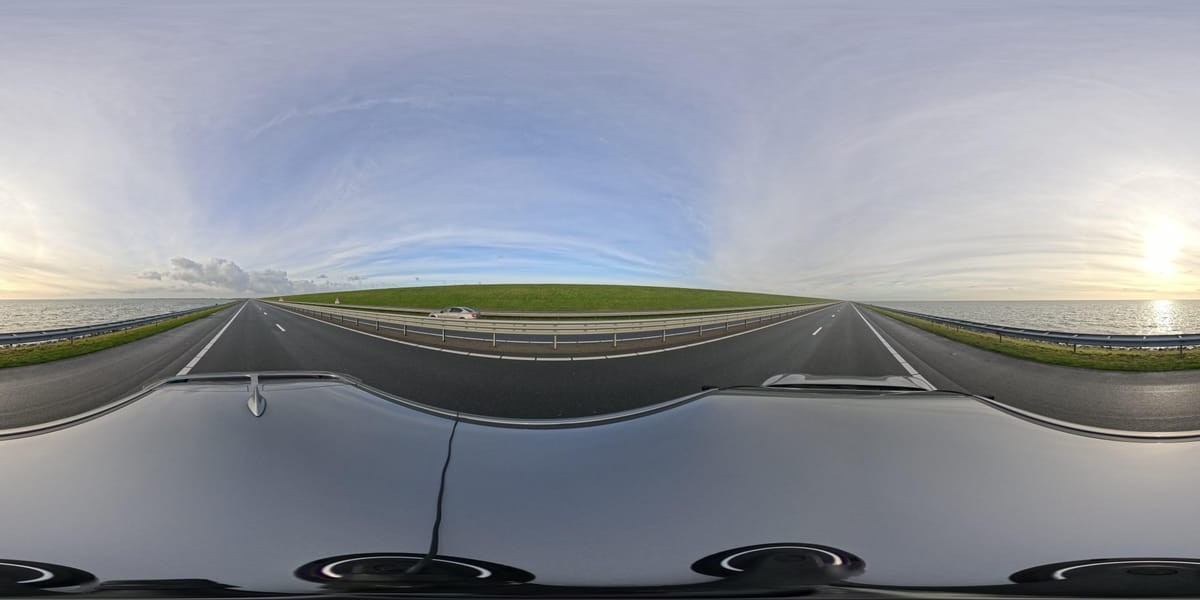
Interiors: compare X5's RAW route against the actual MAX2 JPEG or Labs process you intend to use. A HDRI lighting file and a finished browser-viewable panorama solve different problems. Keep originals and processing settings, and time the complete job.
Travel: test the chosen camera's reframing software on your actual phone or workstation. Preserve destination spheres separately from social crops for owner-operated Panorra; this is an editorial use case, not a tested integration claim.
Construction: consistent positions, exposure treatment and file organization matter when comparing visits. If switching cameras, capture an overlapping reference set to distinguish a processing change from a site change. Our construction workflow covers repeat documentation; neither camera is represented as a survey instrument.
Read the MAX2 photo-workflow guide and X5 guide, compare DJI Osmo 360 vs X5, or return to the comparison directory.




_2025-11-02_08H30M14S000_(1546019943479385_at_S5wp7d3cHai9lgKELnOqAW)_taken_with_GoPro_MAX2.jpg)
Comments ()