Insta360 X5 vs QooCam 3 Ultra: Full Specs and RAW Workflows
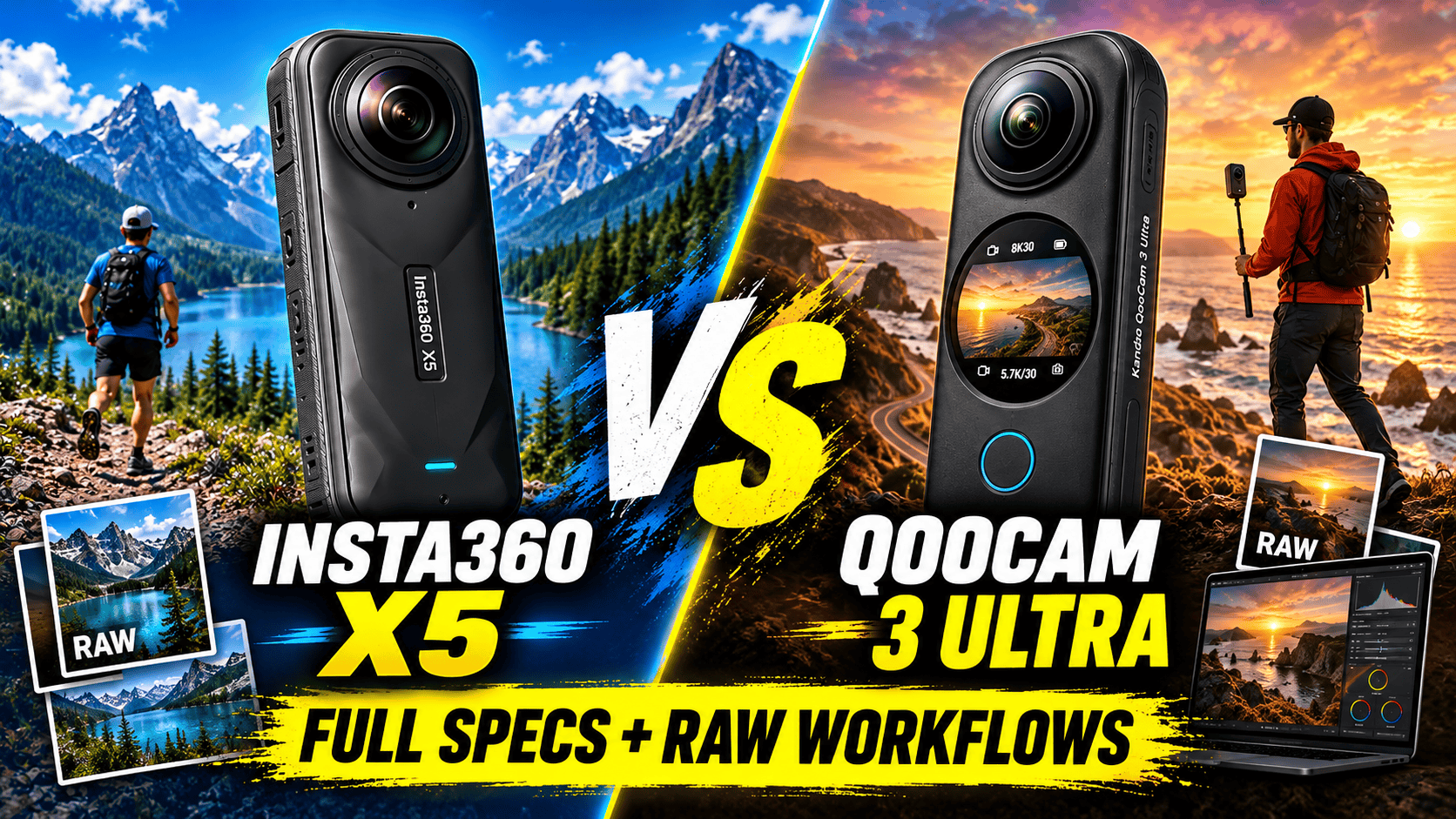
Technical head-to-head · Hybrid still and video cameras
Both cameras record ordinary 8K30 spherical video, but they solve different field problems. X5 is lighter and has user-replaceable lenses. QooCam 3 Ultra offers internal storage, larger maximum still files and a multi-frame RAW workflow. For virtual tours, the deciding factor is the finished panorama and the time needed to deliver it.
Choose the workflow that removes a real limitation
Consider X5 when the kit spends much of its time on a pole, in a travel bag or producing promotional clips. Its 200 g listed mass is 136 g below Ultra's working weight. Replaceable lenses change the repair plan after damage, although protection and the correct replacement procedure still matter.
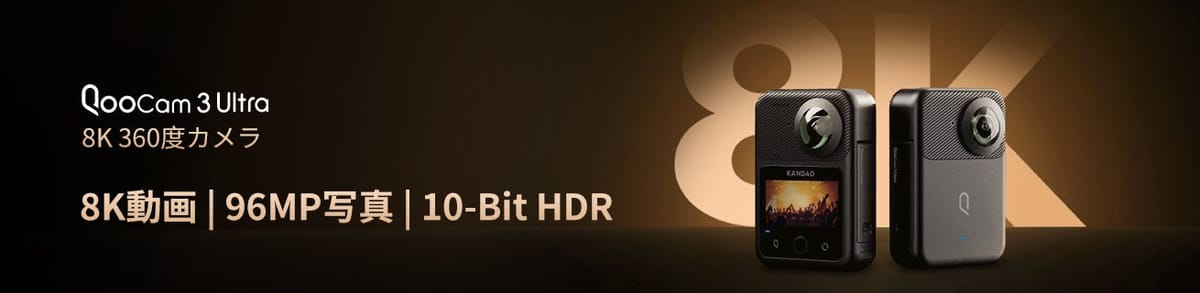
Consider Ultra when internal storage and its specific RAW-processing options matter to the job. The 96 MP label does not describe every special mode. A photographer interested in DR Boost should evaluate the 24 MP output that mode actually supports, not assume a 96 MP enhanced capture.
Neither camera wins every assignment from the specification sheet. Test a difficult room and a moving exterior sequence through the editing and delivery systems you already use. Include software time, backup, spare power and accessories in the decision; this page does not invent a current price or overall performance score.
Sensor, optics and still-file comparison
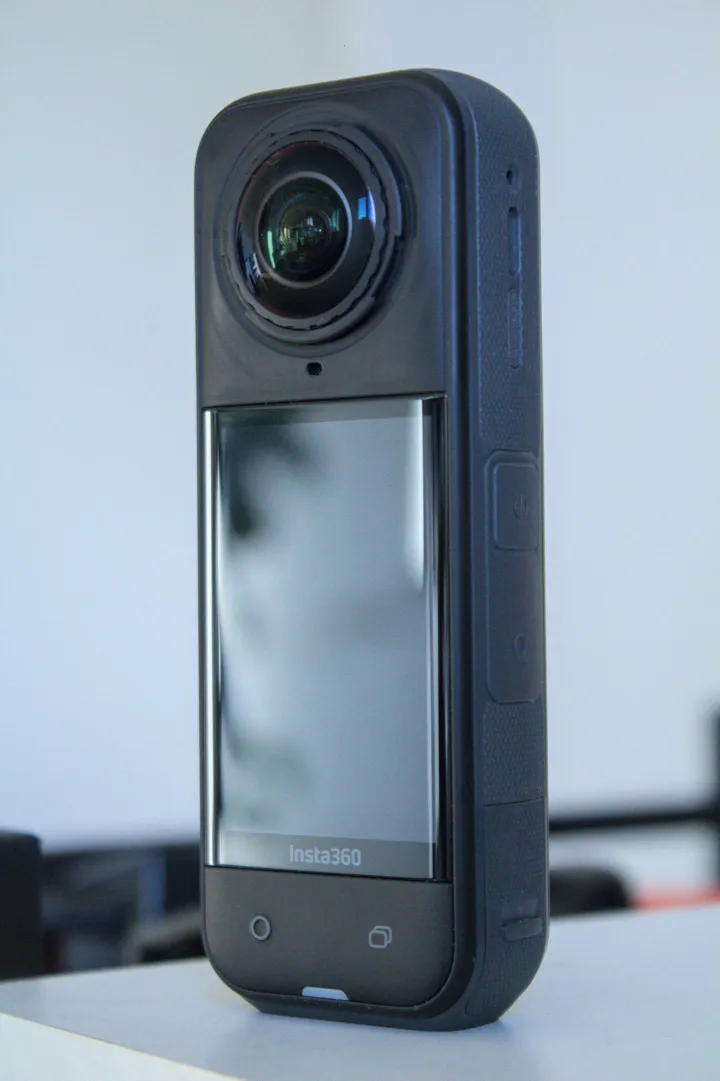
| Parameter | X5 | QooCam Ultra |
|---|---|---|
| Sensor format | 1/ | 1/ |
| Aperture | f/2.0 | f/1.6 |
| Largest panorama | 11904 × 5952; 72 MP | 13888 × 6944; 96 MP |
| Smaller panorama | 5888 × 2944; 18 MP | 6944 × 3472; 24 MP |
| Photo formats | INSP, DNG | JPG, DNG, EXR |
| Ordinary ISO | 100–6400 | 100–6400 |
| Photo shutter | 1/ | 1/ |
| Exposure adjustment | ±4 EV | ±4 EV |
| White balance | 2000–10000 K | Auto; 2500–10000 K |
Sources: Insta360 shooting specifications, X5 column, shared hardware specifications, X5 product page and Ultra technical specifications. The sensor-format and aperture differences do not quantify finished noise or dynamic range. Neither maximum still dimension establishes the output of every RAW or merged mode.
Maximum listed panorama width
X5 — 11,904 pixels
QooCam 3 Ultra — 13,888 pixels
Compare complete still workflows, not RAW labels
Ultra lists DNG8 and AEB as separate photo modes. A multi-frame RAW merge and an exposure bracket solve different problems: repeated captures at one exposure are not automatically a wider bracket of the scene. Its support page describes Kandao Raw+ combining a burst into a single DNG for subsequent development. Keep the complete capture set until a processed master and an independent backup have been checked.
Ultra's shooting-mode guide specifically defines DNG8 as eight DNG captures with the same exposure settings, merged through QooCam Studio. Its AEB mode instead changes exposure according to the selected spacing and count. Both support a capture timer; neither is a guarantee against subject motion between frames.
The same FAQ limits Ultra DR Boost stills to 24 MP, ISO 6–100 and shutter times from 1/800 to 30 seconds. Those limits replace the ordinary-mode figures for that mode. Do not combine the largest resolution, longest shutter and lowest ISO from different rows into a fictional capture setting.
X5 lists INSP and DNG with HDR available in Photo mode. INSP is processed through the Insta360 app or Studio. A complete resolution, bracket-count and RAW-output matrix is not established by the general specification table used here; verify the desired combination on the installed firmware before agreeing to a client's deliverable.
The separate Insta360 AEB instructions explicitly include X5: select 360 Photo, open HDR Photo, choose AEB, then set the number of captures and exposure step. The page's specific 18 MP restriction applies to X4; its 120 MP bracket restriction applies to X6. Neither should be silently copied into the X5 specification.
For an interior comparison, use the intended tripod height and include bright windows, dark textured surfaces and nearby furniture crossing a stitch seam. Compare complete processed spheres at the same viewing size, not just source-file pixel counts. Record capture, merge, stitching and cleanup time. Moving curtains or people can make a multi-frame route less suitable even when it works well in an empty room.
Matching 8K30 does not mean identical recording options
| Parameter | X5 | QooCam Ultra |
|---|---|---|
| 8K | 24/25/30 fps | 24/25/30 fps |
| 5.7K | 24/25/30/48/50/60 fps | 24/25/30/50/60 fps |
| 5.7K+ mode | 24/25/30 fps | No equivalent label in cited table |
| 4K sphere | 24/ | 100/120 fps in technical table |
| File / codec | INSV; H.264/H.265 | MP4; H.265 |
| Bitrate ceiling | 180 Mbps | 150 Mbps |
| Color profiles | Standard, Vivid, Flat; I-Log also listed | 8-bit Rec.709; 10-bit HLG Pro/Normal and K-Log |
| Recorded audio | 48 kHz, 16-bit AAC | 48 kHz, 16-bit AAC; four-channel internal, stereo external |
Sources: manufacturer shooting/product tables and the Ultra FAQ. X5's 8K sphere is 7680 × 3840; 5.7K and 5.7K+ are listed at 5760 × 2880, with 4K at 3840 × 1920. Equal output dimensions do not establish identical processing. Ultra's bitrate is not evidence of inferior output; compression, color settings and scene complexity also matter.
Kandao's manual documents a non-real-time stitch/export for recorded Ultra video from the on-camera album, starting with firmware V1.1.0. The 360° export keeps source resolution and frame rate; the 180° stabilized flat export varies resolution by aspect ratio. This is a post-capture video menu, not a still-photo route (QooCam 3 Ultra user manual).
Ultra's documented ten-bit color modes provide a specific grading route. X5's product page lists I-Log, but this comparison does not infer an entire bit-depth/mode matrix from that label. Use the appropriate profile interpretation and export settings instead of comparing ungraded log footage with an already processed standard clip.
Ultra's resolution guide supplies the pixel dimensions: 7680 × 3840 for 8K, 5760 × 2880 for 5.7K and 3840 × 1920 for 4K spherical recording. Its single-lens table gives square 3840 × 3840 at 24/25/30/50/60 fps and 3472 × 3472 at 100 fps. That guide supports the FAQ's 3.4K100 label rather than the general specification page's 4K100 wording. Square source capture is not the same thing as a final 16:9 export.
For high-contrast travel scenes, test stabilization, highlights and stitching in the exact intended mode. A frame-rate ceiling is a capture capability, not a measured stabilization or low-light score. Cropping a small view from an 8K sphere does not produce an 8K conventional-camera image.
Insta360's model-specific Active HDR instructions limit X5 to 5.7K60 or lower. Ordinary 8K30 must not be relabelled 8K Active HDR. Ultra's HLG/K-Log output choices and DR Boost processing are different controls, not directly equivalent versions of the X5 switch.
Flat clips, low light and immediate delivery
X5 PureVideo lists 8K, 5.7K and 4K at 24/25/30 fps in the shared shooting table. Treat low-light video processing separately from still-photo HDR. The published 4K PureVideo dimensions differ between the product page and shared table, so confirm the file produced by the firmware you use.
X5 ordinary single-lens video provides 4K and 2.7K up to 60 fps and 1080p up to 120 fps. Ultra lists single-lens 4K24/25/30/50/60; its technical table labels the 100 fps mode 4K, while its FAQ calls it 3.4K. That discrepancy is unresolved here, not a reason to promise 4K100 to a client.
X5's InstaFrame 2.0 instructions require firmware 1.7.43+ and app 2.14.0+. With spherical backup enabled, the documented route is 1080p flat plus 5.7K+ 360 video. Turning backup off permits up to 4K flat. Do not describe this as simultaneous 4K flat and full spherical backup.
For a hotel or destination shoot, immediate flat clips can be useful while the full panoramas are still in production. Keep those deliverables separate. A reframed clip, even one generated automatically, is not a navigable room scene.
Field hardware, storage and repair planning
| Parameter | X5 | QooCam Ultra |
|---|---|---|
| Weight | 200 g | 336 g with battery |
| Width × height × depth | 46 × 124.5 × 38.2 mm | 71.5 × 103.2 × 26.6 mm |
| Touchscreen | 2.5-inch LCD; 440 × 696 | 2.19 inches |
| Removable battery | 2400 mAh | 2280 mAh |
| Internal storage | No built-in recording storage listed | 128 GB nominal |
| Card requirement | microSD UHS-I V30 or faster | microSD UHS-I V30 or faster; up to 1 TB, exFAT |
| USB | USB-C 3.0 | USB-C; USB 3.1 Gen 2 per FAQ |
| Wireless | Wi-Fi a/n/ac; BLE 5.2 | Wi-Fi a/b/g/n/ac/ax; BLE 5.2 |
| Operating range | −20–40°C | −20–40°C |
| Water-depth claim | 15 m | 10 m; IP68 |
| Lens replacement | User-replaceable design documented | Equivalent owner procedure not established here |
Sources: X5 product/shared hardware pages and Ultra specifications/support linked above. Nominal storage includes space unavailable for media; Ultra internal storage is a fallback recording destination, not a backup. Water protection depends on the complete closed configuration and does not establish clean underwater stitching or resistance to every construction hazard.
The Ultra internal-storage guide illustrates the cost of multi-frame capture: approximately 67 sets of 96 MP DNG8 (eight DNGs plus one JPG), versus approximately 450 ordinary 96 MP DNG+JPG captures. These are manufacturer capacity estimates, not measured job yields. Preserve each full set when offloading; one frame from a DNG8 sequence is not the complete processing input.
Manufacturer endurance claims use different workloads. X5 quotes approximately 93 minutes at 8K30 and 135 minutes at 5.7K30; its 208-minute figure uses 5.7K24 Endurance Mode. Ultra quotes approximately 50 minutes for ten-bit 8K or 75 minutes for eight-bit 5.7K. These are laboratory claims, not a matched HDR-still workload or a measured endurance advantage.
X5's full-charge claim is approximately 35 minutes with a 30 W PD3.0 PPS charger, camera off at 25°C. Ultra quotes about 75 minutes powered off using PD; its support page specifies 9 V/2 A or 5 V/3 A. Ultra's FAQ gives inconsistent advice about operating without the battery on external power. Keep the battery installed and verify the intended setup; opening the USB cover removes its stated dust/water protection.
Software and backup can outweigh small specification differences
The Ultra support page describes copying camera files to a Mac through an MTP transfer tool before editing; removing the microSD card and using a reader is an alternative. Do not mistake camera connection for a verified local backup or assume editing directly from camera storage will work. The X5 route likewise needs a tested app/Studio and storage workflow, especially for large spherical files.
Ultra's support page lists a 64-bit mobile system, Android 9 with Snapdragon 855 or Exynos 2200-class hardware, or iOS 13 with A12-class hardware as app baselines. Its warning distinguishes basic camera control from smooth playback and editing. X5's product compatibility list similarly warns that some AI editing functions need more processing power. Test the highest-resolution files and features you intend to use; a phone that pairs successfully is not automatically an adequate editing workstation.
Try a complete representative job before migrating a team: remote capture, offload, merge or development, stitching, orientation, export and hosting. Keep camera originals separate from processed masters and delivery copies. Confirm spherical recognition and inspect seams on phone and desktop after upload. This publication has not completed a camera-specific GoThru integration test for this pair.
Real estate, construction and travel decisions
| Assignment | Useful comparison | Do not assume |
|---|---|---|
| Real estate | X5 still workflow versus Ultra ordinary and DR Boost outputs | 96 MP applies to every Ultra mode |
| Construction | X5 handling/repair plan versus Ultra internal-storage fallback | Water rating equals universal site protection |
| Travel | X5 lighter kit and InstaFrame versus Ultra grading/RAW options | 8K means equal finished detail |
For construction-site virtual tours, maintain viewpoint IDs, height, dates and processing records. If changing cameras, capture an overlapping reference visit so a change in rendering is not confused with a change on site. Location metadata is not survey-grade measurement. See the construction-site workflow guide.
For travel photography, preserve full destination spheres separately from promotional crops. Owner-operated Panorra provides a related panoramic storytelling context, not proof of a tested direct camera integration. GoThru operates this publication.
Read the individual Insta360 X5 guide and QooCam 3 Ultra guide, compare X5 vs X6, or choose another pair in the comparison directory.




Comments ()