Kandao QooCam 3: Real Estate & 360 Virtual Tour Guide
Camera analysis · Real estate, construction and travel
The QooCam 3 offers RAW capture and a bright lens, but a virtual-tour business should judge the complete delivery process—not just the camera's purchase price.
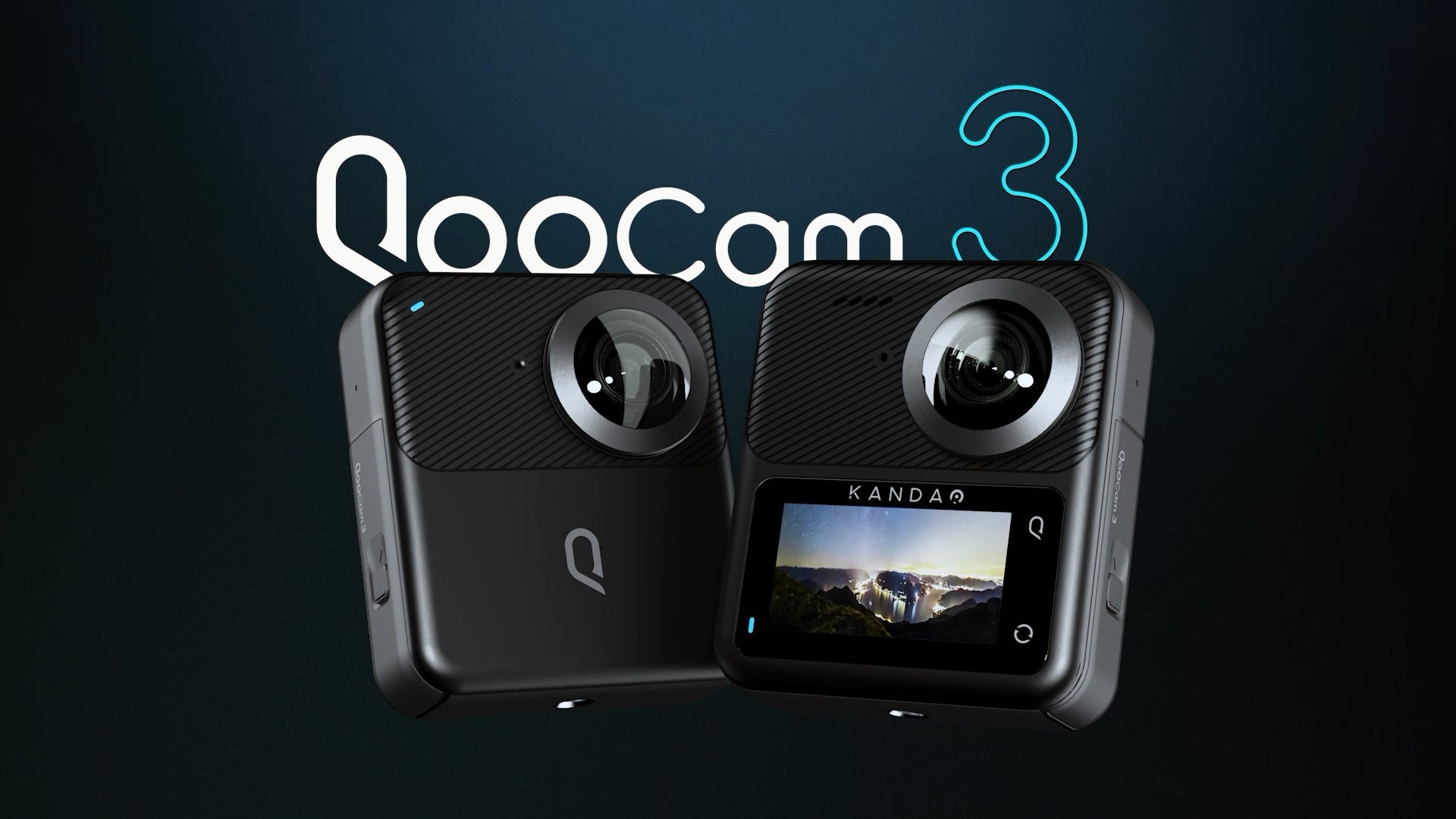
Our buying assessment
Shortlist the QooCam 3 when still-image editing is part of your normal routine and you can test the software before buying. Be more cautious if your business depends on handing a camera to a non-specialist and publishing a polished tour immediately afterward. Saving money on capture hardware can be a poor trade if each job introduces additional editing or troubleshooting.
It is also important not to mistake this model for the QooCam 3 Ultra. They share a family name and general design, but have different image dimensions, storage arrangements and video ceilings. Used listings and tutorials need to match the exact camera.
The relevant specifications
| Feature | QooCam 3 |
|---|---|
| Sensor format / aperture | 1/1.55-inch type / f/1.6 |
| Maximum still dimensions | 11136 × 5568; marketed as 62 MP |
| Photo formats and modes | JPEG, DNG; DNG8 and AEB among the listed modes |
| 360 video | 5.7K up to 30 fps; 4K up to 60 fps |
| Storage | No internal memory; microSD, UHS-I V30 or higher, up to 256 GB |
| Screen / battery | 1.9-inch touchscreen / 1600 mAh |
| Environmental claim | IP68; check the manual's conditions before exposing the camera |
Source: QooCam 3 technical specifications. The listed 189 g weight excludes the battery, so it must not be compared directly with a competitor's ready-to-shoot weight.
How much does Ultra add?
Maximum specified panorama width
QooCam 3 — 11,136 px
QooCam 3 Ultra — 13,888 px
The practical lesson is to compare exported panoramas at equal viewing sizes. A larger file may preserve more usable detail, but it can also demand more storage and processing. Neither outcome is established by the bar chart. A useful purchase test is whether the extra pixels remain visible after your normal tour export and compression.
Independent coverage: useful strengths and cautions
In his 2024 camera comparison, the reviewer found the QooCam 3 competitive in low-light video but criticized color handling, stabilization and the multi-step photo workflow. These are historical findings from his tests, not measurements from this publication or proof that later software behaves identically.
His interior-photo comparison is more directly relevant to property work. The unedited QooCam image failed to retain exterior roof detail through his bright office window, despite resolving the interior photo wall relatively well. After editing, he still noted purple fringing around the window and comparatively visible noise, including with DNG8. He considered the camera usable for tours but not his obvious first choice. Those observations support checking highlight retention and finishing effort separately from nominal resolution; they are not a controlled measurement of every current firmware and processing combination.
Mic Ty's September 2023 hands-on review provides a useful counterpoint: he found substantial detail in the 62 MP stills and preferred the natural appearance of his edited DNG8 sample, while the X3 HDR DNG sample retained more highlight range. He also reported weak very-close stitching and warned that chromatic-aberration correction could change some red or green colors. His DNG8 sample included white-balance correction and sharpening in Affinity Photo 2; it was not untouched camera output. Keep this historical comparison separate from Ben's different scene and processing choices, rather than combining them into an invented overall score.
Hugh Hou's QooCam 3 comparison with GoPro MAX, Insta360 X3, ONE RS 1-Inch and Theta X provides another review to consult. We verified the video link through Kandao's September 2023 coverage; we have not independently verified its complete transcript, so we do not assign detailed test results to it here. Kandao's selected excerpts are manufacturer-curated promotion, not an independent verdict.
Real-estate photography: test the difficult room first
Choose a test room with bright windows, dark furniture and thin vertical features near the camera. Make one straightforward capture and one using your intended edited workflow. Inspect window edges for color fringes, compare wall colors across the seam and look for a person or curtain moving between exposures. This reveals whether the work you are willing to do produces the result you want to sell.
A listing photographer also needs consistency between rooms. Avoid making a north-facing room look dramatically warmer than the hallway leading into it. Keep the original capture files and make reversible edits so that a client request does not require reconstructing the entire job.
From capture files to a usable room panorama
Kandao's QooCam 3 support page identifies the QooCam 3 app and QooCam Studio as stitching routes. It also describes Raw+ as combining a RAW burst into one DNG for further development. Merging, developing and stitching are different operations: a merged DNG is not automatically the finished spherical JPEG a client will view.
The DNG8/Raw+ guide linked from QooCam 3 support describes an eight-frame burst. In Raw+, selecting one member imports the group; the first image is the default alignment reference. After rendering a merged DNG, the guide develops it into JPEG with Photoshop or Lightroom, then stitches that JPEG in Studio. This documents a multi-application route, not eight exposure-bracket levels or a guarantee of improved window detail in every scene.
However, the Studio manual linked in September 2024 explicitly includes QooCam 3 and lists JPEG, PNG, TIFF and DNG as image imports, with DNG also listed among render formats. Therefore, do not assume JPEG conversion is compulsory in every Studio version. These format lists do not, by themselves, prove automatic DNG8 merging or that every DNG retains all the same editing properties after stitching.
| Control | What to check in a room |
|---|---|
| Defringe | Compare high-contrast window edges before and after processing; do not assume every colored edge will disappear. |
| Color correction | Inspect wall color across both lens seams, especially when the windows illuminate one lens more strongly. |
| Optical-flow stitching | Inspect door frames and nearby furniture for bending or duplicated edges. |
| Panorama / Reframe | Keep a complete spherical deliverable for the tour; use a reframed flat view only when that is the intended output. |
The control names come from the Studio manual; the room checks are our editorial recommendations, not measured results. The manual also provides an unstitched output option, which should not be confused with a ready-to-publish tour panorama. Check the exported file itself, including horizon and seams, rather than treating a successful render as final acceptance.
There is a documentation caveat worth checking before a commission. The specification page lists DNG8, AEB and TimeFusion, while the support FAQ answers its HDR question negatively. We therefore do not describe the camera as offering a verified one-button, finished HDR-tour workflow. Confirm the installed firmware's modes and complete a sample export; an exposure-bracketing mode and an automatically merged panorama are not the same deliverable.
The manufacturer's computer-transfer instructions require the camera to be on for USB-C transfer and say shooting is unavailable during that transfer. Leave it powered on until copying finishes. For a property appointment, plan offloading separately from capture rather than assuming both can happen together.
Our suggested delivery check is to preserve the source folder, process one difficult room, and open the result in a spherical viewer before repeating the workflow across the job. Inspect the window, both seams and the floor beneath the support. Record software versions and export settings alongside the job, so an editor can reproduce the result later. This is a proposed quality-control procedure, not a workflow we have personally validated with QooCam 3 files.
Business virtual tours: account for the whole job
A restaurant or showroom has different constraints from an empty property. Staff may be moving, reflective surfaces may surround the camera and the capture window may be short. Plan the positions before the business opens where possible. Review branding, menus and private documents visible behind the photographer; a 360 image does not have a safe area behind the lens.
Before committing to a delivery deadline, process a representative set on the computer you will actually use. Record capture, transfer, processing and quality-control time separately. This is more useful for estimating labor than a review's export timing on an unidentified machine. The file that matters is the finished panorama inside the viewer, not merely a successful stitch dialog.
GoThru operates this publication. Confirm your target platform's current input requirements and test a completed export; this guide does not certify a particular integration.
Construction progress: make the record comparable
Our construction-site virtual-tour guide provides a viewpoint register and delivery checklist. Use them to keep the QooCam 3's multi-image capture sets associated with the correct location and date throughout processing.
For repeated site visits, assign each viewpoint a stable identifier and retain the date, floor and room location outside the image itself. The camera's lack of internal memory makes card preparation a genuine pre-visit task: confirm a compatible card is present, has space and can be read by the offload computer.
The published IP68 claim is not an impact rating or permission to operate in hazardous atmospheres. Obtain site approval, protect the lenses and follow the manufacturer's care instructions. Schedule capture away from moving equipment. A panorama can help a remote team understand conditions, but this analysis makes no claim of measurement accuracy, automatic defect detection or BIM alignment.
Travel: distinguish a viewpoint from an action sequence
A still panorama from a scenic overlook and a moving-camera travel video place very different demands on a camera. Given the historical stabilization concerns, evaluate walking footage separately from tripod photography. A camera that suits a quiet hotel interior may not suit rough movement on an excursion.
For destination work, include a safe support, lens protection and a practical backup routine. Shoot while the area is quiet if nearby crowds would dominate the scene. Owner-operated Panorra is a relevant place to explore panoramic travel imagery; no QooCam upload test is claimed here.
The decision before purchase
For alternatives, compare the Theta Z1 guide when evaluating a RAW-oriented property workflow, the Theta SC2 guide for a JPEG-focused approach, and the Insta360 X3 guide for mixed travel and tour use. These links identify different processing choices, not a measured image-quality ranking.
Ask for original files, try the complete photo-processing route, and compare the delivered result with a simpler workflow. Choose the QooCam 3 if its image-making flexibility justifies that process for your work. Compare the Ultra if higher output dimensions and internal storage are important, but do not assume the family upgrade automatically fixes every workflow concern.
Research checked 21 September 2026. No hands-on score or invented benchmark is assigned.
Technical head-to-head comparisons
Compare specifications and workflow tradeoffs with these alternatives. These are source-based comparisons, not our own controlled camera tests.
Browse all published pairs in the comparison directory.
For a RAW-focused alternative, read our QooCam 3 vs Ricoh Theta Z1 technical comparison, covering exposure brackets, processing steps, video modes and field logistics.
For a touchscreen alternative with internal storage, see QooCam 3 vs Ricoh Theta X, including DNG8 and HDR-DNG workflows, video modes and field logistics.
Compare supported still workflows, 5.7K recording and card-based field logistics in our Insta360 X3 vs QooCam 3 technical comparison. This matchup uses the standard QooCam, not Ultra specifications.
Read our Insta360 X4 vs QooCam 3 comparison for detailed photo, video, RAW processing and field-hardware differences.



Comments ()