DJI Osmo 360 vs Insta360 X5: Specs, Photos and Video
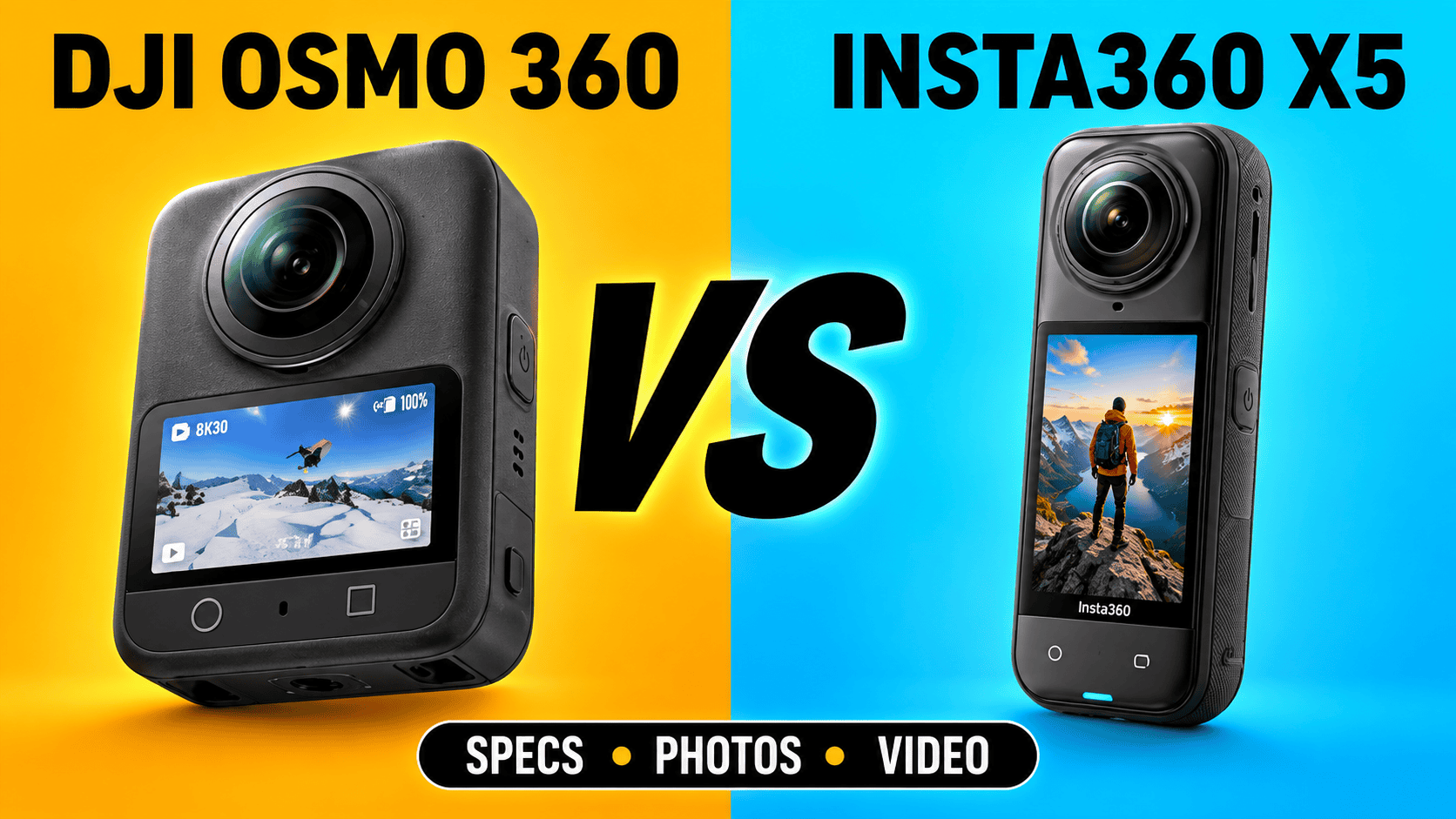
Technical comparison · Two hybrid travel and tour cameras
Osmo 360 offers a higher-resolution listed panorama and internal storage. X5 offers DNG capture and a documented user-replaceable lens system. The useful decision is which differences remove work from your assignments—not which camera wins a made-up overall score.
The short answer: decide around the deliverable
For a travel operator delivering both moving footage and destination panoramas, compare the complete export workflow on your own computer. For a real-estate photographer who requires a RAW master, establish the supported still format before comparing megapixels. For a construction team, consider power, storage, lens damage and consistent viewpoints across repeat visits.
Neither camera's larger number proves better window highlights, cleaner shadow detail or faster delivery. A sensible purchase test uses one difficult room, one outdoor walking sequence and one complete upload—not unrelated sample clips.
Photo specifications and the RAW distinction
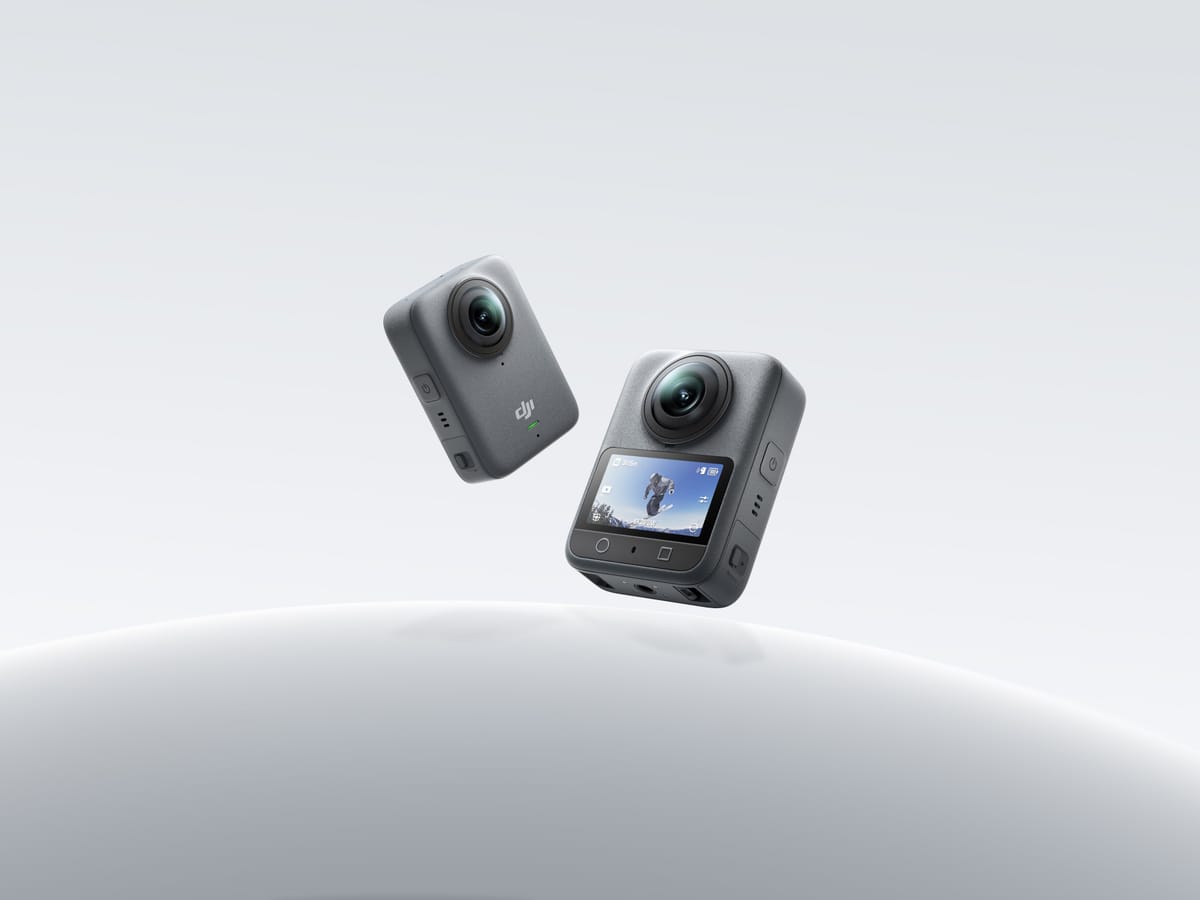
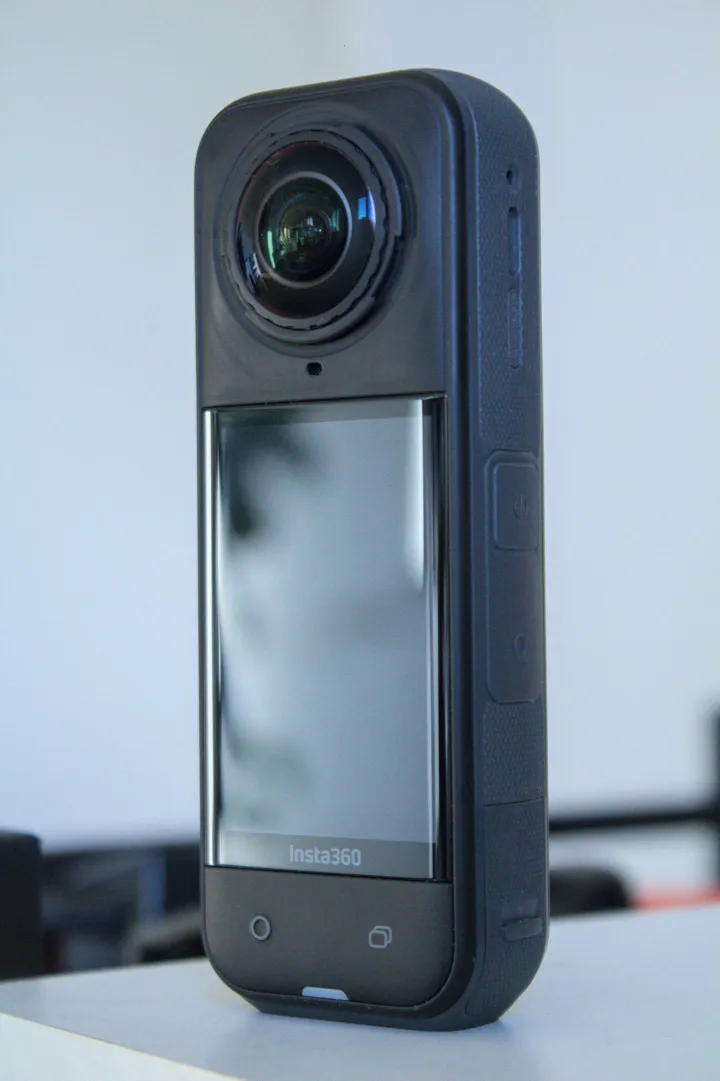
Product images are not to scale and are not sample photographs captured with either camera.
| Parameter | Osmo 360 | X5 |
|---|---|---|
| Sensor format | 1/ | 1/ |
| Aperture | f/1.9 | f/2.0 |
| Maximum panorama | 15520 × 7760; 120 MP | 11904 × 5952; 72 MP |
| Other listed photo dimensions | Single lens: 6400 × 4800 | 360: 5888 × 2944; flat: 5984 × 5984 or 2976 × 2976 |
| Photo formats | JPEG | INSP, DNG |
| Published ISO range | 100–51200 | 100–6400 |
| Photo shutter | 1/ | 1/ |
| Minimum focus distance | 0.35 m | 0.6 m |
| Separate stitching clearance | At least 0.75 m recommended | No equivalent value established here |
Sources: DJI specifications, DJI FAQ, Insta360 hardware table and shooting table. ISO ceilings are not equivalent clean-image thresholds. A focus-distance specification is not a seamless-stitching guarantee.
Maximum listed panorama width
Osmo 360 — 15,520 pixels
X5 — 11,904 pixels
DJI's FAQ documents manual shutter and ISO controls through PRO mode and manual exposure. Its published format list does not establish native DNG capture. X5's table lists DNG alongside INSP; INSP export uses Insta360 software. A photographer requiring RAW should test the full development and stitching route, rather than treating an exported JPEG as a RAW master.
For an interior comparison, place bright windows and a nearby doorframe in the test scene. Preserve originals, process each through its supported workflow and compare equally sized delivered panoramas. Record hands-on time as well as image defects. A high-resolution source still needs a delivery size appropriate to the hosting platform.
Full-sphere video modes
| Parameter | Osmo 360 | X5 |
|---|---|---|
| 8K: 7680 × 3840 | 24/ | 24/ |
| Intermediate resolution | 6K: 6000 × 3000; 24/ | 5.7K: 5760 × 2880; 24/ |
| Additional 5.7K+ mode | Not listed | 5760 × 2880; 24/ |
| 4K: 3840 × 1920 | 100 | 24/ |
| 360 recording format | OSV | INSV; H.264 or H.265 |
| Maximum bitrate | 170 Mbps | 180 Mbps |
| Low-light mode | SuperNight: 8K/6K at 24/ | PureVideo: 8K/5.7K/4K at 24/ |
| Audio encoding | 48 kHz, 16-bit AAC | 48 kHz, 16-bit AAC |
Recording modes above come from the linked manufacturer specification tables and DJI FAQ. Neither the bitrate difference nor a processing-mode name establishes better moving-subject detail. At a common playback frame rate, a higher capture rate can provide more slow-motion flexibility, but also changes exposure and storage requirements.
DJI documents D-Log M for a grading workflow. X5's product page lists I-Log as well as Standard, Vivid and Flat profiles. Log capture is a post-production choice, not an automatic finished-image improvement. Establish the color pipeline and export target before comparing footage.
Flat clips and special modes need separate settings
DJI's FAQ lists ordinary single-lens 5K, 4K and 2.7K at 25/30/50/60 fps, with 4:3 and 16:9 options. Boost extends 4K and 2.7K to 100/120 fps and adds portrait formats. These are flat-video capabilities, not full-sphere recording at those frame rates.
X5's shooting table lists single-lens 4K and 2.7K up to 60 fps and 1080p up to 120 fps. FreeFrame offers square 4K capture up to 30 fps and lower-resolution square capture up to 60 fps. Me Mode offers 4K up to 30 fps and 2.7K/1080p up to 120 fps. Exact resolution and frame-rate combinations matter more than grouping all of these as “4K video.”
With X5 InstaFrame 2.0, enabling 360 backup produces 1080p flat plus 5.7K+ 360 footage; disabling backup allows up to 4K flat only. The guide requires firmware 1.7.43+ and app 2.14.0+. Do not promise a recoverable sphere from a flat-only recording.
X5 Active HDR is limited to 5.7K60 or lower. Its product page and shared manual disagree on the dimensions labelled 4K PureVideo; verify the actual output before specifying a delivery format.
| Mode | Osmo 360 | X5 |
|---|---|---|
| Selfie / Me Mode | 3840 × 3840 at 25/ | 3840 × 2160 up to 30; 2720 × 1536 or 1920 × 1080 up to 120 fps |
| Vortex / Bullet Time | 6000 × 1500 at 100/ | Bullet Time offered; exact current limits not verified here |
| Timelapse output | 8K at 25/ | 11K, 8K or 5.7K at 30 fps |
| Timelapse capture intervals | 1–40 s selectable steps; 1/ | 0.5/ |
| Moving timelapse | Hyperlapse: 8K25/ | TimeShift offered; exact current limits not verified here |
Sources: DJI's current mode table and Insta360's timelapse guide. Capture interval and playback frame rate are different quantities. A narrow Vortex frame is not equivalent to ordinary 2:1 panoramic video.
DJI lists RockSteady 3.0 and HorizonSteady; panorama stabilization is selected on export in Mimo. Single-lens HorizonSteady is restricted to standard-view, distortion-corrected 16:9 footage at up to 60 fps. X5 documents FlowState and 360° Horizon Lock. These capabilities do not prove equal stabilization performance on the same walking route.
DJI's product overview documents 10-bit and D-Log M. This comparison has not established X5's current per-mode recording bit depth, so no numerical color-depth advantage is assigned. X5 lists ±4 EV compensation and 2000–10000 K white balance; equivalent DJI numeric ranges are not established by the cited specifications.
Body, storage and power
| Parameter | Osmo 360 | X5 |
|---|---|---|
| Weight | 183 g | 200 g |
| Body dimensions | 61 × 36.3 × 81 mm (L×W×H) | 46 × 124.5 × 38.2 mm (W×H×D), lenses included |
| Screen | 2.0-inch; 314 × 556 | 2.5-inch; 440 × 696 |
| Battery | 1950 mAh | 2400 mAh; removable |
| Storage | 128 GB internal, 105 GB usable; microSD up to 1 TB | microSD; UHS-I V30 or faster |
| USB | 3.1 Type-C | 3.0 Type-C |
| Wi-Fi / Bluetooth | 802.11a/b/g/n/ac/ax; BLE 5.1 | 802.11a/n/ac; BLE 5.2 |
| Operating temperature | −20–45°C | −20–40°C |
| Body waterproof depth | 10 m; IP68 | 15 m |
Hardware values: linked DJI specifications, Insta360 hardware table and X5 product page. Water-depth claims do not establish underwater stitching quality or protection against every site hazard. Keep doors closed and follow the applicable handling instructions.
DJI's FAQ supports the removable 1950 mAh Extreme Battery Plus and 1770 mAh Extreme Battery, with PD 3.0 charging at 30 W or above. Existing Osmo Action owners should check their exact battery and mount, not assume every accessory transfers. X5's user-replaceable lenses provide a documented field-repair option; this comparison has not established an equivalent user-replacement procedure for DJI.
Battery-capacity figures alone cannot predict the length of a shoot. A useful field trial records the intended mode, screen and wireless settings, ambient temperature and time until either battery depletion or a thermal interruption. Keep a separate still-photo workload test if the assignment is a room-by-room tour.
The DJI FAQ quotes 100 minutes of 8K30, or 120 with Endurance enabled, and 190 at 6K24 Endurance. Its laboratory procedure uses 25°C, screen off and several wireless/control features off; EU/UK results may differ. X5's specification block quotes 93 minutes at 8K30, 135 at 5.7K30 and 208 at 5.7K24 Endurance. These are separate manufacturer claims, not a matched runtime ranking.
X5 lists 20 minutes to 80% and 35 minutes to full charge with a 30 W PD3.0 PPS charger at 9 V/3 A, camera off at 25°C. An equivalent DJI full-charge time has not been verified here. Carry the appropriate charger and spare power rather than extrapolating charge time from battery capacity.
Offload and editing costs belong in the comparison
DJI's FAQ offers Mimo or USB export for internal and card storage; a card reader only accesses the card. Internal capacity is useful contingency space, not an independent backup. Copy masters to a second device before clearing either camera.
At the research date, DJI's downloads page lists Mimo 2.12.0 with iOS 15 or Android 9 minimums and a separate recommended-device list. Studio 1.2.11 lists macOS 11 with Apple M1 or newer, or Windows 10 or later, and recommends at least 16 GB RAM. An operating-system minimum does not establish smooth editing performance.
X5's product page lists an A12/iOS 13 baseline and Android 10 or HarmonyOS 2 with supported chipset examples; it requires a 64-bit phone system and excludes HarmonyOS NEXT. Some AI features have additional restrictions. Before committing a team's kit, export a representative long recording and a full-size panorama on the actual workstation.
Real estate, construction and travel
Real estate: start with the still-photo processing route. If native DNG is a requirement, X5 documents it and DJI's cited format list does not. If JPEG delivery is acceptable, compare completed room panoramas at the same output size before deciding whether either workflow meets the job.
Construction: internal storage, removable power and lens-repair options address different failure scenarios. Assign a fixed capture position and naming scheme so a camera change does not create misleading differences between visits. See our construction-site virtual-tour workflow. Neither model is presented here as a calibrated surveying instrument.
Travel: distinguish the full panorama from the promotional crop. Preserve destination spheres for owner-operated Panorra separately from social clips; no verified direct integration is claimed. A repeatable edit-and-upload workflow can matter more than an unused maximum recording mode.
Compare the complete kit
Obtain current quotes for camera, lens protection, support, spare batteries and software. Include staff processing time and recovery arrangements. Read the individual DJI Osmo 360 and Insta360 X5 guides, the published X5 vs X6 comparison, or the comparison directory.




Comments ()