Insta360 X5 vs X6: Which Is Better for Virtual Tours?
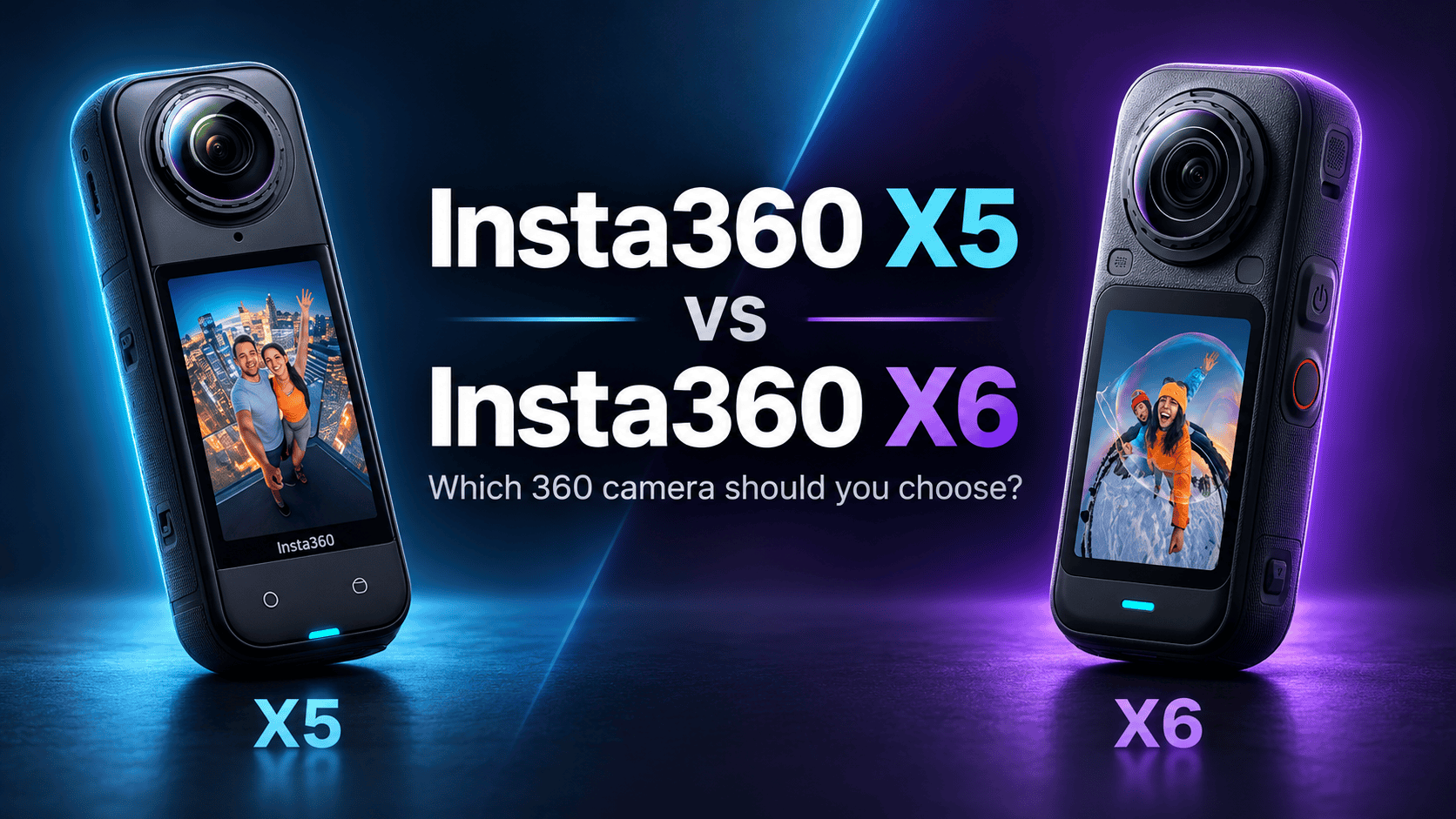
Camera comparison · Real estate and business virtual tours
The X6 produces a wider high-resolution panorama, but an X5 owner should judge the upgrade by finished interiors—not megapixels alone. Window detail, reliable exports and the cost of changing a working kit can matter more than the largest capture setting.
Quick verdict: buy for the job, not the model number
| Your situation | Starting choice | What would change the decision? |
|---|---|---|
| You already deliver satisfactory X5 tours | Keep the X5 while evaluating the upgrade | A same-room X6 export improves the actual client delivery enough to justify the complete replacement cost. |
| You need larger panorama masters | Shortlist the X6 | Check that the intended processing and hosting route preserves the useful detail. |
| Bright windows dominate your interiors | No unconditional winner | Compare highlight recovery and wall color in complete exported spheres, not just cropped detail. |
| You are assembling your first kit | Compare complete working packages | Include supports, protection, spare power, training and editing time alongside the body price. |
X5 vs X6 photo specifications side by side
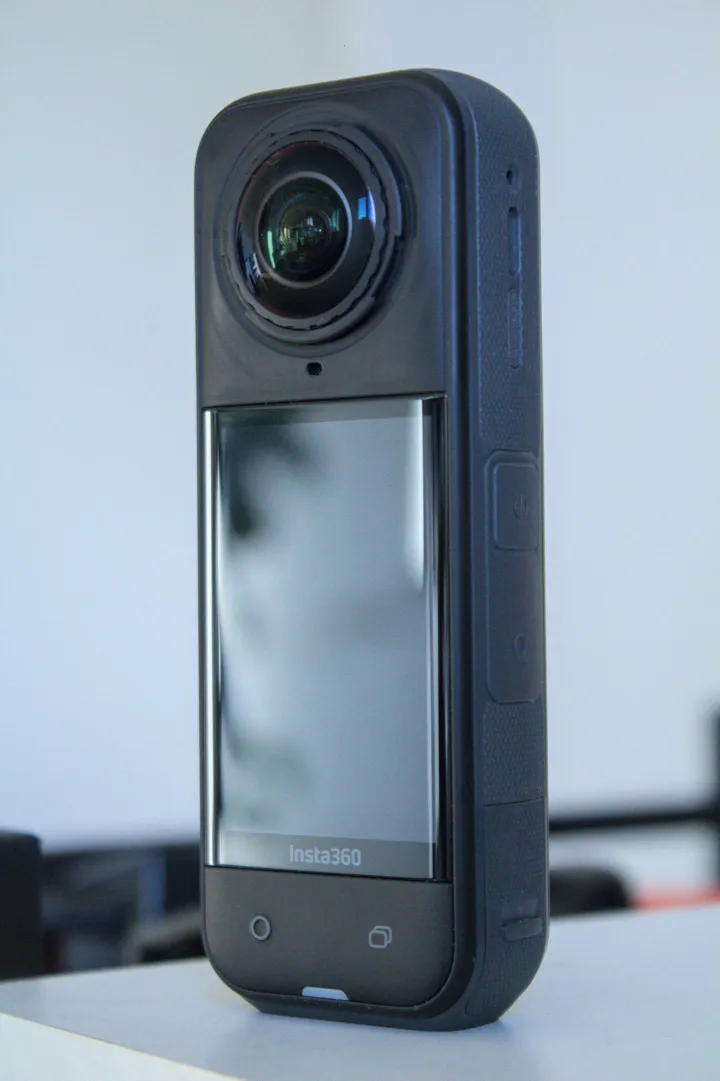
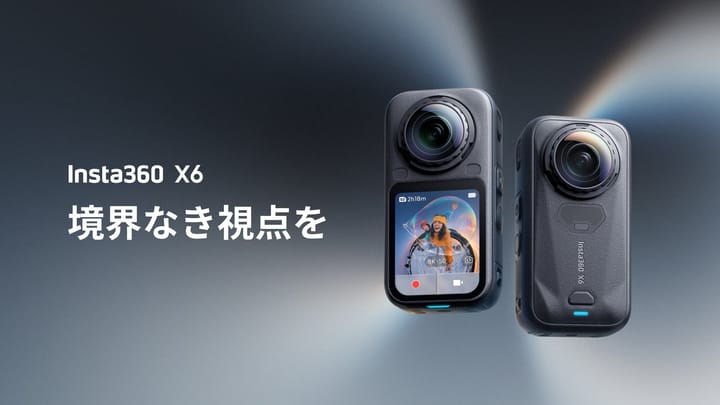
Equipment images are not to scale and are not sample photos captured by either camera.
| Specification | Insta360 X5 | Insta360 X6 |
|---|---|---|
| Higher-resolution photo mode | 72 MP: 11904 × 5952 | 120 MP: 15520 × 7760 |
| Lower-resolution photo mode | 18 MP: 5888 × 2944 | 30 MP: 7776 × 3888 |
| Listed photo formats | INSP, DNG | INSP, DNG, JPG |
| Still-photo mode listing | Photo with HDR support | Photo with HDR and AEB support |
Source: Insta360's X-series shooting specifications. A format or feature appearing in this table does not establish every resolution/format combination. Single-lens images and video modes are separate from spherical stills.
Technical comparison beyond megapixels
The following technical tables separate optics, recording and physical specifications. They describe manufacturer-listed capabilities, not a guarantee that every feature can be enabled simultaneously.
Sensors, optics and exposure controls
| Parameter | X5 | X6 |
|---|---|---|
| Sensors | Dual 1/1.28-inch type | Dual custom Sony 1/1.1-inch type |
| Aperture | f/2.0 | f/2.0 |
| ISO range | 100–6400 | 100–6400 |
| Photo shutter range | 1/8000–120 seconds | 1/8000–120 seconds |
| Exposure compensation | ±4 EV | ±4 EV |
| White balance | 2000–10000 K | 2000–10000 K |
Sources: official X5 specifications and X6 specifications. The X6's “1-inch 360 imaging” marketing description is qualified separately from its 1/1.1-inch sensor specification. Equal aperture and ISO ranges do not establish equal noise or dynamic range.
Video resolution, codecs and color
| Parameter | X5 | X6 |
|---|---|---|
| 8K spherical video | 7680 × 3840; 30/25/24 fps | 7680 × 3840; 50/48/30/25/24 fps |
| Intermediate spherical video | 5.7K: 5760 × 2880, up to 60 fps | 6K: 6016 × 3008, up to 60 fps |
| 4K spherical video | 3840 × 1920, up to 120 fps | 3840 × 1920, up to 100 fps |
| Single-lens maximum | 4K up to 60 fps | 5K up to 60 fps; 4K up to 120 fps |
| Video encoding | H.264 / H.265 | H.265 |
| Maximum bitrate | 180 Mbps | 180 Mbps in ordinary modes; 240 Mbps for high-bitrate 8K TimeShift/timelapse; 360 Mbps for 16K timelapse |
| Log recording | 8-bit I-Log | 10-bit I-Log |
| Other listed profiles | Vivid, Standard, Flat | Standard Rec.709, Dolby Vision |
| Video containers | INSV spherical; MP4 single lens | INSV spherical; MP4 flat |
Sources: the linked manufacturer product pages and mode-specific shooting table. Bit depth here concerns video recording, not JPEG photo quality. The X5 has the higher listed 4K spherical frame-rate ceiling; the X6 has the higher 8K ceiling. No single resolution label identifies the winner for every video job.
Special recording modes and restrictions
| Mode | X5 | X6 |
|---|---|---|
| InstaFrame 2.0 | Backup on: 1080p flat plus 5.7K+ 360; backup off: up to 4K flat only; up to 30 fps | Flat 4K with spherical 8K backup up to 30 fps; higher flat-only rates vary between source tables |
| FreeFrame maximum | 3840 × 3840 at 30/25/24 fps | 6016 × 6016 at 30/25 fps |
| Me Mode | Listed, including 4K up to 30 fps | Not supported in the shooting table |
| PureVideo spherical maximum | 8K up to 30 fps | 8K up to 30 fps |
| 16K timelapse | Not listed in the inspected specifications | 15360 × 7680 at 30/25 fps; Studio required for preview, editing and export |
Documentation differences: the X6 shooting manual lists 5760 × 2880 for its “6K” PureVideo setting, while the product page lists 6016 × 3008. The manual also lists flat InstaFrame rates up to 60 fps where the product page lists 30 fps. We have not resolved these differences on hardware. Confirm the installed firmware's available setting and an actual exported file before promising either disputed capability. Neither discrepancy affects the ordinary 8K spherical-video row above.
Body, battery, storage and connectivity
| Parameter | X5 | X6 |
|---|---|---|
| Weight | 200 g | 196 g |
| Width × height × depth | 46 × 124.5 × 38.2 mm | 50 × 100 × 40 mm |
| Display | 2.5-inch LCD | 2.32-inch OLED; pressure-sensitive screen |
| Battery capacity | 2400 mAh | 2600 mAh |
| Charging to 80% / 100% | 20 / 35 minutes | 24 / 35 minutes |
| Internal recording storage | None listed | 64 GB nominal; 47 GB available |
| Memory card requirement | microSD UHS-I V30 or higher | microSD UHS-I V30 or higher |
| USB connection | USB-C 3.0 | USB-C 3.1 |
| Wi-Fi | 802.11a/n/ac | Wi-Fi 6; 802.11a/b/g/n/ac/ax |
| Bluetooth | BLE 5.2 | BLE 5.3 |
| Operating temperature | −20 to 40°C | −20 to 40°C |
| Waterproof depth, without dive case | 15 m | 20 m |
| Mounting | 1/4-inch thread; quick release | 1/4-inch thread; magnetic mounting |
| Lens replacement | User-replaceable lenses | Replaceable Lenses 2.0 |
Sources: the linked official X5 and X6 product specifications. Charging figures require the manufacturer's fast-charging setup, including a suitable 30 W PPS charger; they are not guarantees for any USB supply. Capacity alone does not predict capture endurance. Waterproof depth requires correct sealing and use under manufacturer conditions, and does not guarantee correct underwater stitching without appropriate optics or housing.
Audio and stabilization
| Parameter | X5 | X6 |
|---|---|---|
| Stabilization | FlowState; 360° Horizon Lock | FlowState; 360° Horizon Lock |
| Motion sensing | Six-axis gyroscope | Six-axis gyroscope |
| Audio encoding | 48 kHz, 16-bit AAC | 48 kHz, 16-bit AAC |
| Audio modes | Wind reduction, voice enhancement, stereo, 360° audio | Wind reduction, intelligent voice enhancement, stereo, 360° audio; engine enhancement setting |
The manufacturer lists these features on the respective product pages. Stabilization helps moving-camera footage; it does not remove parallax caused by placing nearby objects across a two-lens stitching boundary. For interior stills, careful camera placement remains important.
Phone compatibility and software limitations
| Platform | X5 | X6 |
|---|---|---|
| Apple baseline | A12 or later; iOS 13 or later | A14 or later; iOS 16 or later |
| Qualcomm baseline | Snapdragon 855 or later | Snapdragon 8 Gen 2 or later |
| Huawei baseline | Kirin 990 or later | Kirin 9000 or later |
| Android/HarmonyOS | Android 10 / HarmonyOS 2 or later; HarmonyOS NEXT excluded | Android 10 / HarmonyOS 2 or later |
| System architecture | 64-bit phone system required | 64-bit phone system required |
Samsung-chip caveat: the X6 product page both includes Exynos 2200 in its compatibility list and excludes Exynos 2100/2200 in a decoding warning. Treat Exynos 2200 compatibility as unresolved and obtain manufacturer confirmation for the exact handset. Both pages warn against Qualcomm SDM765 devices. Being able to trigger a capture does not prove that the phone can decode, process and export every mode.
These are camera product-page requirements, not a promise that an app-store installer or every AI feature supports every listed device indefinitely. Test installation and a complete export on the intended phone. Desktop Studio is a separate workflow: the X6's 16K timelapse requirement does not mean the mobile app can deliver that mode. This publication has not benchmarked either camera's files on a particular computer.
Resolution chart: photo width rather than quality score
Maximum listed spherical-photo width
X5 — 11,904 pixels
X6 — 15,520 pixels
A sphere wraps around the viewer, so these widths are not the resolution of a single forward-facing photograph. Compare both cameras at the same viewing direction, zoom and delivery size. If your delivery pipeline resizes both masters to the same dimensions, the larger capture does not automatically produce a visibly better tour. Retain full masters separately from web copies.
Interior detail versus bright-window exposure
An independent August 2026 X6 review reported sharper still images from the X6, but better dynamic range from the X5 in one comparison. The reviewer reported highlight and color problems with the X6 in that scene and identified early firmware as a limitation. The review includes a purchase incentive. These are externally reported findings, not our measurements, and a possible firmware improvement is not a confirmed fix.
For property marketing, both kinds of detail matter: furnishings inside the room and the view through the window. Our recommendation is to evaluate a complete panorama containing both. Check neutral walls for color changes, windows for lost exterior information, and doorframes near the seam for stitching errors. A larger file cannot restore information that was not captured successfully.
HDR, bracketing and export: check the whole route
The X6 AEB instructions specify three or five shots at 120 MP; seven shots require 30 MP. That is a practical choice between capture resolution and bracket length, not a guarantee that the longest sequence gives the best result. Moving visitors or foliage can complicate a merge.
Insta360's X6 file-format reference distinguishes processed photos from PureShot + RAW and distinguishes app from Studio exports. Do not assume a camera DNG is immediately a finished tour image. Preserve originals, inspect the exported dimensions and confirm a full 2:1 spherical image rather than a reframed flat view. Consult the X5 workflow guide and X6 workflow guide for model-specific routes and limitations.
Is upgrading from the X5 worth it?
The same independent review reports that X5 batteries and several closely fitted accessories do not fit the redesigned X6. Treat the body price as only one part of the upgrade. Get current quotes for compatible power, protection and mounting equipment; subtract only realistic resale proceeds, then include the time needed to establish the new workflow.
For an existing business, compare that total against a concrete benefit: a deliverable the old kit cannot produce, fewer rejected panoramas, or a service clients will actually purchase. We have no measured productivity saving to insert into that calculation. Keeping a reliable X5 can be the better business choice even when the X6 is the more appealing specification upgrade.
Construction records and travel stories
For repeat construction visits, consistent viewpoint names, dates and camera heights make comparisons more useful. If changing cameras midway through a project, record that change: differences in exposure or processing should not be mistaken for changes on site. Follow our construction documentation guide; neither camera is established here as a survey or defect-detection system.
For travel, plan connected viewpoints and reliable backups before chasing maximum file size. A destination story for owner-operated Panorra needs coherent coverage as well as individual image detail. This comparison does not certify either camera's upload compatibility. Test a private sample in the intended viewer before a paid assignment.
Common X5 versus X6 questions
Does 120 MP mean the X6 is automatically better for real estate?
No. It specifies a capture option, not a complete assessment of window exposure, stitching, color or final delivery. The same-room export is the useful comparison.
Should I replace a working X5 immediately?
Not on resolution alone. Establish the full upgrade cost and a visible or operational benefit in your own workflow first.
Are “Insta360 5” and “Insta360 6” the cameras compared here?
This page compares the Insta360 X5 and Insta360 X6. Check the full model name when shopping or following a tutorial; settings for another model may differ.




Comments ()