QooCam 3 Ultra: 96 MP Virtual Tours, Real Estate & Travel
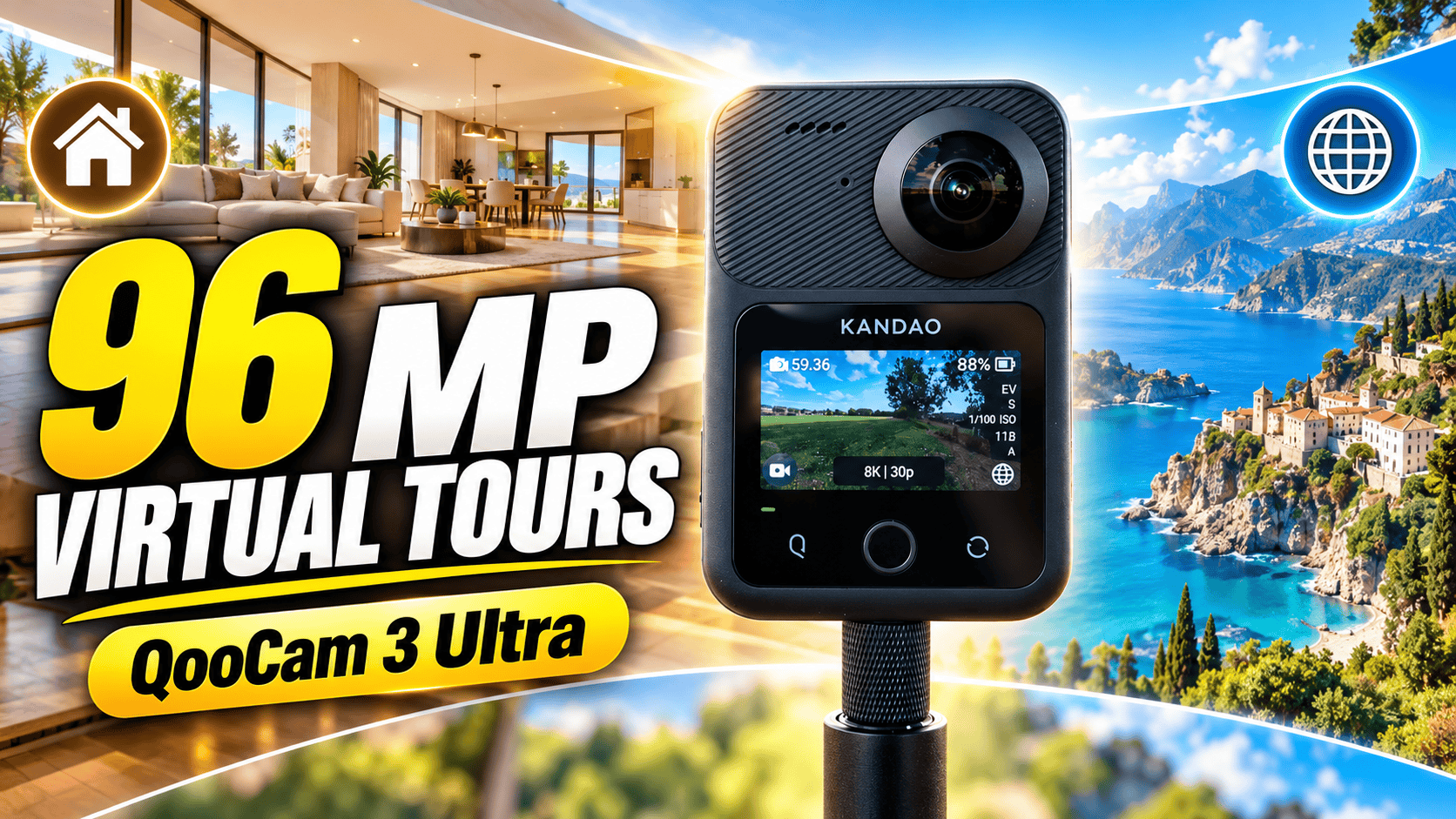
Camera analysis · RAW panoramas and 8K capture
The Ultra is interesting for photographers who want large panoramas and editing flexibility. The important decision is which capture mode—and which processing route—actually serves the assignment.
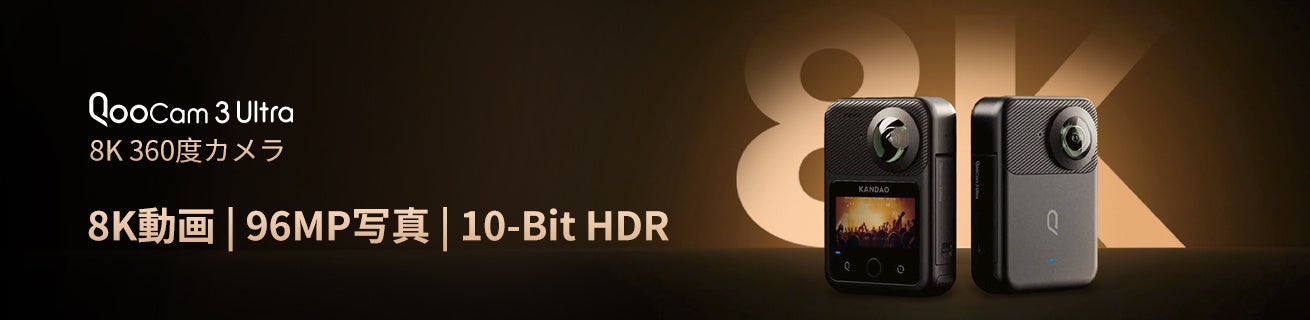
Who should consider the Ultra?
A real-estate photographer who inspects and develops RAW files has a more compelling reason to investigate this camera than someone seeking a completely automatic publishing tool. High-resolution output is useful only if the exported panorama holds up inside the final tour. Ask for originals and run them through your intended workflow before judging a screenshot or a promotional reel.
The Ultra also fits a mixed brief: a hotel may want interactive room views plus a short destination video. However, a business should budget those as different deliverables. Video color, motion and export requirements do not disappear because the same camera captures the still panoramas.
Specifications that change the decision
| Feature | QooCam 3 Ultra |
|---|---|
| Sensor format / aperture | 1/1.7-inch type / f/1.6 |
| Photo sizes | 13888 × 6944 (96 MP); 6944 × 3472 (24 MP) |
| 360 video | 8K up to 30 fps, 5.7K up to 60 fps, 4K at 100/120 fps |
| Photo options | JPEG, DNG and EXR listed; DNG8 and AEB capture modes |
| Storage | 128 GB nominal internal capacity; microSD expansion up to 1 TB, UHS-I V30 or higher |
| Battery / ready-to-shoot weight | 2280 mAh / 336 g including battery |
| Screen / position receiver | 2.19-inch touchscreen / built-in GPS |
| Environmental rating | IP68; manufacturer lists waterproofing to 10 m under its conditions |
Source: Kandao technical specifications. Nominal storage is not the same as free recording space. GPS availability alone does not establish survey accuracy.
96 MP and DR Boost are not the same promise
Kandao's support FAQ limits DR Boost photography to 24 MP. It also recommends prioritizing internal storage for DNG/DNG8 capture because saving speed depends on the storage and camera system. These qualifications belong beside the headline features: do not assume that maximum resolution, every processing mode and maximum shooting speed are simultaneously available.
Photo-mode dimensions: a sampling comparison
96 MP mode — 13,888 pixels wide
24 MP mode — 6,944 pixels wide
A practical comparison should therefore include both your chosen high-resolution mode and a lower-resolution capture suited to the lighting. Inspect the window and the darkest corner at the same displayed size. Choosing a mode by the file size alone risks missing the actual benefit—or cost—of its processing.
What first-hand reviewers found
Wasim Ahmad's October 2024 Fstoppers review focused on photography using a manufacturer-supplied test camera. He preferred developed DNG files to the camera's JPEGs and found the still-image detail a strong point. He also criticized the extra stitching step. Those observations are particularly relevant to a tour photographer, but the review's firmware-era workflow should not be mistaken for a current compatibility guarantee.
In his September 2024 TechRadar review, James Abbott praised image quality while identifying the phone/desktop software and DNG8 processing as weaknesses. The two reviews point toward the same purchasing exercise: evaluate the time from capture to a client-ready file, not merely the camera menu or the final image in isolation.
Hugh Hou has published coverage of a QooCam 3 Ultra VR180 configuration. That is a different application from the stock dual-facing 360 camera. We do not transfer its observations to this guide's full-sphere virtual-tour use case, and we have not inspected the locked sample attachments.
For the stock camera, Hugh's 30-minute Ultra-versus-X4 review is relevant further viewing; YouTube identifies him as its author, but we have not inspected the full footage and do not attribute detailed image-quality results to it. Separately, his own published 8K recording test summary reports an Ultra overheating stop at 27 minutes while recording to an SD card. This is one continuous-video test, not a still-photo battery rating or a prediction of how many rooms can be photographed. Test long venue recordings separately from intermittent panorama capture.
Studio export: preserve the sphere, not just the file size
The Ultra-specific shooting-mode chart resolves an important distinction: DNG8 records eight DNG frames using the same exposure parameters and identifies QooCam Studio as the merging tool. AEB instead records multiple exposures according to the selected bracket settings. Both support a shooting timer. DNG8 is therefore not an eight-level exposure bracket, and it should not be treated as a substitute for checking whether the brightest window was captured without clipping.
For a quiet interior, set up a stable viewpoint, choose the capture method deliberately, and allow the sequence to finish before moving the camera. Inspect curtains, people and other moving elements in the merged result. Those are our practical quality checks; the manufacturer's mode description is not a guarantee that every burst will merge without artifacts.
The July 2025 Studio guide linked from Ultra support lists JPEG, PNG, TIFF and DNG imports and image render formats. It describes Panorama and Reframe modes, horizon adjustment with a grid, and defringe, color-correction and optical-flow controls. For a tour deliverable, preserve the complete sphere and check both seams after processing; a reframed flat photograph serves a different purpose.
There is a documentation limit: the generic Studio guide's introduction still names earlier QooCam models. Although the Ultra mode chart confirms Studio merging, the generic format list does not specify every burst-import step or guarantee that a rendered DNG preserves every property of the original. Its separate unstitched-output option is also not a finished tour panorama. Keep originals and verify the actual exported file dimensions, orientation and projection on the installed software version.
Our proposed production check is to finish one difficult room before batch-processing a venue. Compare bright-window fringes with correction on and off, inspect neutral walls across the seams, then open the exported sphere in the intended tour viewer. Record the settings that worked and repeat the check after software updates. We have not performed this workflow with our own Ultra capture files.
Real estate: resolution is useful after the stitch survives
Fine railings, cabinet edges and door frames are useful inspection targets. Check them near the seam as well as directly in front of a lens. For an agent presenting a home, distorted geometry can be more distracting than a little softness. Position the camera with space around it, then assess the complete sphere before moving to the next room.
When a room includes a sunlit window, compare highlight handling with the appearance of interior surfaces. An aggressively processed view can look dramatic while misrepresenting the feel of a room. Preserve originals, keep edits reversible and review the delivered panorama at normal visitor zoom levels. Do not infer image quality from the dimensions chart above.
Business delivery: prototype a whole tour
Capture a short route through several adjoining spaces before committing to a large venue. This exposes inconsistencies that a single demonstration panorama will not: color shifts between rooms, navigation that starts in the wrong direction and files that are unwieldy on mobile connections.
Retain the high-quality master, then export a delivery copy that meets the viewer's requirements. Confirm how branding, hotspots and access restrictions are handled by the chosen platform. GoThru owns this publication; this article is not a claim that we have tested every Ultra mode or a particular platform integration.
Construction documentation: capacity helps, records matter more
Use our construction-site virtual-tour workflow to organize viewpoints and delivery copies. Keep each Ultra capture set associated with its location and date, including the originals needed for later reprocessing.
Internal storage provides a fallback when a card has been forgotten, but it should not become the only copy of a project's record. Offload after each visit and retain dates, location identifiers and an untouched original. Establish consistent viewpoints with the site team so later captures can be meaningfully compared.
Do not treat the waterproof specification as permission to open ports in wet or dusty conditions. Lens cleanliness, secure mounting and compliance with site access procedures still matter. A position receiver does not align imagery to a building model by itself, and an attractive walkthrough is not a certified inspection or a dimensional survey.
Travel photography: protect the capture, plan the edit
The Ultra's ready-to-shoot weight deserves attention if it will spend a long day on a pole. Try the complete support-and-camera arrangement, not just the body in your hand. Carry protection for both lenses and keep a backup routine that still works when your evening connection is slow.
At a scenic viewpoint, a carefully chosen position matters more than filling the frame with nearby people or railings. In a crowded market, assess movement artifacts before relying on a multi-image processing mode. For destination ideas, explore owner-operated Panorra; a camera-specific upload workflow has not been verified for this guide.
The final buying checklist
Start with the standard QooCam 3 guide to compare the family’s different storage and output specifications. For a RAW-oriented interior workflow, read the Theta Z1 guide; for a mixed travel-video and panorama brief, compare the Insta360 X4 guide. Compare finished room views and production effort, not only the largest advertised file size.
- Process original files on your own computer, including the mode you intend to use indoors.
- Inspect an exported panorama in the actual tour viewer on desktop and mobile.
- Confirm the software supports the camera's firmware and your chosen file format.
- Budget for batteries, protected transport, storage, editing and quality control.
- Compare the result with the standard QooCam 3 and other candidates at equal delivery sizes.
The Ultra deserves consideration for an editing-led panorama workflow. Whether it is the right business tool depends on how much of its capture flexibility survives your real production process. Research checked 21 September 2026; no invented test score is assigned.
Technical head-to-head comparisons
Compare specifications and workflow tradeoffs with these alternatives. These are source-based comparisons, not our own controlled camera tests.
- QooCam 3 vs QooCam 3 Ultra: Specs, RAW Photos and 8K Video
- QooCam 3 Ultra vs Ricoh Theta Z1: Specs and RAW Tour Workflow
- QooCam 3 Ultra vs Ricoh Theta X: Specs, HDR-DNG and Video
Browse all published pairs in the comparison directory.
Insta360 X5 vs QooCam 3 Ultra: specifications, RAW workflows and 8K video.
Our Insta360 X4 vs QooCam 3 Ultra comparison contrasts supported RAW/HDR modes, video specifications, carrying weight and recording storage.
Considering a change between these systems? Our Insta360 X3 vs QooCam 3 Ultra comparison separates video upgrades from still-tour workflow changes, with technical tables and field-storage considerations.



Comments ()