QooCam 3 vs QooCam 3 Ultra: Specs, RAW Photos and 8K Video
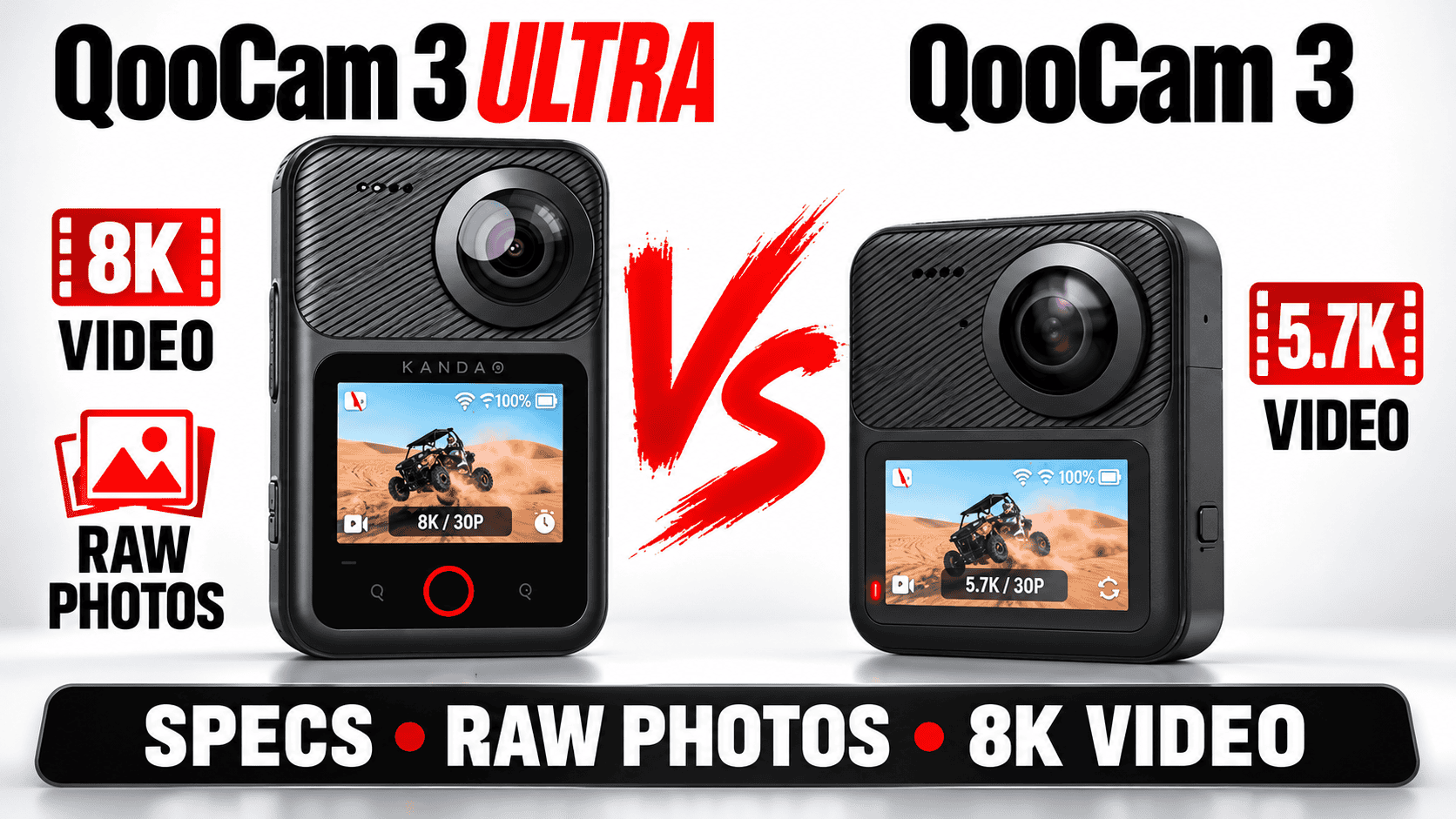
Technical comparison · RAW panoramas and mixed-media work
The Ultra adds higher-resolution capture, internal storage and a different video-color workflow. The standard QooCam 3 remains a distinct camera with different sensor, power and storage specifications—not simply an Ultra with its largest recording mode disabled.
Which changes justify investigating the Ultra?
Shortlist the Ultra when a job specifically calls for its 8K recording, documented 10-bit color options, internal recording storage or larger panorama output. Keep the standard QooCam 3 in contention when its finished files already satisfy the assignment and those additions would not change the deliverable. We have not established a universal image-quality winner through a matched test.
For an existing owner, compare the time from capture to an acceptable hosted sphere. An upgrade that produces larger files but adds processing friction may not increase the number of jobs you can deliver. Conversely, internal storage can address a genuine field limitation even when extra resolution is unnecessary.
Sensors, optics and exposure controls
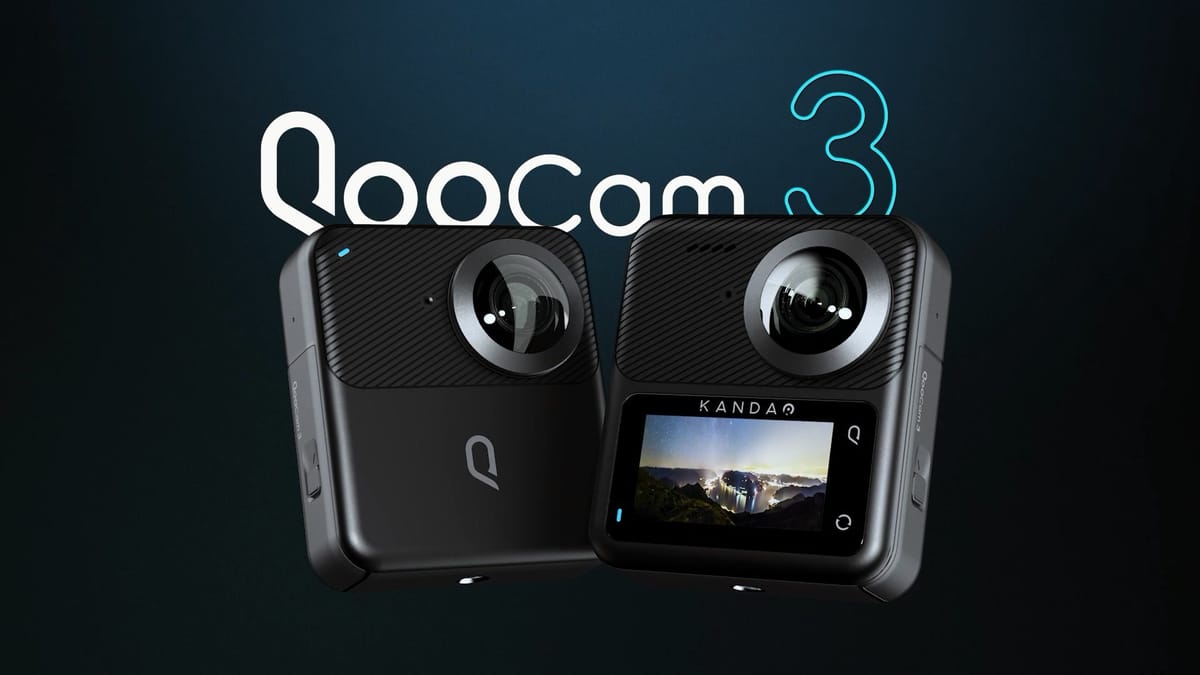
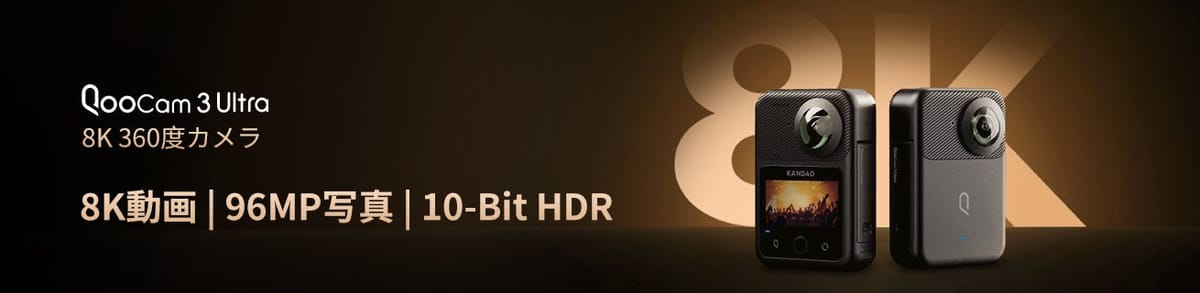
| Parameter | QooCam 3 | QooCam 3 Ultra |
|---|---|---|
| Sensor format | 1/1.55-inch type | 1/1.7-inch type |
| Aperture | f/1.6 | f/1.6 |
| 35 mm equivalent focal length | 9.36 mm | 9.36 mm |
| Exposure compensation | ±2 EV | ±4 EV |
| Ordinary ISO range | 100–6400 | 100–6400 |
| Photo shutter range | 1/6400–60 seconds | 1/6400–50 seconds |
| White balance | Auto; 2500–8000 K | Auto; 2500–10000 K |
Sources for these and the recording tables: Kandao's QooCam 3 specifications and Ultra specifications. The Ultra's name does not mean it has the larger nominal sensor format. Neither sensor labels nor exposure-setting ranges measure the dynamic range of the delivered image.
Photo dimensions and capture formats
| Parameter | QooCam 3 | Ultra |
|---|---|---|
| Maximum panorama | 11136 × 5568; 62 MP | 13888 × 6944; 96 MP |
| Additional listed photo size | Not specified on the cited technical page | 6944 × 3472; 24 MP |
| Listed image formats | JPEG, DNG | JPEG, DNG, EXR |
| Listed photo modes | Panorama, interval, DNG8, AEB, TimeFusion | Panorama, interval, DNG8, AEB |
Maximum panorama width
QooCam 3 — 11,136 pixels
Ultra — 13,888 pixels
Judge both exports at the same viewer zoom and delivery resolution. Inspect fine cabinet edges, a window frame and wall texture rather than comparing differently scaled flat previews. If the hosting service resizes the larger export, preserve its full-resolution master separately.
DNG8, AEB and DR Boost answer different questions
The Ultra's shooting-mode guide describes DNG8 as eight DNG captures using the same exposure parameters, merged in QooCam Studio. AEB instead varies exposure. Eight frames therefore do not automatically mean eight different exposure levels or guaranteed recovery of a clipped window.
The Ultra support FAQ limits DR Boost photos to 24 MP and lists ISO 6–100 with a 1/800–30-second photo shutter range in that mode. Do not combine those values with the ordinary 96 MP specification as if they describe one capture setting.
Our proposed interior test uses a quiet, stable viewpoint and one difficult window scene. Complete each processing route before choosing it for an entire property. Check movement artifacts and highlight edges, archive originals, and record capture and software versions. A mode label is not evidence that all bursts will merge cleanly.
Video, color and sound
| Parameter | QooCam 3 | Ultra |
|---|---|---|
| 8K 360 | Not listed | 24/25/30 fps |
| 5.7K 360 | 24/25/30 fps | 24/25/30/50/60 fps |
| 4K 360 | 24/25/30/50/60 fps | 100/120 fps on technical page |
| Single-lens video | 2.8K at 24/25/30/50/60 fps | 4K at 24/25/30/50/60 fps; 100 fps specification conflict noted below |
| Maximum bitrate / container | 120 Mbps / MP4 | 150 Mbps / MP4 |
| Recording codec | H.264 | H.265 |
| Color options | Standard, ProColor | 8-bit Rec.709; 10-bit HLG Pro, HLG Normal and K-Log |
| Other video modes | Timelapse, loop recording | Timelapse, loop recording |
| Built-in audio | Four microphones; 48 kHz, 16-bit, four-channel AAC | Four microphones; 48 kHz, 16-bit, four-channel AAC |
Unresolved documentation: the Ultra technical page lists single-lens 4K100, while its support FAQ refers to single-lens 3.4K100. Do not promise a 4K100 single-lens deliverable without confirming the installed firmware and actual exported file. The same FAQ identifies H.265 encoding for Ultra; MP4 alone is a container name, not a codec specification.
The standard model's H.264 recording format is confirmed in its manufacturer support FAQ. Recording codecs and the codec chosen later for Studio export are separate specifications.
Kandao's manual documents a non-real-time stitch/export for recorded Ultra video from the on-camera album, starting with firmware V1.1.0. The 360° export keeps source resolution and frame rate; the 180° stabilized flat export varies resolution by aspect ratio. This is a post-capture video menu, not a still-photo route (QooCam 3 Ultra user manual).
Ten-bit HLG or K-Log adds an editing decision, not an automatic improvement to a still tour. Confirm color management in the video editor and destination player. Preserve a full-sphere master when immersive viewing is required; a reframed clip serves a different brief. Neither maximum bitrate nor a gyroscope specification establishes measured stabilization quality.
Storage, power and field handling
| Parameter | QooCam 3 | Ultra |
|---|---|---|
| Body-only weight | 189 g | 296 g |
| Weight with battery | Not supplied in cited specification | 336 g |
| Listed dimensions | 71.5 × 82.7 × 26.6 mm | 71.5 × 103.2 × 26.6 mm |
| Touchscreen | 1.9 inches | 2.19 inches |
| Battery capacity | 1600 mAh | 2280 mAh |
| Charging input | USB-C; 5 V/2 A | USB-C; 9 V/2 A or 5 V/3 A |
| Internal storage | None | 128 GB nominal; about 98.2 GB usable |
| microSD | Up to 256 GB; UHS-I V30; exFAT | Up to 1 TB; UHS-I V30; exFAT |
| Wi-Fi | 2.4/5 GHz; 802.11a/b/g/n/ac | 2.4/5 GHz; 802.11a/b/g/n/ac/ax |
| Bluetooth | BLE 4.2 | BLE 5.2 |
| Built-in GPS | Not listed on cited technical page | Yes |
| Environmental rating | IP68 | IP68; manufacturer lists 10 m depth |
| Working / charging temperature | −20–40°C / 5–40°C | −20–40°C / 5–40°C |
The Ultra preparation guide distinguishes usable capacity from nominal storage and quotes approximately 75 minutes for a full charge with the specified PD setup, camera off. Neither camera's recording storage is a backup: offload and verify an independent copy after the job.
Do not rank endurance by battery capacity alone. The standard model's technical page quotes about 58 minutes without matching every Ultra test condition. Ultra lists about 50 minutes for 10-bit 8K and about 75 minutes for 8-bit 5.7K at 24/25/30 fps. These are manufacturer recording claims, not our sustained thermal tests or still-tour capture counts.
The Ultra FAQ contradicts itself on whether the battery is required during external-power operation. Keep the battery installed and confirm the intended setup before an unattended session. An open charging port also removes the protection assumptions of a sealed camera; neither IP rating grants permission to open covers in rain or dust.
Software and the finished deliverable
Before a paid shoot, run a small capture set through the exact app, desktop software and tour viewer you plan to use. Confirm that a DNG import, merged intermediate and finished sphere are three understood steps rather than assuming copying a file completes processing. Keep a log of the firmware, capture mode, processing settings and export dimensions.
Kandao's Ultra support page lists an app baseline of Android 9 with Snapdragon 855 or Exynos 2200 and a 64-bit system, or iOS 13 with A12. These are published compatibility baselines, not a guarantee that the latest app or every editing feature works on every qualifying phone. Desktop acceleration also depends on the codec, bit depth and GPU; verify export performance with the files you intend to deliver.
For internal Ultra storage, test your computer's transfer path as well as the editor. A removable card offers a separate card-reader route, whereas internal storage depends on successful camera transfer. Budget time for verification and two copies; do not delete camera originals simply because thumbnails appear on a laptop.
Real estate, construction and travel
Real estate: the Ultra's larger output is useful only when detail and stitching survive the final viewer. Compare it with a well-processed standard QooCam 3 panorama at equal viewing size. DR Boost's 24 MP limit makes a second comparison necessary if that is the intended interior mode.
Construction: internal capacity and location metadata can help organize capture, but GPS is not survey accuracy or automatic BIM alignment. Use stable viewpoint IDs, dates and consistent processing. Our construction-site virtual-tour workflow covers repeat visits and careful sharing.
Travel: compare the complete pole, battery and protection kit, not the standard model's battery-excluded weight against the Ultra's ready-to-shoot figure. For destination panoramas on owner-operated Panorra, preserve full-sphere masters separately from social clips. We have not performed a camera-specific upload test.
Continue the comparison
Read the individual QooCam 3 guide and QooCam 3 Ultra guide for attributed review context. Return to the comparison directory for other published pairs. Obtain current kit prices before a purchase; this page does not invent a permanent price advantage or benchmark score.



Comments ()