Insta360 X4 vs QooCam 3 Ultra: Specs and RAW Workflows
Technical head-to-head · 2024-generation 8K cameras
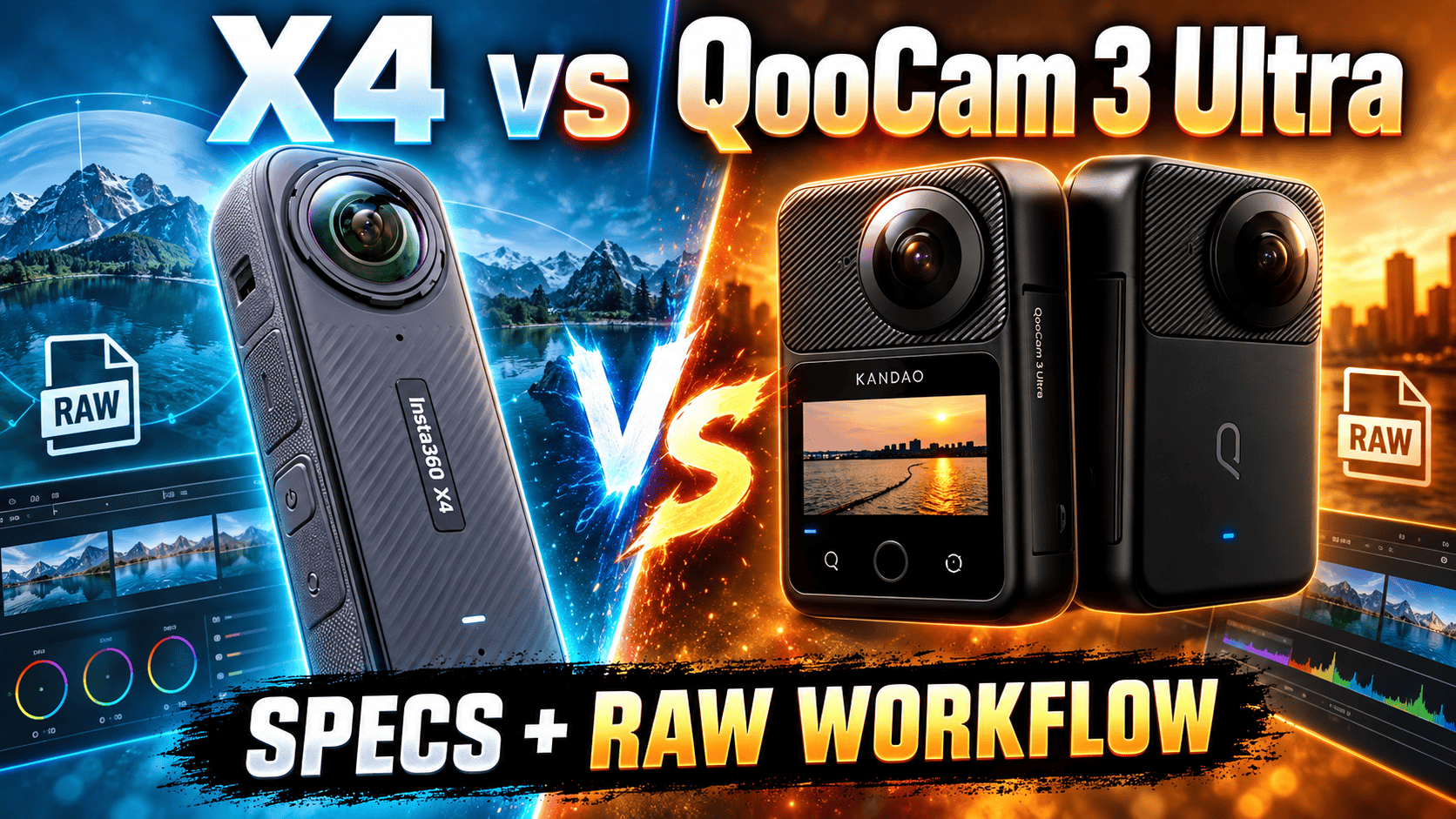
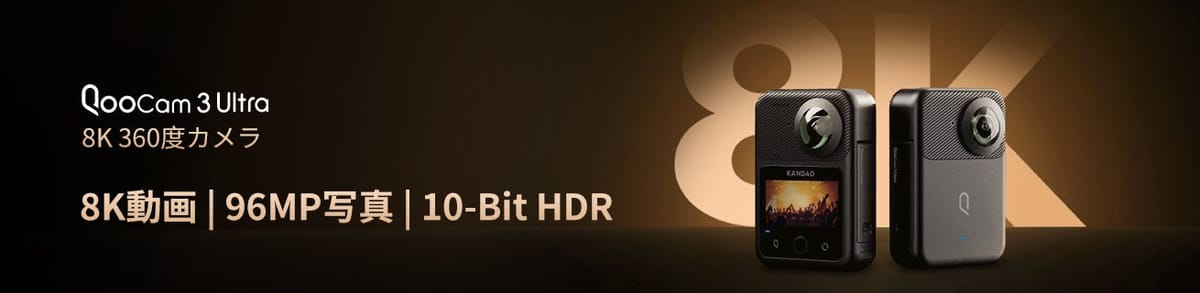
X4 and QooCam 3 Ultra both record 8K30 spherical video. X4 is the lighter camera; Ultra adds internal recording storage and a different set of RAW and color-processing choices. For virtual tours, the meaningful comparison is the supported still workflow—not an isolated 72 MP versus 96 MP label.
Choose around the workload, not the 8K badge
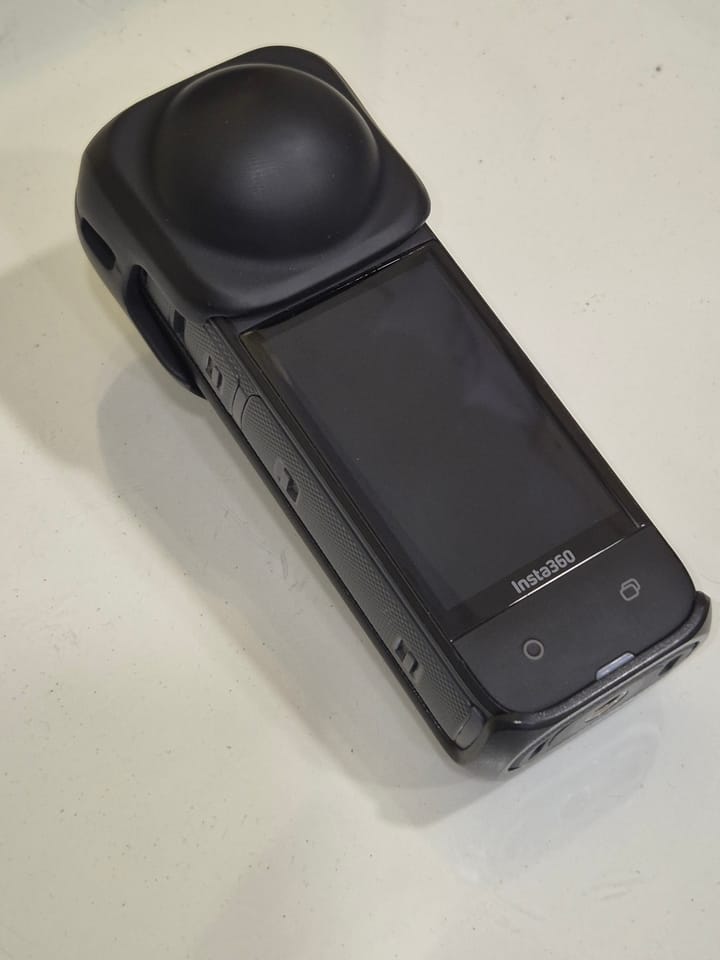
Consider X4 for a lighter mixed photo-and-video kit. Its listed 203 g mass is 133 g below Ultra's with-battery figure. That difference matters when planning a pole-mounted setup, but accessories and support still contribute to the complete carrying load.
Consider Ultra for its internal-storage fallback and specific still-processing or grading routes. Evaluate those routes on your own computer before committing to them. An extra capture option is useful only when your team can turn its files into a repeatable deliverable.
For an existing owner, identify the limitation that justifies changing systems. A different resolution ceiling will not necessarily fix poor camera placement, moving subjects in brackets, or an inefficient stitching and upload process.
Still-photo and exposure specifications
| Parameter | X4 | QooCam Ultra |
|---|---|---|
| Sensor format | 1/2-inch type | 1/ |
| Aperture | f/1.9 | f/1.6 |
| Maximum panorama | 11904 × 5952; 72 MP | 13888 × 6944; 96 MP |
| Smaller panorama | 5888 × 2944; 18 MP | 6944 × 3472; 24 MP |
| Photo formats | INSP, DNG | JPG, DNG, EXR |
| ISO | 100–6400 | 100–6400 |
| Photo shutter | 1/ | 1/ |
| Exposure adjustment | ±4 EV | ±4 EV |
| White balance | 2000–10000 K | Auto; 2500–10000 K |
Sources: Insta360 shooting specifications, X4 column, X4 hardware specifications and QooCam 3 Ultra specifications. Format listings are not a full resolution-by-mode matrix. Aperture and sensor-format labels do not quantify the noise or dynamic range of a finished panorama.
Maximum listed panorama width
X4 — 11,904 pixels
QooCam 3 Ultra — 13,888 pixels
Compare processed spheres at the same delivery dimensions and viewer zoom. Inspect distant detail, window edges, neutral walls and objects crossing the stitch seam. Preserve the original-resolution masters independently of a hosting platform's resized copies.
X4 AEB, Ultra DNG8 and DR Boost are different operations
| Route | Documented constraint | Trial question |
|---|---|---|
| X4 AEB | 18 MP HDR Photo; PureShot + RAW | Does the bracketed export meet the delivery brief? |
| Ultra DNG8 | Multi-frame RAW route, distinct from AEB | Can you retain and process the complete capture set? |
| Ultra DR Boost | 24 MP; ISO 6–100; 1/800–30 s | Does the special-mode output justify its workflow? |
The Insta360 AEB guide gives model-specific X4 instructions: select 360 HDR Photo, switch to 18 MP and choose PureShot + RAW before setting the bracket. Do not advertise a 72 MP X4 AEB route by combining unrelated specification rows.
The Ultra FAQ supplies the DR Boost limits and describes RAW processing through Kandao's software. A repeated-frame RAW merge and a sequence of different exposures are not equivalent. Keep each complete set until the processed result and a separate backup have been verified.
Try an empty room first, then a scene containing moving curtains or people. Multi-frame processing can introduce motion problems that a maximum-resolution chart cannot reveal. Record total capture, development, stitching and cleanup time; the interval before the camera is ready again is only one part of production cost.
For X4, test representative INSP and DNG originals in the intended app or Studio version. For Ultra, verify the particular QooCam Studio/RAW-processing route required by the selected mode. A file extension alone does not establish that a teammate can open, merge and export it on the available workstation.
8K30 matches, but the surrounding modes differ
| Parameter | X4 | QooCam Ultra |
|---|---|---|
| 8K | 24/25/30 fps | 24/25/30 fps |
| 5.7K | 24/25/30/50/60 fps | 24/25/30/50/60 fps |
| 5.7K+ | 24/25/30 fps | No equivalent label listed |
| 4K sphere | 24/ | 100/120 fps in technical table |
| Video container | INSV | MP4 |
| Codec | H.264/H.265 | H.265 |
| Bitrate ceiling | 200 Mbps | 150 Mbps |
| Color choices | Standard, Vivid, Flat | 8-bit Rec.709; 10-bit HLG Pro/Normal, K-Log |
Sources: the manufacturer shooting and technical tables above. X4's ordinary spherical dimensions are 7680 × 3840, 5760 × 2880 and 3840 × 1920 for those three resolution labels. Its 5.7K+ mode has the same listed raster as 5.7K; that does not prove identical processing.
Kandao's manual documents a non-real-time stitch/export for recorded Ultra video from the on-camera album, starting with firmware V1.1.0. The 360° export keeps source resolution and frame rate; the 180° stabilized flat export varies resolution by aspect ratio. This is a post-capture video menu, not a still-photo route (QooCam 3 Ultra user manual).
Bitrate is a data-rate limit, not an image-quality ranking across different compression and color choices. Likewise, a flat profile should not be assumed to offer the same bit depth or grading behavior as Ultra's explicitly listed ten-bit modes. Test the correct color interpretation before comparing exports.
The X4 shooting table lists ordinary single-lens 4K, 2.7K and 1080p up to 60 fps, with separate FreeFrame and Me Mode entries. It does not list PureVideo or InstaFrame for X4. Do not import newer X-series capabilities into an X4 buying decision.
Ultra's technical table calls its single-lens 100 fps mode 4K, while its support FAQ specifies 3472 × 3472 at 100 fps and 3840 × 3840 up to 60 fps. Use those explicit FAQ dimensions when planning a delivery rather than promising conventional 4K100. Square source capture also differs from a final 16:9 crop.
Weight, storage and field power
| Parameter | X4 | QooCam Ultra |
|---|---|---|
| Weight | 203 g | 336 g with battery |
| W × H × D | 46 × 123.6 × 37.6 mm | 71.5 × 103.2 × 26.6 mm |
| Touchscreen | 2.5-inch; 440 × 696 | 2.19-inch |
| Removable battery | 2290 mAh | 2280 mAh |
| Internal storage | No recording capacity listed | 128 GB nominal |
| Card | microSD UHS-I V30 or faster | microSD UHS-I V30 or faster; ≤1 TB, exFAT |
| USB | Type-C 3.0 | Type-C; USB 3.1 Gen 2 per FAQ |
| Bluetooth | BLE 5.2 | BLE 5.2 |
| Operating range | −20–40°C | −20–40°C |
| Body water-depth claim | 10 m | 10 m; IP68 |
Sources: X4 hardware and Ultra specifications/support linked above. Internal storage is useful when a card is missing or full, but it is not a backup of the only recording. Nominal capacity also includes space unavailable for media. Water-depth claims depend on the correctly closed configuration and do not establish clean underwater stitching or protection from every site hazard.
X4's manufacturer quotes about 75 minutes at 8K30 or 135 at 5.7K30, with screen off, Wi-Fi Auto, high bitrate and AI Highlights Assistant off at 25°C. Ultra quotes about 50 minutes for ten-bit 8K or 75 for eight-bit 5.7K under its laboratory conditions. These are not matched tests or guaranteed HDR still-tour yields.
The nearly equal battery capacities do not mean equal runtime. Rehearse remote control, image processing and offload under the actual workload. Budget spare power and charging time independently of storage. For used equipment, inspect battery condition and both lenses before comparing complete-kit quotes.
X4's hardware guide quotes about 55 minutes to full charge with its specified 9 V/2 A setup, camera off at 25°C. Ultra's FAQ quotes about 75 minutes powered off with a standard PD charger. These conditional figures help plan charging breaks, but are not our measurements. The Ultra FAQ gives conflicting battery-removal advice for external power; keep its battery installed and verify the setup. Its USB cover must be closed for the stated environmental protection.
Validate the editing workstation as part of the kit
The Ultra support page describes using an MTP transfer tool for Mac offload; a card reader is another route for microSD recordings. Confirm that originals are actually copied locally before editing. A connected camera is not an independent backup, and internal storage does not eliminate the need for a reliable transfer plan.
Run a pilot job from remote release through finished hosting. Keep originals, processing masters and delivery exports in separate locations. Check spherical recognition, orientation and seams on both phone and desktop. Pairing to a phone establishes control connectivity, not necessarily smooth 8K playback or editing.
Do not compare ungraded log footage against a finished standard-color export or a source DNG against a sharpened JPEG. Use documented processing for each route and record the time required. This publication has not completed a camera-specific GoThru upload/export test for this pair.
Property, construction and travel decisions
Property: compare X4's actual 18 MP AEB export against the Ultra route you intend to deploy. Check bright windows, dark furniture and nearby seam-crossing objects. Only then decide whether different file dimensions or additional processing materially improve the client's viewing experience.
Construction: X4's lower mass and Ultra's internal recording fallback address different logistical risks. Keep dated viewpoint IDs and consistent height, and record any camera or processing change. Neither is presented as survey-grade equipment. See our construction-site virtual-tour workflow.
Travel: test the intended pole, charging setup and editing device before departure. Retain immersive destination masters separately from social-media crops. Owner-operated Panorra provides a related storytelling context, not proof of a tested direct camera integration.
GoThru operates this publication. Read the X4 guide, QooCam 3 Ultra guide or X5 vs QooCam 3 Ultra comparison, and use the comparison selector for other pairs.




Comments ()