DJI Osmo 360 II for Real Estate: HDR Photos vs RAW Workflow
Camera analysis · High-resolution photos and RAW workflow
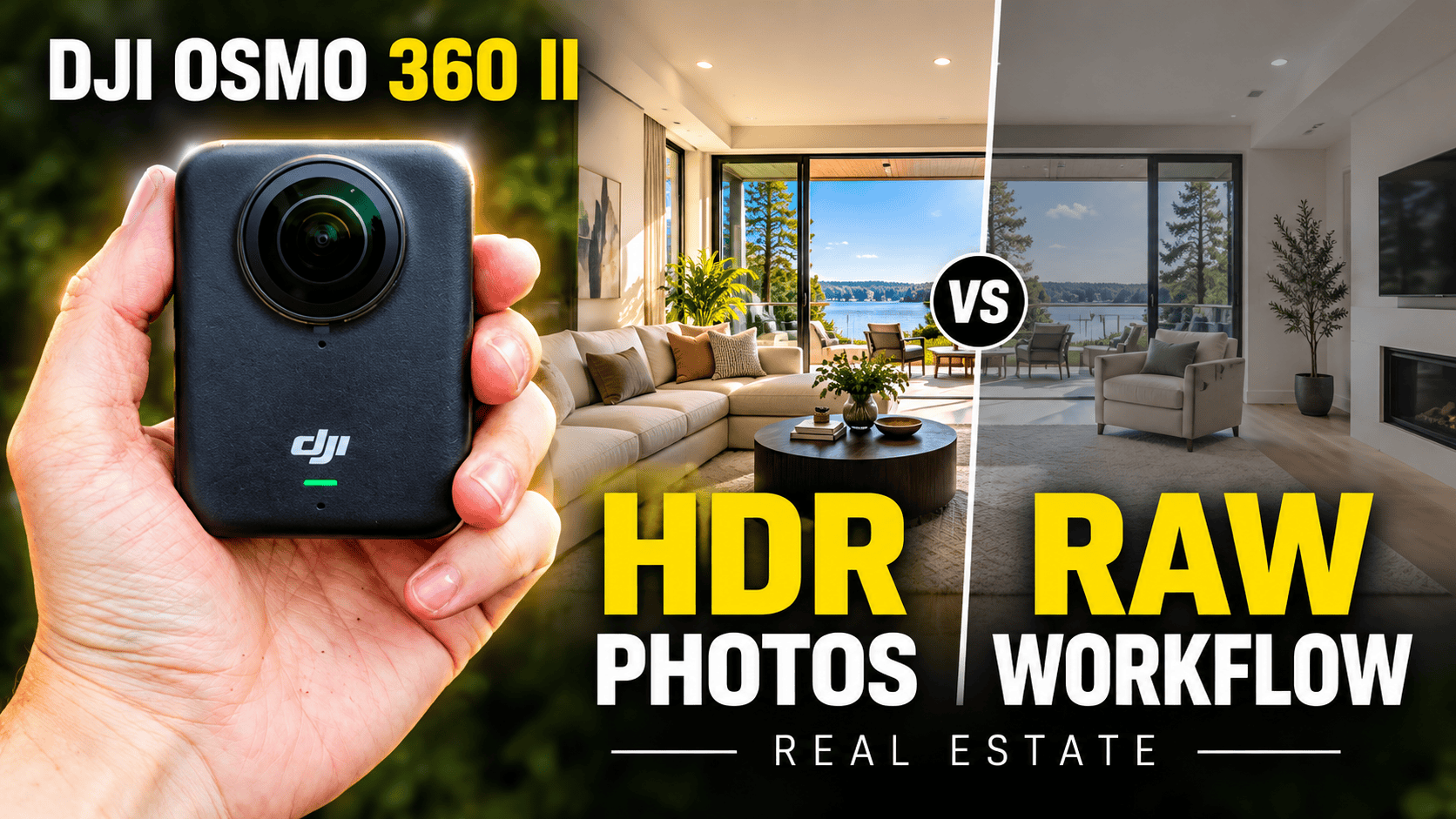
DJI's second handheld 360 camera deserves a separate still-photography assessment from the original. Its headline HDR resolution, RAW processing options and replaceable lenses answer different questions for a virtual-tour business.
Our assessment
For real-estate work, the most useful comparison is not simply a larger resolution number. Compare the final high-resolution HDR panorama with a carefully processed RAW-based panorama of the same room. Decide which route produces the required window detail, clean seams and consistent color within the time available for the job.
That is a proposed evaluation, not a test performed for this article. We would not make a business purchase solely on a low-light video demonstration or a manufacturer's dynamic-range claim. The camera needs to produce the still-photo deliverable that your client will actually explore.
Record firmware and app versions with comparison captures. DJI's 13 August 2026 release notes for firmware V01.01.02.10, alongside Mimo 2.11.4 on iOS and Android, list a panoramic-photo quality improvement without quantifying it. This is a dated manufacturer change record, not proof of the latest available versions or a measured improvement. Comparisons made with different firmware need that difference disclosed.
What DJI confirms
| Feature | Manufacturer statement |
|---|---|
| Still-photo headline | 120 MP HDR 360° photo |
| Video headline | 8K at 60 fps |
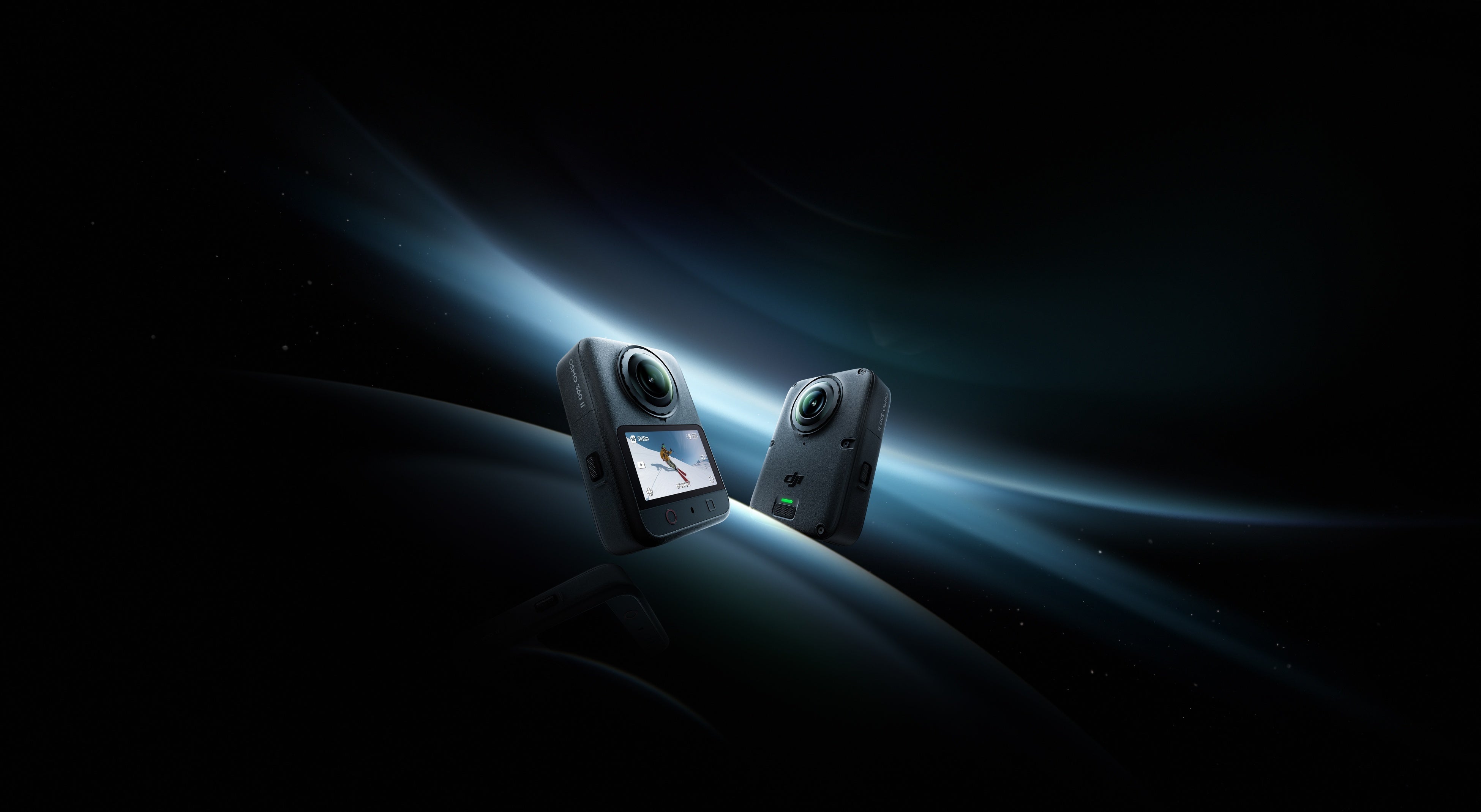
| Lens maintenance | Replaceable lenses |
| Built-in storage | 105 GB |
| Weight | 183 g |
Source: DJI's Osmo 360 II announcement. These are manufacturer claims, not results measured by this publication. Its sensor and video dynamic-range descriptions should not be substituted for a controlled still-photo comparison.
DJI says the Osmo 360 II can record continuously for up to 100 minutes at 8K/30 fps. This is a manufacturer video-runtime claim, not still-photo endurance or a promise of how long a property-photo assignment will take. Source: manufacturer documentation.
We also verified DJI's UK specifications with the public United Kingdom region selected. They list dual 1/1.1-inch sensors, f/1.9, JPEG and RAW photo formats, and a maximum panoramic image of 15520 × 7760. The separate single-lens maximum is 6400 × 4800. Those are different image geometries: a 4:3 single-lens photograph is not a complete 2:1 sphere. Regional redirects may require selecting the UK site to view this reference.
RAW support: the important resolution distinction
In its September 2026 first-hand review, dkamera reports two spherical photo sizes: 15520 × 7760 and 7776 × 3888. It reports JPEG at both sizes but DNG only at the smaller setting. DJI's format list confirms RAW support but does not establish that resolution restriction, which remains attributed to the reviewer.
Iain Anderson's 15 September firsthand review also describes full-resolution output as JPEG-only and RAW as a lower-resolution option. However, its RAW paragraph gives 6400 × 4800—the dimensions DJI lists for single-lens photography—so we do not use that figure as a spherical RAW specification. This distinction matters when comparing a finished tour panorama, not just files with similar megapixel labels.
Horizontal pixels in the two reported photo outputs
High-resolution output — 15,520 pixels
Lower-resolution output — 7,776 pixels
The implication for our suggested test is to compare distinct workflows, not assume that maximum-resolution HDR and RAW describe one combined mode. Preserve original files and record the selected capture settings so the difference is reproducible.
A documented third-party RAW route
The developer's PanoVolo 1.12.1 announcement explicitly adds stitching from Osmo 360 II DNG files, with DNG, TIFF or JPEG output and batch processing. This is evidence of a supported software path from that developer, not proof that we have tested its quality or that it works identically in DJI's own tools.
Our suggested trial is one difficult panorama followed by a small batch. Check whether exposure and color choices remain consistent, inspect the joining boundary, and verify how long the process takes on your computer. Include software costs and processing time when quoting a job, without assuming that RAW automatically improves every scene.
PanoVolo's general spherical-output guide documents Edit/Spherical, horizon straightening, disabling automatic cropping and inspection in View/3D sphere. These are useful controls to check during an Osmo trial, but the tutorial is written around drone panoramas, not an Osmo 360 II walkthrough. In particular, do not automatically apply its sky-fill advice to an indoor room or a construction record: missing ceiling content should not be silently invented.
That guide also describes an 8000 × 4000 social-media JPEG output. Keep such a delivery copy separate from the master rather than assuming that every save option preserves the source dimensions. We have not run the II's files through PanoVolo or compared its output with DJI's software, so no processing-speed or image-quality advantage is claimed.
Creator and independent review context
Anderson's comparison with the original Osmo 360 found visibly cleaner, sharper HDR stills on the II, while noting no manual control over HDR bracketing. That is his comparative observation, not a measured GoThru score. His separate criticism of DJI Studio's 8K limit for exporting 16K timelapse concerns video and must not be interpreted as a ceiling on still-photo export.
In part three of dkamera's September 2026 test, the reviewers find finer detail in 120 MP images than in 30 MP images, and report that HDR reduces blown highlights and noise. The tradeoff is time: they report roughly eight seconds per photograph without HDR versus sixteen with HDR. They also see more conspicuous stitching transitions at close subject distances. These are that publication's findings under its test conditions, not our measurements or a guaranteed timing for every firmware version.
For a business-tour brief, our inference is to budget for deliberate HDR capture rather than rapid movement through rooms. Record how long your own complete sequence takes, including support placement, clearing the scene and file review. A shutter-to-ready figure alone cannot predict how many properties you can finish in a day.
Sam Kieldsen's September 2026 TechRadar review describes improved SuperNight video and welcomes replaceable lenses. Those findings are useful for mixed video work, but do not establish how a processed property panorama compares with a still-oriented competitor.
When assessing a video demonstration, separate lighting, capture mode and post-processing from the camera name. A compelling sequence can help you evaluate travel-video possibilities without answering the different question of whether small interior details survive still-photo delivery.
Real-estate and business tours
DJI's model-specific Osmo 360 II FAQ recommends at least 0.75 m between the camera and subjects for stitching. It also says to keep the camera and invisible selfie stick in a straight line; an angled adapter can spoil the invisible-stick effect. For a small bathroom or a narrow corridor, plan the support position before choosing the photo mode. The distance is manufacturer's guidance, not our guarantee of a perfect join.
Start with a representative window-lit room. Inspect window edges, dark furniture and pale walls in both lens directions. Then inspect the seam around door frames and nearby furniture. A large file can still contain an awkward join or color transition that distracts a visitor.
Our proposed delivery check is to export a complete spherical image, open it independently and upload a sample to the intended tour platform. Confirm orientation, usable zoom detail and color before processing the full property. A reframed social image is a separate output, not a navigable room panorama.
GoThru operates this publication. No Osmo 360 II-specific upload test has been completed here. Agree on privacy requirements and restricted rooms, and inspect the entire sphere before publishing a business location.
Keep internal storage and card captures together
The same DJI FAQ lists Mimo downloads, card-reader transfer and USB-C transfer. Mimo and USB can access internal storage and the card; a card reader only accesses the card. Our recommendation is to check both locations when closing a job, then archive originals by property and capture date. Downloading files is not evidence that the final panorama's format, stitching or metadata satisfies the hosting platform.
Pages 19–20 of DJI's English user manual v1.0 add an important interface distinction: NFC Tap with multiple selected files starts a download, while tapping with a single 360° photo displayed opens editing. Do not treat opening the editor as confirmation of a backed-up original. For computer copying, the manual specifies powering on, connecting USB and selecting Transfer File: USB; capture is unavailable during that transfer. Its subsequent editing instructions concern 360° video, not a verified still-photo export-size limit.
Construction-site virtual tours
The construction-site virtual-tour guide provides the broader capture and archive plan. Apply its viewpoint register to Osmo 360 II assignments and keep the chosen photo mode with each visit's records.
Our suggested approach is a dated viewpoint register linked to original captures. Keep camera height and position reasonably consistent, and record when site access requires a change. That helps distinguish construction progress from differences in the photography.
Inspect seams near scaffolding and structural edges, and take separate close-ups for details that a room-scale panorama cannot establish. Do not label the result survey-grade, automatically aligned to BIM or capable of defect detection without a separately verified system.
Replaceable lenses are relevant to repair planning, but do not remove the need for protection and inspection. Follow the manufacturer's replacement procedure and retest the completed panorama after maintenance. This article establishes no hazardous-location certification or guarantee against site damage.
Travel photography and mixed assignments
A destination assignment may need both still panoramas and edited video. Plan separate capture and delivery checks for each, with an offload routine that preserves originals. Do not let a successful daylight shoot stand in for an evening test when low-light scenes are part of the brief.
Owner-operated Panorra provides panoramic travel inspiration. No model-specific integration is claimed. For an important trip, test the complete workflow and carry a practical backup method for scenes that cannot be repeated.
Compare the editing commitment
Already own the first generation? Read our original DJI Osmo 360 guide alongside this one. Keep model names and capture settings with comparison files; the II's documented RAW support and reported high-resolution HDR behavior should not be assumed to apply to the original camera.
Our Ricoh Theta Z1 guide covers a still-oriented RAW alternative. The QooCam 3 guide examines same-exposure DNG8 capture and processing, while the Insta360 X4 guide considers a mixed still/video workflow. These links provide alternative workflows to evaluate, not a tested ranking against the II.
What remains to establish before a buying recommendation
The launch and software evidence justify investigating the II separately from the original Osmo 360. A confident virtual-tour recommendation still needs a verified capture-mode table, representative original stills and a completed export comparison. Until those checks are complete, this guide does not rank it above other cameras for property photography.
Research checked 21 September 2026. No hands-on score or original image-quality benchmark assigned.
Compare this model directly in Osmo 360 II vs Insta360 X6, including RAW workflows, detailed video modes, power, storage and software limitations. Browse other published pairs in the comparison directory.
Considering the generation change? Read DJI Osmo 360 vs Osmo 360 II for RAW, lens repair, detailed recording modes, battery and software tradeoffs.



Comments ()