DJI Osmo 360 II vs Insta360 X6: Specs and Workflow
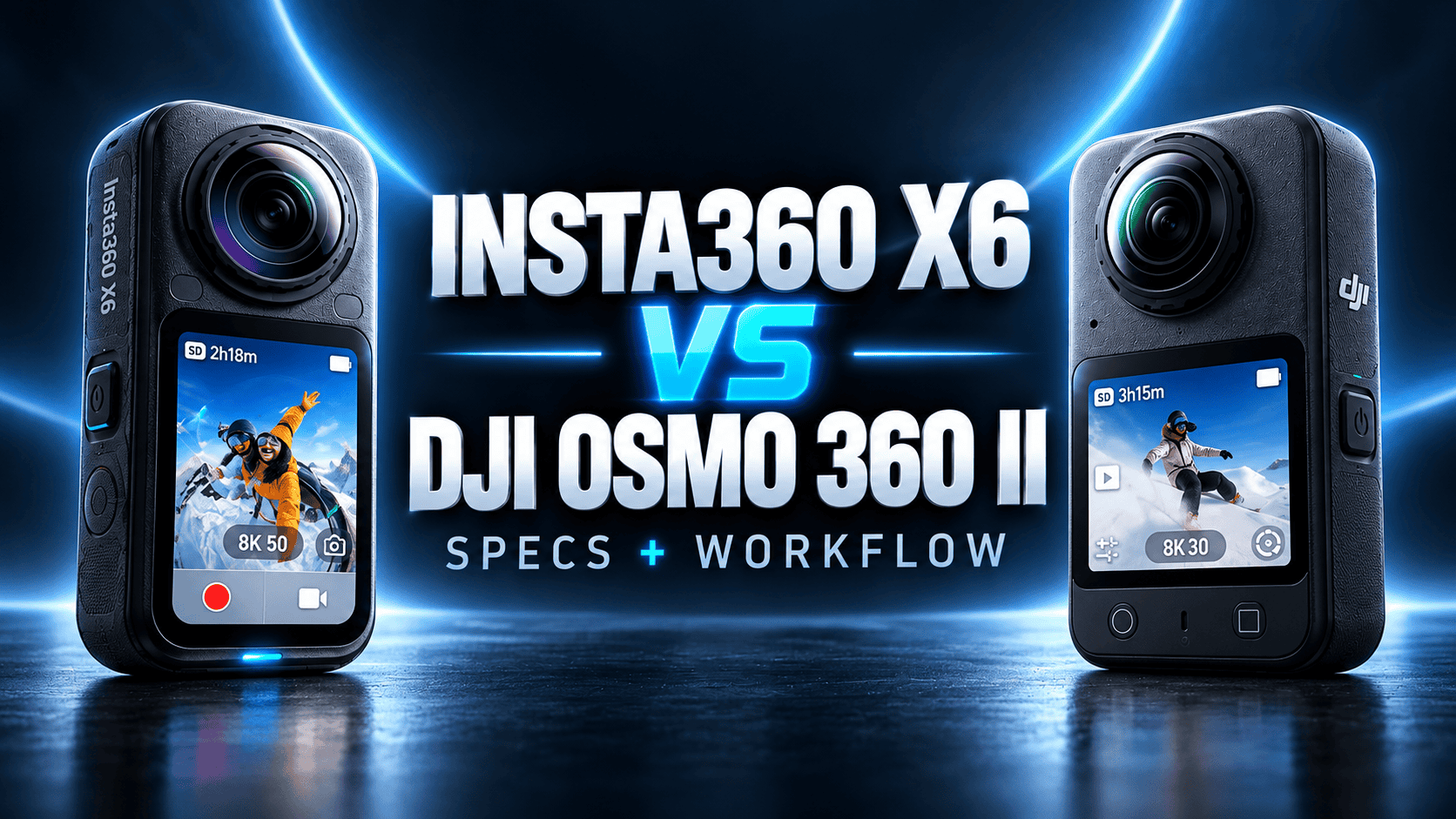
2026 flagship comparison · Capture modes, RAW and field workflow
Osmo 360 II and X6 both list 120 MP spherical photographs and 8K video. Their differences become clearer when you specify the job: 8K motion at a particular frame rate, a bracketed interior, a long site visit or a travel shoot that needs both a panorama and a social clip.
The short answer: choose the deliverable first
For 8K60 capture, shortlist Osmo 360 II: DJI documents that ordinary panoramic recording mode, whereas X6's listed ordinary 8K ceiling is 50 fps. For bracketed interior photography, examine X6's documented AEB controls: its manual specifies the bracket-count restriction at 120 MP. That is useful workflow information, not evidence that its finished interior image is better.
For an existing tour business, test the editing pipeline before changing cameras. Both offer RAW-related workflows, but a format name does not establish identical resolution, stitching, tone mapping or export support. Neither camera earns an overall quality score from the specifications alone.
Sensors, optics and still-photo controls
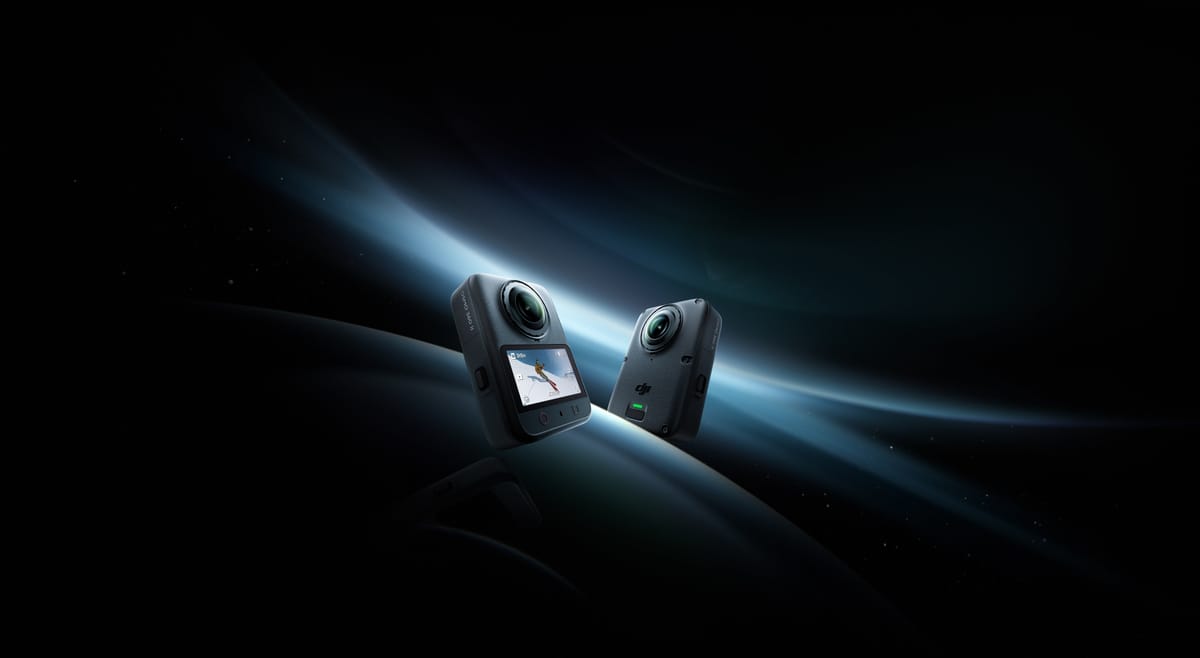
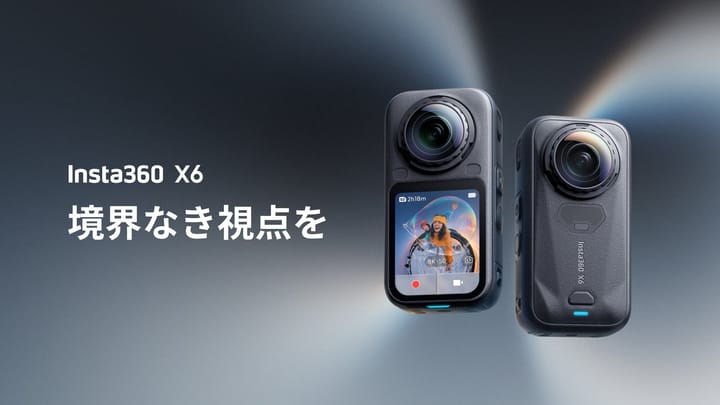
These are manufacturer product images, not sample photographs or our test equipment. They are not shown to scale.
| Parameter | Osmo 360 II | Insta360 X6 |
|---|---|---|
| Sensor format | Dual 1/ | Dual 1/ |
| Lens aperture | f/1.9 | f/2.0 |
| Maximum panorama | 15520 × 7760; 120 MP | 15520 × 7760; 120 MP |
| Additional spherical size | Full format/resolution matrix not established here | 7776 × 3888; 30 MP |
| Single-lens photo | 6400 × 4800 | 6528 × 6528, 6528 × 3712, 6528 × 2816 |
| Still formats | JPEG, RAW | INSP, DNG, JPG; mode-dependent |
| ISO range | 100–51200 | 100–6400 |
| Photo shutter | 1/ | 1/ |
| Exposure compensation / white balance | Numeric limits not established here | ±4 EV / 2000–10000 K |
| Distance guidance | At least 0.75 m for safe stitching | 0.6 m minimum focus; not an equivalent stitching-clearance claim |
Sources: DJI's II-specific specifications, Insta360 shooting specifications, shared hardware table, X6 column and X6 product specifications. DJI's regional page may require selecting a supported country. The larger ISO ceiling is not a measured low-light advantage.
Maximum listed spherical-photo width
Osmo 360 II — 15,520 pixels
Insta360 X6 — 15,520 pixels
RAW and HDR: verify the complete still-photo workflow
DJI lists JPEG and RAW but does not establish a complete format-by-resolution matrix in the cited specification table. Do not interpret the separate 120 MP headline as a guarantee of 120 MP RAW. The developer's PanoVolo 1.12.1 announcement explicitly adds Osmo 360 II DNG stitching, batch processing and DNG/TIFF/JPEG output. This is documented software support, not our own verified processing result.
X6's file-format manual distinguishes PureShot from PureShot + RAW. In 360 mode, PureShot saves INSP, or JPG with in-camera stitching; the RAW option adds DNG. The mobile app exports JPG, while Studio lists JPG and DNG. The manual does not provide a complete RAW-resolution matrix and says the X series does not export .hdr or .exr. An HDR photograph is not automatically a scene-linear lighting file.
The X6 AEB instructions specify three or five exposures at 120 MP; seven exposures require 30 MP. More frames can add capture time and moving-subject risk. That tradeoff matters in a room with people, moving curtains or trees beyond a window. Equivalent DJI bracket counts and exposure-step limits have not been established here; unknown is not the same as unsupported.
For a property trial, photograph one difficult room at the same position and height, retain originals and record all settings. Compare window highlights, shadow texture, seam placement and total editing time at the same delivered viewing size. Include at least one near doorway: nominal focus distance and seamless stitching are different problems.
Ordinary 360 video, codecs and low-light modes
| Mode / parameter | Osmo 360 II | Insta360 X6 |
|---|---|---|
| Ordinary 8K, 7680 × 3840 | 24/25/30/48/50/60 | 24/25/30/48/50 |
| Ordinary 6K | 6000 × 3000; 24/25/30/48/50/60 | 6016 × 3008; 24/25/30/48/50/60 |
| 4K, 3840 × 1920 | 100/200/240 in separate Slow Motion mode | 24/25/30/48/50/60/100 in Video |
| Low-light sphere | SuperNight: 8K/6K at 24/25/30/48/50/60 | PureVideo: 8K/6K/4K at 24/25/30 |
| Files / codec | OSV, MP4; HEVC | INSV, MP4; H.265 |
| Maximum ordinary bitrate | 220 Mbps | 180 Mbps |
| Special bitrate ceilings | 600 Mbps: 16K timelapse | 240 Mbps: high-bitrate 8K TimeShift/timelapse; 360 Mbps: 16K timelapse |
| Color workflow | 10-bit, D-Log M | 10-bit I-Log, Rec.709, Dolby Vision |
| Audio encoding | 48 kHz, 16-bit AAC; four microphones | 48 kHz, 16-bit AAC |
Sources: the linked DJI specification, DJI launch announcement, Insta360 shooting table and X6 product page. Documentation discrepancy: Insta360's manual gives 5760 × 2880 for 6K PureVideo, while its product table gives 6016 × 3008. Confirm the output on the installed firmware before promising a particular pixel size.
Higher frame rate offers more temporal samples, not a guarantee of better detail in each frame. Likewise, maximum bitrate is a recording limit, not an image-quality score. Log footage needs an appropriate color-managed workflow; do not compare an ungraded log clip against a finished standard-color export.
DJI lists RockSteady 3.0 and HorizonSteady, with panoramic stabilization chosen in Mimo or Studio export. Single-lens HorizonSteady has restrictions: ordinary corrected 16:9 standard-view video and Boost video are limited to 60 fps for that stabilization option. X6 lists FlowState and 360° Horizon Lock. Those names do not constitute a matched stabilization test.
Single-lens, timelapse and automatic reframing
| Mode | Osmo 360 II | Insta360 X6 |
|---|---|---|
| Ordinary single-lens | 4K/2.7K, 4:3 or 16:9, 25/30/50/60 fps | 5K up to 60 fps landscape or 30 portrait; 4K/2.7K up to 120 landscape or 60 portrait |
| Additional flat capture | Boost: 4K/2.7K up to 120 fps, including portrait; square up to 60 | FreeFrame: 6016 × 6016 at 25/30; 3040 × 3840 at 25/30/50/60 |
| Single-lens low light | SuperNight: 4K/2.7K at 25/30 | PureVideo: 4K/2.7K up to 60 |
| Orbit-style mode | Vortex: 7680 × 3840 at 100/120; 6000 × 1500 at 180/200 | Bullet Time: 7680 × 1920 at 100; 6016 × 1504 at 120; 3840 × 960 at 240 |
| Timelapse output | 16K/8K at 25/30 | 15360 × 7680 or 7680 × 3840 at 25/30 |
| Framing assistance | Spotlight Follow: 4K/2.7K at 24/25/30; Selfie: 3840-square or 3000-square up to 60 | InstaFrame 2.0: 4K flat plus 8K 360 backup up to 30 |
Sources: DJI specifications and Insta360's shooting/product tables. The X6 portrait single-lens limit above follows the manual; its product page instead lists up to 120 fps for portrait 4K/2.7K. X6's manual also lists flat InstaFrame rates up to 60 fps, while its product page lists up to 30; that higher flat-only figure must not be read as 8K60 backup. These discrepancies require checking the installed firmware and actual output before a shoot.
DJI's II FAQ separates two AI-interpolated workflows: 8K60 source can produce the temporal equivalent of cropped 8K480, while the advertised 64× result uses 4K240 source plus Studio interpolation to a 4K1920-equivalent result, restricted to Apple-silicon Macs. Neither is native sensor capture at the generated frame rate. Nor are the narrower Bullet Time and 6K Vortex frames complete 2:1 spheres. Keep these different outputs separate when comparing modes.
For repeat construction visits, timelapse playback rate does not specify how often a photograph is taken. DJI's custom interval list spans 2 seconds to 60 minutes. Choose a cadence appropriate to the event and retain dated full panoramas separately; an accelerated clip cannot replace a navigable record of each visit.
Power, storage, connectivity and protection
| Parameter | Osmo 360 II | Insta360 X6 |
|---|---|---|
| Weight | 183 g | 196 g |
| Dimensions | 61 × 36.3 × 81 mm; L×W×H | 50 × 100 × 40 mm; W×H×D, including lenses |
| Display | 2.0-inch; 314 × 556; 800 nits | 2.32-inch OLED; 480 × 600 |
| Battery | 2150 mAh; 8.3 Wh | 2600 mAh Xtreme; optional 1300 mAh Lite |
| Claimed 8K30 runtime | 100 minutes | 140 minutes |
| Charging claim | 80% in 22 minutes | 80% in 24 minutes; full in 35 |
| Internal storage | 128 GB nominal; 105 GB available | 64 GB nominal; 47 GB available |
| Expansion | microSD up to 1 TB; exFAT | microSD up to 1 TB |
| USB transfer | Generation not established in cited II specification | USB-C 3.1 |
| Wireless | Wi-Fi 6; BLE 5.4, BR/EDR | Wi-Fi 6; BLE 5.3 |
| Operating temperature | −20–45°C | −20–40°C |
| Body water depth / case depth | 10 m / 50 m | 20 m / 60 m |
| Mounts / lenses | 1/4-inch thread, magnetic quick release; replaceable lenses | 1/4-inch thread, quick release; replaceable lenses |
Sources: DJI specifications/launch announcement and Insta360 hardware/product specifications. Runtime methods differ: DJI uses 25°C with screen, Wi-Fi and several controls off; X6 uses 25°C, screen off, Wi-Fi on, Standard bitrate and color. DJI also warns of EU/UK temperature-regulation differences. Do not turn 100 versus 140 minutes into a measured percentage advantage on a real assignment.
X6's charging figures require a 30 W PD 3.0 PPS adapter at 25°C with the camera off. Battery capacity alone does not determine endurance. More internal storage provides contingency when a card is missing or full, but it is not a backup: losing one camera can lose both its internal and card files.
Both expose lenses that need protection in a work bag. Replaceability is a repair option, not permission to ignore scratches or seal condition. DJI specifically recommends its underwater case because refraction can impair bare-camera stitching and gives a 1 m underwater stitching clearance with the case. Water-depth ratings are not guarantees of seamless underwater imagery or suitability for every construction hazard.
Editing, accessories and the production test
DJI's launch documents Mimo/NFC transfer and a DJI Studio-to-DaVinci Resolve plug-in workflow. It also lists direct connection to DJI Mic 3, Mic 2, Mic Mini 2S, Mic Mini 2 and Mic Mini. Verify the complete intended accessory combination; sharing a brand does not prove every feature works in every recording mode.
X6's product page lists iOS 16 with A14-class or newer supported Apple devices, and Android 10/HarmonyOS 2 with supported 64-bit devices. Its examples include Snapdragon 8 Gen 2 and Kirin 9000. The same page both includes and excludes Exynos 2200, so that chipset is an unresolved compatibility claim, not a recommendation here. Its 16K timelapse requires Studio. Minimum OS support does not establish smooth editing of the largest files.
Before buying a team kit, run an actual file through the intended phone, desktop editor, archive and destination viewer. Check import, stitching, color, metadata, export dimensions and a second verified backup. Measure hands-on production time as well as export time. We have not certified either workflow end to end with GoThru or Panorra.
Which belongs in your camera bag?
Property and interior tours: X6 gives clearly documented AEB choices; Osmo 360 II has documented RAW support and a third-party DNG stitching route. Compare delivered stills and operator time rather than assigning a winner from the identical 120 MP headline. A repeatable workflow can matter more than a recording mode the job never uses.
Construction: DJI's larger listed usable internal capacity may help when card logistics fail; X6's different power and body specifications deserve testing against the team's actual shift. Neither replaces off-site backups, repeatable camera position or consistent exposure policy. See our construction-site virtual-tour guide; no survey-grade accuracy is claimed.
Travel: Osmo 360 II's ordinary 8K60 is a concrete mode advantage for that specific requirement; X6 offers 5K single-lens capture and an explicitly documented simultaneous flat/360 backup option. Keep destination panoramas for owner-operated Panorra separate from cropped social exports. Choose using the deliverables you will actually publish, not the largest number from an unrelated special mode.
Continue with the individual Osmo 360 II and Insta360 X6 guides, see X5 vs X6 for an upgrade comparison, or browse the camera comparison directory. Compare current local kit, software and replacement-part quotes; this article does not claim a permanent price winner.



Comments ()