DJI Osmo 360 vs Osmo 360 II: Specs and Upgrade Guide
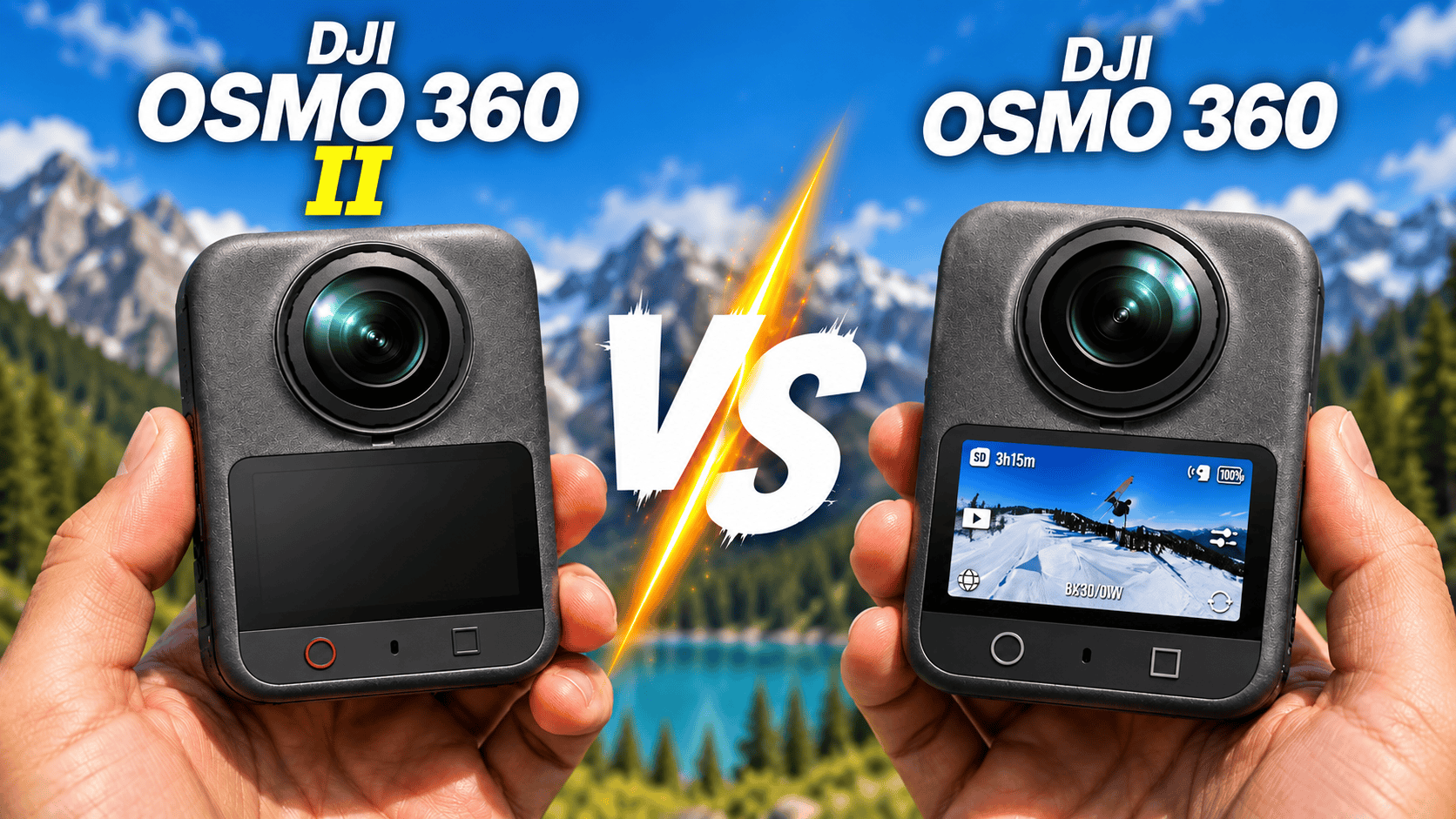
Generation comparison · Is the II an upgrade for your work?
Osmo 360 II adds documented RAW photo capture, replaceable outer lenses and ordinary 8K60 recording. It does not increase the listed maximum panorama dimensions, usable internal storage or standard 8K30 battery-runtime claim. For an existing owner, the useful question is which new capability solves a real production problem.
What would justify replacing the original?
RAW capture: the II's specification lists JPEG and RAW; the original lists JPEG. This can justify testing the newer camera if retaining a RAW master is a job requirement. It does not establish how much highlight recovery or extra detail the final photograph gains.
8K60 or replaceable lenses: these are documented II capabilities with direct practical uses. An assignment delivered at 60 fps may benefit from a matching acquisition rate, while a user-replaceable outer lens offers a different response to accidental damage. Neither is a reason to discard a working camera if your existing capture and repair arrangements already meet the job.
Do not assume every mode improves. The original's current specification and FAQ list 5K single-lens recording. The II's corresponding tables list 4K and 2.7K, not 5K. Confirm the precise modes you use on the installed firmware before trading in the original.
Sensor, lens and photo specifications
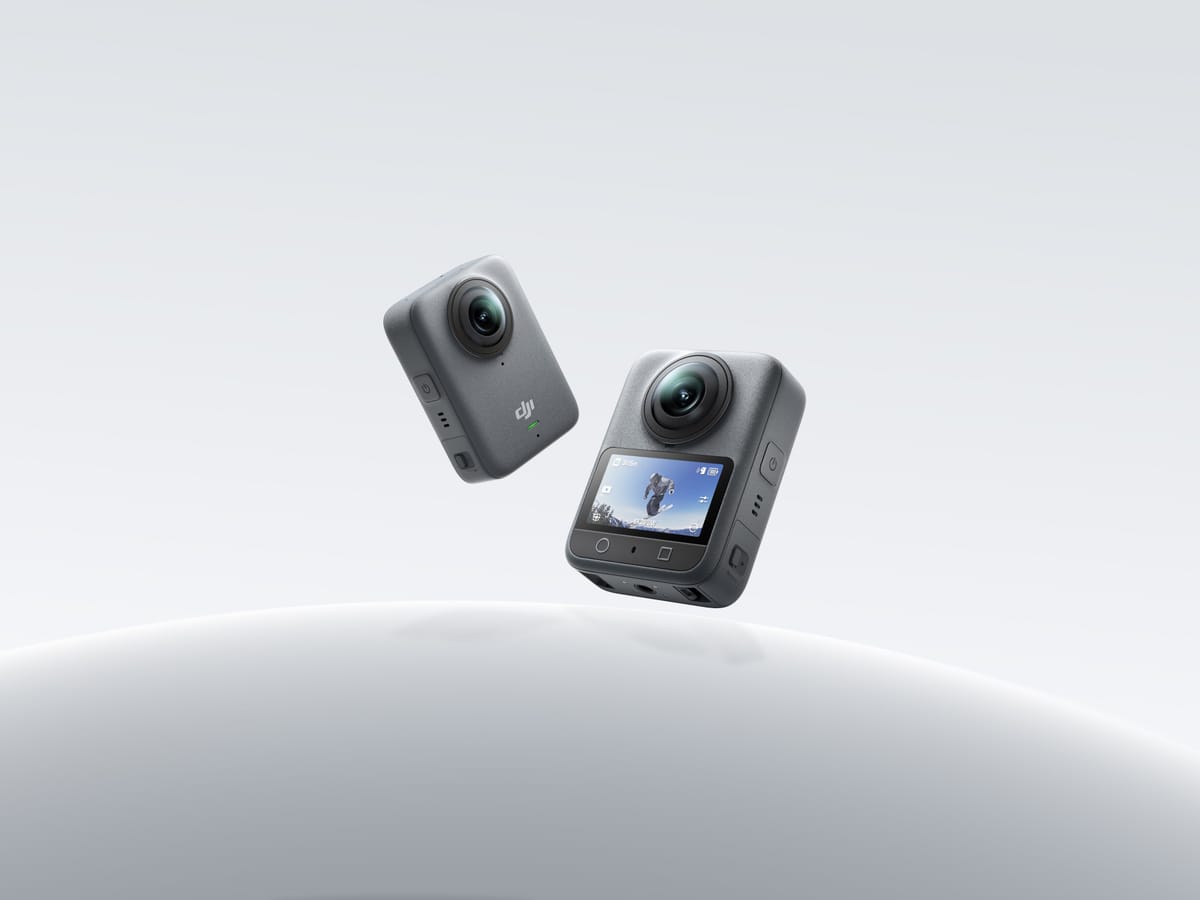
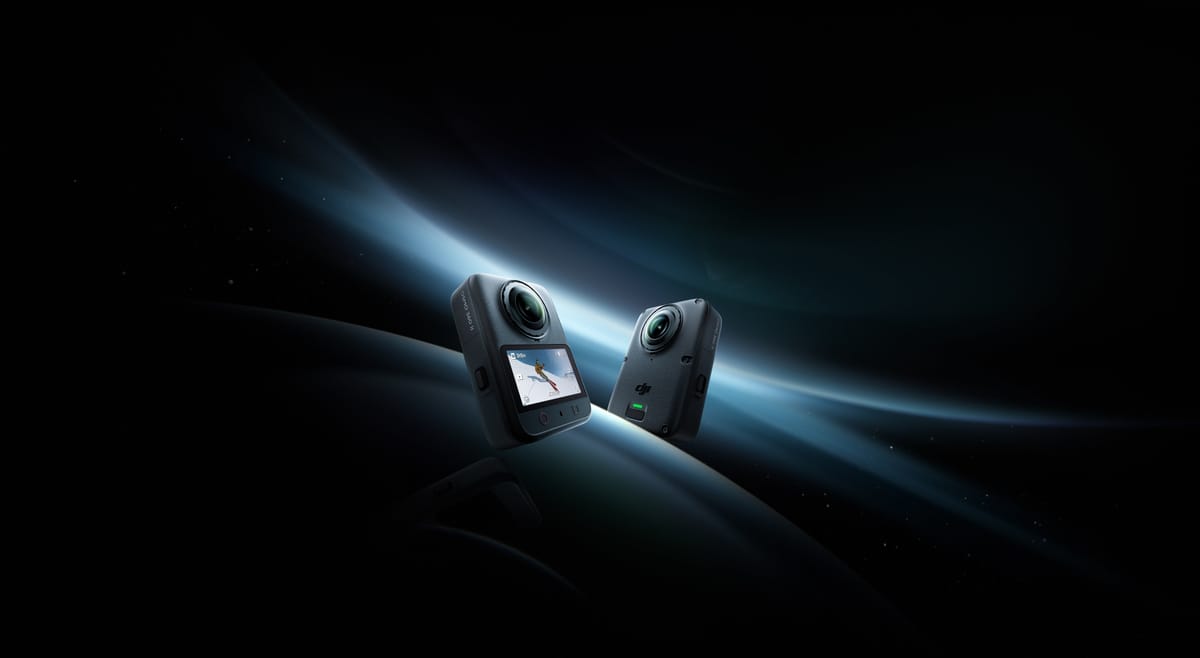
Manufacturer imagery is not a sample capture or our test equipment; the products are not shown to scale.
| Parameter | Osmo 360 | Osmo 360 II |
|---|---|---|
| Sensor format | Dual 1/ | Dual 1/ |
| Fixed aperture | f/1.9 | f/1.9 |
| Maximum panorama | 15520 × 7760; 120 MP | 15520 × 7760; 120 MP |
| Single-lens photo | 6400 × 4800 | 6400 × 4800 |
| Listed photo formats | JPEG | JPEG, RAW |
| ISO range | 100–51200 | 100–51200 |
| Photo shutter | 1/ | 1/ |
| Manual control | PRO mode: shutter and ISO | PRO mode: shutter and ISO |
| Focus / stitching guidance | Focus from 0.35 m; stitching at least 0.75 m | Stitching at least 0.75 m; separate focus limit not established here |
| Outer-lens replacement | Manufacturer FAQ says no | Supported with separate II Lens Replacement Kit |
Sources: original specifications and FAQ; II specifications and FAQ. Regional II pages may require selecting a supported country. Neither sensor-format labels nor ISO ceilings are measured image-quality scores. Numeric exposure-compensation, white-balance and bracket-step limits have not been established for this comparison.
RAW changes the pipeline, not the meaning of 120 MP
The II's table lists RAW and a separate maximum panorama size; it does not establish that every resolution is available in RAW. Do not label it a 120 MP RAW camera from those two entries alone. The original's JPEG-only specification is also not a claim that its processed files are unsuitable for every virtual tour.
The developer's PanoVolo 1.12.1 release announcement explicitly adds II DNG stitching, batch processing and DNG/TIFF/JPEG output. That provides a documented route to investigate for a RAW archive. We have not measured its output quality or certified the complete route into GoThru or Panorra.
An existing JPEG workflow has a known cost in operator time, corrections and delivery. Compare that against the II's full capture-to-delivery sequence, not just its time at the tripod. Use a static room with a bright window and deep shadows, retain originals and record settings. Inspect a near doorframe at a seam and compare equal-sized final spheres. RAW latitude, processing time and stitching quality are separate outcomes.
DJI promotes greater video dynamic range for the II. Its FAQ describes the 14.5-stop figure as a laboratory result at 8K30 with Normal color, auto exposure and front/back metering. That is a manufacturer video claim, not our measured still-photo improvement, and it does not quantify the recoverable range of a DNG.
Full-sphere video and recording format comparison
| Mode / parameter | Osmo 360 | Osmo 360 II |
|---|---|---|
| Ordinary 8K, 7680 × 3840 | 24/25/30/48/50 | 24/25/30/48/50/60 |
| Ordinary 6K, 6000 × 3000 | 24/25/30/48/50/60 | 24/25/30/48/50/60 |
| 4K sphere, 3840 × 1920 | 100 | 100/200/240 in separate Slow Motion mode |
| SuperNight panorama | 8K/6K: 24/25/30 | 8K/6K: 24/25/30/48/50/60 |
| Maximum bitrate | 170 Mbps | 220 Mbps; 600 Mbps for 16K timelapse |
| Files / codec | OSV panorama; MP4 flat; HEVC | OSV panorama; MP4 flat; HEVC |
| Color workflow | 10-bit, D-Log M | 10-bit, D-Log M |
| Audio | Four microphones; 48 kHz, 16-bit AAC | Four microphones; 48 kHz, 16-bit AAC |
| Pre-record durations | 5/10/15/30 s; 1/2/5 min | 5/10/15/30 s; 1/2/5 min |
Sources: both specification tables, the original product overview and the II launch announcement. The bitrate entries are maxima, not promises for every clip or ratings of compression quality.
Ordinary 8K recording ceiling
Osmo 360 — 50 fps
Osmo 360 II — 60 fps
Both list RockSteady 3.0 and HorizonSteady. The original specifies choosing panoramic stabilization in Mimo export; the II names Mimo or Studio. Single-lens HorizonSteady is restricted to standard-view, distortion-corrected 16:9 up to 60 fps; the II additionally documents the 60 fps limit in Boost. Do not infer identical behavior in every mode from shared stabilization names.
Flat recording, timelapse and computational slow motion
| Mode | Osmo 360 | Osmo 360 II |
|---|---|---|
| Ordinary single-lens | 5K, 4K, 2.7K; 4:3 or 16:9; 25/30/50/60 | 4K, 2.7K; 4:3 or 16:9; 25/30/50/60 |
| Boost single-lens | 4K/2.7K; landscape or portrait up to 120 | 4K/2.7K; landscape or portrait up to 120; square up to 60 |
| Single-lens SuperNight | 4K/2.7K; 4:3 or 16:9; 25/30 | 4K/2.7K; 4:3 or 16:9; 25/30 |
| Selfie | 3840-square up to 60; 3000-square up to 120; 1920-square at 100/120/240 | 3840-square or 3000-square at 25/30/50/60 |
| Vortex | 6000 × 1500 at 100/120; 3840 × 960 at 240 | 7680 × 3840 at 100/120; 6000 × 1500 at 180/200 |
| Timelapse output | 8K at 25/30 | 16K/8K at 25/30 |
| Hyperlapse | 8K25/30; Auto or 2/5/10/15/30× | 8K25/30; Auto or 2/5/10/15/30× |
| Spotlight Follow | Equivalent mode not listed in cited table | 4K/2.7K at 24/25/30; flat export up to 4K30 |
Sources: both specifications and FAQs. For ordinary flat recording, the original's 5K sizes are 5120 × 3840 and 5120 × 2880. Both list 4K at 3840 × 2880 or 3840 × 2160, and 2.7K at 2688 × 2016 or 2688 × 1512. Boost adds portrait 2160 × 3840 and 1512 × 2688; the II additionally lists 3840-square and 2688-square output. A narrower Vortex frame is not a full 2:1 sphere.
64× slow motion is a software-assisted result. The II's operation FAQ describes 4K240 capture followed by Studio interpolation to a 4K1920-equivalent result, limited to Apple-silicon Macs. Separately, its camera FAQ describes 8K60 source interpolated to the temporal equivalent of cropped 8K480. Neither claim means native 8K480 or 4K1920 sensor recording. Check the output dimensions and subject artifacts rather than equating generated frames with captured ones.
Spotlight Follow also has an operational limit worth rehearsing: DJI says tracking does not automatically resume after a subject has been lost for more than five seconds; the operator must lock it again. For a walking presenter or site walkthrough, test occlusion by people and doorframes before relying on automatic framing.
Timelapse output frame rate is not the interval between captures. The original's listed interval range starts at one second; the II's custom list starts at two seconds, both extending to 60 minutes. Preserve a separate, dated panorama for each construction visit even when an accelerated progress video is also required.
Battery, storage, connectivity and physical design
| Parameter | Osmo 360 | Osmo 360 II |
|---|---|---|
| Body / weight | 61 × 36.3 × 81 mm, L×W×H; 183 g | 61 × 36.3 × 81 mm, L×W×H; 183 g |
| Touchscreen | 2.0-inch; 314 × 556; 800 nits | 2.0-inch; 314 × 556; 800 nits |
| Battery | 1950 mAh; 7.5 Wh; 3.87 V | 2150 mAh; 8.3 Wh; 3.86 V |
| 8K30 claimed runtime | 100 min; 120 with Endurance | 100 min; 120 with Endurance per FAQ |
| Additional runtime claim | 190 min at 6K24 Endurance | Equivalent 6K24 figure not established here |
| Internal / card storage | 128 GB nominal, 105 GB usable; microSD up to 1 TB, exFAT | 128 GB nominal, 105 GB usable; microSD up to 1 TB, exFAT |
| Wi-Fi / Bluetooth | Wi-Fi 6; BLE 5.1 | Wi-Fi 6; BLE 5.4, BR/EDR |
| USB transfer protocol | USB 3.1 | Generation not established here |
| Operating / charging temperature | −20–45°C / 5–40°C | −20–45°C / 5–40°C |
| Body water protection | IP68; 10 m | IP68; 10 m; 50 m with specified case |
| Mounting | Quick release and 1/4-inch thread | Dual-direction magnetic quick release and 1/4-inch thread |
Sources: both specifications/FAQs and the II launch announcement. The II's larger listed battery does not translate into a larger listed standard 8K30 runtime. DJI's methods use 25°C, screen off and control/wireless features disabled, with an EU/UK temperature-regulation caveat. Those are laboratory claims, not a measured day of intermittent property photography.
Both FAQs support PD 3.0 charging with a 30 W-or-higher charger, operation while charging, and the 1950 mAh Extreme Battery Plus or 1770 mAh Extreme Battery. The II's launch additionally claims 80% charge in 22 minutes. Do not assume these spare packs reproduce the runtime of the battery listed in each specification, or that every older accessory works simply because the bodies have the same dimensions.
Neither 10 m rating guarantees clean underwater stitching. DJI cautions about refraction with bare fisheye lenses; the II specifies a 1 m safe stitching distance with its underwater case. For construction, lens protection, secure mounting and a verified off-site copy matter independently of water resistance. Replaceable outer glass does not make the II immune to other damage.
Software, offload and accessory continuity
Both FAQs describe Mimo transfer from internal/card storage, USB transfer from either location, and a card reader for the card only. The II adds documented NFC connection/transfer assistance. A quicker connection gesture is not evidence of a faster measured offload; test a representative batch with your phone and cable.
DJI's original-model download page currently lists Mimo 2.12.0 for iOS 15+ or Android 9+, and Studio 1.2.11 for Windows 10+ or macOS 11+ on M1-or-newer hardware, recommending at least 16 GB RAM. Its Resolve plug-in requires preprocessing in Studio and lists Resolve 20.0.1+, macOS 15+, or supported Windows versions. These are dated software requirements, not an export-speed benchmark or certification of every II feature.
Check the II download page for the intended release before deploying it. The II FAQ specifically restricts its computational 64× slow-motion feature to Apple-silicon Macs; its ND-filter effect in Motion Blur is limited to Apple-silicon Macs or iPhone 14 and later in Mimo. An app that installs successfully may still lack a particular intensive feature.
The II launch lists direct microphone connection with DJI Mic 3, Mic 2, Mic Mini 2S, Mic Mini 2 and Mic Mini. Test your actual microphone, mount and battery combinations. A sensible migration keeps the original available until one complete job has been captured, edited, backed up and delivered successfully with the II.
Upgrade decision for tours, sites and travel
Keep the original in consideration if its JPEG results already pass your tour-delivery checks, you rely on its listed 5K single-lens mode, or the II's added modes will not earn back the migration cost. Equal headline dimensions are not a reason to upgrade, and the new camera does not increase the listed usable internal storage.
Trial the II if you need RAW masters, ordinary 8K60 footage or replaceable outer lenses. For interiors, judge window recovery and seam cleanup after the full RAW process. For a presenter-led walkthrough, test Spotlight Follow's lost-subject behavior rather than assuming unattended reliability.
Construction: use a consistent camera height, position, naming convention and exposure policy. When changing generations, capture one overlapping reference visit so processing changes are not mistaken for changes on site. See the construction-site virtual-tour workflow; this is visual documentation, not a claim of survey-grade measurement.
Travel: retain full destination panoramas for owner-operated Panorra separately from reframed clips. Consider spare parts, storage backup and editing access on the road alongside recording modes. No end-to-end hosting integration or permanent price winner is claimed.
Read the individual Osmo 360 and Osmo 360 II guides, compare the newer model with a rival in Osmo 360 II vs Insta360 X6, or browse the camera comparison directory.



Comments ()