Ricoh Theta S for Real Estate: Photos, App Support & Tours
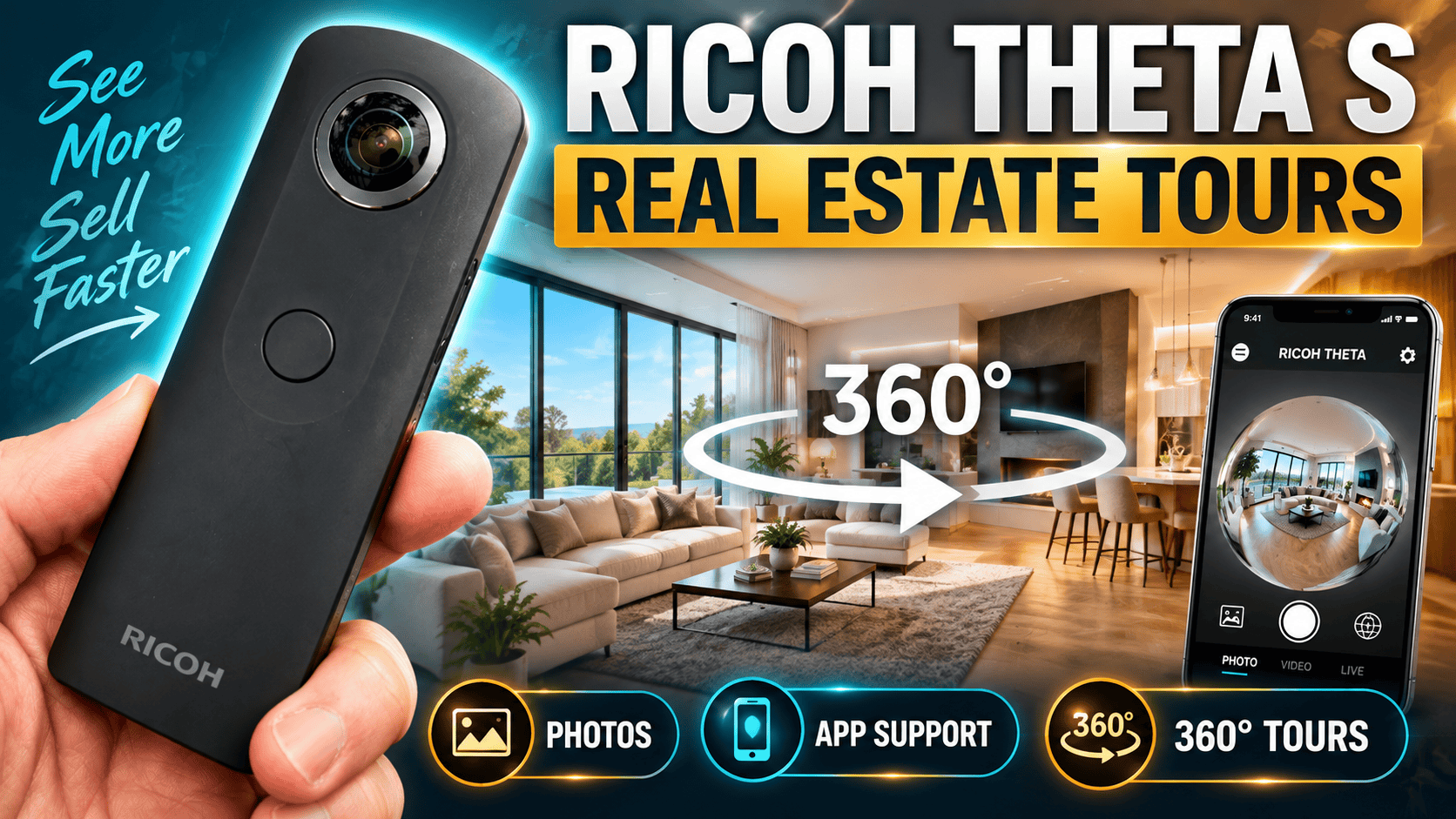
Legacy camera guide · Still-photo virtual tours
The Theta S can still be a useful learning tool or existing-camera option for simple room panoramas. Its biggest buying question is no longer just image quality: you need a dependable way to control it, retrieve originals and deliver a navigable tour.
Our assessment
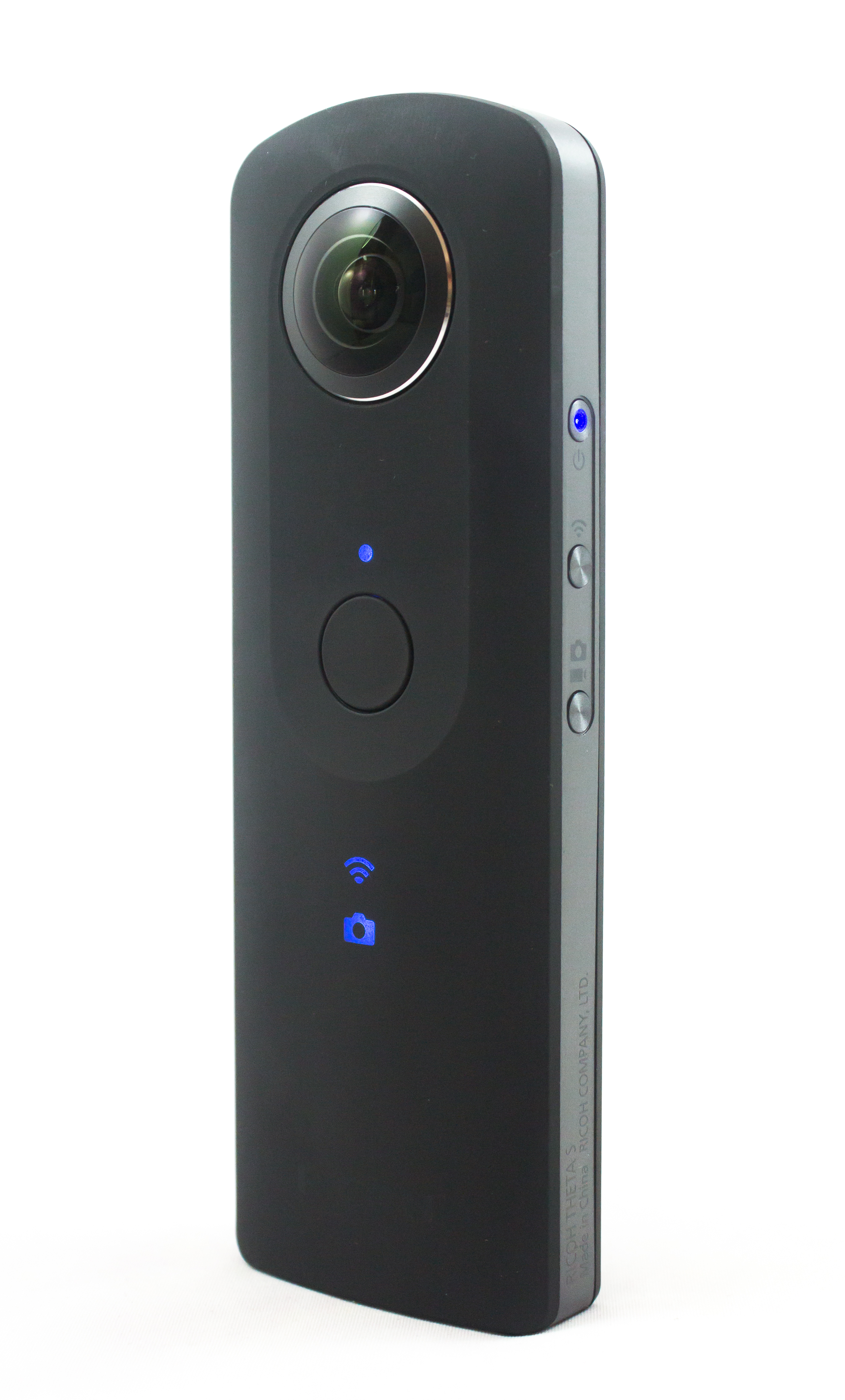
Our recommendation is to distinguish ownership from acquisition. If you already have a reliable Theta S setup, evaluate the finished output before replacing it. If you are starting a paid virtual-tour service, prove the complete workflow on your actual devices before spending money on a used body.
A successful test should include a difficult room, not just an outdoor scene. A client needs to understand the space, move naturally between viewpoints and inspect the image without distracting seams. Capture convenience is valuable only when it leads to a deliverable that meets that standard.
The current app limitation matters
Ricoh's September 2026 Android notice says the Theta S is not supported by the successor RICOH360 app. From November 1, 2026, new installation of the old THETA app on Android 15 or later is restricted for users without qualifying prior-installation access. Existing installations are not automatically disabled, but Ricoh does not guarantee future compatibility.
For a business, our interpretation is straightforward: demonstrate remote control and the settings you need before accepting a job. Do not assume a used camera includes a usable control environment merely because the seller can press its shutter button. An old phone that works today also needs a contingency plan if it fails.
The theta360.com sharing service ended in January 2025. Older tutorials describing that destination are historical. Keep a local archive and validate the hosting service you intend to use rather than relying on a discontinued account or sample link.
Still-photo specifications
| Feature | Specification |
|---|---|
| Large still image | 5376 × 2688 pixels |
| Small still image | 2048 × 1024 pixels |
| Photo format | JPEG |
| Optics | Two 1/2.3-inch-type sensors; f/2 lenses |
| Exposure modes | Auto, shutter priority, ISO priority and manual |
| Storage and power | Approximately 8 GB internal; built-in battery |
| Weight | Approximately 125 g |
Source: Ricoh's Theta S specifications. These describe the model, not the battery health or condition of an individual second-hand unit.
Why capture size matters for a tour
Horizontal pixels across the complete panorama
Large — 5,376 pixels
Small — 2,048 pixels
Our suggested property workflow retains the large original and makes smaller copies only when needed for delivery. A tour viewer shows a portion of the sphere at once, so assess visible detail at the intended view and zoom level. A panorama that looks acceptable as a small flat preview may disappoint when explored.
What historical first-hand testing adds
Mic Ty's 2016 long-term review praised the slim design, exposure controls and stitching. He also reported occasional wireless connection trouble and criticized the video performance relative to its contemporary competitors. These are useful historical observations, not a ranking against today's cameras.
Our reading is that the strongest case for an existing Theta S is still-photo familiarity, not an expectation of modern action-camera video features. The review's positive assessment of manufacturer support must also be read in its 2016 context; the current app notice above is more relevant to a purchase now.
Real-estate and business interiors
HDR is available, but check the firmware and control app. Ricoh's firmware history records HDR Rendering in version 01.21, released December 2015. It combines four exposures and is selected through the smartphone app in Auto mode. The listed app version 1.3.0 was the historical minimum, not a guarantee of compatibility with a current phone.
The Theta S shooting-settings manual documents manual ISO, shutter and white-balance control, plus shutter-priority and ISO-priority modes. Importantly, the camera returns to Auto when powered on. For a multi-room job, recheck the mode after every power cycle instead of assuming your previous manual recipe has survived.
For a static interior, our suggested test is ordinary Auto versus HDR Rendering with the camera fixed in place. Ricoh recommends a tripod for HDR and noise reduction. Keep people outside the capture area during the sequence and inspect window edges and moving foliage for merging artifacts. A brighter-looking result is not automatically a more faithful or more usable tour scene.
Use a test room containing a bright window, dark furniture and a nearby vertical edge. Check the seam, shadow detail and highlight areas separately. JPEG output should be judged as delivered; do not promise that later editing will recover detail already absent from the capture.
Once a setting works, check another room with different lighting before standardizing the whole job. Consistency matters across a tour: a sequence of individually acceptable photographs can still feel disjointed when their brightness or color varies sharply.
For an occupied business, arrange a suitable time and review every direction for people, documents and reflections. The person operating a spherical camera cannot safely assume that only the scene in front of them will be shared.
USB transfer is a separate check from phone control
The official import guide documents USB retrieval, with Windows device-file access or Photos/Image Capture on Mac. It warns that imported files are not automatically corrected for slant, although Ricoh's computer application corrects their displayed view.
Our delivery checklist is therefore to retain the original, inspect the complete sphere, check the exported horizon and then test the hosted result. A level view inside one application is not proof that another viewer will interpret the file identically. Test after changing software rather than assuming an old working procedure is permanent.
GoThru operates this publication. No Theta S-specific upload test has been completed for this guide, and no universal platform compatibility is claimed.
Construction-site progress photography
For an existing working setup, a useful trial assignment is a small set of repeatable viewpoints. Record room identifiers, dates, camera height and access-related changes. Link each finished panorama to its original so later questions can be traced to a specific visit.
Keep close scaffolding and temporary barriers away from the stitch boundary where possible, then inspect them anyway. Add separate close-ups for details that cannot be read clearly in the panorama. A general visual record is not proof of dimensional accuracy, BIM alignment or automatic defect detection.
This guide does not establish a weather-protection rating or hazardous-location certification. Follow the site's capture and access arrangements, protect the equipment appropriately and record any missed areas instead of implying complete coverage.
Travel use and the buying decision
| Your situation | Practical next step |
|---|---|
| Working S and compatible control phone | Test full-size HDR and ordinary JPEGs in the final tour viewer before replacing the camera. |
| Replacement phone cannot install the old app | Do not expect RICOH360 to restore S support. Theta V has a documented successor-app route, though its own battery and workflow still need checking. |
| More extensive interior editing | Compare the Theta Z1 RAW workflow rather than assuming the S's JPEG HDR provides the same editing latitude. |
| Frequent room-by-room assignments | Examine the Theta X guide for a different capture and handling workflow; compare completed deliverables and processing time. |
For travel, test charging and file retrieval before departure. An older camera can be enjoyable for destination storytelling, but a trip is a poor place to discover that a replacement phone cannot control it. Owner-operated Panorra provides panoramic inspiration; this article does not claim a verified Theta S integration.
Before buying, request a full-size indoor original, inspect both lenses and demonstrate the intended control-and-transfer setup. If you already own it, judge its value by actual finished results. If you need dependable high-volume property work, compare alternatives on the entire job workflow rather than body price alone.
Research checked 21 September 2026. No original benchmark score assigned.




Comments ()