Ricoh Theta V for Real Estate: HDR & Virtual-Tour Workflow
Legacy camera analysis · Interior panoramas
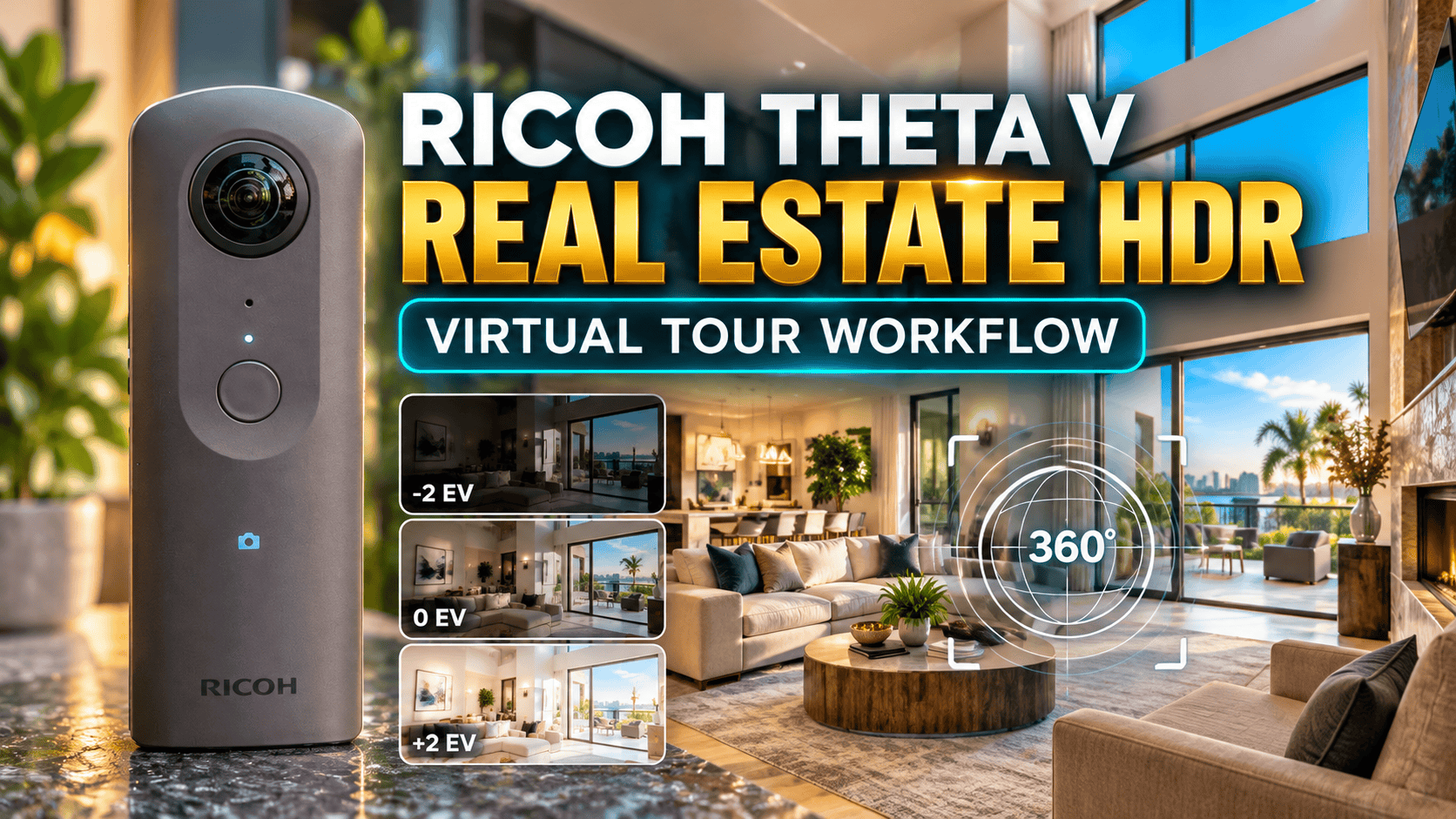
The Theta V's appeal for property photography is its still-image workflow, not simply its 4K video label. Built-in HDR and stitched JPEGs are useful starting points, but resolution, motion and the condition of an older camera still determine whether it meets your brief.
Our assessment
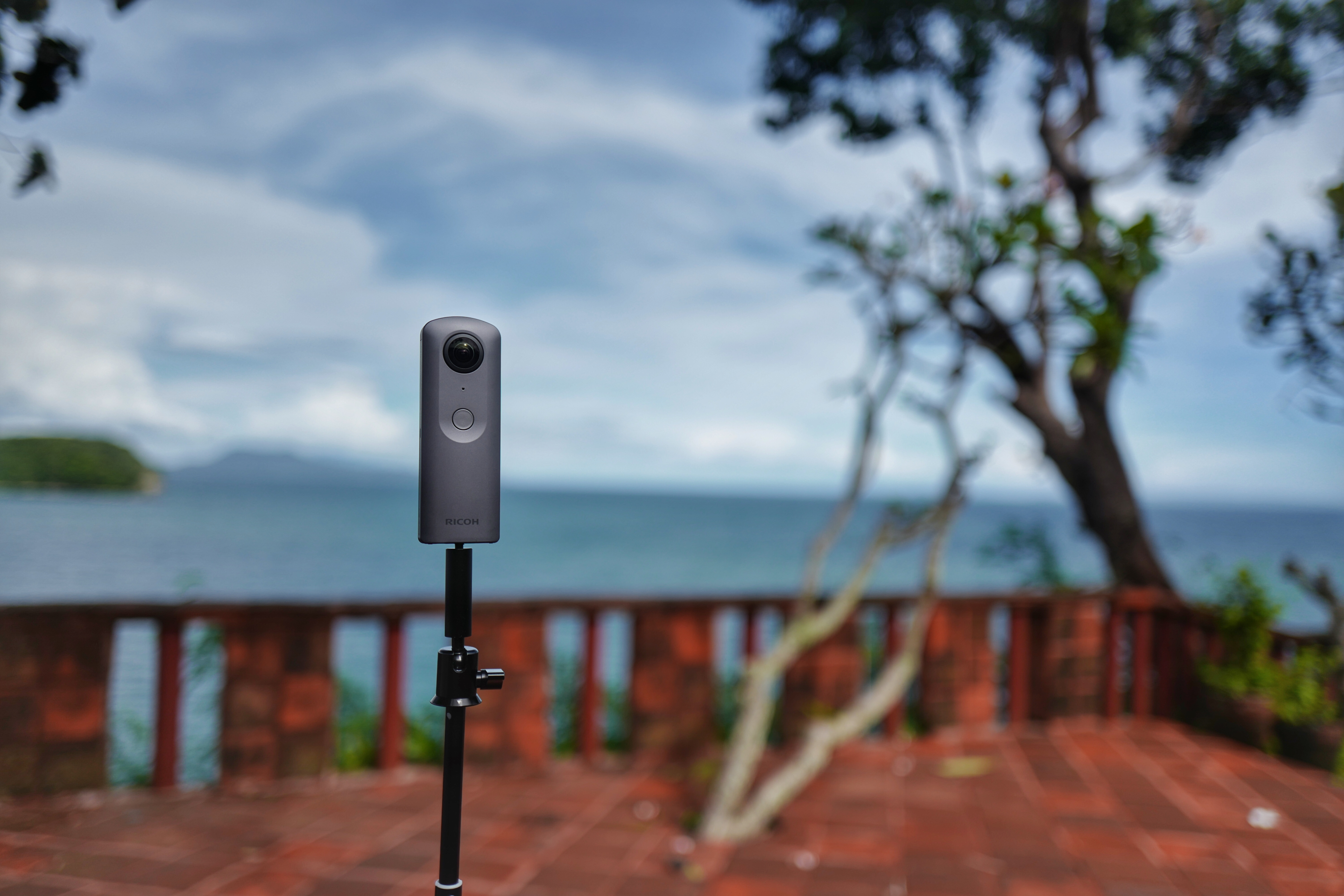
For an existing owner, the Theta V is worth evaluating for straightforward room tours before replacing it. Our suggested decision point is a finished panorama in the intended viewer: if window detail, stitching and zoom-level clarity meet the client's standard, a familiar capture workflow has practical value.
For a new purchase, consider it a legacy-workflow decision. Test the actual camera and control device, then account for its battery condition and the time required to deliver a complete job. A low purchase price is not a saving if an unreliable setup causes a return visit to a property.
Core still-photography specifications
| Item | Specification |
|---|---|
| Still output | 5376 × 2688, JPEG |
| Sensors and aperture | Two 1/2.3-inch-type CMOS sensors; f/2 |
| Still exposure modes | Auto, shutter priority, ISO priority, manual |
| Storage | Approximately 19 GB internal |
| Battery | Built-in lithium-ion |
| Weight | Approximately 121 g |
| 4K video dimensions | 3840 × 1920 at 29.97 fps |
Source: Ricoh's Theta V specifications. The manual identifies smartphone control as necessary for changing the listed modes and manual settings. Verify that control path on your own equipment before planning a paid shoot.
Still photos versus frames from 4K video
Specified horizontal pixels across the sphere
Still photograph — 5,376 pixels
4K video frame — 3,840 pixels
Our practical takeaway is to capture dedicated stills for a still-photo tour instead of assuming that frames extracted from a walking video are equivalent. Frame selection, motion, exposure and compression introduce additional differences that the pixel-count chart cannot quantify. Keep video as a separate deliverable when the client needs it.
HDR for window-lit rooms
Ricoh's Theta V HDR explanation describes four exposures spanning −4 to +2 EV. It specifies about four seconds for capture and up to six seconds for processing, with a warning about subject movement. These are manufacturer figures, not timings measured by us.
Our suggested property workflow is to begin with an empty room and a stable support. Compare HDR with an ordinary capture, checking bright windows, shadowed furniture and any joining artifacts. Do not judge only the view facing the window: a tour visitor can turn around and inspect the rest of the room.
Where a location cannot be cleared, watch for people entering during the exposure sequence. A merged result can preserve a wider brightness range yet still be unsuitable because a person or moving object appears distorted. Review before moving to the next viewpoint, and use a capture approach appropriate to the amount of movement.
Handheld HDR is documented separately: Ricoh describes four faster exposures intended to reduce camera and subject motion compared with standard HDR. Do not treat the two modes as interchangeable or claim that either guarantees a clean moving scene. This guide concerns delivered photographs, not calibrated HDR lighting maps for visual effects.
Independent still-tour evidence
In his 2018 virtual-tour comparison, Mic Ty identified Theta V's in-camera stitching and HDR as workflow strengths, while finding less detail than several competitors in that comparison. The useful lesson is the distinction between an easy delivery process and maximum detail—not a claim that a 2018 ranking determines the best camera today.
His long-term Theta V review also reported strong stitching, alongside flare concerns and the practical limits of fixed storage and a non-removable battery. We do not convert those observations into a GoThru test score or reproduce the reviewer's sample photographs without permission.
USB transfer and the horizon-correction trap
Do not borrow a Z1 RAW tutorial for the V. In Ricoh's November 2021 interview with Hugh Hou, the detailed RAW handheld-HDR and DualFisheye discussion concerns the Theta Z1, even though the interview also mentions his use of Theta V. It is a manufacturer-hosted creator interview, not an independent V-versus-Z1 test. The V's documented JPEG workflow should be assessed on its own terms.
Current app guidance: Ricoh's September 2026 notice confirms Theta V support in the successor RICOH360 app, including capture and transfer without using its cloud service. From November 1, 2026, new installations of the unsupported THETA app on Android 15 or later face restrictions; existing users may retain access through their Google Play library. Future operation of discontinued apps is not guaranteed.
The old theta360.com sharing service closed on January 15, 2025. Historical instructions involving that service are not a current delivery workflow. Our recommendation is to verify local originals and the chosen destination independently of any discontinued sharing account.
Ricoh's computer import instructions describe USB transfer, using the device-file prompt on Windows or Photos/Image Capture on Mac. Crucially, Ricoh says imported images are not automatically corrected for slant; its desktop app corrects their displayed orientation. A level preview in one application therefore does not establish that every destination will display the original identically.
- Save originals. Copy the capture files into a dated job folder and retain them before making delivery edits.
- Check the full sphere. Inspect stitching, horizon and exposure, including the floor and ceiling. Confirm the exported file rather than relying only on the camera-app preview.
- Check the hosted version. Upload a representative panorama to the intended service and view it on a phone and desktop. Confirm that orientation, navigation and visible detail survive the delivery process.
- Preserve a repeatable recipe. Record the capture mode, software version and export choices that worked. Recheck after changing the control phone or editing software.
GoThru operates this publication. A Theta V-specific upload test has not been performed for this guide; no universal service or plan compatibility is claimed.
Construction progress documentation
Use a repeatable viewpoint plan: room or zone identifier, capture date, approximate height and direction. Keep a note when access changes, because a moved viewpoint can make the scene look different even without a construction change. Select details that need separate close-up photographs rather than asking one panorama to prove everything.
HDR's multi-exposure sequence needs particular care around moving workers and equipment. Arrange a suitable capture window within the site's access rules. Check close scaffolding, door openings and temporary barriers for stitching errors; a credible record should not silently present a doubled edge as a real structural feature.
This article establishes no dust or water rating for an unprotected Theta V, and no hazardous-location certification. Nor does it establish survey accuracy, BIM registration or automated progress measurement. Its role here is a visual context record that can accompany more detailed documentation.
Business tours and travel photography
For a restaurant or small hotel, capture a test room under the lighting visitors will actually see. Check color consistency between viewpoints and schedule around staff and guests. Review mirrors, documents and the space behind the photographer before sharing a full sphere.
For travel, our suggested planning priority is predictable offload and charging. Test how long your particular unit works during a representative outing and keep a backup capture method for important moments. Owner-operated Panorra provides panoramic travel inspiration; this is not a claim of tested Theta V integration.
Should you keep or buy a Theta V?
| Priority | Theta V decision | Alternative to examine |
|---|---|---|
| Simple stitched stills | Try its in-camera HDR JPEG on a representative window-lit room. | Theta X: compare its JPEG capture and on-camera touchscreen workflow. |
| More latitude for planned editing | Do not confuse JPEG HDR with a RAW deliverable. | Theta Z1: assess RAW development and HDR processing time as well as the finished panorama. |
| Long or repeated site visits | Test the actual built-in battery and clear the 19 GB storage after verified backup. | Theta X: examine its removable battery and microSD workflow, including the accessories required. |
| New control phone | Use the documented RICOH360 successor-app route and test capture plus transfer. | Do not assume an older Theta S or SC has the same app support as V, X and Z1. |
The linked guides document the alternative workflows and their limitations. Our purchasing recommendation is conditional: change cameras to solve an identified delivery constraint, not simply because an older model has fewer megapixels. None of these comparisons constitutes our own side-by-side image test.
Keep a working one in consideration if its finished stills meet the job's needs and the workflow is reliable. Compare alternatives when the client needs more usable zoom detail, a different editing workflow or easier battery and storage management. Judge those differences with representative deliverables rather than matching megapixel labels alone.
When buying used, request an original indoor JPEG, inspect both lenses and verify phone control and USB retrieval. Include battery condition in the trial. No current used price, repair availability or modern operating-system compatibility is asserted without verification.
Research checked 21 September 2026. No original performance benchmarks or hands-on rating assigned.




Comments ()