Insta360 Titan for Real Estate: Still Quality & Workflow
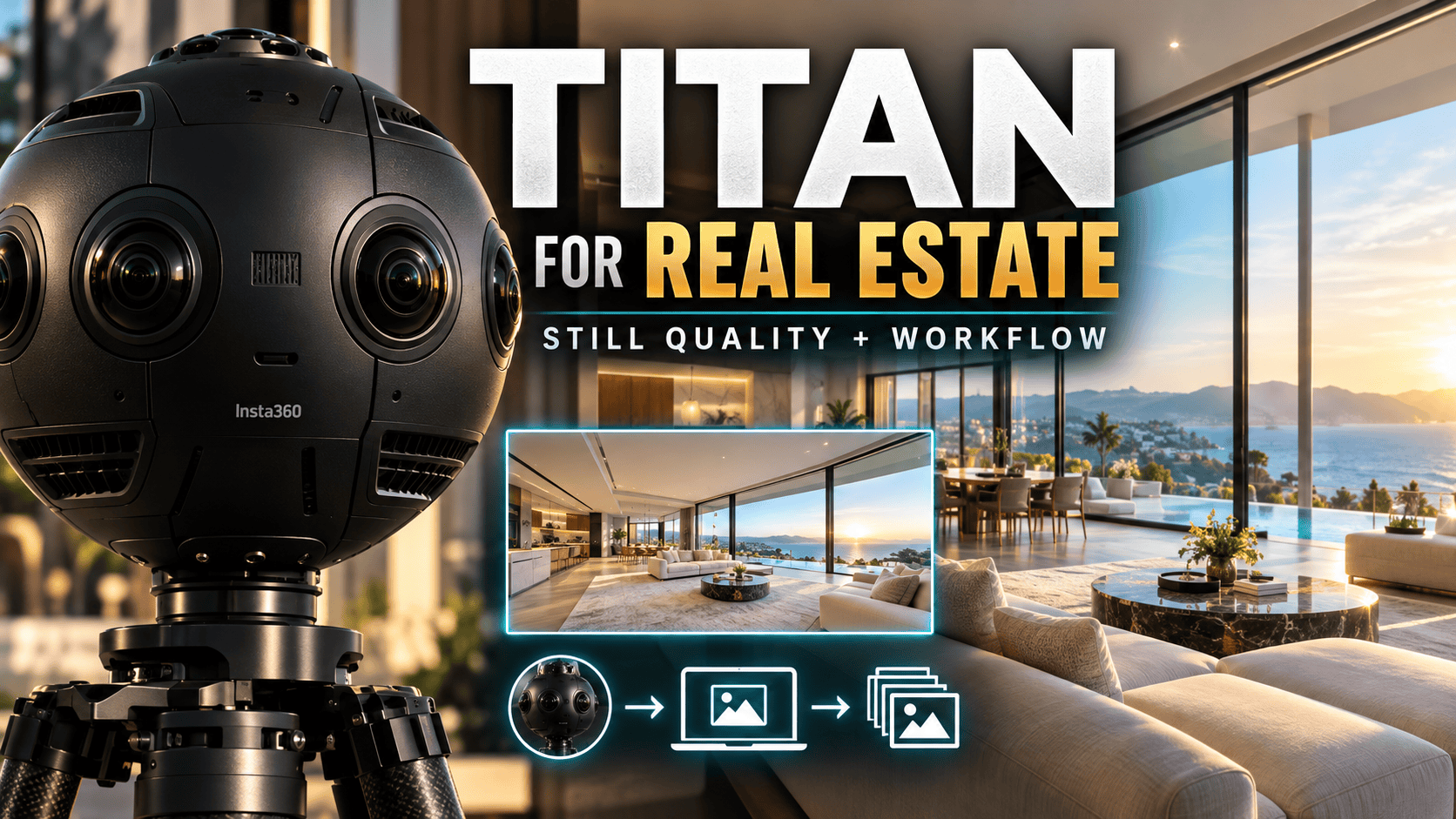
Professional VR camera · Property stills and production logistics
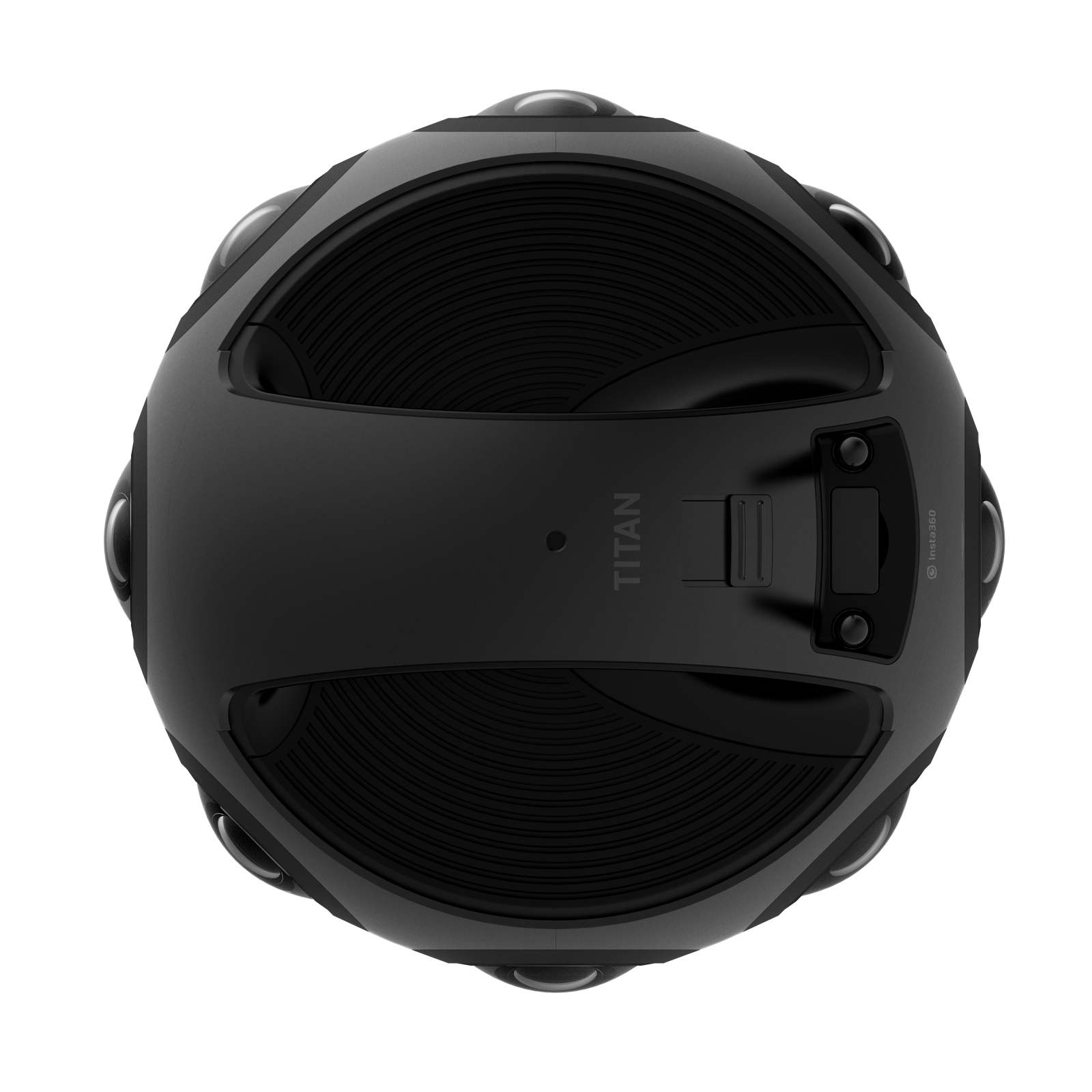
Titan is a specialist immersive-production camera, not a pocket device for rapid room-to-room capture. Its still-photo potential deserves attention, but so do its support requirements, multi-card file handling and the difference between stereo VR delivery and a conventional property tour.
Our assessment: justify it with the finished assignment
A production company combining immersive films, premium destination content and property photography has a clearer reason to evaluate Titan than a photographer delivering only ordinary browser-based tours. The buying decision should begin with matched indoor samples and a realistic estimate of total production effort.
Consider a supervised demonstration or rental evaluation before committing to a system of this scale. Test the camera, support, control connection, workstation and export route together. A compelling sample made by another crew does not prove that your own workflow is ready.
Titan's documented still-photo configuration
| Item | Titan |
|---|---|
| Lenses | Eight 200° f/3.2 fisheyes |
| Sensor array | Eight Micro Four Thirds sensors |
| Monoscopic still | 10560 × 5280 |
| Stereo still | 10560 × 10560 |
| Individual-lens photograph | 5280 × 3956 |
| Still formats | JPEG / DNG |
| Storage | Nine UHS-I V30 SD cards |
| Weight with battery | Approximately 5.5 kg |
| Diameter / battery | 228 mm / removable 10,000 mAh |
Source: Insta360's Titan hardware manual. These are output and hardware specifications, not proof of a particular client's required image quality.
The eight-sensor Micro Four Thirds configuration is confirmed on Insta360's Titan product page. Sensor format alone does not establish a measured advantage in a finished property panorama: exposure, stitching, processing and the delivery viewer also matter. We have not measured Titan's dynamic range or low-light noise.
Stereo pixel totals are not a single-view detail score
Documented output height at the same 10560-pixel width
Monoscopic panorama — 5280 pixels high
Stereo output — 10560 pixels high
For a conventional tour service, establish the required projection and export format first. A square stereo image is not interchangeable with a single 2:1 equirectangular panorama. Check the final viewer instead of assuming that any file with “360” in its description will display correctly.
The photo mode changes where the files are stored
The photo-mode manual says Normal-mode photographs are stored on card 0. In RAW+JPEG Timelapse, AEB and Burst modes, JPEGs go to card 0 while DNGs go to cards 1–8. Real-time optical-flow photo stitching applies to JPEG, not RAW.
Our practical recommendation is to label and archive the complete card set for each job before selecting files for editing. Seeing a JPEG preview does not prove that every RAW component has been copied. Verify representative captures from each mode used before clearing any card.
Keep acquisition backups separate from working exports. Record the mode, software version and processing settings with the job so that a later request for another format does not depend on guessing how the original image was made.
RAW color work and HDR bracketing
The manufacturer's stitching chapter specifies the file-to-deliverable sequence below. Preserve the original group folders, including pro.prj and associated gyro.mp4 data where present; thumbnail.jpg is a 1920 × 960 preview, not the tour master.
| Stage | Documented operation |
|---|---|
| Import and projection | Import the picture folder and select monoscopic or the required stereo arrangement. |
| Seam inspection | Compare optical-flow options when results disappoint. Template stitching has limitations with close-range parallax. |
| RAW finishing | Stitch the sources into a panoramic DNG, then edit in Photoshop and export JPEG. |
| Bracket finishing | AEB can yield the merged panorama and individual exposure panoramas for external merging. |
| Orientation and ceiling | Preview leveling, central viewing direction and zenith optimization before batch export. |
The chapter warns against Gyroscopic Stabilization when exporting timelapse photographs because of ghosting. That mode-specific warning should not be generalized to all still captures.
Insta360's advanced photo instructions list AEB groups of 3, 5, 7 or 9 exposures and recommend static high-contrast scenes. They also state that Stitcher's color correction applies to JPEG output; DNG files can be stitched there, with color adjustments handled in a separate editor.
For a bright-window interior, compare an ordinary exposure with a bracketed result. Examine window boundaries, shadows, surface color and any moving objects separately. More exposures do not guarantee a more natural-looking room or a shorter editing job.
Keep a clear distinction between capture latitude and the final presentation. A client may need a balanced, believable view of the interior rather than an aggressively compressed HDR look. Choose the processing result against the brief, not the maximum number of available brackets.
Placement and stitching deserve their own test
The photo-mode manual gives placement guidance of 80 cm for optical-flow stitching and 2 m for template stitching. It warns about difficult repetitive and reflective structures, and says Titan is not waterproof. Treat those distances as manufacturer guidance, not a guarantee that every nearby object will stitch cleanly.
A useful acceptance scene includes a door frame, a railing or similarly demanding edge, reflective surfaces and a bright window. Review the entire sphere at the intended viewing size. Change placement and compare results before assuming that a more elaborate editing step will solve every defect.
The same manual contains inconsistent Burst-resolution descriptions: its standalone-mode table mentions 8K sequences and a 12K merged result, while its app-settings table describes a maximum 11K panorama for the listed photo modes. The advanced Burst chapter confirms ten capture groups but does not establish a 12K export. We therefore do not present Titan Super Resolution as a verified buying benefit. Ask for an actual source group and export demonstration if that feature matters to your assignment.
Workstation planning: use Titan requirements, not consumer Studio specifications
Insta360's Titan software chapter separates the camera-control app from Windows/Mac Insta360 Stitcher. Its legacy workstation guidance specifies an i7-8700K-class processor or faster, at least 16 GB RAM, RTX 2080 Ti-class graphics performance and an SSD. For NVIDIA acceleration it calls for CUDA 10 or later support. Its Windows 8 and OS X 10.10 references are historical, not a recommendation to install those operating systems today.
The linked Titan download page did not expose a verifiable current installer compatibility matrix in the retrieved content. Confirm the exact software version, operating system and GPU before buying a workstation. Consumer Insta360 Studio requirements are not a substitute for Titan Stitcher requirements. We have not timed Titan processing or verified current Apple Silicon compatibility.
Budget for storage copies, a separate RAW editor where needed, processing labor and support equipment as well as the camera. Benchmark a representative interior bracket on the proposed computer; a video-rendering anecdote does not establish still-photo turnaround time.
A firsthand facilities-tour experience
In Wasim Ahmad's July 2020 Fstoppers review, Titan produced stills he praised for detail and tonal range, and he used it to document university facilities. He also encountered card-recognition problems and capture errors that lost photographs. Insta360 told him the unit was pre-production.
Those failures must not be generalized into a measured failure rate for production cameras. Equally, the review's positive image-quality verdict is not our own benchmark. Its value for a business is the combination of actual tour use, an image-quality assessment and a concrete reminder to verify that a capture was saved before leaving a room.
For further creator-led research, Hugh Hou's “Insta360 Titan Real World Test — Minimum Shooting Distance in 3D Explained” addresses stereo capture placement. YouTube's publisher metadata confirms the creator and title. We have not reviewed the full video, so it contributes no additional performance claim to this guide.
Construction-site capture requires a deliberate support plan
See our construction-site virtual-tour workflow for the repeat-visit register and archive structure. With a Titan kit, plan the support and staging arrangements alongside the viewpoints, not after arriving on site.
A camera of this weight needs support and handling arrangements appropriate to the complete mounted load. Plan stable positions and cable routes with the site team. Do not infer suitability for exposed or hazardous environments from the word “professional.”
For recurring documentation, record named locations, date, camera height and any changed access. Choose quieter capture windows for bracketed scenes where practical. Inspect workers, machinery and close structures for stitching or merging artifacts before delivering the record.
Keep separate detail photographs for components that need close examination. A high-resolution tour is not automatically survey-grade measurement, verified building-model alignment or a substitute for qualified inspection.
A business-ready evaluation ends with the viewer
- Define mono or stereo delivery. Choose the format the client and platform actually require.
- Capture representative interiors. Include ordinary, high-contrast and difficult-stitch scenes.
- Verify the complete archive. Check mode-dependent files before releasing the location or clearing cards.
- Process and inspect. Review color, seams, orientation and privacy-sensitive content.
- Test the hosted result. Check detail, loading, navigation and mobile viewing after upload.
This is a proposed evaluation, not a completed Titan test. GoThru operates this publication; we have not verified a Titan-specific upload workflow.
Destination work and the final decision
For a still-only assignment, compare the Theta Z1's RAW workflow, the QooCam 3's still-capture options and the X4's compact hybrid workflow. These links identify alternative production approaches, not cameras we have benchmarked against Titan. Use the same room and client delivery requirements to compare accepted detail, seam repairs, capture effort and processing time.
Titan is best assessed as part of a planned destination production, with transport, support, backup and processing organized in advance. Its requirements are quite different from carrying a small camera for spontaneous travel photographs.
Owner-operated Panorra is a related destination-storytelling outlet, not evidence of tested Titan integration. Preserve independent masters for later use across delivery formats.
Our decision rule is to invest only when matched samples and a complete production test justify the system for your assignments. For routine property stills, compare the accepted result and total effort before assuming the largest camera is the most useful one.
Research checked 21 September 2026. Current installer compatibility, the conflicting Burst specification and a Titan-specific hosted upload remain unverified. Manufacturer documentation and historical firsthand findings are not our own tests. No hands-on score is assigned.




Comments ()