Original Insta360 ONE for Real Estate: Photo & Export Guide
Legacy camera guide · Original Insta360 ONE
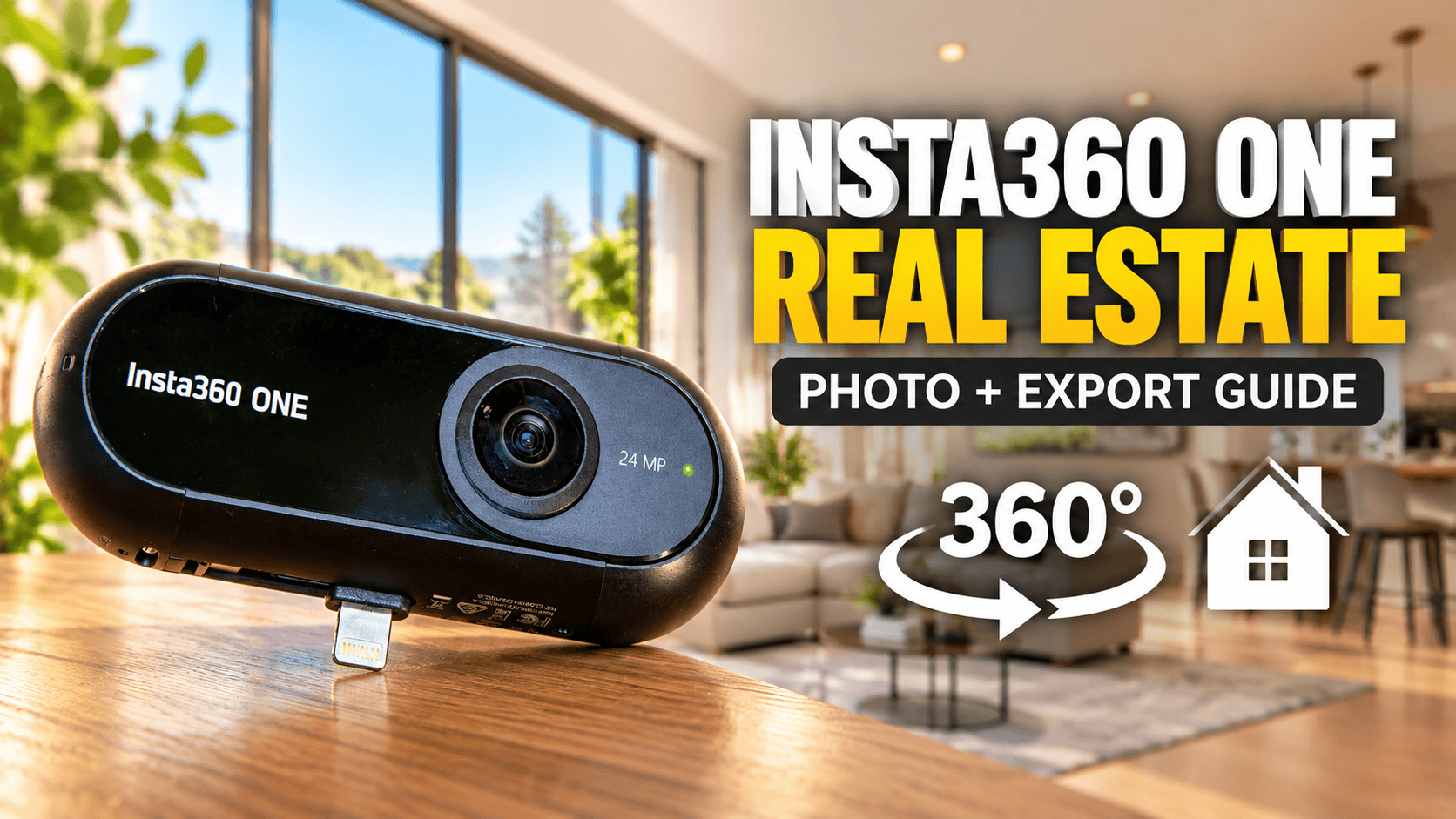
The original Insta360 ONE combines standalone capture with a fold-out Lightning connection and Bluetooth control. For a property photographer evaluating a used unit, the first question is whether those capture and export routes still work with the devices available—not whether a listing says “4K.”
Our assessment: prove the complete legacy workflow
Manufacturer support ended on 5 September 2025. Insta360's legacy-product notice explicitly includes the original ONE: product inquiries, technical support and maintenance/repair are no longer provided under that notice. Production ended in September 2020. This does not establish that existing cameras or installed apps stop working, but a business should not rely on manufacturer repair or troubleshooting when budgeting a used kit. The notice does not name the ONE X, ONE R or ONE RS.
An already-owned ONE is worth testing before replacing it solely on age. A used purchase needs more scrutiny: require a fresh indoor capture, reliable control and a finished spherical export on your equipment. A working physical connector does not prove app compatibility, and a seller's older phone does not establish support for yours.
For real-estate work, prioritize room detail, window handling, seam quality and repeatability. Video effects can be useful for other assignments, but they do not establish the quality of still panoramas delivered to a client.
The still-photo specifications are separate from the video headline
| Item | Documented capability |
|---|---|
| Still dimensions | 6912 × 3456 |
| Photo formats | INSP, RAW and app-exported JPEG |
| Sensors / aperture | Two 1/2.3-inch Sony CMOS sensors; f/2.2 |
| Manual exposure | 1/4000–60 seconds; ISO 100–3200 |
| Other exposure modes | Auto, shutter priority, ISO priority |
| Photo modes listed | Standard and timed spherical photographs |
Sources: Insta360's ONE specification FAQ and original product page. The latter also documents Bluetooth remote operation and the foldable Lightning connector. Its older compatibility list should not be read as certification of current phones or adapters.
Why a video frame is not the same as a photograph
Documented horizontal resolution
Still photograph — 6912 pixels
30 fps spherical video — 3840 pixels
For a still-image tour, evaluate actual photo exports rather than screenshots from a video or a compressed social-media preview. Keep the entire spherical image; a reframed flat view or tiny-planet effect is not an interchangeable tour panorama.
Manual exposure does not establish an automatic HDR workflow
The documented manual controls provide a reason to test the ONE on a stable support in a static interior. They do not by themselves prove automatic bracketing, HDR merging or the later ONE X's capture behavior. This guide has not verified those additional functions for the original ONE.
In his April 2018 virtual-tour comparison, Mic Ty specifically listed the ONE's lack of bracketing as a drawback, but credited its desktop DNG stitching. In the same comparison, he found more still detail than the Theta V and less than the Fusion or Mi Sphere. Those are his findings from that historical comparison, not our test results or a ranking against current cameras.
Our proposed test starts with a room containing bright windows and darker furniture. Compare a normal exposure with deliberately adjusted exposures, checking highlights and shadows separately. If you build an external merge workflow, test alignment and movement artifacts before making it part of paid delivery.
Long exposures require a still camera and a cooperative scene. Inspect moving curtains, people, screens and foliage through windows. A brighter file is not automatically a better panorama if the change introduces blur or inconsistent content.
Treat control, transfer and export as separate tests
Direct phone attachment, standalone shooting and remote triggering address different needs. For room photography, the operator generally needs to leave the scene. Establish whether your chosen control route lets you do that reliably in the actual property, rather than only beside the camera.
For a used kit, test the supplied accessories and the exact phone connection you intend to use. Do not assume that an adapter makes every combination of connector, app and operating system compatible. Also confirm that files can be copied and exported without leaving your only originals on a single phone.
The manufacturer lists INSP and RAW alongside app-exported JPEG. Keep source files before editing. An unprocessed capture file is not necessarily the finished spherical JPEG your tour platform expects, and the presence of RAW support does not prove a particular current desktop workflow.
RAW stitching was a genuine distinction—but verify today's route
In his original ONE review, updated May 2018, Mic Ty describes capturing and stitching DNG files, preserving latitude for exposure and white-balance adjustment. He reports strong dynamic range for its contemporary class, while finding lens-edge detail slightly behind the Mi Sphere. He also qualifies good stitching on calibration and optical-flow processing. That makes processing choices relevant to architectural edges, rather than treating every export as equivalent.
For a legacy kit, demonstrate a DNG capture and a stitched DNG export before relying on that workflow. Open the stitched result in your photo editor, check the complete sphere and save a separate delivery JPEG while preserving both originals. This is an acceptance test, not a claim that we have reproduced the process with today's software.
The manufacturer's original ONE FAQ points to Studio, but its current Studio installation guide and export instructions list ONE X and later models without naming the original ONE. Omission is not proof that its files cannot open; it means these pages do not establish original-ONE compatibility. Retain the version of a working setup and consult manufacturer support before replacing it. Do not borrow ONE X instructions or install unverified legacy downloads as a shortcut.
Further viewing: Ben Claremont on RAW 360 photographs
A firsthand travel test reveals handling tradeoffs
In Ben Lovejoy's March 2018 review, the ONE proved engaging for Iceland travel footage. He found direct iPhone use convenient but noted that the photographer could occupy much of the view. His handheld example also showed an intrusive hand and a visible stitch, while he criticized app bugs and slow video navigation.
These are historical handling and video observations, not an indoor still-image benchmark. His enthusiasm for travel use does not establish today's app reliability. Nor should a report that a unit survived spray be treated as a waterproof rating.
The useful lesson for a property photographer is to test support and operator placement alongside file quality. Review the complete sphere, including the region below the camera, rather than judging only the most attractive direction.
A practical acceptance test for business tours
- Identify the model. Verify that the kit is the original ONE and inspect both lenses.
- Prove remote operation. Test from outside the room, with your intended device and settings.
- Capture representative scenes. Include a bright-window room, dim corridor and close door frames.
- Export and archive. Preserve originals and confirm a full-sphere deliverable rather than a flat crop.
- Check the hosted result. Inspect orientation, room links, seams and mobile viewing after upload.
This is our suggested evaluation, not a completed camera test. GoThru operates this publication; no original-ONE-specific upload workflow has been validated for this guide.
Construction progress records: consistency and safe handling
For recurring site visits, record named capture positions, dates and approximate camera height. Mark any missed areas or changes in access. Do not imply exact before-and-after alignment when the viewpoint moved.
A connected phone can complicate handling around supports, gloves and busy work areas. Decide how the kit will be operated and protected before entering the site. This guide establishes no dust, water or hazardous-location certification, and video-oriented swinging effects have no role in our proposed site-documentation workflow.
Use panoramas for context and separate detail photographs where labels or individual components need examination. A visual progress record is not a measured survey, building-model alignment or automated defect detection.
Travel photography and the buying decision
A working ONE can still be an interesting tool for destination storytelling, provided its capture and export routes fit your setup. Test battery condition, app access and file retrieval before departure. Do not use a legacy compatibility list as a substitute for that test.
The manufacturer lists an 82 g body, Micro-USB charging, and microSD storage up to 128 GB. Its 70-minute endurance figure is for continuous video, not a measured day of intermittent property photography. Pack lens protection, spare storage and a tested charging arrangement; assess the actual aged battery before planning remote locations or multiple site visits.
Owner-operated Panorra is a related storytelling outlet, not a claim of tested ONE integration. Keep independent originals for future exports.
Our decision rule is to assess the actual kit and finished output. For a new business purchase, software certainty and accepted indoor photographs matter more than the camera's historical novelty or a low used price.
Which alternative is worth comparing?
| Your priority | Relevant guide |
|---|---|
| A later Insta360 HDR workflow | ONE X: a distinct model with its own capture modes and software requirements. |
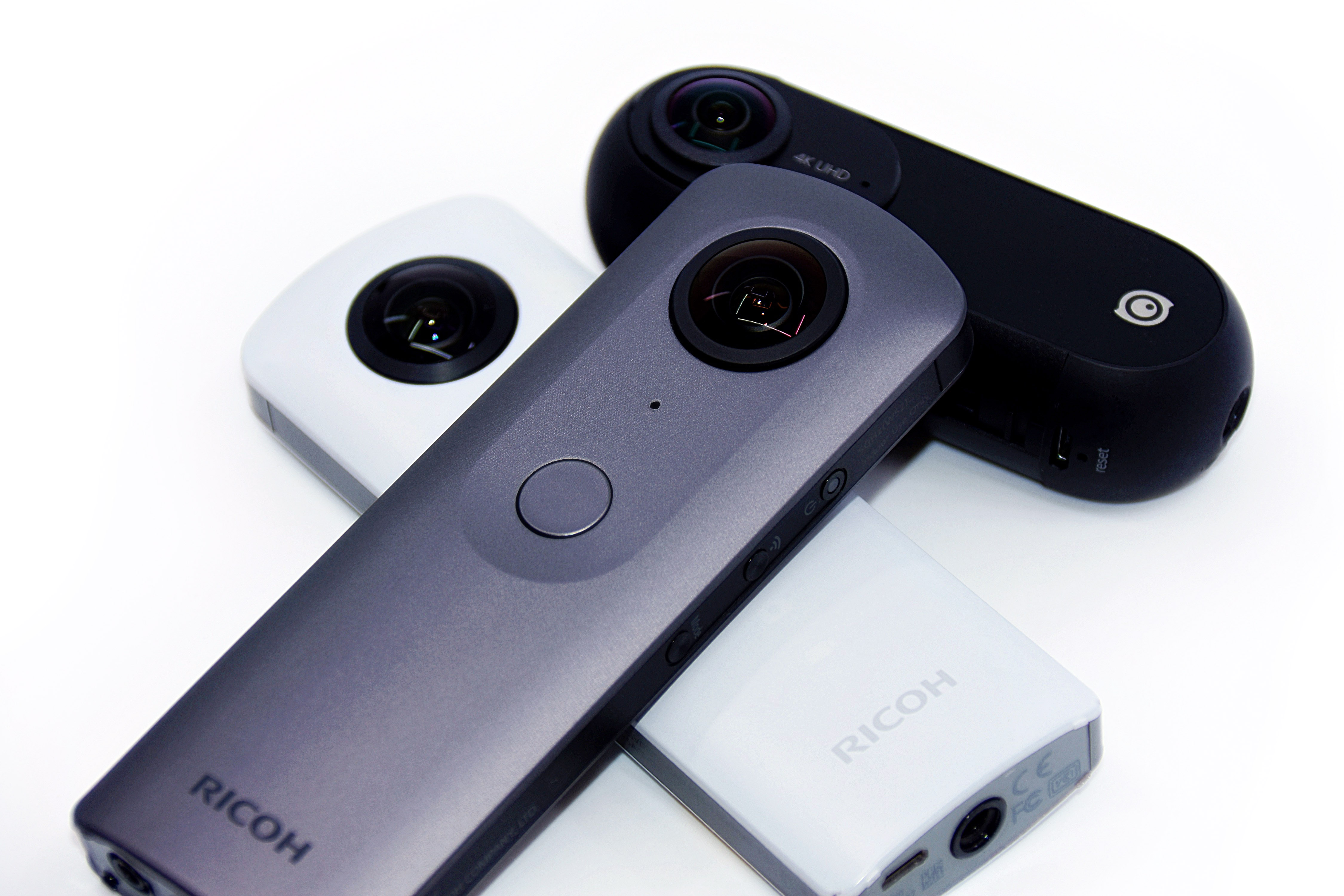
| Another high-resolution legacy still camera | Xiaomi Mi Sphere: compare RAW processing, stitching effort and software availability. |
| RAW-oriented property photography | Ricoh Theta Z1: compare the complete interior capture and editing workflow. |
Include operator time, a compatible control device, storage, protection and any editing software in your cost comparison. A low used-body price loses its advantage if each room needs extensive recovery work or a revisit. Time a small representative property from capture to client-ready tour before quoting a repeatable service.
Research checked 21 September 2026. No hands-on rating is assigned; historical reviewer findings and untested current software compatibility are identified above.




Comments ()