Insta360 ONE X for Real Estate: HDR Photos & RAW Workflow
Legacy camera guide · HDR property photography
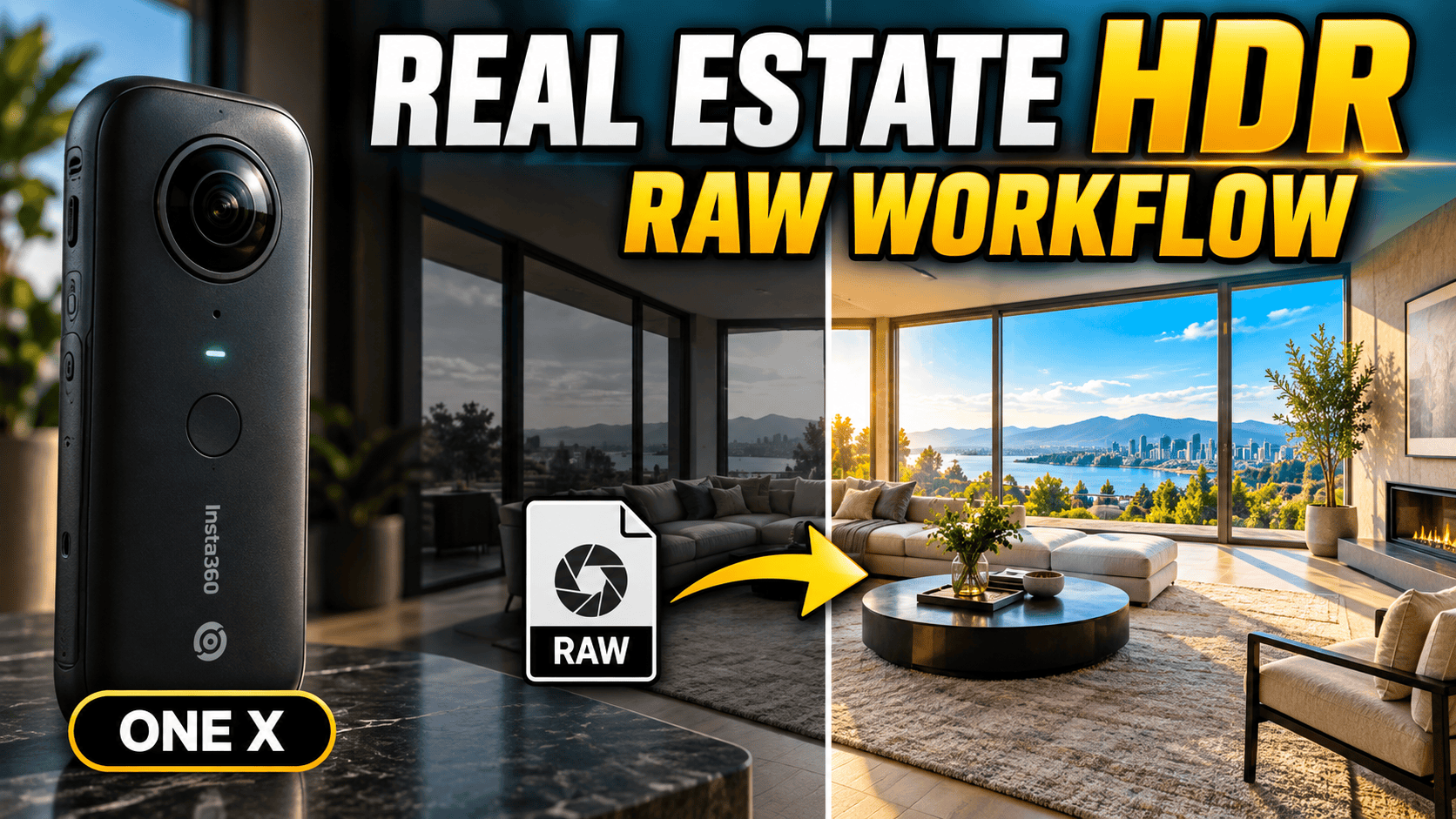
The original ONE X offers two distinct approaches to property stills: an HDR sequence and a RAW editing route. Understanding that distinction is more useful to a virtual-tour business than treating every feature carrying the HDR label as interchangeable.
Our assessment
If you own a working ONE X, it is worth evaluating its finished stills before replacing it. For a new purchase, the critical test is whether the camera, control device and editing computer can reliably deliver your required result. A historical feature list is not proof that every current software combination works.
For real-estate interiors, start with a room that has bright windows and dark furniture. Compare the ordinary, HDR and RAW-based results using the full delivery process. An improvement visible only before export does not help the client, and an elaborate edit may not suit a high-volume service.
The main ownership trade-off: this is a lightweight legacy body with documented still-photo processing, but it is not a waterproof action camera without a case. Budget for dependable batteries, a suitable support, protection and editing time—not just the used camera. See the authentic ONE X panorama below for a licensed example of travel output; it is not an indoor benchmark.
The specifications relevant to still-photo tours
| Feature | Specification |
|---|---|
| Still image | 6080 × 3040; marketed as 18 MP |
| Aperture | f/2 |
| Photo formats | INSP, JPEG export and RAW DNG |
| Top-resolution video | 5760 × 2880 at up to 30 fps |
| Weight | 115 g with battery; 90.9 g without |
| Storage | UHS-I V30 microSD recommended; up to 256 GB; exFAT |
| Power / connection | 1200 mAh battery; Micro-USB |
Source: Insta360 ONE X product documentation. Its legacy phone list should not be read as confirmation of compatibility with a current phone or OS.
HDR and RAW: choose a workflow deliberately
Insta360's ONE X photo FAQ says HDR capture saves three INSP originals for combination in the app or Studio 3.4.0 and later. For RAW, it describes importing DNG originals into Studio to produce a 2:1 DNG, then editing that file in compatible third-party software to obtain a JPEG.
Those are distinct documented routes, not a promise that automatic HDR produces bracketed RAW files. Keep the complete HDR source group together. For RAW work, preserve both the camera originals and the stitched intermediate so later revisions do not depend on the final JPEG alone.
Our recommendation is to compare the routes on a static room before choosing a default. Inspect window boundaries, shadow color and nearby vertical edges. Also measure the time spent selecting files, processing and correcting the result. Better flexibility is valuable only when it produces an improvement relevant to the commission.
A three-frame sequence also needs scrutiny for movement. Look for doubled people, shifting curtains and changing screens. Do not assume that HDR removes those problems or that RAW can recover detail absent from the original exposure.
Dedicated stills versus video frames
Horizontal pixels across the full sphere
Still photo — 6,080 pixels
Top-resolution video frame — 5,760 pixels
Our interpretation is not that the pixel difference alone makes a still superior. Dedicated still capture also lets you plan a stable viewpoint and assess the relevant photo workflow. Pulling frames from a walking video is a different production method; test it on its own merits rather than assuming it substitutes for room photographs.
What historical first-hand testing adds
There is a particularly relevant still-photo comparison: Mic Ty's February 2020 account of his test with Ben Claremont. They found ONE X color and contrast pleasing, with useful dynamic range from HDR using 4 EV intervals, but limited fine detail. Their assessment was that it could produce usable virtual-tour images. This is a dated joint test reported by a participant, not our own verification or a promise that every property will meet a client's brief.
In his ONE X review and comparisons, Mic Ty found the camera's HDR stills offered more dynamic range than Fusion in his test, and observed stronger ONE X sharpness near the stitch line. He also demonstrated that dedicated HDR software could improve difficult lighting compared with the in-app treatment.
These are historical observations, not our measurements or a ranking against current cameras. The article contains launch-era workflow notes alongside later updates; its early statement that desktop HDR merging was unavailable should not override Insta360's subsequent FAQ confirming Studio support.
For a business buyer, the useful takeaway is to inspect the entire image and compare processing choices. Do not borrow a favorable video conclusion and assume it answers the separate question of a window-lit interior still.
A real ONE X travel panorama
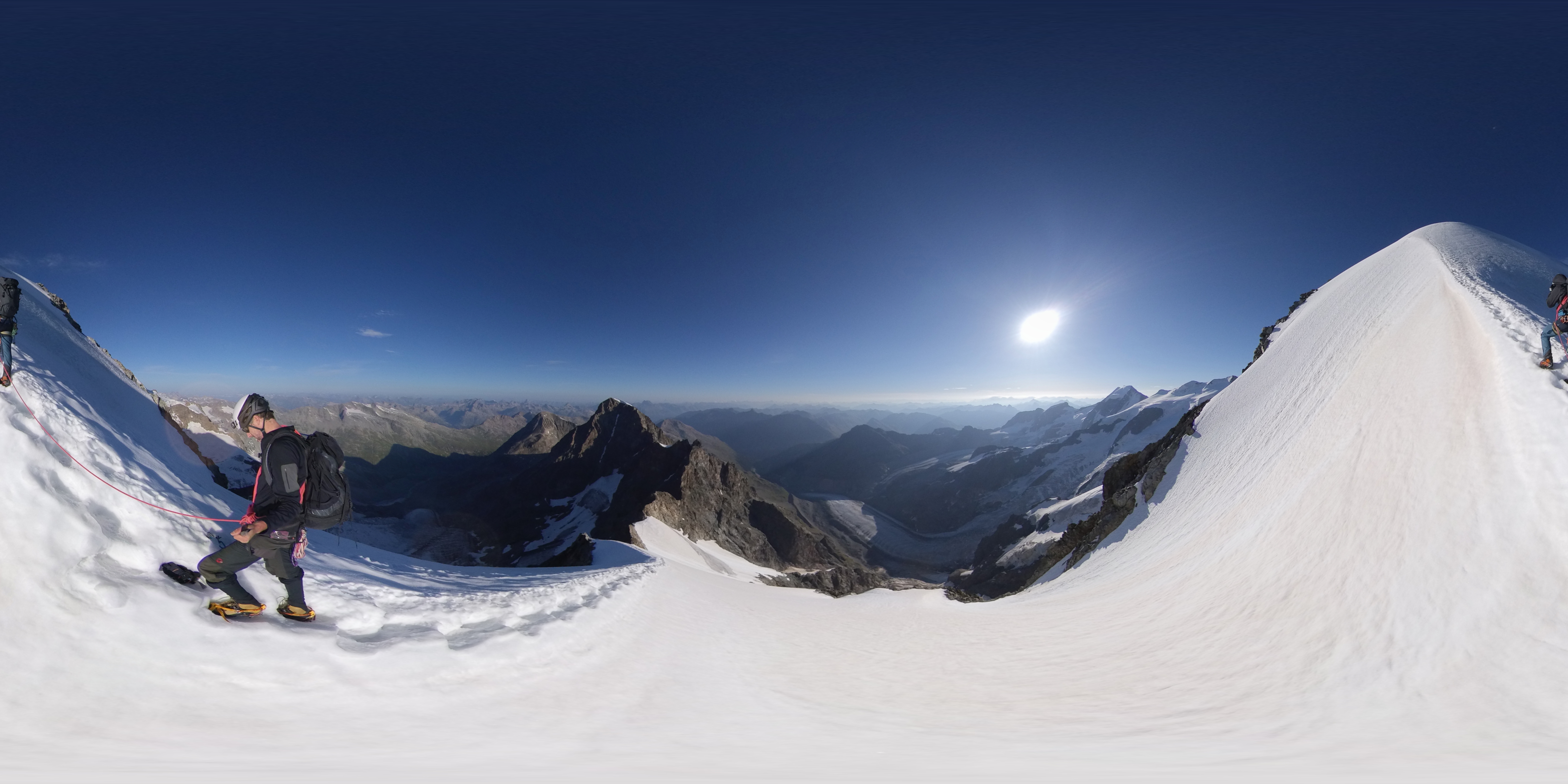
The flattened projection is included to show an authentic destination photograph, not to score the camera. The photographer's scene, processing and light differ from a real-estate assignment. Owner-operated Panorra is a related panoramic travel-storytelling context, but this guide does not claim a tested ONE X integration.
A repeatable business delivery process
Use current Studio requirements, not only the legacy ONE X FAQ. Insta360's current compatibility page explicitly includes ONE X. It recommends Windows 10/11 or later or macOS 13 or later, 16 GB RAM and an SSD, with separate CPU/GPU guidance. Its Windows examples flag Snapdragon-based ARM laptops as incompatible, while its Mac column recommends Apple M1 or later. The page's broad wording about ARM should therefore not be read as excluding the very Apple chips it recommends.
That model listing is stronger evidence than an old tutorial, but is not our test of every RAW or HDR operation in the latest release. Before upgrading a production computer, process a copied ordinary INSP, complete HDR group and DNG capture; check each exported sphere and retain the working software version in the job notes.
- Validate control and settings. Prove capture on your actual devices before accepting the assignment.
- Identify each viewpoint. Keep room names and scene numbers consistent from capture through hosting.
- Preserve originals. Archive complete HDR sets or RAW sources before processing.
- Inspect the spherical master. Check horizon, seams, exposure, reflections and privacy edits in every direction.
- Verify the hosted tour. Test default orientation, navigation and zoom on both phone and desktop.
GoThru operates this publication. An end-to-end ONE X export/upload test has not been performed for this guide. Neither a successful local preview nor a documented export format alone establishes compatibility with every hosting platform.
Construction-site progress photography
For a construction record, use agreed repeatable viewpoints and log the visit date, scene identifier and access changes. Static capture positions suit deliberate still photography; moving workers and equipment need particular attention when reviewing HDR sequences.
Inspect scaffolding, door frames and temporary partitions near the stitch boundary. Add separate close-ups where the panorama cannot resolve a detail. Do not label a general visual record as a measured survey, BIM-aligned model or automatic defect report without a separately verified process.
Coordinate access and distribution with the site team, and review every direction for sensitive information. No hazardous-location certification is established by this guide. A compact camera still needs an appropriate mounting and protection plan.
Mounting, rain and protective cases
Insta360's current X Series protection reference explicitly lists ONE X as not waterproof without a Dive Case. Do not transfer a later X-series model's water rating to this body. For an unfinished building or an outdoor itinerary, plan sheltered capture and transport rather than treating the bare camera as rain-ready.
The model-specific case FAQ distinguishes the above-water Venture Case from the underwater Dive Case and directs users to the matching case-stitching option in the app or Studio. It also warns that the Dive Case can appear at the bottom of the image. A protective case therefore needs an output check, not only a fit check. Inspect the floor area and seams before using that configuration throughout a property.
Mount choice can also change the nadir—the view directly below the camera. The ONE X accessory FAQ says the older ONE's wider stick base can leave a black area in ONE X images. Its dedicated narrower support is intended to avoid that obstruction. Our recommendation is to prioritize a stable setup, then inspect the actual floor coverage; an “invisible” stick does not mean every tripod foot or attached accessory disappears.
Buying used or keeping your current camera
| Priority | Compare and test |
|---|---|
| Window-lit interiors with editing time available | Compare the Theta Z1 RAW/HDR workflow with your processed ONE X result at the same viewing scale. |
| Room-by-room capture convenience | Read the Theta X guide and evaluate handling and finished JPEGs, not only advertised pixels. |
| Travel video plus still-photo tours | Compare X4's specific still modes; do not assume all resolutions offer the same bracketing options. |
These links identify different workflows worth testing, not a measured contemporary ranking. Keep software, battery condition and editing time in the cost comparison.
Inspect both lenses, test battery behavior over a representative session and confirm reliable file retrieval. A seller's successful capture demonstration is only the start: process those files on the equipment you intend to use. Keep a backup plan for a failed battery, card or control device.
For an existing owner, compare the cost of replacement with time actually lost to limitations in the delivered result. For a new operator, favor a proven whole workflow over a low body price. The ONE X earns its place when its HDR or RAW route delivers consistent photographs that the client can use.
Research checked 21 September 2026. No hands-on rating or original image-quality measurements assigned.




Comments ()