GoPro MAX2 vs Insta360 X4: Full Specs and Tour Workflows
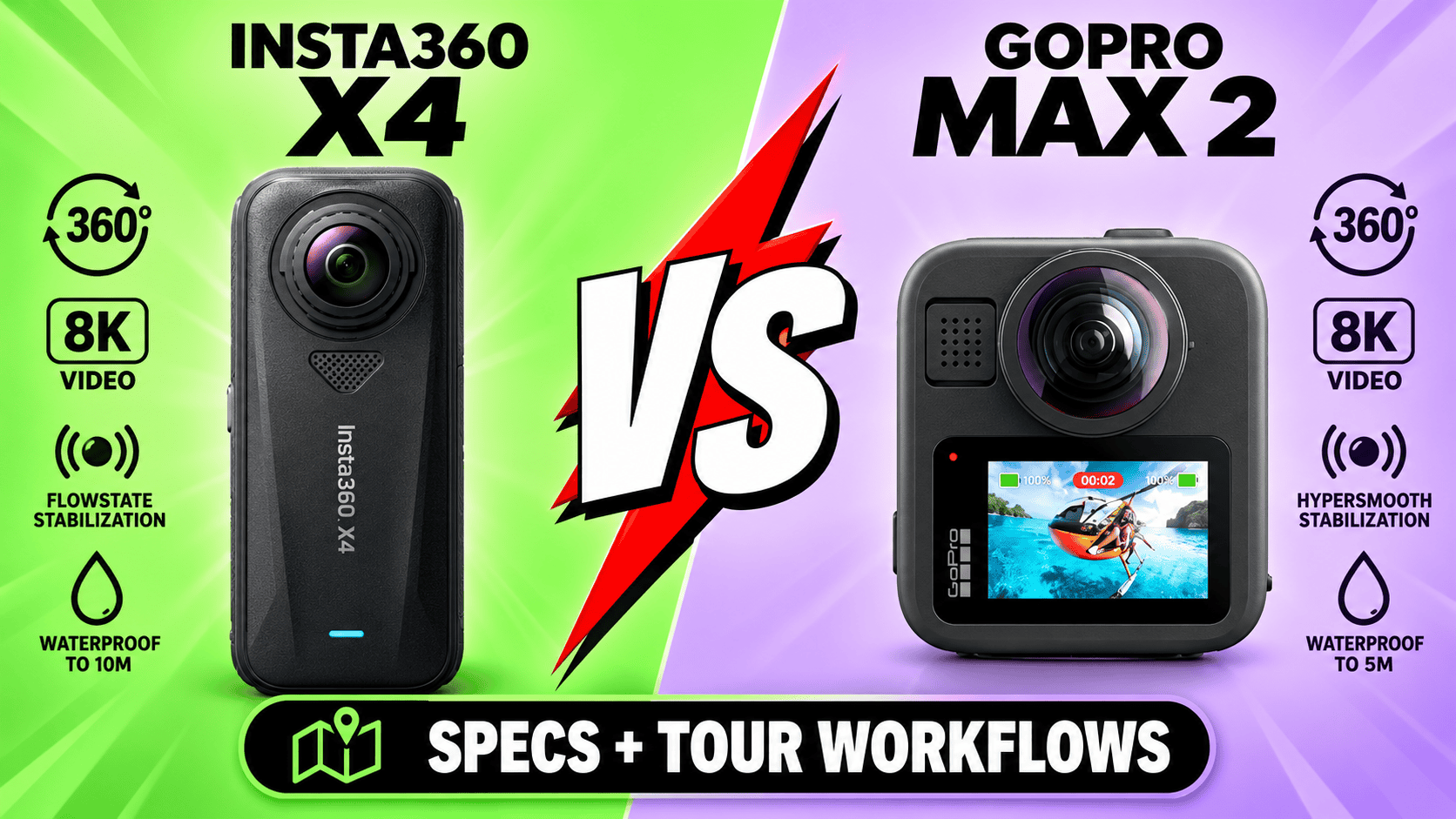
Technical head-to-head · Two 8K cameras, different still workflows
Both cameras record 7680 × 3840 spherical video at up to 30 fps and use removable batteries. The meaningful differences include lower-resolution frame sizes, photo formats, exposure-sequence workflows and lens maintenance—not simply which box says 8K.
What would changing cameras actually add?
Shortlist MAX2 when replaceable lenses and its GoPro workflow matter. Field repair and GP-Log recording can be useful requirements even when a camera you already own records the same nominal 8K frame size. They are not proof that every MAX2 clip looks better.
Shortlist X4 when its still formats and Insta360 processing fit the job. It lists larger maximum photo dimensions and a DNG route, but its AEB workflow is restricted to 18 MP. Treat that restriction as part of the comparison, not a footnote hidden behind the 72 MP headline.
An X4 owner should not treat MAX2 as an automatic resolution upgrade, nor should a MAX2 owner assume that more listed photo pixels guarantee a better interior. Compare a missing deliverable, the full processing path and the cost of changing accessories or staff workflow.
Sensors, optics and photo controls
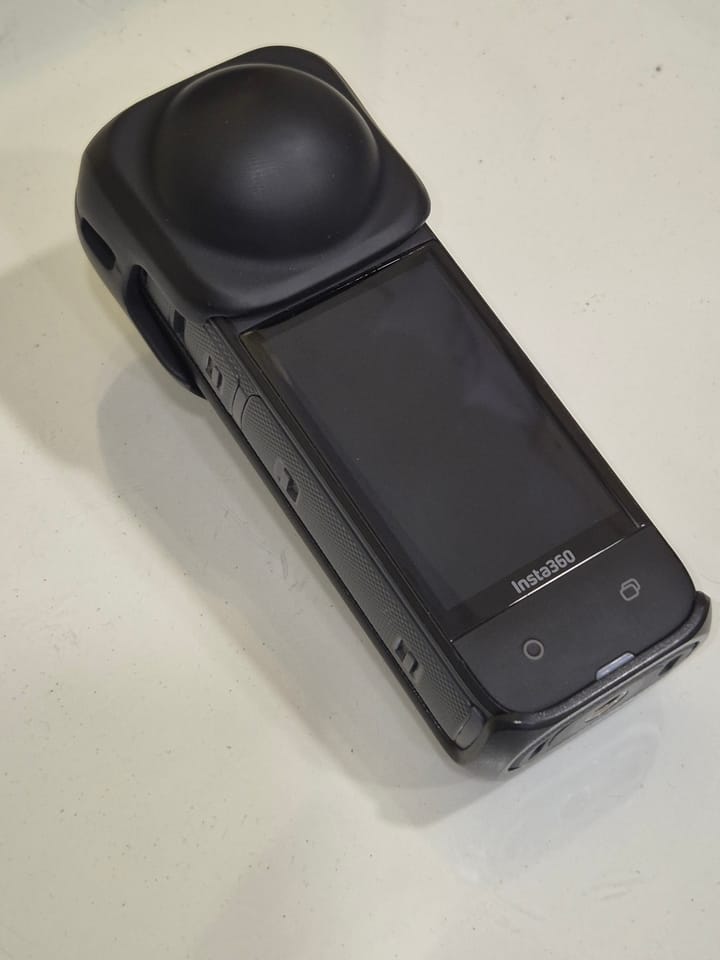
| Parameter | MAX2 | X4 |
|---|---|---|
| Sensor format | Dual 1/ | 1/2-inch type |
| Aperture | f/1.8 | f/1.9 |
| Largest sphere | 7680 × 3840; approximately 29.5 MP | 11904 × 5952; 72 MP |
| Other sphere size | Equivalent smaller standard size not established | 5888 × 2944; 18 MP |
| Single-lens photo | 4000 × 3000 | 5984 × 5984 or 2976 × 2976 |
| Photo formats | .36P/JPG sphere; GPR RAW single-lens only | INSP, DNG; in-camera JPG option documented separately |
| ISO | Photo 100–3200; Night 100–800 | 100–6400 |
| Photo shutter | Auto or 1/ | Manual: 1/ |
| Exposure compensation | ±2 EV | ±4 EV |
| Color temperature | 2300–6500 K | 2000–10000 K |
| Minimum focus | Equivalent numeric value not established | 0.6 m |
Sources: MAX2 technical panel, Insta360 shooting table, X4 column and hardware table. Sensor format, ISO ceiling and minimum focus are not measured dynamic range, low-light quality or safe stitching-clearance results.
Maximum standard panorama width
MAX2 — 7,680 pixels
X4 — 11,904 pixels
Compare the supported exposure workflow
| Route | Capture | Workflow |
|---|---|---|
| MAX2 ordinary sphere | .36P or JPG | Not native spherical GPR RAW |
| MAX2 Labs bracket | JPG; up to nine selected exposure positions | Optional firmware/preset and separate processing |
| X4 high-resolution still | 72 MP listed | Do not assume AEB at this size |
| X4 AEB | 18 MP HDR Photo, PureShot + RAW | Process and inspect the bracketed output |
Insta360's shared AEB guide excludes X4 AEB at 72 MP and directs users to 18 MP HDR Photo with PureShot + RAW. A table that lists “72 MP, DNG, HDR” without this distinction would overstate what the mode combination provides.
MAX2 Labs bracketing selects up to nine positions from −4 to +4 EV and requires JPG rather than .36P for spherical capture. Triggering uses the shutter button or a compatible BLE remote, not Quik. Optional renaming hides files from camera/Quik playback; the preset keeps the camera on. The RAW instruction on that page applies to Single Lens, not spherical RAW.
The separate Labs HDRI tool merges JPEG exposures for a lighting-environment .HDR file. It is not an automatic ready-to-host room panorama. Its eleven-exposure introduction and older nine-shot timing text differ; validate the actual script rather than promising a fixed capture duration.
Test a room with bright windows, shadow texture, close furniture and motion near a seam. Compare completed spheres at a common viewing size and record capture, processing and cleanup time. More source pixels or a RAW extension cannot settle that test in advance.
Equal 8K dimensions, different lower-resolution modes
| Parameter | MAX2 | X4 |
|---|---|---|
| 8K: 7680 × 3840 | 24/25/30 fps | 24/25/30 fps |
| Intermediate mode | 5376 × 2688 at 25, 30, 50, 60 fps | 5760 × 2880 at 24, 25, 30, 50, 60 fps |
| 5.7K+ mode | Equivalent plus mode not listed | 5760 × 2880 at 24/25/30 fps |
| Mode labelled 4K | 3328 × 1664 at 50, 60, 90, 100 fps | 3840 × 1920 at 24, 25, 30, 50, 60, 100 fps |
| Container / codec | .360 / HEVC | INSV / H.264 or H.265 |
| Bitrate | Launch 120 Mbps; June update up to 200 Mbps in specified modes | Up to 200 Mbps |
| Profiles / log | Natural, Vibrant, Flat; GP-Log | Standard, Vivid, Flat |
| Audio | Six microphones; stereo/360 audio; WAV single-lens only | 48 kHz, 16-bit AAC; stereo and direction-focus options |
GoPro's 25 June 2026 firmware announcement assigns 200 Mbps to 8K spherical and 4K single-lens recording. Keep that update separate from the launch panel and optional Labs bitrate claims. MAX2's mode-specific 10-bit/GP-Log support should not be inferred from X4's Flat profile or a common bitrate ceiling.
X4's 4K100 sphere has different dimensions from MAX2's mode called 4K100. At 8K30 their stated dimensions match, but stitching, exposure and processing can still differ. A social-media crop contains only part of the sphere; an 8K master does not guarantee an 8K forward-facing export.
Flat clips, stabilization and time sequences
MAX2's ordinary flat 4K sizes are 3840 × 2160, 2160 × 3840 or 4000 × 3000 at 24/25/30/50/60 fps. Its 1080p landscape/portrait options run at 50/60. X4 lists 3840 × 2160, 2720 × 1536 or 1920 × 1080 at 24/25/30/50/60. These flat modes must not be confused with either camera's spherical frame-rate table.
X4 adds FreeFrame square capture and Me Mode; MAX2 POV/Selfie retains the full sphere for later reframing. Do not assume those similarly marketed tools produce the same files. X4's Active HDR is separate from ordinary 8K video, and its shared specification table does not list PureVideo or InstaFrame support.
X4 FreeFrame lists 3840 × 3840 at 24/25/30 fps, with 2720 × 2720 and 1920 × 1920 adding 48/50/60. Me Mode lists 3840 × 2160 at 24/25/30 or 2720 × 1536 and 1920 × 1080 at 50/60/100/120. A 120 fps Me Mode setting must not be assigned to ordinary single-lens video.
The X4 product page advertises Bullet Time at 5.7K120 or 3K240. These are special-mode labels, not ordinary spherical recording limits; exact output dimensions are not established here. Preserve representative originals when validating a slow-motion delivery workflow.
MAX2 documents Max HyperSmooth and 360° Horizon Lock; X4 documents FlowState and horizon lock. These feature names do not establish a matched walking-stabilization winner. Use the same route, exposure and delivery crop when testing.
The June GoPro update extends 10-bit/GP-Log across TimeWarp, Night Effects, Time Lapse and Night Lapse. X4 lists timelapse up to 11K30, while MAX2 lists spherical TimeWarp and time-lapse video at 8K30 or 5.6K30. A high-resolution timelapse is not ordinary video at that resolution. Preserve dated still panoramas independently of promotional site-progress clips.
X4's timelapse guide lists 11K, 8K and 5.7K playback at 30 fps, with capture intervals of 0.5, 1, 2, 5, 10, 30, 60 or 120 seconds depending on resolution. Its high-resolution explanation is unclear at the one-second boundary, so check the available camera setting. Playback rate and capture interval are different parameters.
MAX2's 29 MP burst options are 5 or 10 frames in one second, 10 or 30 in three seconds, or 30 in six seconds. Star Trails, Light Painting and Vehicle Lights produce spherical 8K30 or 5.6K30 video. Those effects are not the same workflow as a bracketed still sequence for an interior tour.
Power, cards and lens maintenance
| Parameter | MAX2 | X4 |
|---|---|---|
| Weight | 195 g with battery and mounting fingers | 203 g |
| W × H × D | 64 × 69.7 × 48.7 mm | 46 × 123.6 × 37.6 mm, lenses included |
| Touchscreen | 1.82-inch LCD | 2.5-inch LCD; 440 × 696 |
| Removable battery | 1960 mAh Enduro | 2290 mAh |
| Recording storage | microSD A2 V30 or better; maximum capacity not established here | microSD up to 1 TB; UHS-I V30, exFAT |
| USB | Type-C 3.0 | Type-C 3.0 |
| Bluetooth | BLE 5.3 | BLE 5.2 |
| Operating temperature | −10–35°C | −20–40°C |
| Body water rating | 5 m | 10 m |
| Location hardware | GPS | Built-in GNSS not established here |
| Lens maintenance | User-replaceable lenses | Removable guards, not equivalent lens replacement |
X4's hardware manual quotes approximately 75 minutes at 8K30 or 135 minutes at 5.7K30 with High bitrate, screen off, Wi-Fi Auto and AI Highlights off at 25°C. A matched MAX2 runtime is not established here. Capacity and manufacturer runtime figures do not predict accepted tour panoramas per charge.
For field work, distinguish damage protection from repairability. A spare MAX2 lens changes the recovery plan after a scratch; an X4 guard does not create the same repair option. Neither body depth rating guarantees clean underwater stitching or suitability for every construction hazard. Protect optics during transport and test mounts before deployment.
X4's storage guide excludes UHS-II/UHS-III cards and capacities above 1 TB. MAX2's A2 V30 requirement is a separate recommendation; a faster-sounding card label is not automatic compatibility. Test sustained recording and offload with the exact card before a paid assignment.
X4's hardware manual lists approximately 38 minutes to 80% and 55 minutes to full charge with its 9 V/2 A setup, camera off at 25°C. GoPro's comparison tool with MAX2 selected lists approximately one hour to 80% or two hours to full with a 3 A/15 W source. These are different manufacturer conditions, not a matched charging benchmark.
MAX2 lists BLE 5.3 and Wi-Fi protocols a/b/g/n/ac despite a Wi-Fi 6 label in the same panel. X4's product page lists 5 GHz a/n/ac, while the shared hardware table also includes b/g; check regional and model-specific connection behavior. MAX2 has folding fingers, a 1/4-20 mount and Magnetic Latch Mount compatibility. Confirm the actual adapter's fit, support clearance and power access rather than inferring compatibility from a shared mounting convention.
Software and export costs matter
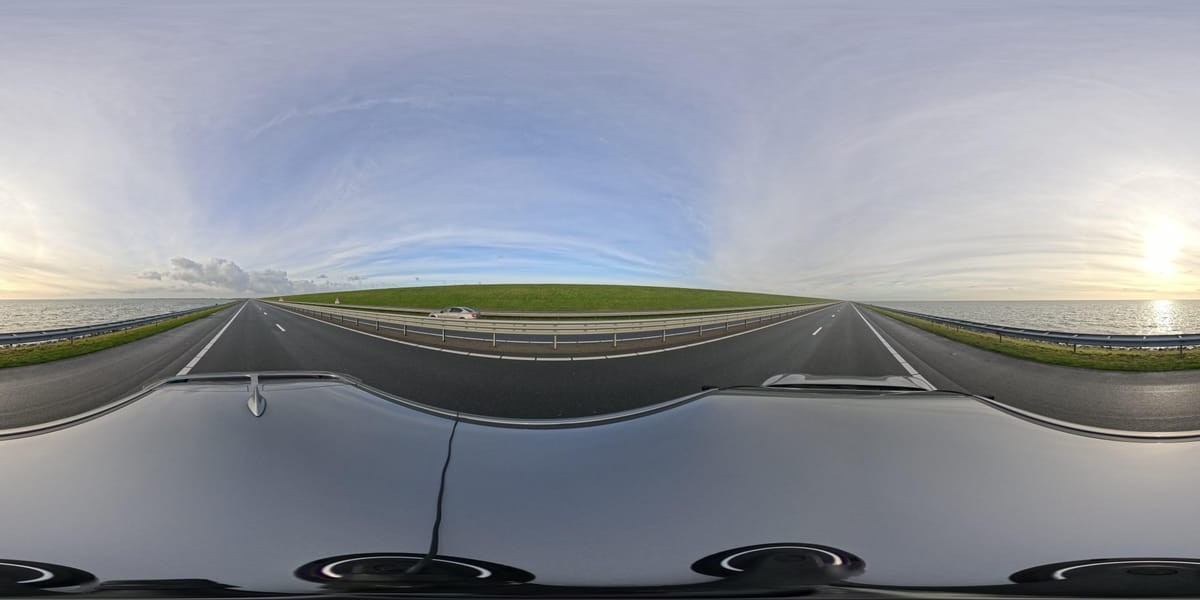
MAX2's Quik/Player workflow and X4's Insta360 app/Studio workflow should each be tested with representative originals. Test ordinary stills separately from exposure sequences, and account for any optional Labs setup. A camera connection or a listed operating-system minimum does not establish smooth high-resolution editing.
X4's product page lists A12/iOS 13 or newer, or supported Snapdragon 855, Kirin 990 and Exynos 2200-class devices with Android 10/HarmonyOS 2 or newer. App installation requires a 64-bit system; SDM765 5G is excluded for decoding limitations. Check the current app and export path too: these baseline requirements do not guarantee every AI feature or smooth long 8K edits.
GoPro Player lists macOS 10.14 or Windows 10 and newer with HEVC-capable graphics guidance and batch export. HyperSmooth Pro explicitly excludes 360 content; it must not be confused with MAX2's camera stabilization. A current MAX2-specific phone-performance baseline is not established here.
Keep capture originals, processed masters and hosted exports separate. Inspect seams, orientation and color at the intended viewing size, and verify a backup before reusing the card. Compare the whole assignment—including transfer, grading, stitching and upload—rather than only shutter time.
Real estate, construction and travel decisions
Real estate: evaluate X4's supported 18 MP AEB/PureShot + RAW route against MAX2's actual spherical JPEG/bracketing route, not X4's unrelated 72 MP maximum. Pick the workflow that delivers acceptable difficult rooms consistently, with realistic staff time.
Construction: MAX2's replaceable lenses and GPS address different needs from X4's capture modes and stated environmental range. Both use removable power and cards. Maintain fixed viewpoint IDs and processing rules; see the construction-site virtual-tour workflow. Neither camera is presented as calibrated survey equipment.
Travel: both offer 8K30 spheres and flat-video options. Decide around the accessory kit, editing workflow and specific slow-motion mode you need. Preserve destination panoramas for owner-operated Panorra separately from social crops; no direct camera integration is claimed.
Read the MAX2 and X4 guides, compare MAX2 vs X5 or X4 vs X5, and browse the comparison directory. Use current complete-kit quotes, not an assumed permanent price advantage.




_2025-11-02_08H30M14S000_(1546019943479385_at_S5wp7d3cHai9lgKELnOqAW)_taken_with_GoPro_MAX2.jpg)
Comments ()