GoPro MAX for Real Estate: 360 Photos vs PowerPano
Original MAX camera guide · Still-photo virtual tours
The original GoPro MAX can contribute spherical photographs to a property tour, but its action-camera appeal should not be confused with a specialist interior-photo workflow. Start with the correct capture mode, inspect difficult lighting and judge the finished tour before buying.
Our assessment: useful if the actual deliverable passes
If you already own a MAX for travel or action video, test it on a representative property before replacing it. For a new business purchase, compare the complete cost of capture and delivery with cameras designed around still photography. Do not assume that familiarity with GoPro video editing translates into an efficient room-photography workflow.
A useful trial includes a bright window, a dim adjoining room and objects near the stitch boundary. Evaluate the whole sphere at the intended viewing angle. A striking outdoor image or a well-edited action sequence says little about how a prospective tenant will experience a shadowed room.
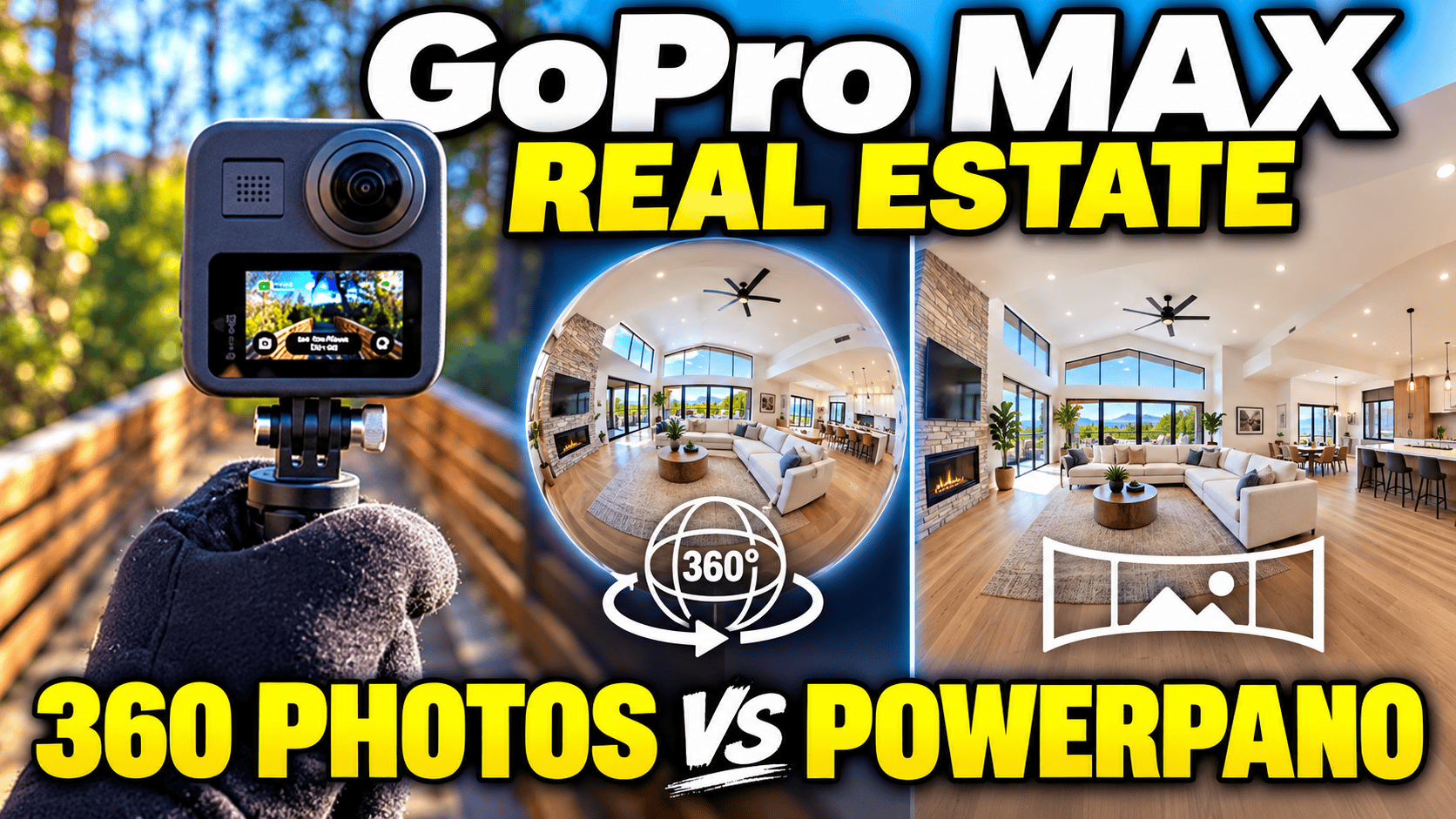
Choose 360 Photo, not PowerPano
| Mode | Output and purpose |
|---|---|
| 360 Photo | 18 MP source, 16.6 MP stitched spherical photo |
| PowerPano | 6.2 MP, 270° panoramic photograph |
| HERO Photo | 5.5 MP conventional photograph |
| Photo timer | 3 seconds, 10 seconds or off; 3-second default for 360/PowerPano |
Source: GoPro MAX user manual, photo sections. PowerPano uses both lenses but is not a complete spherical capture. For an explorable room panorama, verify that the camera is in 360 Photo mode before starting the sequence.
Our suggested pre-shoot check is to take one image, open it in a spherical viewer and look in every direction—including up and down. This catches a mode-selection mistake before an entire property has been photographed. A wide-looking picture alone is not proof that it contains the full sphere.
Why 18 MP and 16.6 MP both appear in the specifications
Manufacturer pixel counts: capture versus stitched output
Source capture — 18 MP
Stitched spherical output — 16.6 MP
GoPro's technical explanation of MAX capture and stitching explicitly distinguishes source resolution from final spherical resolution. Compare finished output with finished output when evaluating cameras; mixing one manufacturer's capture figure with another's exported dimensions produces a misleading comparison.
For a tour, assess what survives the entire delivery process. Keep the best available original and inspect the hosted panorama after any resizing or compression. Pixel count cannot tell you how clean a window frame, ceiling corner or nearby railing will look.
What historical first-hand testing tells us
Mic Ty's MAX review and resource page reports 5760 × 2880 JPEG stills without RAW capture. In his historical comparison, MAX photographs appeared slightly more detailed than those from the Insta360 ONE X. His video comparison was more nuanced: MAX had stronger edge contrast near the lens center, while ONE X retained more detail near the stitch line.
Those findings should not be stretched into a ranking against current cameras or a claim about indoor still-photo dynamic range. They identify a useful evaluation habit: examine different parts of the sphere instead of judging only its most favorable direction. The source's downloadable samples are explicitly for personal use, so they are not republished here.
Interior exposure and consistent room sequences
MAX offers a useful exposure control that is easy to overlook: in 360 mode, choose the metering area from either lens on the touchscreen. GoPro's manual says changing capture modes or restarting cancels Exposure Control. Recheck it after interruptions; a saved viewpoint does not guarantee the same exposure behavior on the next visit.
For our proposed acceptance test, photograph an interior with both bright exterior light and shaded furniture. Check whether important window detail is retained and whether the darker room remains usable. Repeat in another room with different lighting before deciding that one setting works across the property.
A JPEG-based workflow should be evaluated as such. Do not promise the recovery latitude of a RAW capture or assume that features from GoPro Fusion, MAX2 or a HERO camera are present. If a client requires a polished high-contrast interior result, compare actual exported stills from the alternatives rather than borrowing a conclusion from an action-video review.
Use the timer to avoid touching the camera at capture, then check reflections and the entire sphere for the operator. A longer countdown is helpful only if it gives enough time to reach an appropriate hiding position. Keep the support stable and verify that the camera has finished before moving to the next viewpoint.
Build a still-photo delivery workflow
- Capture the intended scene type. Confirm 360 Photo rather than HERO or PowerPano.
- Archive originals. Organize the job by room and scene identifier before editing.
- Inspect the sphere. Check seams, horizon, exposure transitions, reflections and sensitive content.
- Retain spherical output. A reframed flat image can serve marketing collateral, but it does not replace the tour's navigable scene.
- Test hosting. Check accepted dimensions and format, initial viewing direction, room navigation and mobile performance.
The original MAX technical article discusses a dedicated .360 video container. Do not apply a video-conversion tutorial indiscriminately to a still-photo assignment. Confirm the actual file and deliverable before adding unnecessary processing steps.
The manual's computer-transfer instructions, printed page 62, document an SD-card reader route and distinguish .360 playback in GoPro Player from .jpg files handled by the computer's importer. Copy and preserve the original photographs first. Our recommended acceptance check is to open the copied spherical JPEG in the intended tour viewer; a flat preview alone does not verify navigation or orientation.
GoThru operates this publication. No original-MAX-specific upload test has been completed for this guide, and no universal tour-platform compatibility is claimed.
Construction-site virtual tours
For construction progress, prioritize a repeatable set of viewpoints rather than a dramatic walk-through clip. Record the visit date, room or zone identifier, intended camera height and any inaccessible area. Pair overview panoramas with separate detail photographs for items that cannot be examined adequately in the sphere.
Inspect close scaffolding, temporary partitions and door frames for stitching artifacts. Schedule capture around movement where practical and check every direction for workers, documents or sensitive operations before distribution. An action-camera label does not establish hazardous-location suitability or make every mounting position acceptable.
This proposed workflow creates a visual record. It does not establish measurement accuracy, BIM alignment, automatic timeline matching or defect detection. If those capabilities are required, they need their own verified capture and delivery process.
Travel photography and buying used
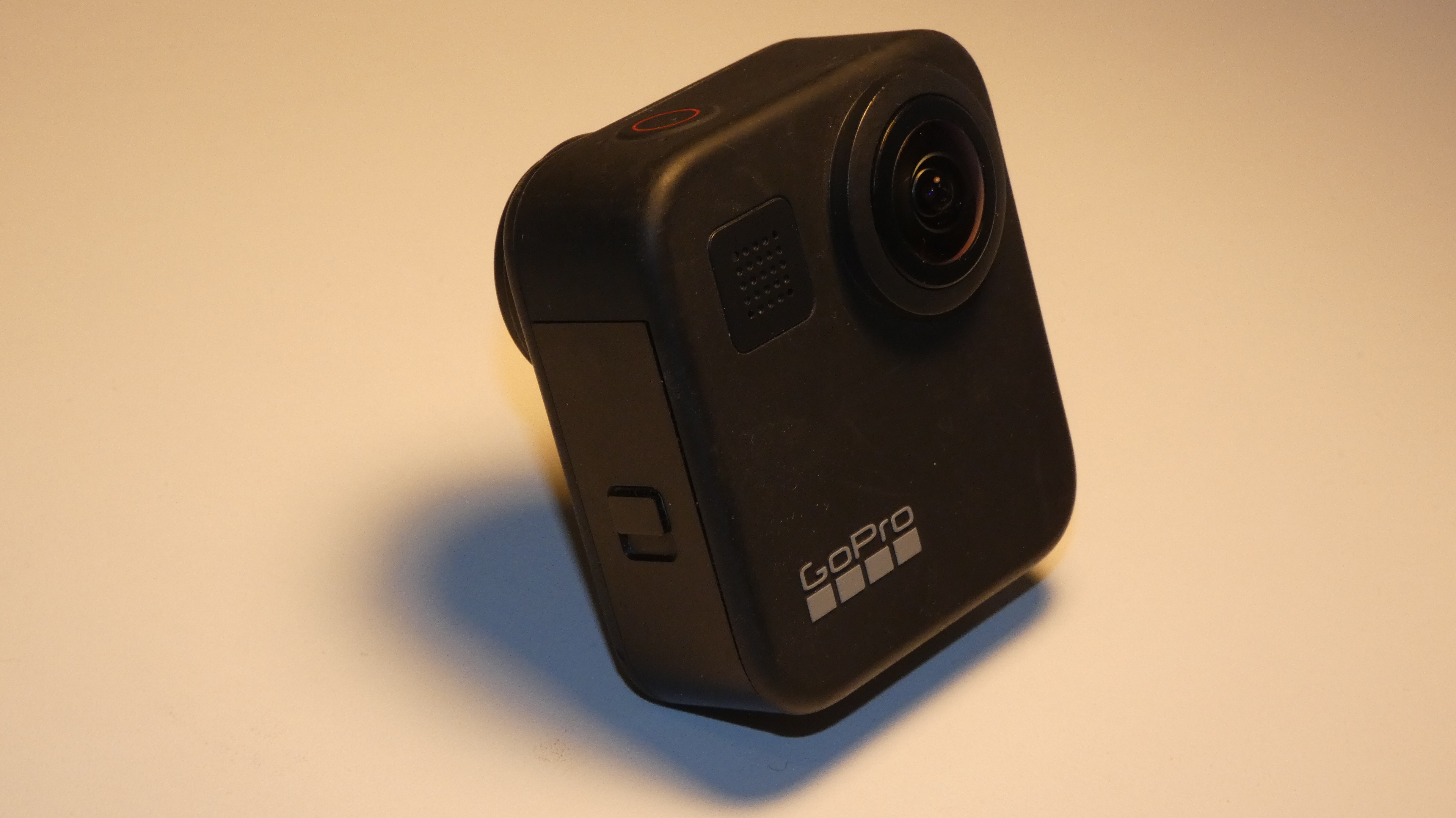
Check which MAX is being sold. GoPro's February 2025 announcement introduced a refreshed MAX package with an Enduro battery and an upgraded mount incorporating a 1/4-20 thread. Those changes should not be assumed on the original 2019 hardware pictured here. The refresh is also distinct from MAX2.
The strongest ownership case may be a shared kit: travel video plus occasional spherical stills, provided the property result meets the brief. Owner-operated Panorra is a related destination-storytelling context, not proof of tested MAX integration.
When buying used, inspect both lenses and request full-size indoor files. Test charging, capture controls, storage and retrieval on your own devices. Verify the precise model and included accessories instead of assuming every listing using the MAX name describes an identical package.
For a business, decide on time per accepted scene and quality of the delivered tour. A camera you already understand can be useful, but recurring exposure or stitching corrections can outweigh a low initial price.
MAX versus still-photo alternatives
In Ben Claremont's January 2023 comparison, MAX remained competitive in some video tests, but his six recommended cameras for paid virtual-tour photography did not include it. His edited interior comparison favored Z1 for window dynamic range using the Dual Fisheye plug-in, while Theta X was among the cameras retaining sky detail. These are historical observations with specific processing choices, not our tests or a current universal ranking.
His concern then about stalled GoPro software development also needs dating: GoPro announced new Quik 360 editing tools alongside the 2025 MAX refresh. That development does not establish better original-MAX still quality; it simply makes an unqualified claim that GoPro abandoned 360 software inappropriate.
| Your assignment | Compare with | Decision to test |
|---|---|---|
| Existing MAX owner documenting rooms | Keep MAX in the trial | Can its spherical JPEGs meet the client's detail and window-exposure brief without repeated reshoots? |
| Interior still photography with planned editing | Ricoh Theta Z1 | Does the RAW/HDR workflow justify additional processing time for this property? |
| Repeatable room-by-room capture | Ricoh Theta X | Compare finished interior output and handling, distinguishing its JPEG workflow from the optional HDR-DNG route. |
| Travel video plus occasional business tours | Insta360 X4 | Compare the required still-photo modes separately from video specifications; higher advertised resolution alone is not an interior-quality verdict. |
These are assignment-based comparison paths, not a tested head-to-head scorecard. Include mounts, replacement batteries, software and staff processing time in the purchasing decision; no current retail-price advantage is assumed.
Research checked 21 September 2026. Manufacturer documentation and attributed reviewer observations inform this guide; no camera, software-export or hosting test was performed by GoThru.




Comments ()