
Featured



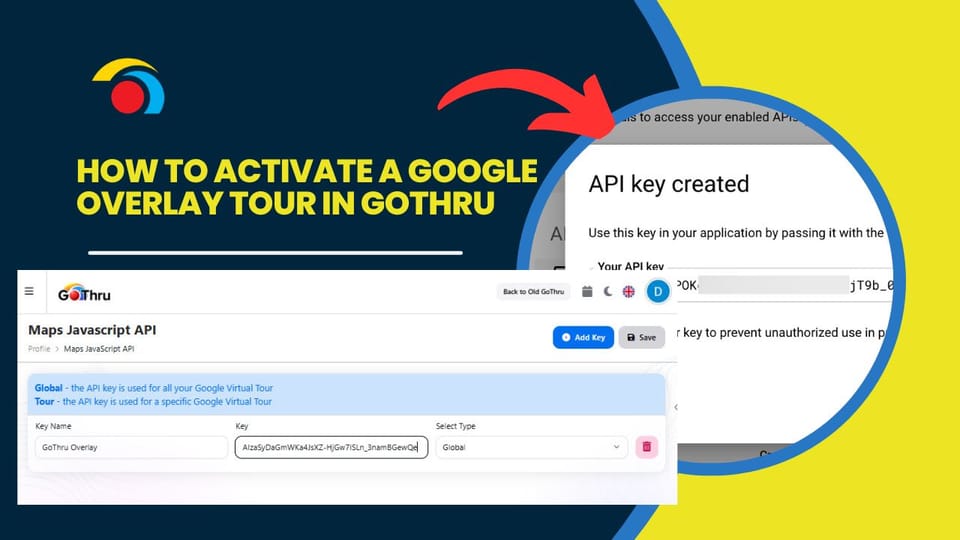
How To Pick the Starting Panorama for a Google Street View Tour
When creating or editing a Google Street View tour in GoThru, it's important to understand how the starting panorama is selected.
How to Delete a Street View Tour That Isn't in GoThru
To delete a Street View tour that wasn't published with GoThru (i.e., Matterport or directly on Street View), you can import it into GoThru and delete it using these steps:
How to Delete a Street View Tour Using the New GoThru Interface
If you've published a tour to Google Street View using GoThru and need to remove it, the process is now simpler with the updated GoThru dashboard.
How to Shoot a Real Estate Virtual Tour with the Insta360 Camera and GoThru Street Editor
This guide shows how to shoot a professional real estate virtual tour using the Insta360 X4 (or X2/X3/X5) and the GoThru Street Editor app. The process also works with other 360 cameras, though direct connection may vary.
How To Share An Editable Tour In the Virtual Tour Editor
To share a tour project with more than one person without entering individual email addresses, use the Virtual Tour Editor's share function. This allows anyone with the link to open and edit the tour—ideal for collaborating with clients or coworkers, as everyone’s changes are saved in the same tour.
How to Share and Collaborate on a Tour in GoThru AI Moderator
Sharing your virtual tour with clients or team members is easy using GoThru's AI Moderator tool. It allows real-time collaboration so everyone sees updates as they happen.
How to Rename Your Tours in GoThru
How to Rename Your Tours in GoThru
Renaming your tour in GoThru is simple and helps keep your projects organized.
How to Create an Immersive Virtual Tour Using GoThru's Tour Editor
A Step-by-Step Guide for Stunning Virtual Experiences
How to Import a Virtual Tour from Google into GoThru
GoThru allows you to import a tour that you've already published on Google Street View for editing, moderation, or republishing. You can locate the tour using the business name, address, or CID number.
How to Create a Blue Line on Street View from Individual Panoramas with GoThru
In this tutorial, you are exploring how to create a Blue Line on Google Street View from individual panoramas using GoThru.