
How To Download Your Panoramas From GoThru
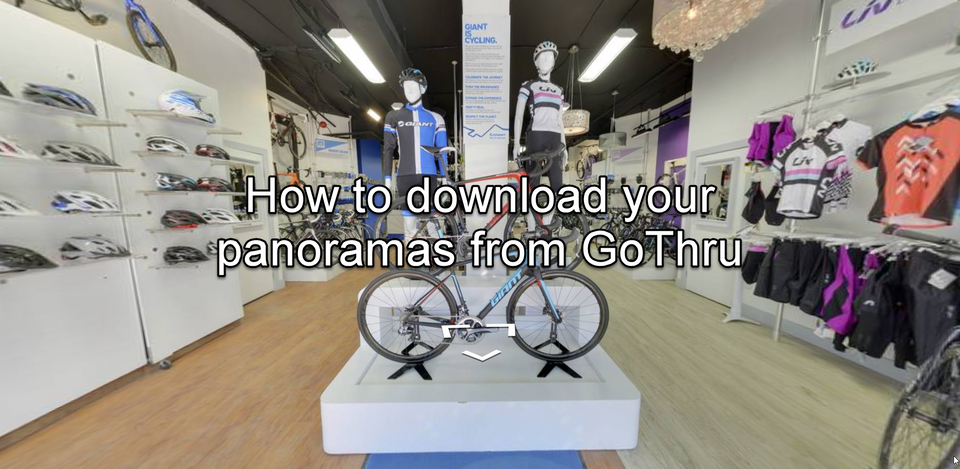
GoThru allows you to download your panoramas by creating a ZIP archive with all your panoramas for the listing.
Here’s a simple way to download your panoramas from GoThru.
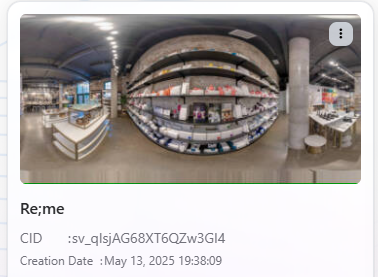
1. Go to GoThru -> My Tour, then find your tour on the list. Open it.
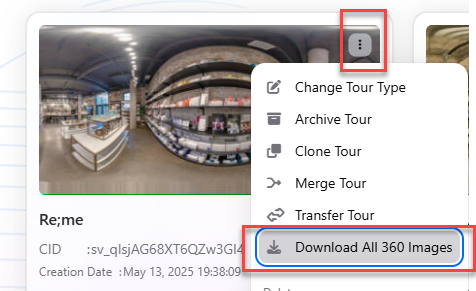
2. On the three dots menu, click the Download button at the bottom.
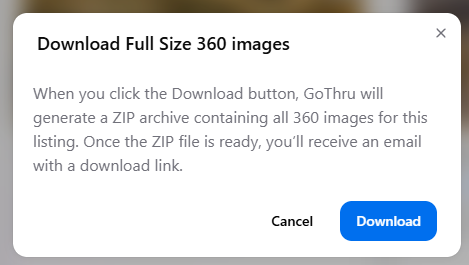
3. Prompt popup will open asking you to verify the process. Click Download.
4. Once the zip is created an email will be sent to you with a link to the zip file.
5. You will receive an email with a link to download the panoramas which is valid for two weeks. The following is the email example:

6. Download the file by clicking the link in the GoThru email.