
How to Join the GoThru Photographer Directory
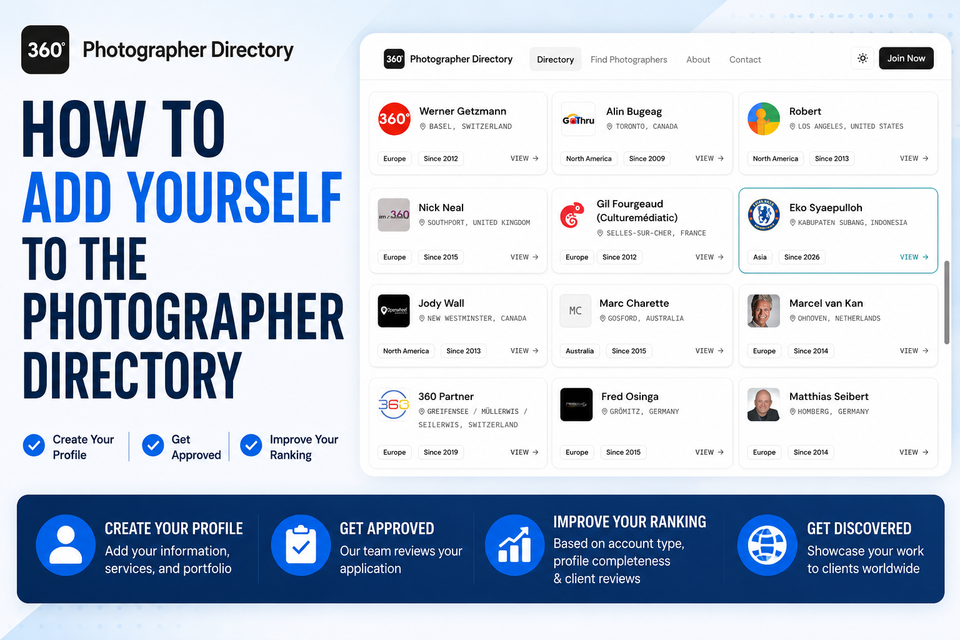
The GoThru Photographer Directory helps businesses and customers find trusted 360° photographers around the world. By joining the directory, you can showcase your services, receive client reviews, and make it easier for potential clients to discover and contact you.
Before You Begin
Before applying to join the directory, make sure you have:
- An active GoThru account.
- A profile photo or company logo.
- Your business information.
- Your service location.
- A portfolio or examples of your work.
- Your website and social media links (optional but recommended).
Tip: A complete profile increases your chances of approval and helps improve your ranking in the directory.
Step 1: Open the Photographer Directory
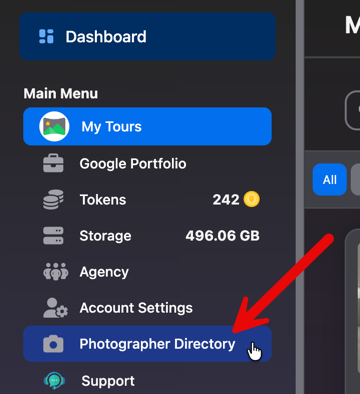
- Sign in to your GoThru account.
- From the left navigation menu, click Photographer Directory.
Step 2: Complete Your Photographer Profile
If this is your first time joining the directory, you'll be prompted to create your photographer profile.
Complete your profile with as much information as possible, including:
- Your name or business name
- Profile photo or company logo
- Business description
- Service areas
- Contact information
- Website
- Social media links
- Languages spoken
- Services you offer
- Portfolio or previous work
Review your information carefully before submitting your application.
Tip: The more complete your profile is, the easier it is for potential clients to learn about your business.
Step 3: Submit Your Application
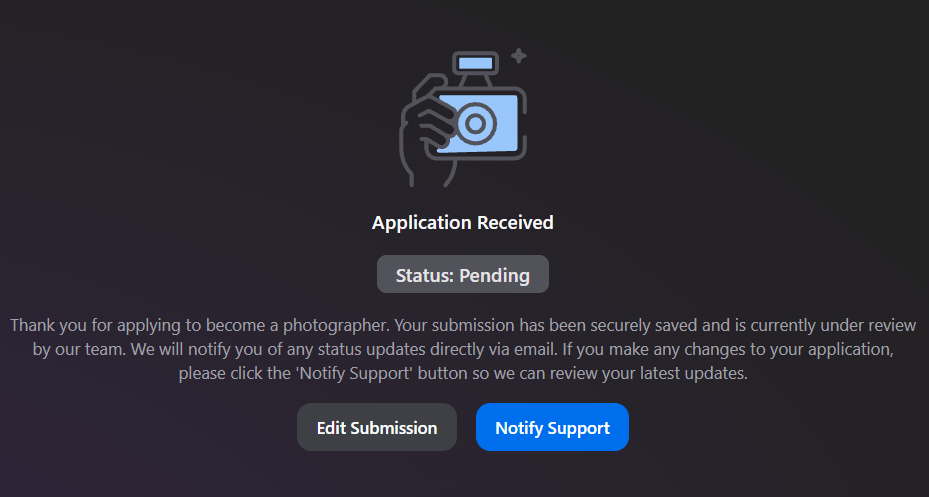
After completing your profile, submit your application for review.
The GoThru team will review your submission to ensure it meets the directory requirements before publishing your profile.
Step 4: Wait for the Review Result
After submitting your application, the GoThru team will review your profile. Once the review is complete, you'll receive an email with the result.
There are two possible outcomes:
Application Approved
If your application is approved, you'll receive a confirmation email that includes:
- Your application status (Approved)
- A support note from the review team
- A direct link to your public photographer profile
Your profile will become visible in the GoThru Photographer Directory, and you can immediately begin sharing your public profile with potential clients.

Application Requires Updates
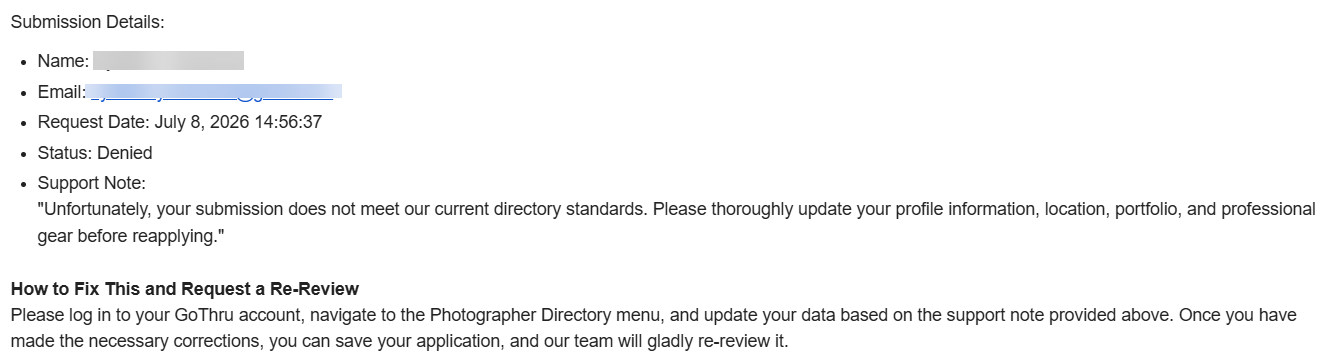
If your application does not meet the current directory requirements, you'll receive an email explaining why your application was not approved.
The email includes:
- Your application status (Denied)
- A support note explaining what needs to be improved
- Instructions for updating your profile and requesting another review
Common reasons for requiring updates include:
- Incomplete profile information
- Missing or insufficient portfolio examples
- Missing business or location details
- Insufficient professional information
Note: If you have questions about the feedback provided in the support note, contact the GoThru Support team before resubmitting your application.
Photographer Ranking
Each photographer in the GoThru Photographer Directory is assigned a ranking to help clients identify active and trusted professionals.
Your ranking is influenced by several factors, including:
- Account Type – Your GoThru subscription level.
- Profile Completeness – Completing all sections of your profile improves your ranking.
- Client Reviews – Positive reviews from clients help increase your visibility and credibility.
Tip: Keep your profile up to date, showcase your best portfolio, and encourage satisfied clients to leave reviews to improve your ranking over time.
Share Your Photographer Profile
Once your application has been approved, you'll receive a public profile URL that you can share with potential clients.
Your photographer profile is ideal for sharing on:
- Your website
- Social media platforms
- Email signatures
- Business cards
- Marketing materials
Keeping your profile updated and actively collecting client reviews will help you build credibility and improve your visibility within the GoThru Photographer Directory.